
 Celebrate Hispanic Heritage Month with Hispanic Genealogy Research Tips Hispanic Heritage Month is a time to celebrate the rich and diverse cultures, histories, and contributions of Americans who trace their roots to Spain, Mexico, Central America, South America, and the Caribbean. It is also a great opportunity to explore your own Hispanic ancestry and learn more about your family's origins. How to Start Hispanic Genealogy ResearchIf you are interested in learning more about your Hispanic ancestry and heritage, you might be wondering how to start your genealogy research. Genealogy is the study of family history and origins, and it can help you discover your roots, connect with relatives, and preserve your legacy.
Online Genealogy Sites for Hispanic ResearchSome of the most popular and reliable sites for Hispanic genealogy research are:
Records for Hispanic Genealogy ResearchAnother important aspect of Hispanic genealogy research is to know what types of records are available and how to use them effectively. Some of the most useful records for tracing your Hispanic ancestors are:
By using these online genealogy sites and genealogy records, you can discover more about your Hispanic heritage and connect with your ancestors. Happy Hispanic Heritage Month! More Hispanic Genealogy and other Genealogy Resources:
Learn about more Hispanic genealogy research resources, along with other family history and genealogy resources under the Genealogy Resources category and on my dedicated Genealogy Resources page.
0 Comments
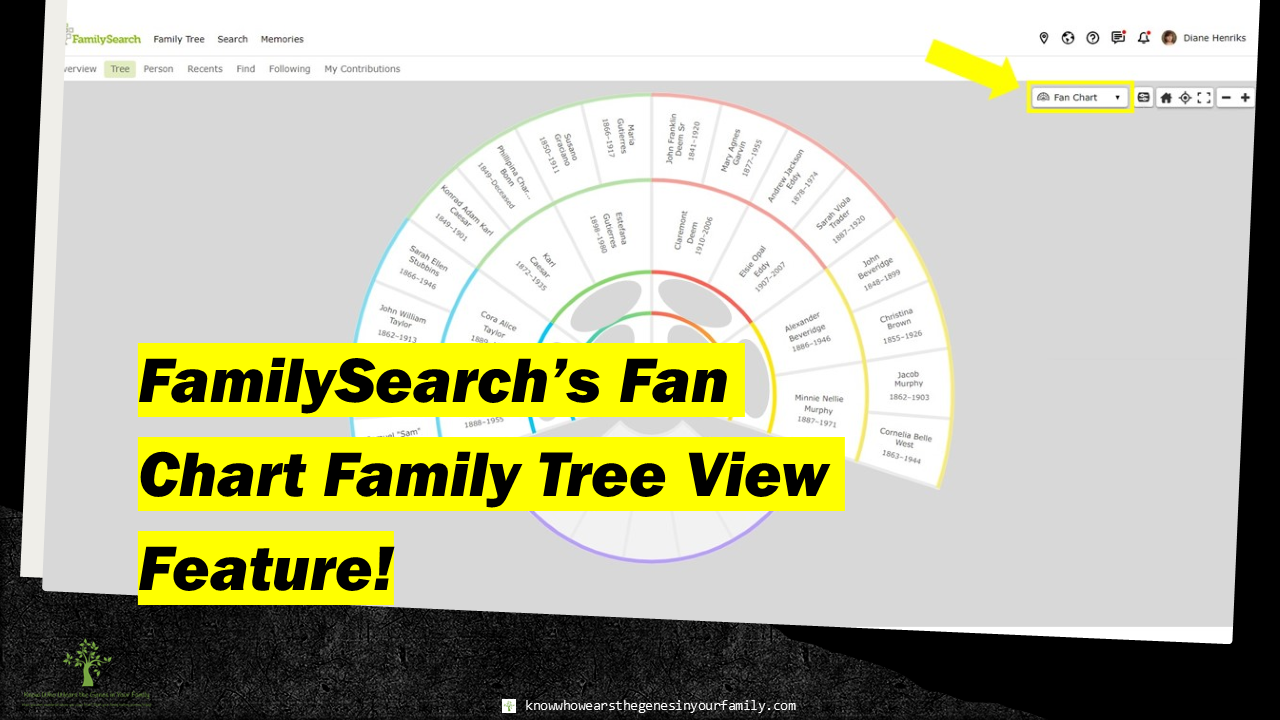 FamilySearch’s Fan Chart Family Tree View Feature! FamilySearch’s Fan Chart View Feature for Your Family Tree! Last week I had mentioned that Ancestry had just updated the way you can view your trees, with their new Fan View feature, in Ancestry’s New Fan View Feature for Your Family Tree! Many have mentioned that they cannot access, or no longer have access to, the settings/tools. I mentioned that this feature was in BETA, which means it could stay or go, it could be tweaked or added to, and more. While we wait to see if it will be a permanent feature, I’d like to bring up where else you can get this feature from, and for FREE! Did you know that FamilySearch has the same exact thing, and with more settings? That’s right (since about 2018, I think) FamilySearch has a Fan Chart View option for your family tree! If you’re lucky enough to have the correct info in your world collaborative tree, and you are one to add photos, stories, and more to that tree, then this is just as cool, if not more, than Ancestry’s. I do know that my info is correct for at least the first 5 generations (their default), and I’m sure many of yours are as well. You can see and work from your family tree in an aesthetically colorful fan view, making it fun to work on your family history and genealogy! Fan Chart Settings/Tools
Family Lines Fan ChartThe Family Lines Fan Chart Family Tree View setting is a colorfully aesthetic family tree view that is the default view. From here, you can get to the Fan View Settings and change the fan view, or the generations shown. 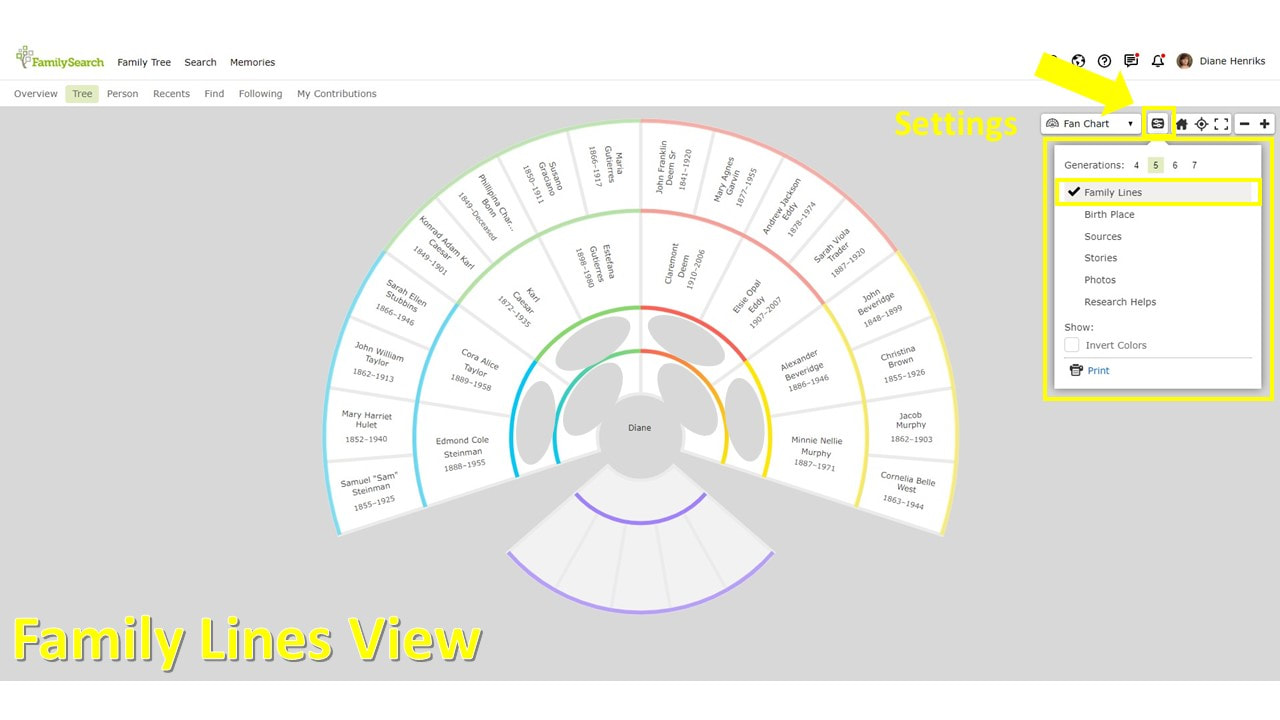 FamilySearch's Family Lines Fan Chart Family Tree View Feature and Fan Settings Birth Place Fan ChartThe Birth Place Fan Chart Family Tree View setting is color coded with bright colors that shows you all the birth countries of each ancestor. You also have an additional setting to highlight a specific country/birthplace. 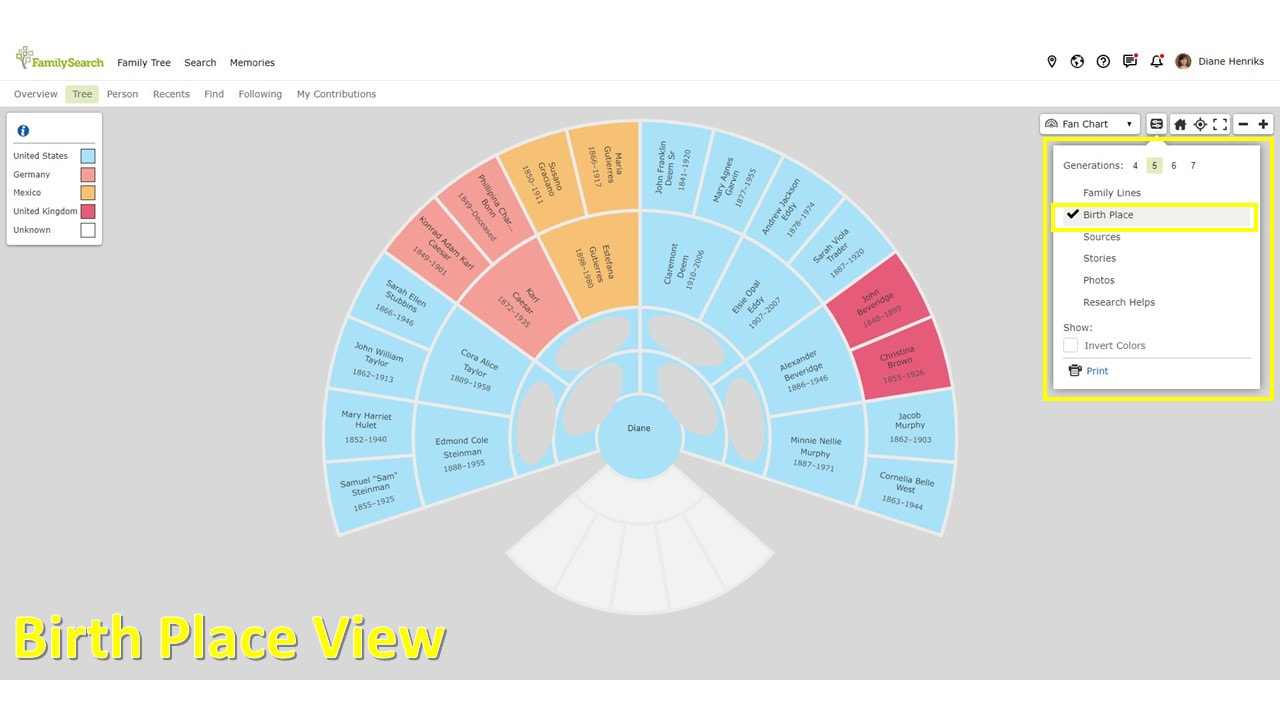 FamilySearch's Birth Place Fan Chart Family Tree View Feature Sources Fan ChartThe Sources Fan Chart Family Tree View setting is, once again, color coded with a gradient color that shows you how many sources you have for each ancestor from least to most, letting you see where you are lacking. This can also be highlighted as well. 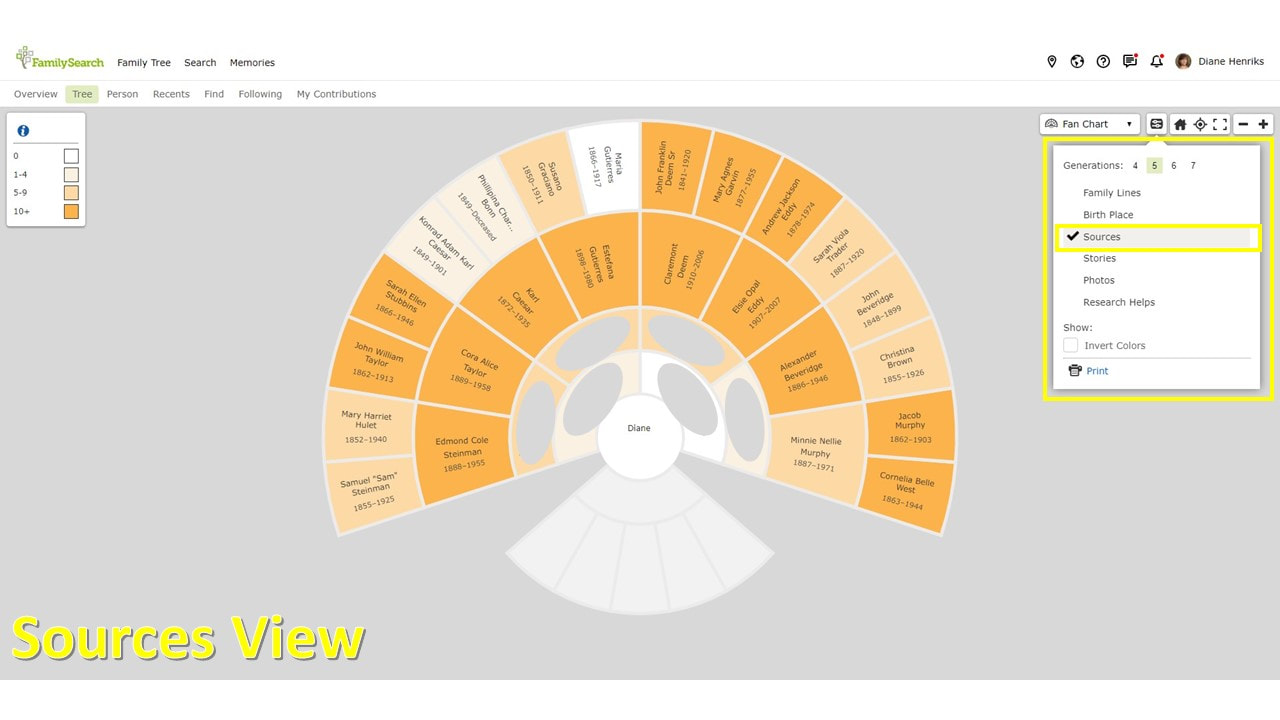 FamilySearch's Sources Fan Chart Family Tree View Feature Stories Fan ChartThe Stories Fan Chart Family Tree View Setting is also color coded with a gradient color, that can also be highlighted, that shows you how many stories you have added to your ancestors, from least to most. As you can see, I have none. 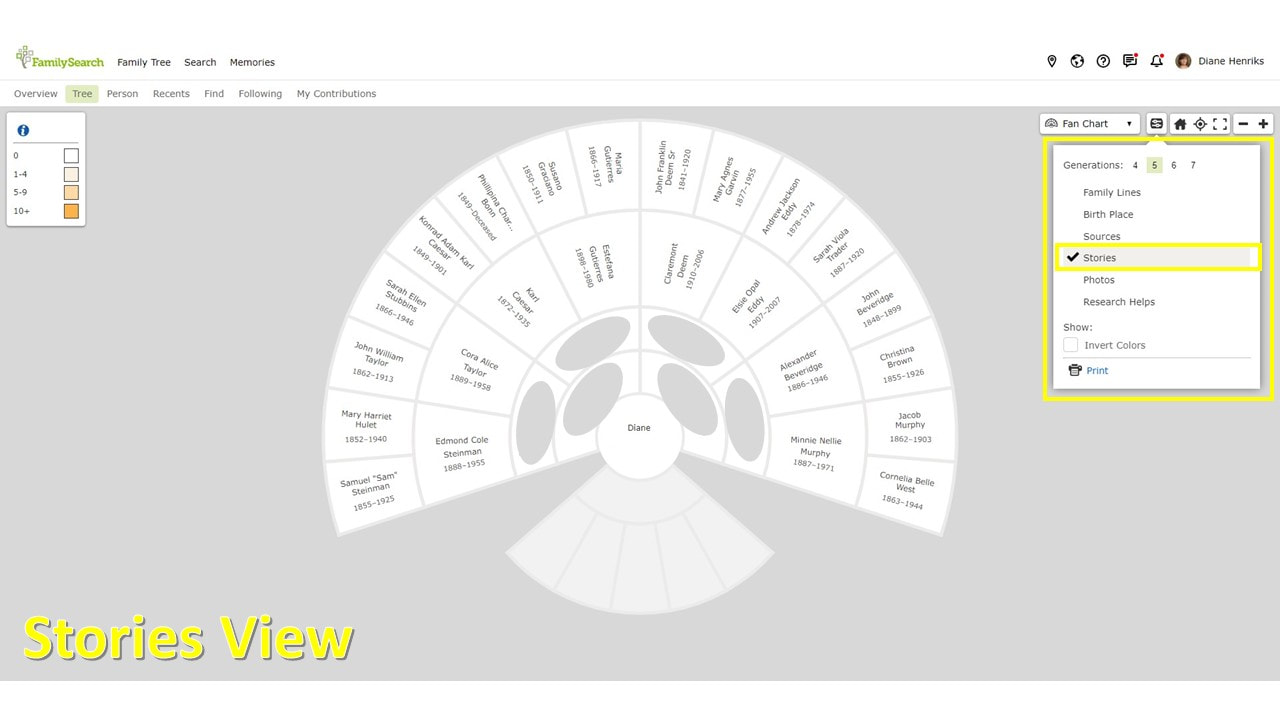 FamilySearch's Stories Fan Chart Family Tree View Feature Photos Fan ChartThe Photos Fan Chart Family Tree View setting is also color coded with a gradient color that shows you how many photos you have added for each ancestor from least to most, helping you see who you need some or more photos for. This can, again, can be highlighted.  FamilySearch's Photos Fan Chart Family Tree View Feature Research Helps Fan ChartThe Research Helps Fan Chart Family Tree View setting is color coded with bright colors that shows you Data Problems (such as missing a standardized location, a possible duplicate, and more), Record Hints, and Research Suggestions (like a possible missing child due to age gap, a possible other spouse due to age and other spouse’s death, and more) for each ancestor. I find this chart the most helpful. 😉 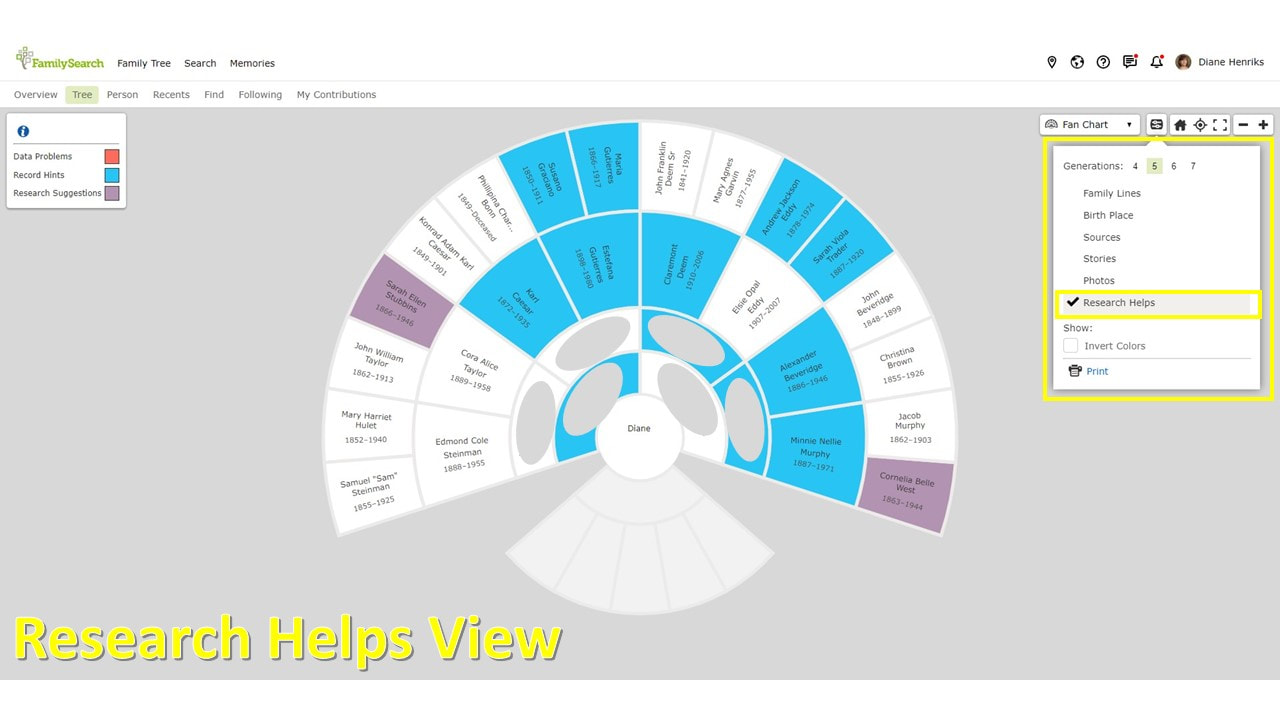 FamilySearch's Research Helps Fan Chart Family Tree View Feature Inverted Colors Fan Chart ViewYou can even invert the colors and print all of the charts out! 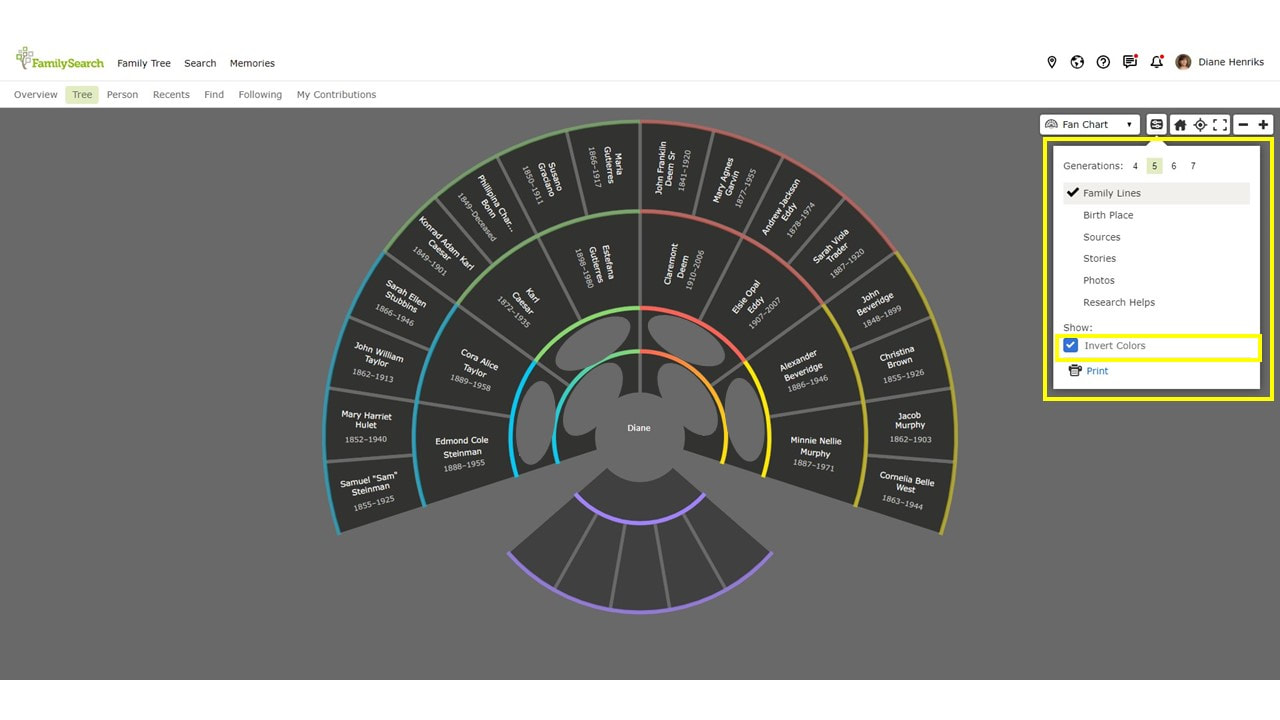 FamilySearch's Fan Chart Family Tree View Feature with Inverted Colors Tool How to Get to FamilySearch’s Fan Chart Family Tree Views
 How to Get to FamilySearch Fan Chart Family Tree View Feature To be honest, I don’t usually keep up with my tree on FamilySearch, unless I want to correct it for the purpose of printing out a family tree chart. Keeping up with a tree on too many platforms is a bit overwhelming, as well as working in a collaborative tree with so many making changes. 😉 They do have some of the best charts out there, and for FREE. FamilySearch is also my number one place to search for records, as I feel that they have the best search engine, and for fun activities. 😊 More FamilySearch and Genealogy ResourcesLearn about more FamilySearch updates, tips, tools, and features and other family history and genealogy resources under the Genealogy Resources category and on my dedicated Genealogy Resources page.
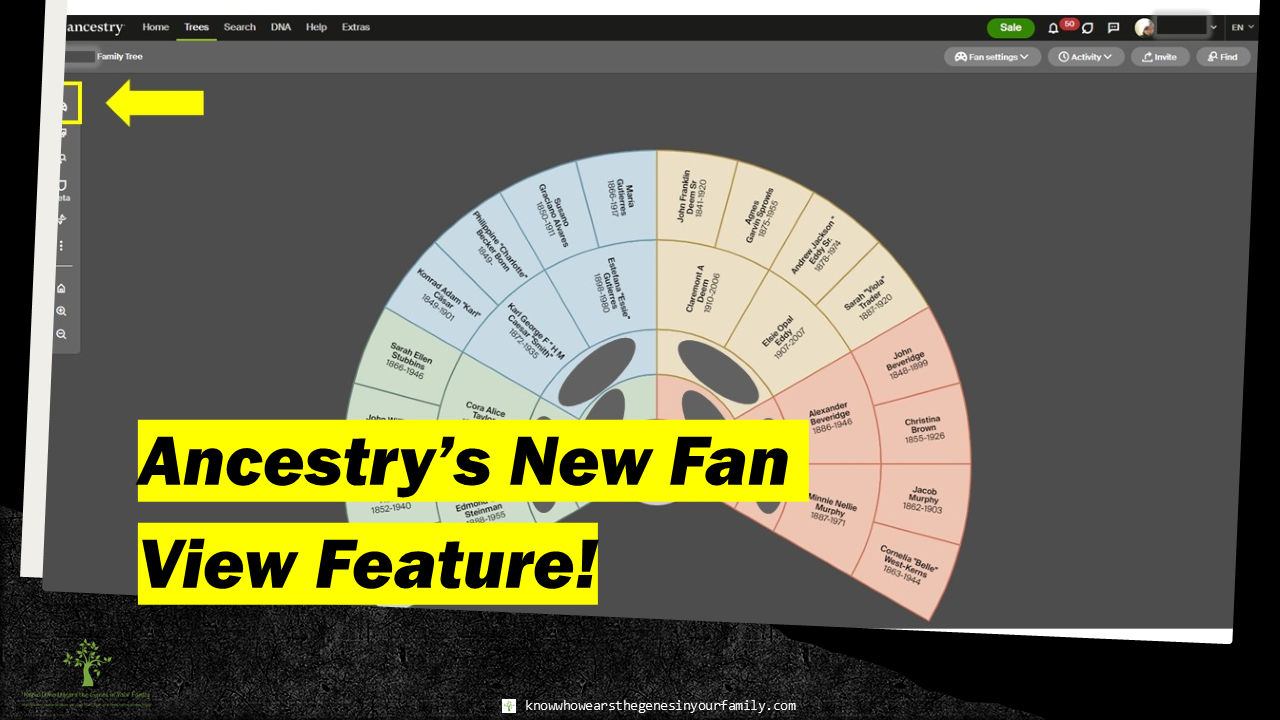 Ancestry’s New Fan View Feature for Your Family Tree! Ancestry’s New Fan View Feature! Ancestry has just updated the way you can view your trees, with their new Fan View feature! See and work from your family tree in an aesthetically colorful fan view, making it fun to work on your family history and genealogy! This feature is still in BETA mode, so it may not be available to all yet. It also means they may tweak it or add more to it. 😉 Fan View Settings/Tools
Family Lines Fan ViewThe Family Lines View setting for your Ancestry family tree is a colorfully aesthetic family tree view that is the default view. From here, you can get to the Fan View Settings and change the fan view, or the generations shown. 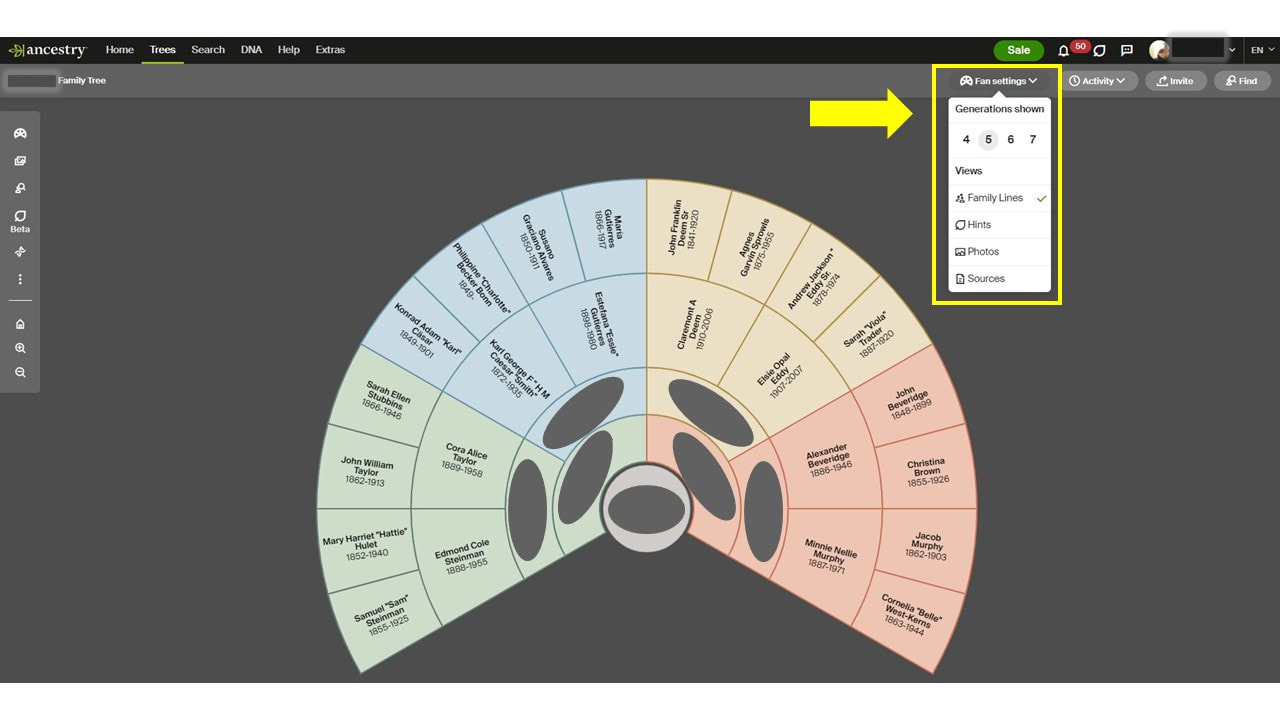 Ancestry's Family Lines Fan View and Fan Settings Hints Fan ViewThe Hints View setting for your Ancestry family tree is color coded with a gradient color that shows how many hints you have from the least to the most, for each ancestor. 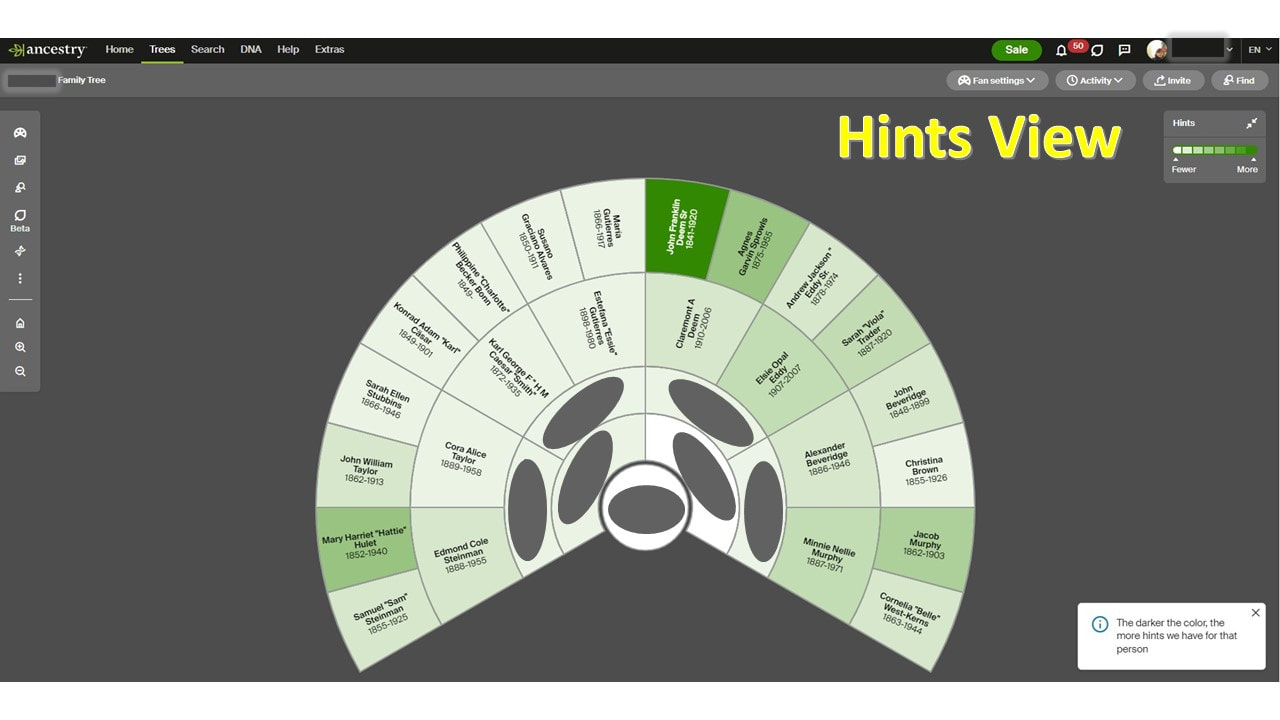 Ancestry's Hints Fan View Photos Fan ViewThe Photos View setting for your Ancestry family tree is also color coded with a gradient color that shows you how many photos you have for each ancestor from least to most, helping you see who you need some or more photos for. 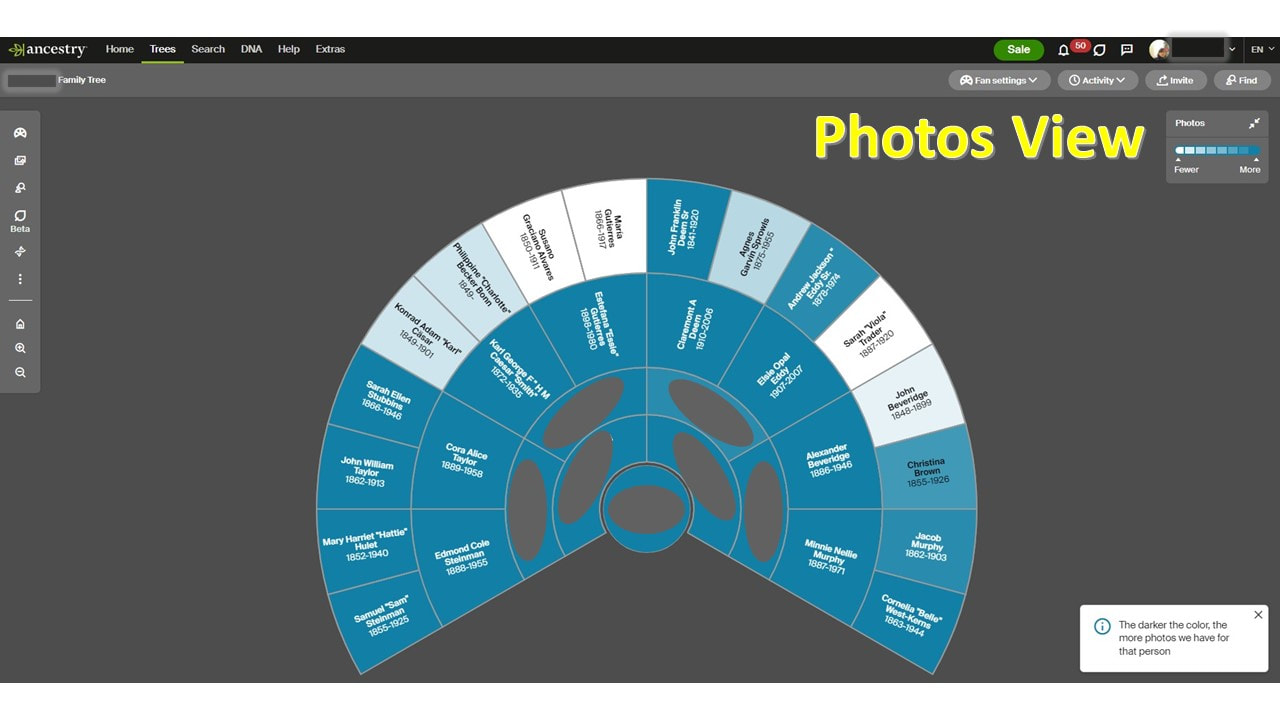 Ancestry's Sources Fan View Sources Fan ViewThe Sources View setting for your Ancestry family tree is, once again, color coded with a gradient color that shows you how many sources you have for each ancestor from least to most, letting you see where you are lacking. 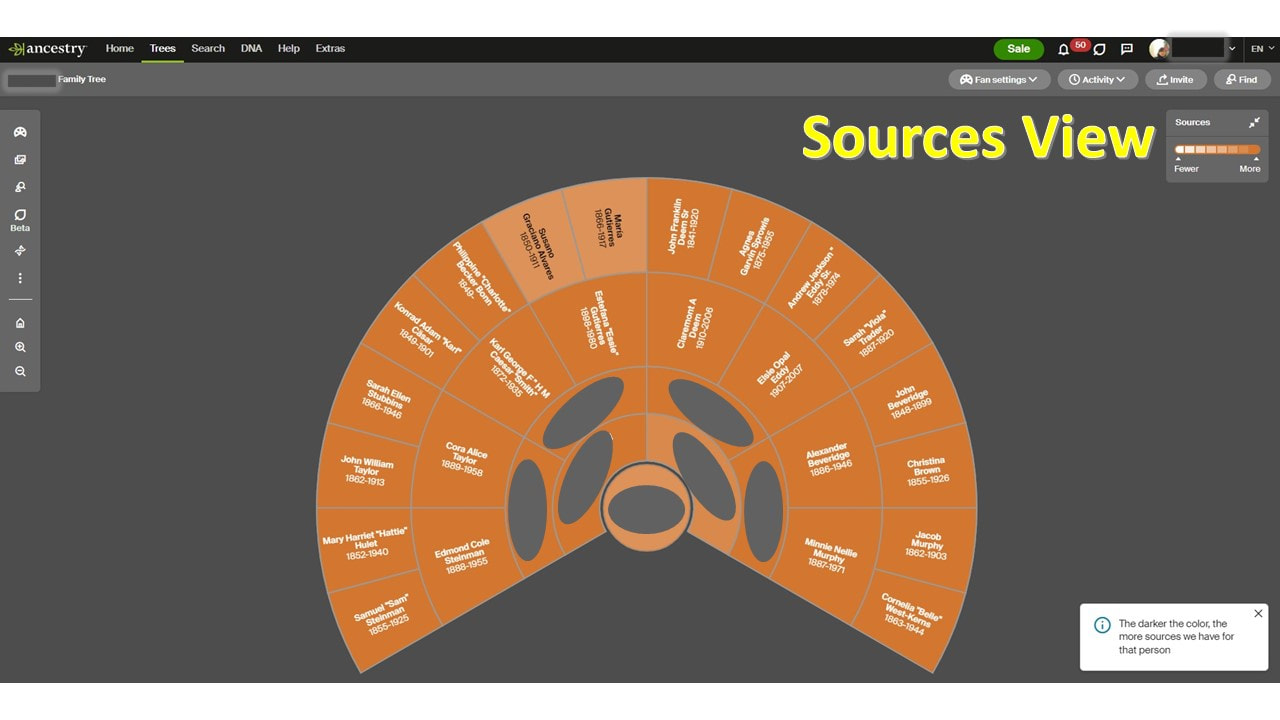 Ancestry's Sources Fan View How to Get to Fan ViewIt's easy to get to Fan View! Just toggle the view switch to Fan View! 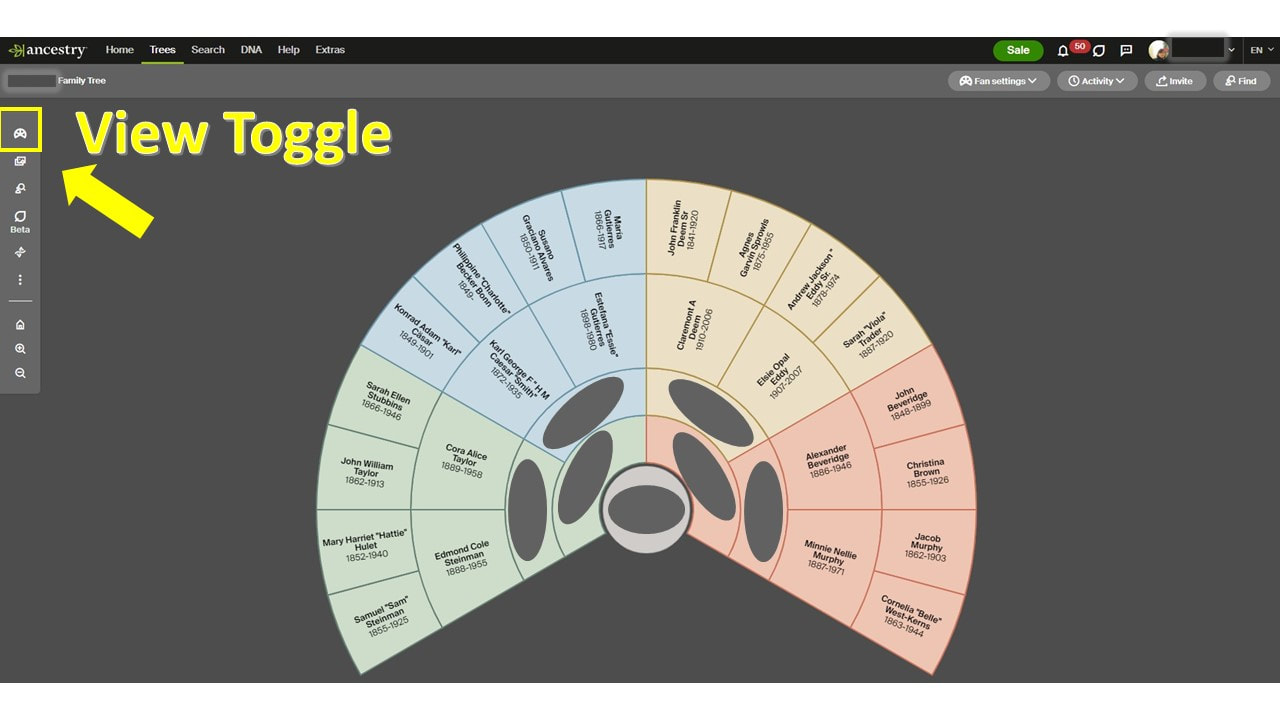 Ancestry's Fan View- Family Tree Views Toggle This chart is also printable! I absolutely love looking at the view and seeing where I lack photos and sources, but I’m not sure how I feel working from it. If you’re lucky enough to have this BETA tester at Ancestry.com, check it out! More Ancestry and Genealogy ResourcesLearn about more Ancestry updates, tips, tools, and features and other family history and genealogy resources under the Genealogy Resources category and on my dedicated Genealogy Resources page.
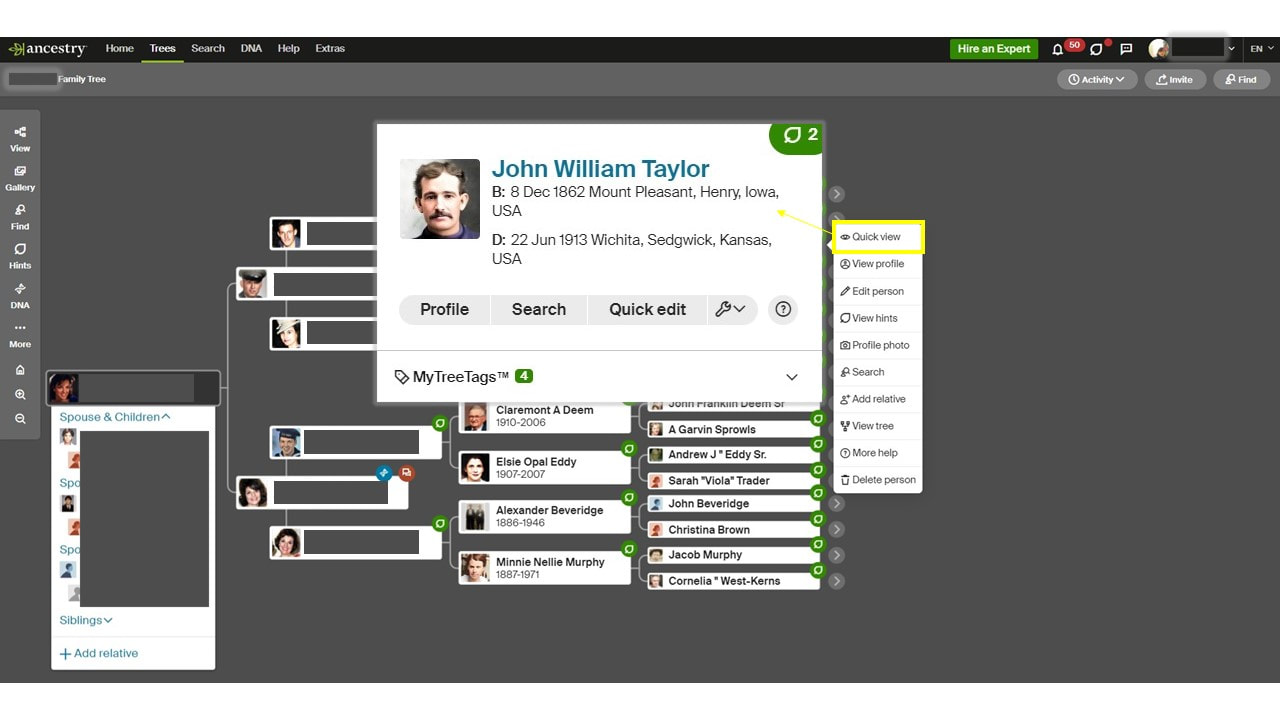
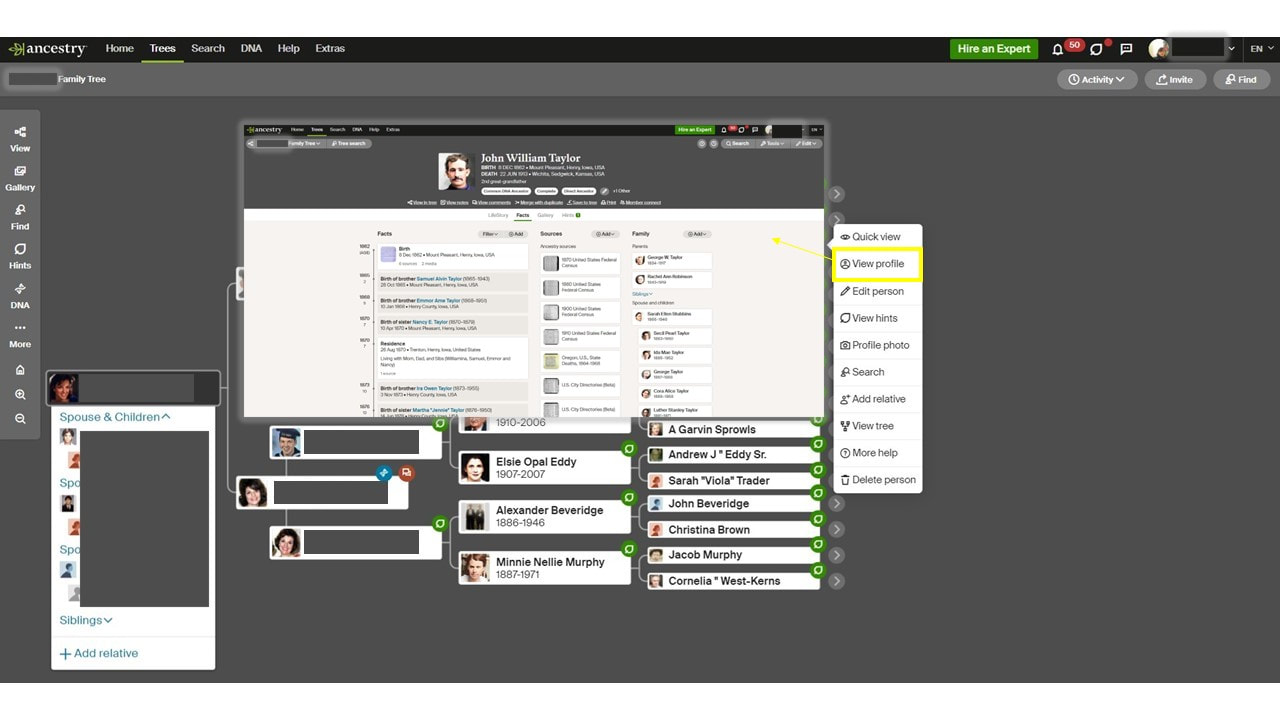
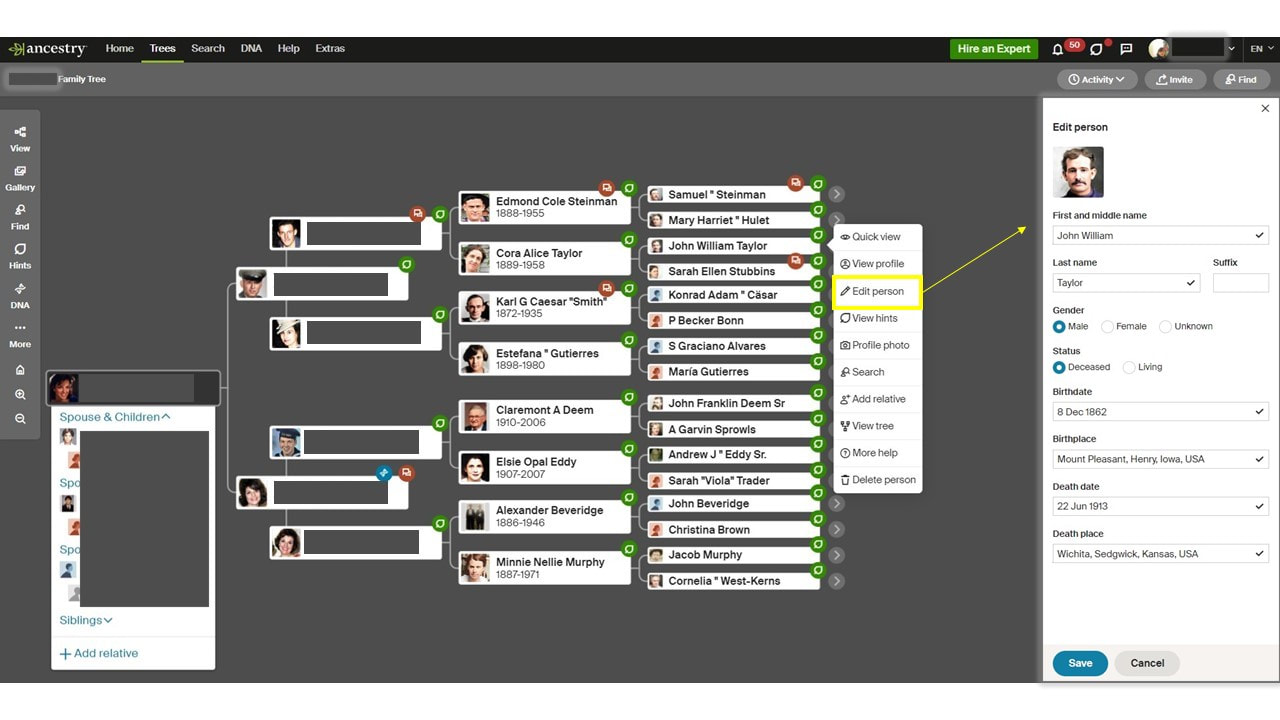
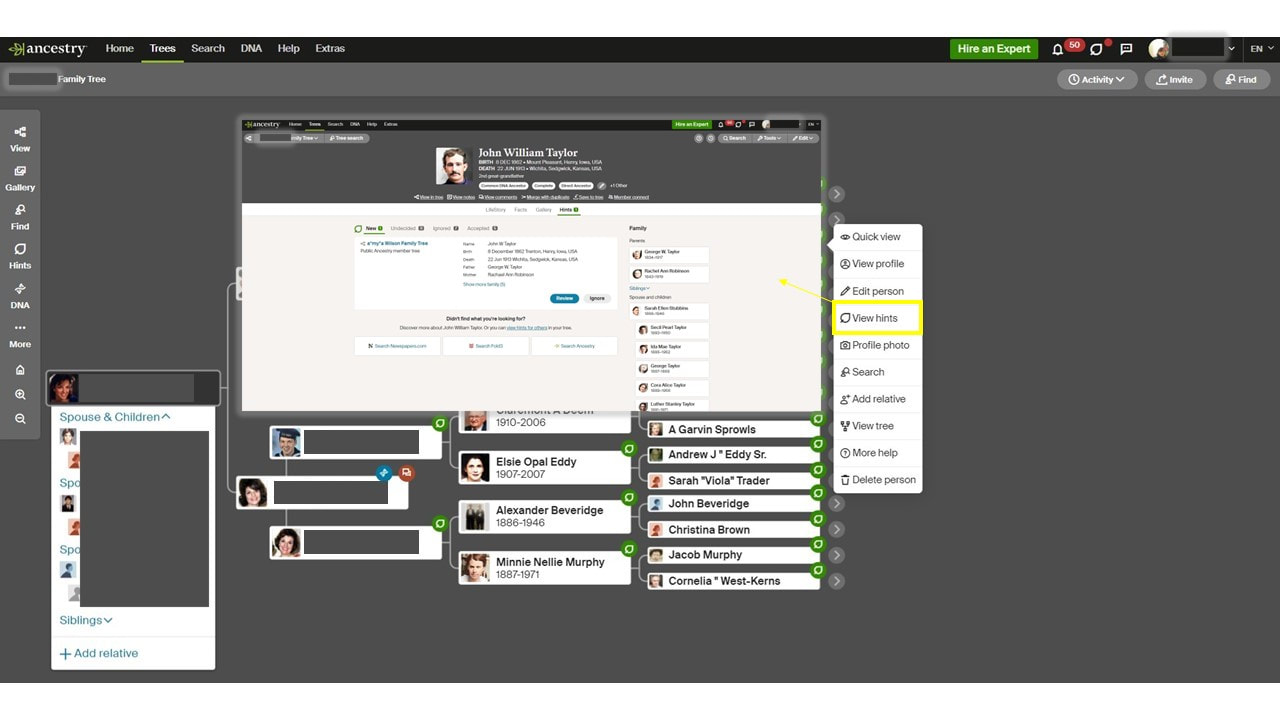
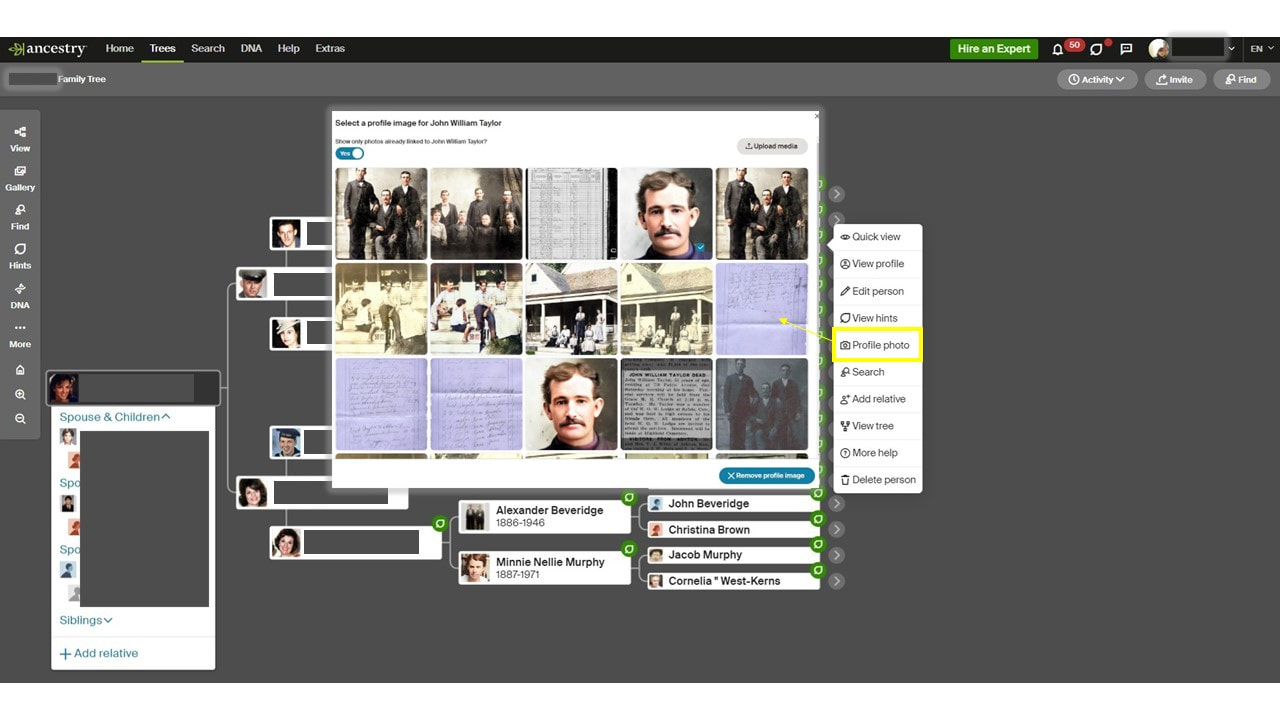
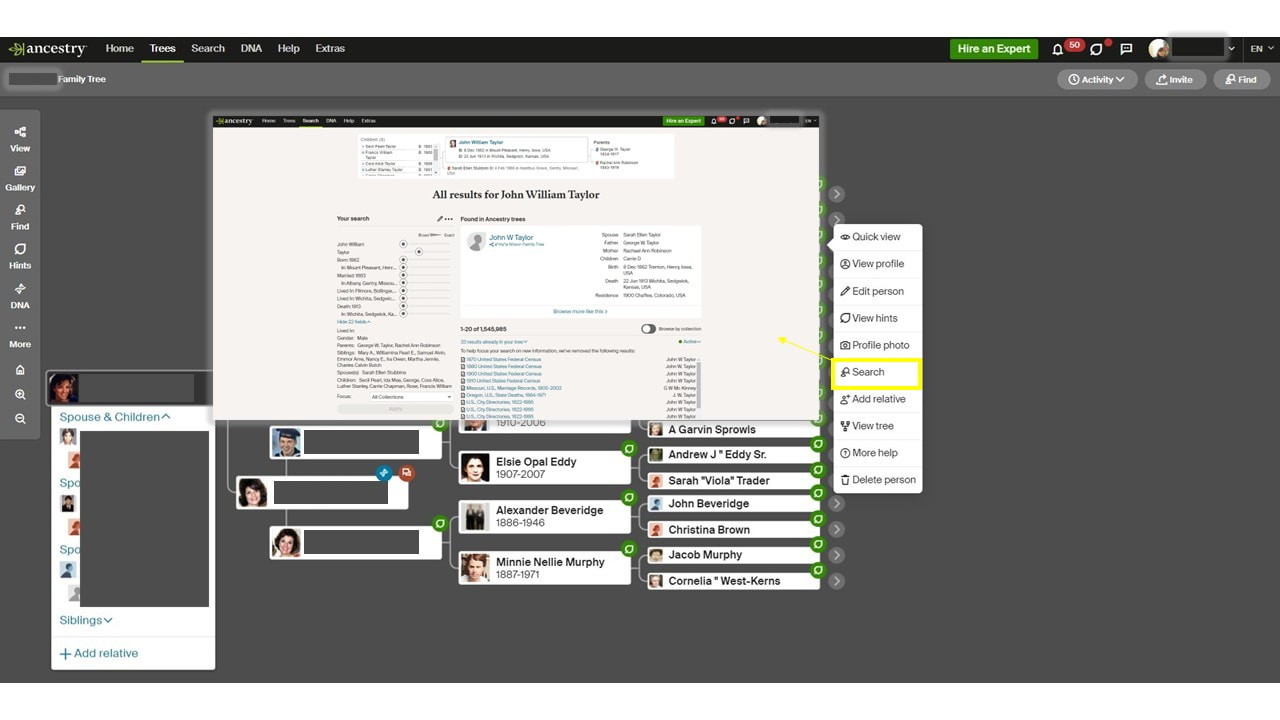
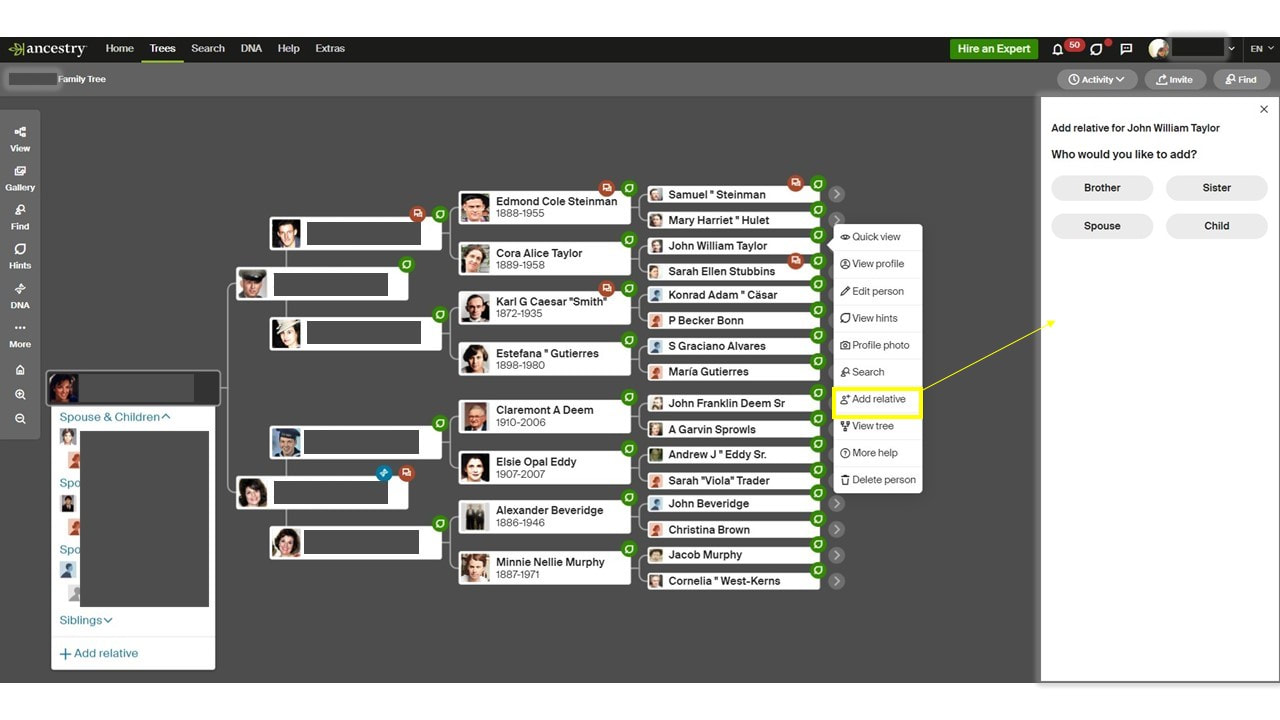
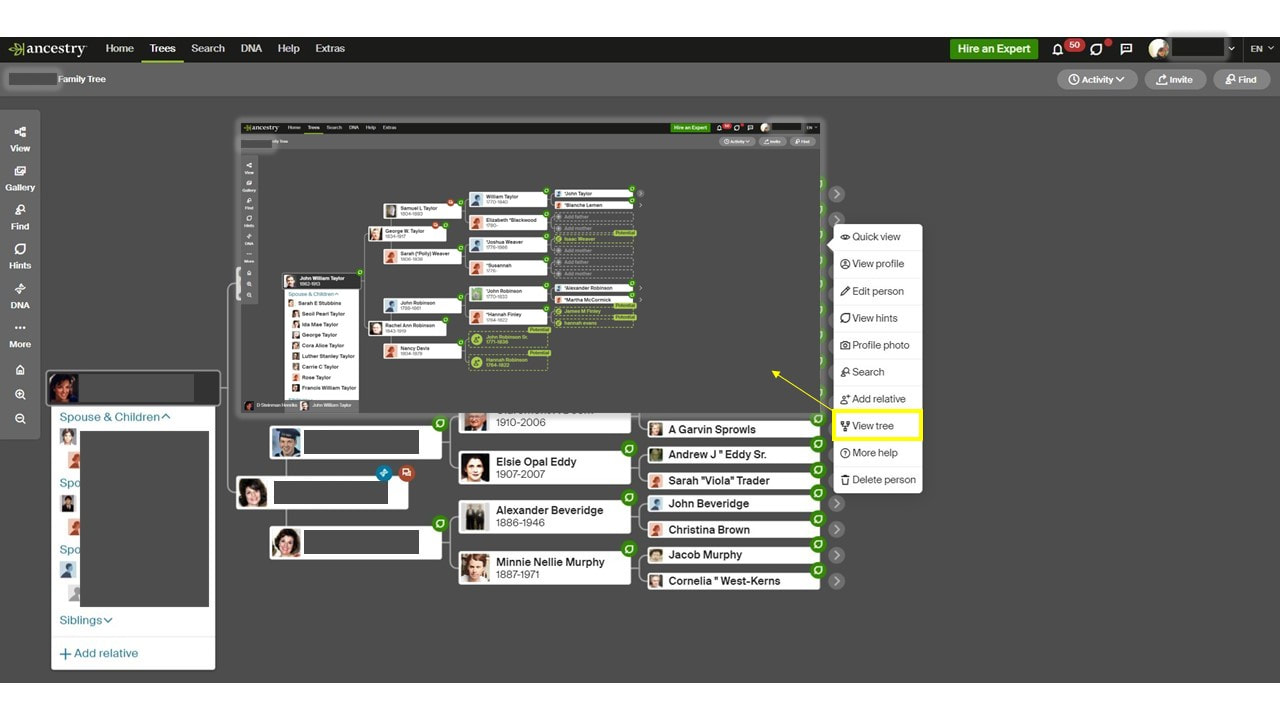
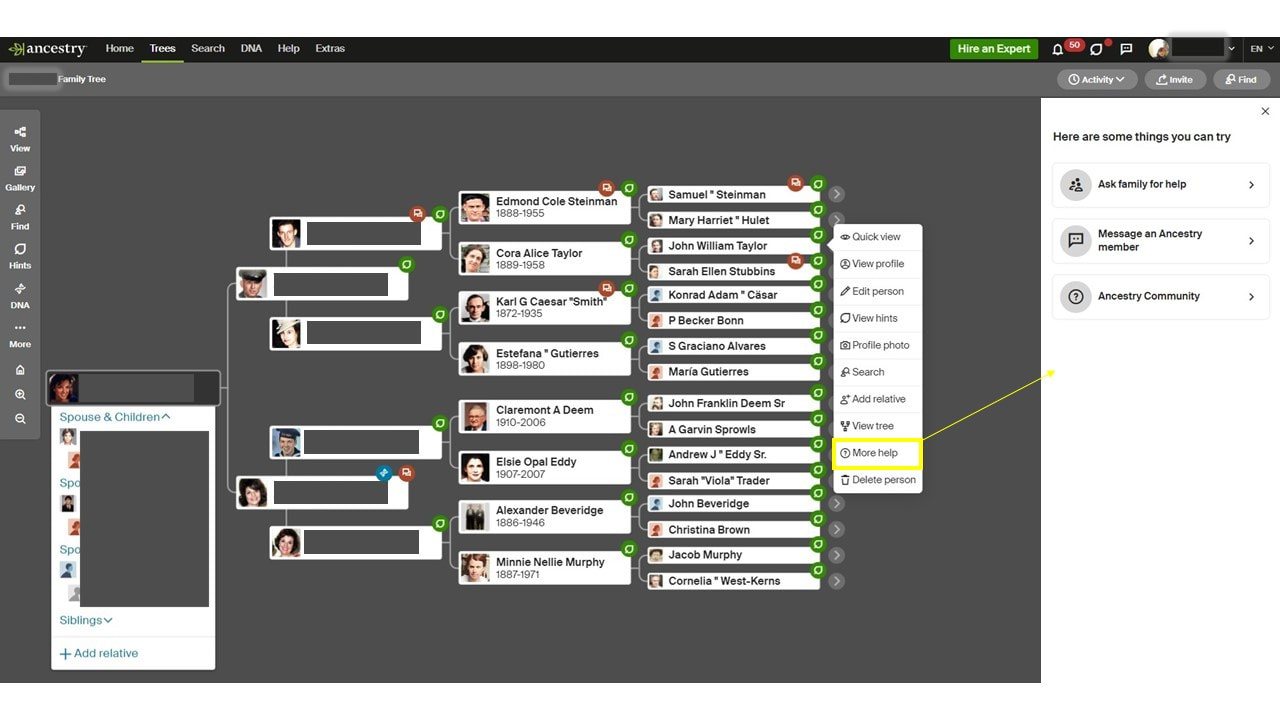
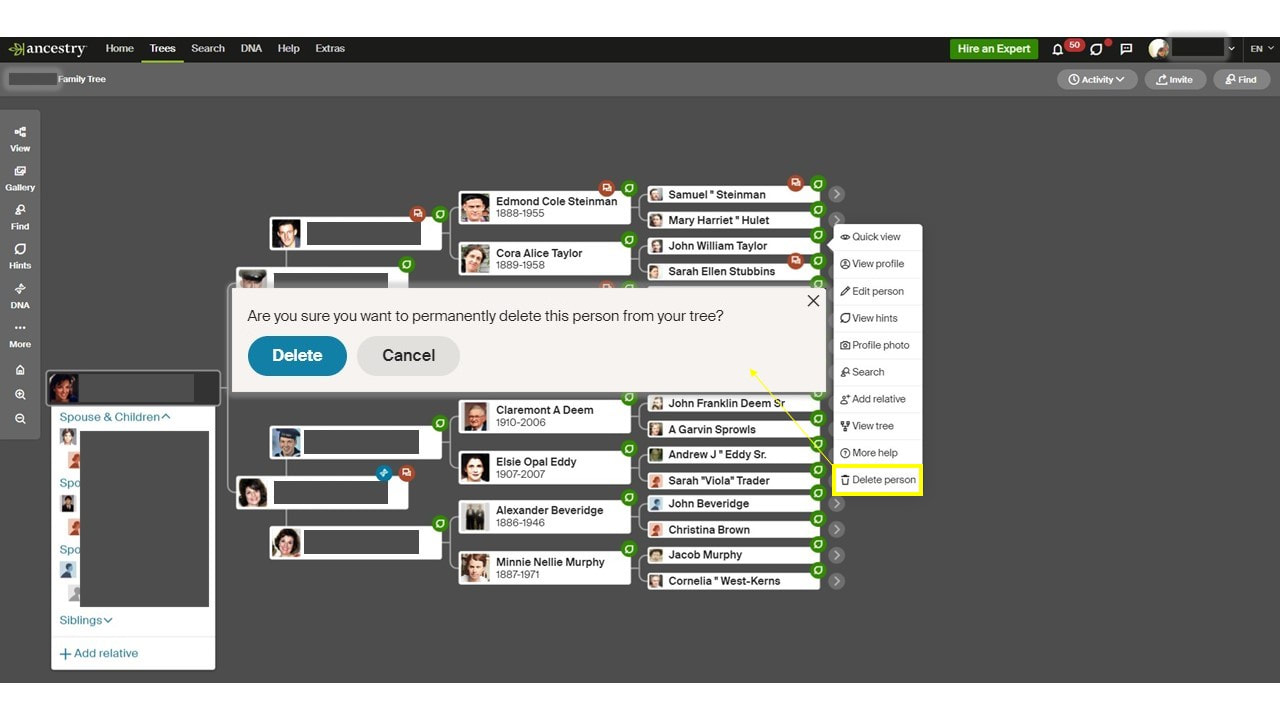
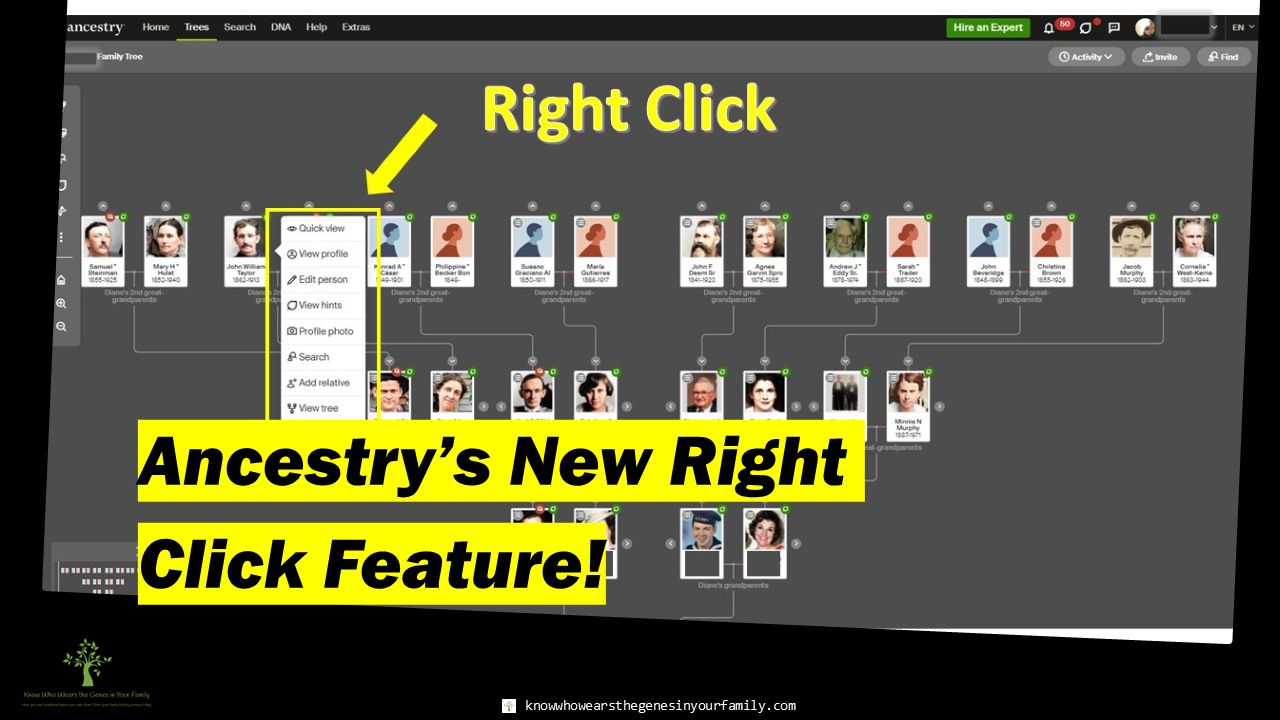 Ancestry's New Right Click Tools Feature! Ancestry’s New Right Click Feature! Ancestry has just come out with a new feature, at the beginning of this week, to help make it easier to add, edit, and work on your family tree, helping you to save precious time while working on your family history, Right Click! You can right click on any person in your tree, or tap and hold, to work faster! Ancestry seems to be Keeping up to date and following the lead of others. As in most programs and browsers, right clicking will bring up quick actions. Ancestry has followed suit with a toolbox of quick actions you can take on a person in your family tree right away, just by right clicking on them. Hopefully they’ll add this feature to the family in profile pages as well. 😉 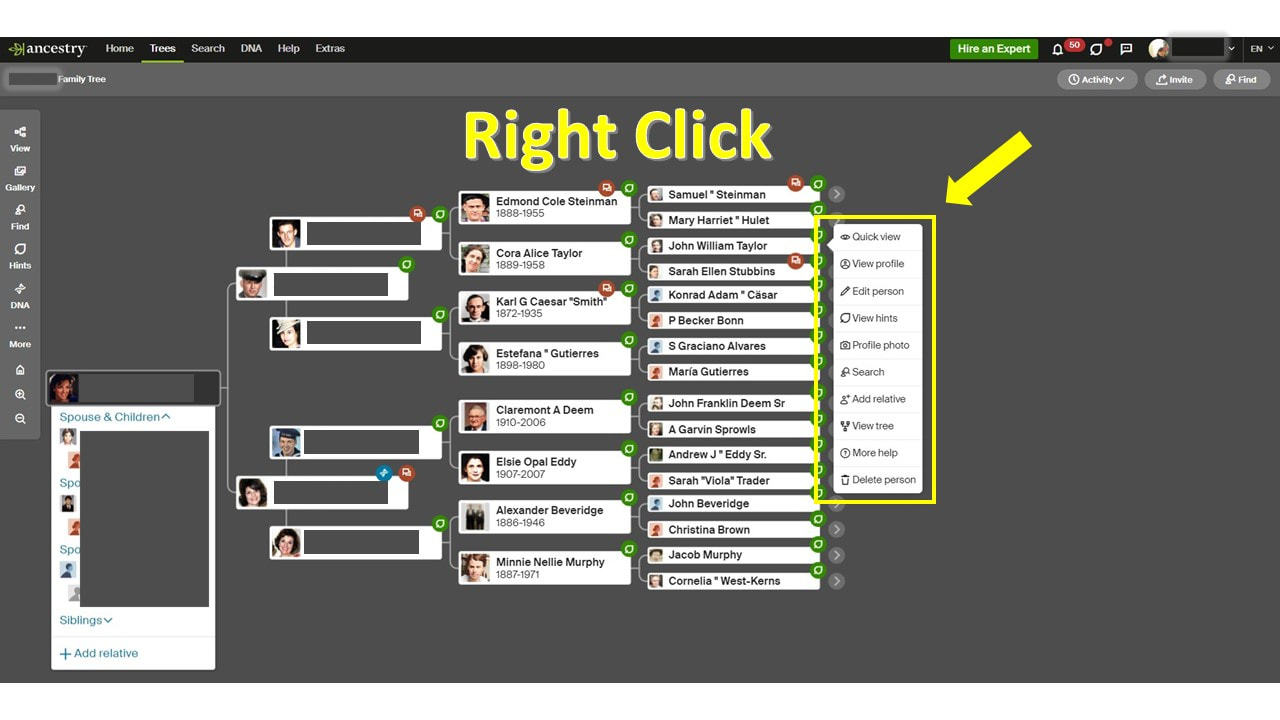 Ancestry's Right Click Feature- Pedigree View 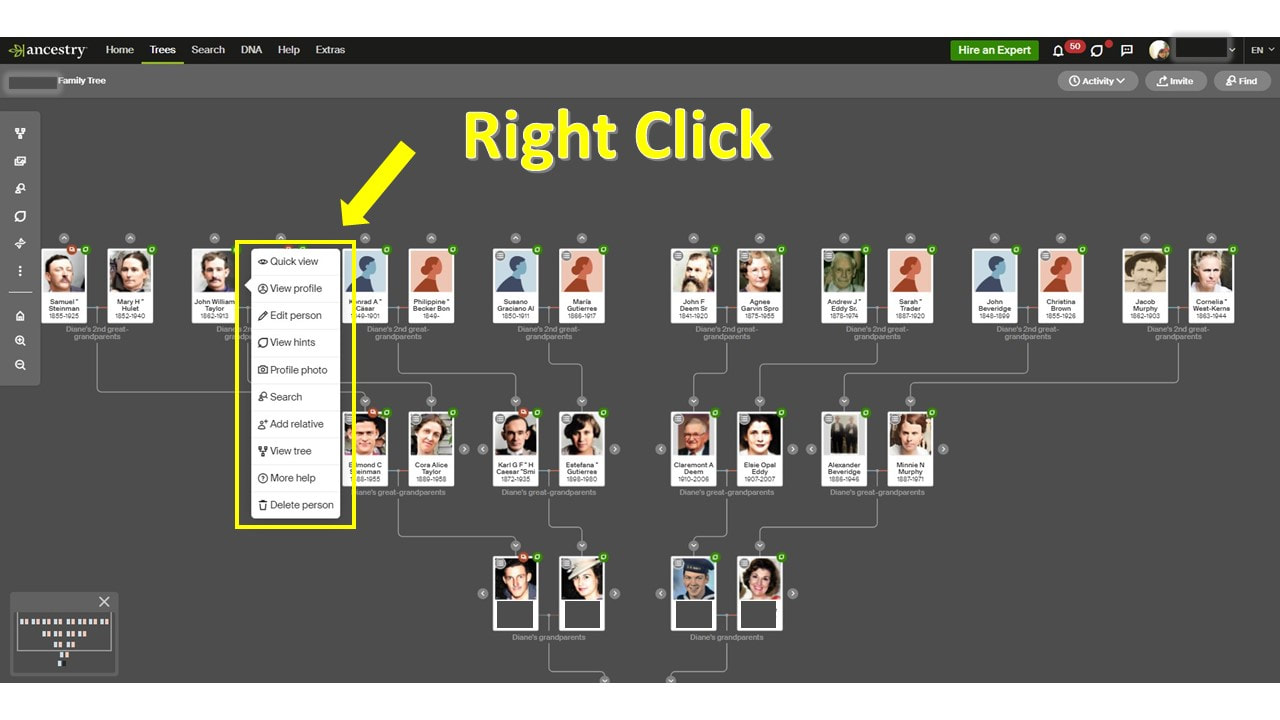 Ancestry's Right Click Feature- Family View Right Click Feature Tools The new Ancestry Right Click feature has 10 quick tools that can be easily accessed.
To be honest, the "delete person" makes me a little nervous being a quick action in this feature. 😉 More Ancestry and Genealogy Resources:
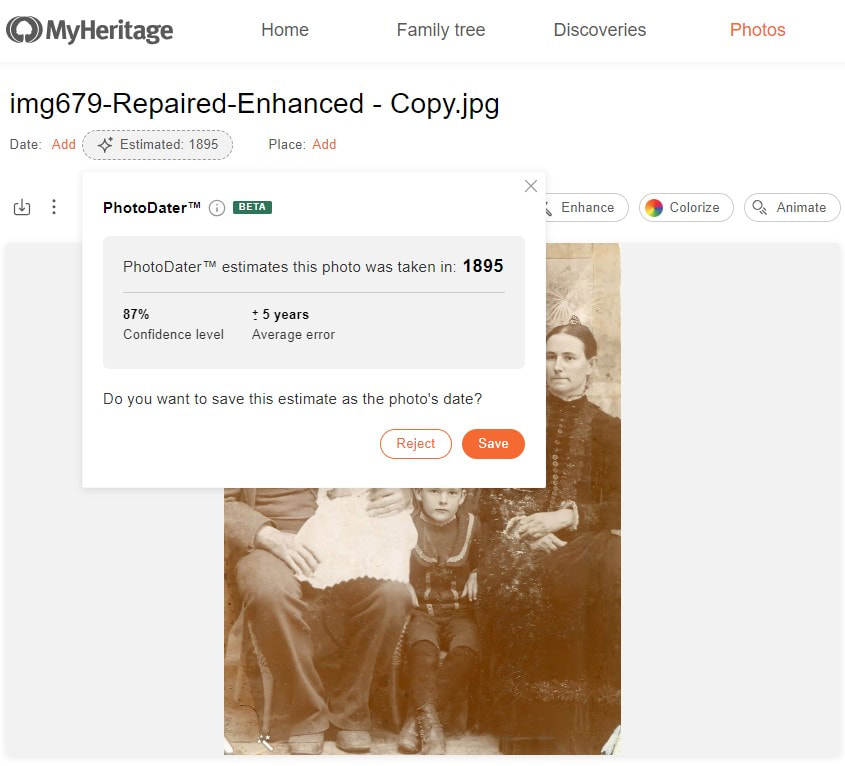
Learn about more Ancestry updates, tips, tools, and features and other family history and genealogy resources under the Genealogy Resources category and on my dedicated Genealogy Resources page. 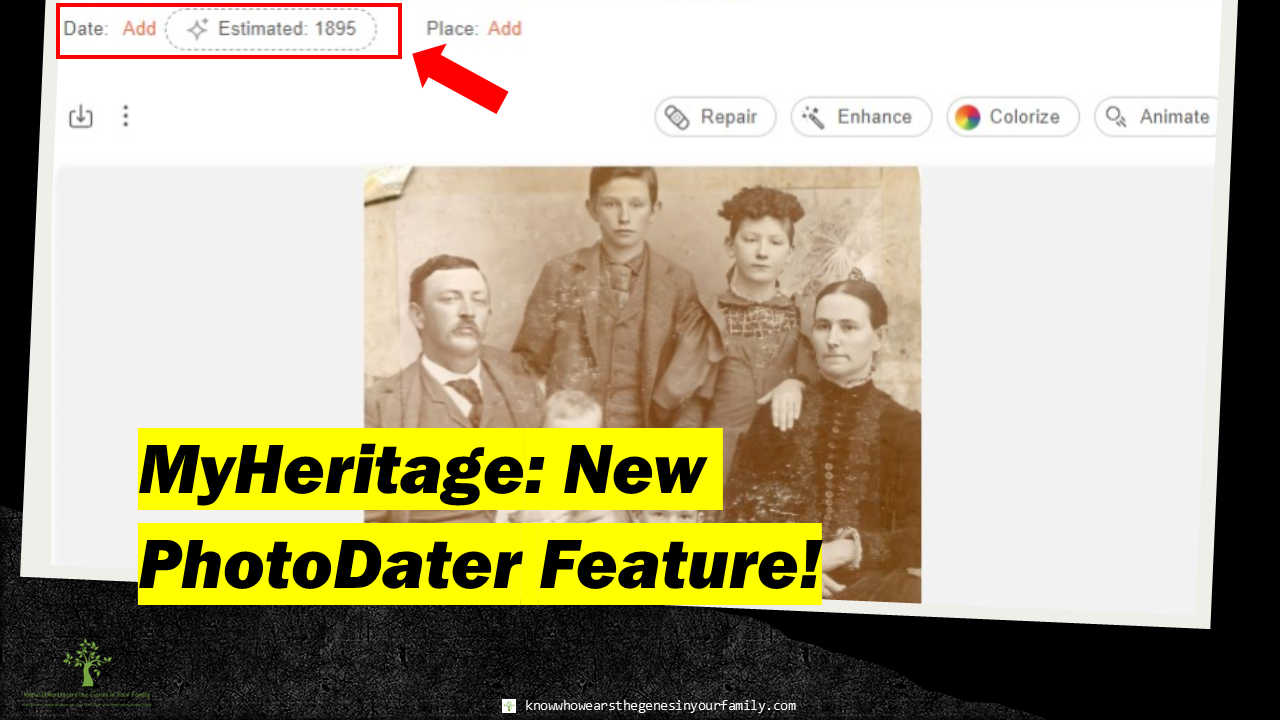 MyHeritage New Photo Date Estimation Feature, PhotoDater! MyHeritage New Photo Date Estimation Feature, PhotoDater!MyHeritage has just come out with their new, and much anticipated, PhotoDater that estimates when your family history photos were taken! Need help dating those old photos! Let MyHeritage take the guesswork out for you! This one-of-a-kind feature, added to their already fantastic suite of photo tools, has been in the works for a few years now and uses AI technology to estimate when your historical photos were taken, making this a must have genealogy photo tool! This is a fantastic tool for either the beginning genealogist/family historian, who is not yet experienced in identifying historical photos or for one who has no other leads, in which it could help break down some brick walls! The best part, you can use this new photo tool for FREE! PhotoDater Determining Factors
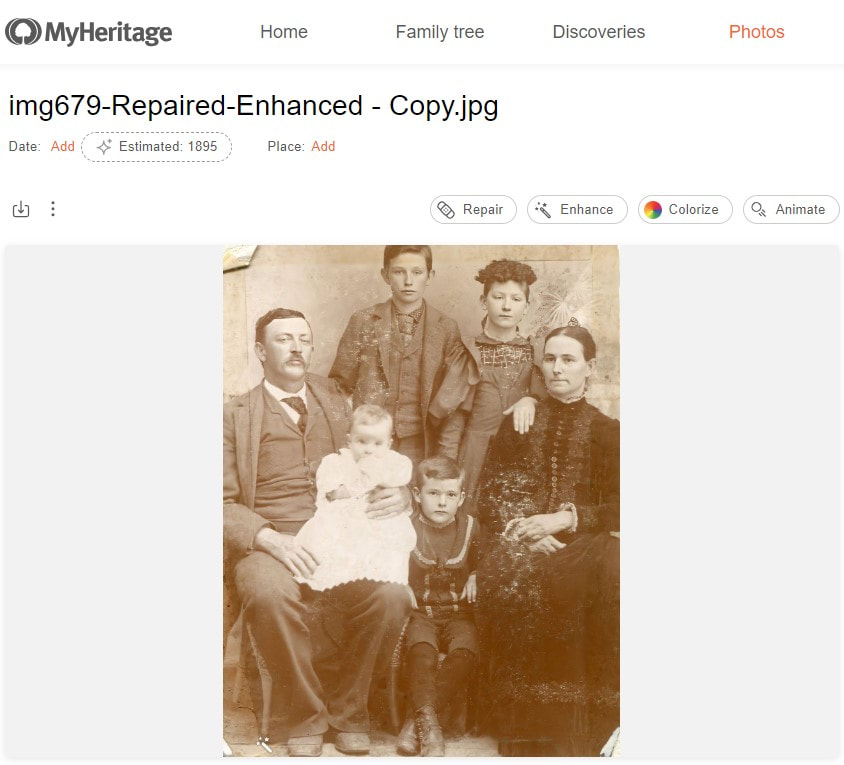
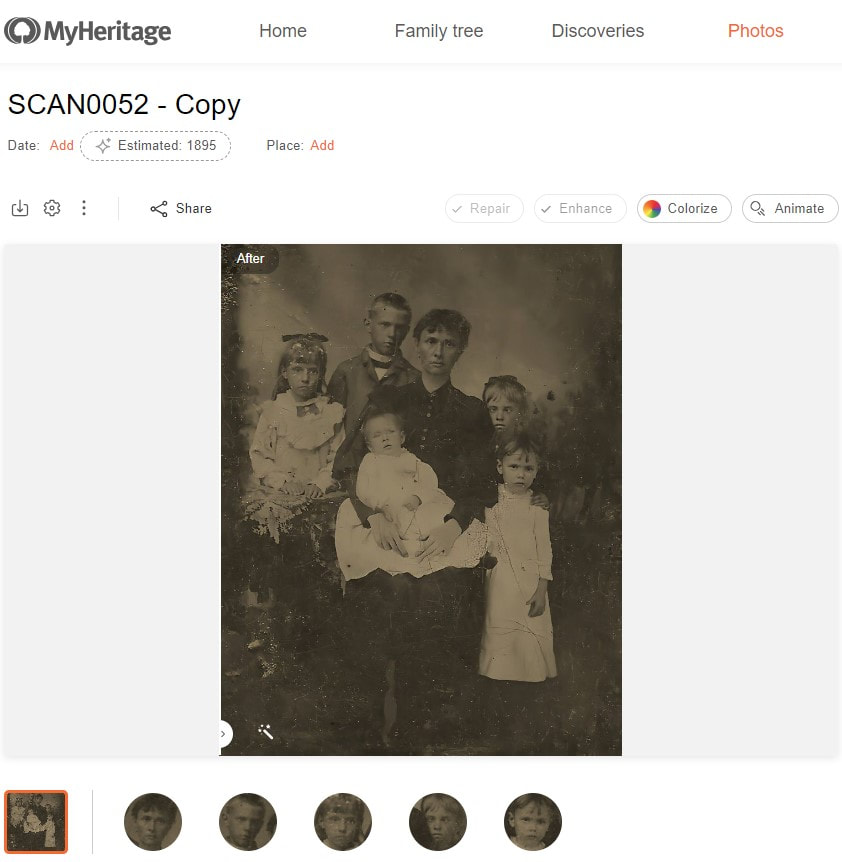
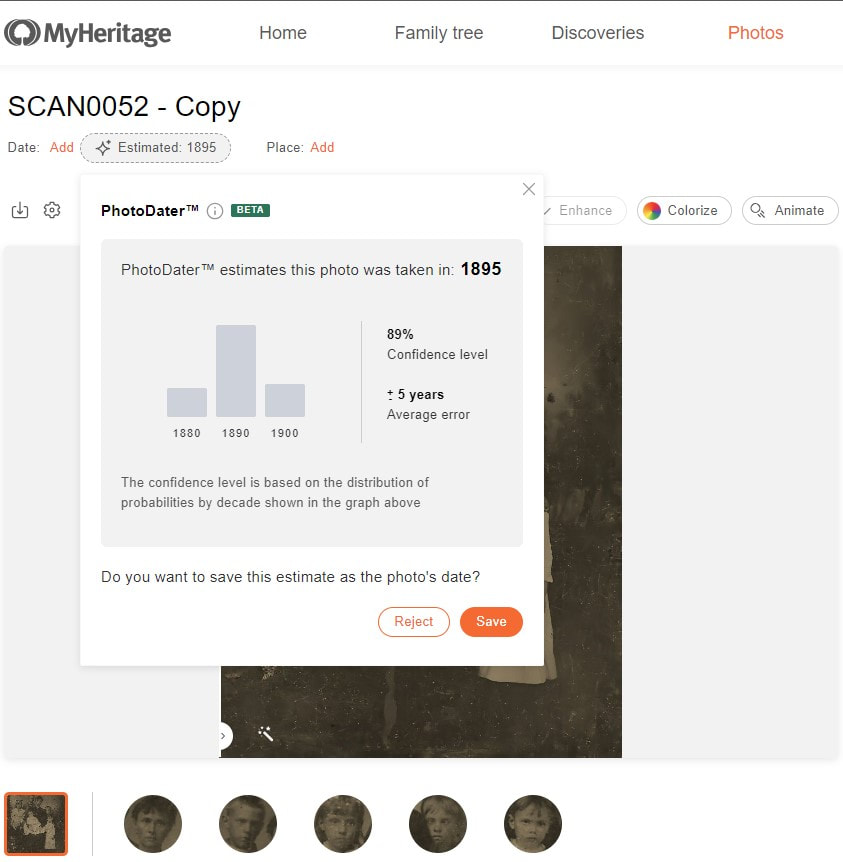
PhotoDater Estimates Currently, PhotoDater works on photos with a date range between 1860-1990. It does not work on already dated photos, and it does not estimate all photos but does a fair amount. Some of the estimate ranges may not be accurate, as of yet, for the photos that it does estimate. As you save or reject the estimates, it will help train the feature to become even more accurate. I tested hundreds already; some were spot on with the date and most fell within the date range, but not all could be estimated, and some were way off. Still, this is a fantasic date predictor for your old photos! Some Accurate Down to the YearAmazingly, some of the photos I used were able to get estimated for the exact year that I know the photo was actually taken! Below are a few examples where the date estimates were spot on. This photo is estimated to be dated within the year 1895, and this picture was actually taken on Christmas 1895!
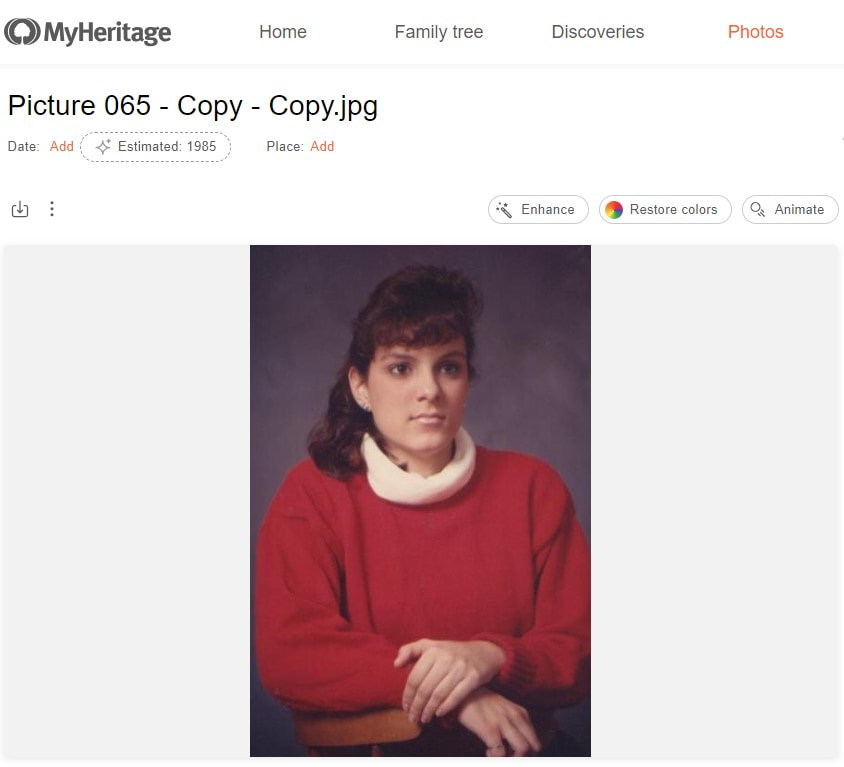
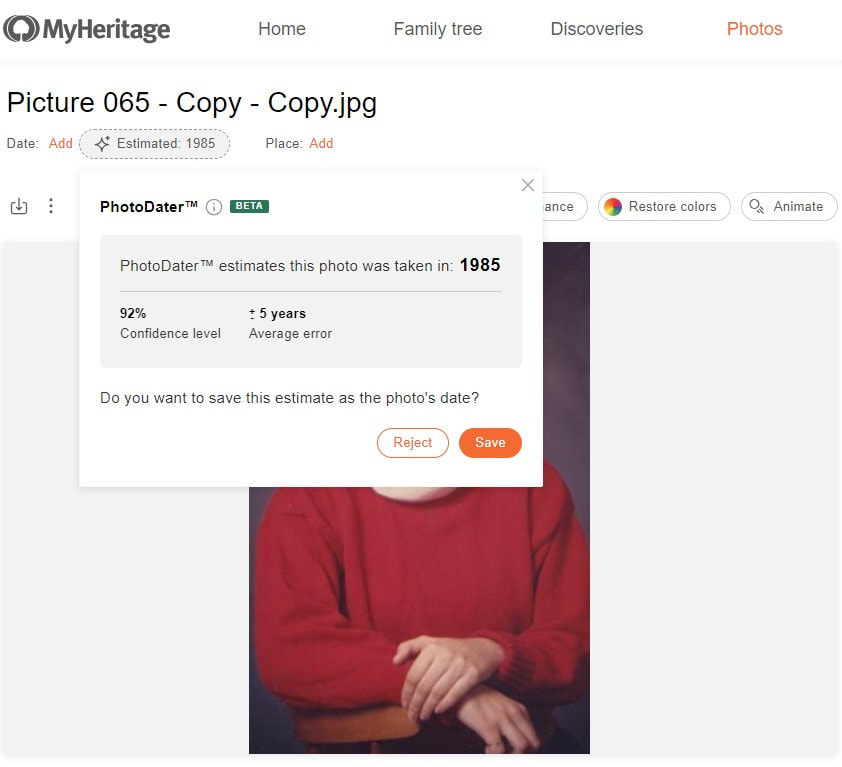
This photo of me is estimated to be dated within the year 1985, and yes, this picture was actually taken in 1985!
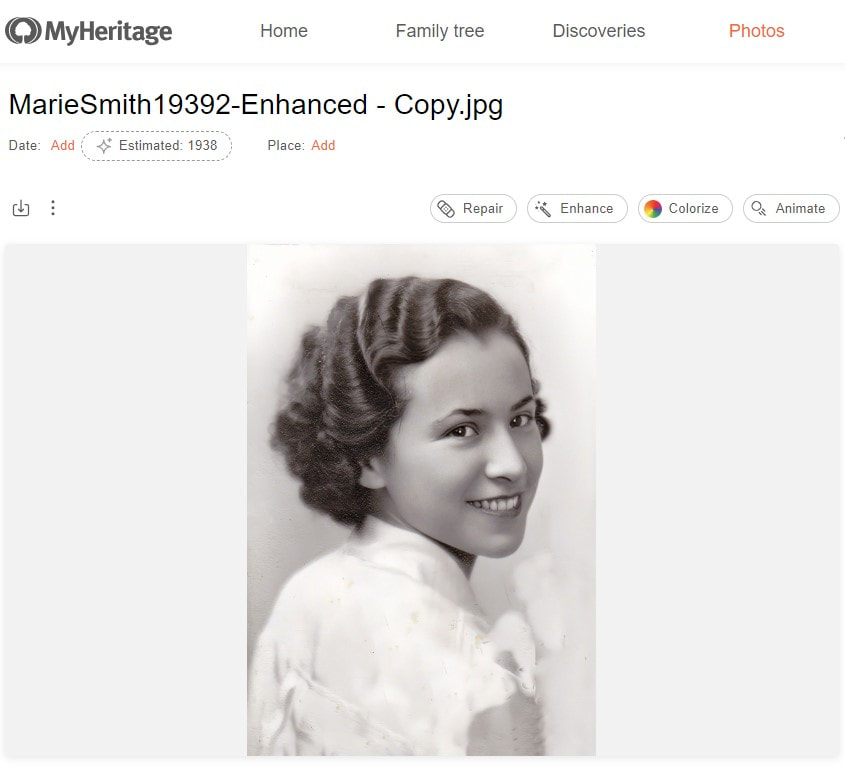
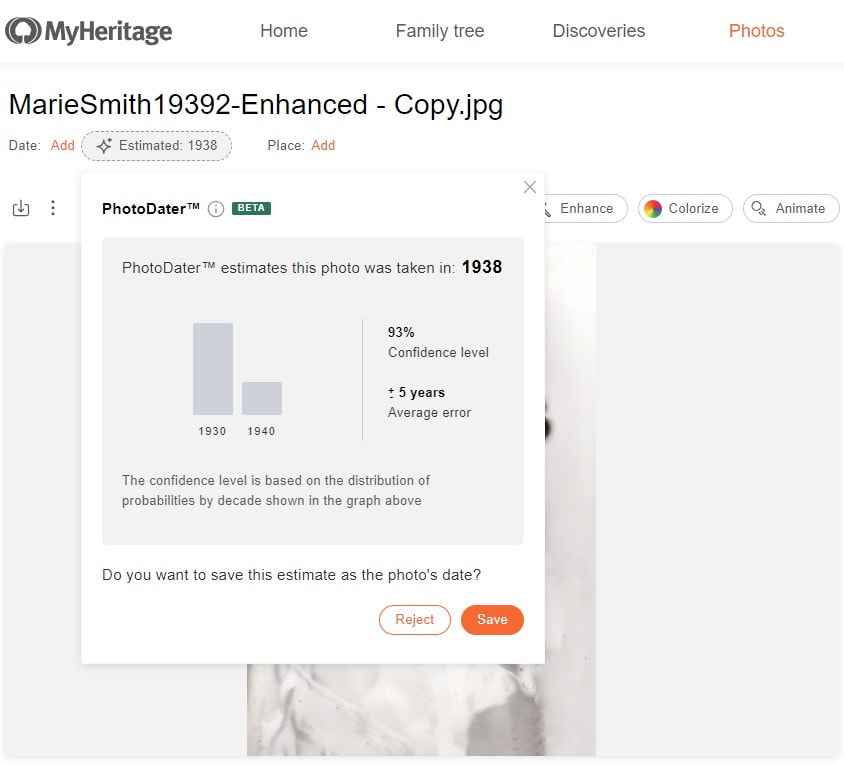
This photo of one of my great aunts is estimated to be dated within the year 1938, and this picture happens to be her senior portrait from 1938!
Most Fall within the Date Range EstimatesMost of the photos I used fell perfectly within the estimated date ranges. Below are a few examples where the dates fell within the estimated range. This photo of one of my 2nd great grandmothers and her first 5 children was estimated to be taken within the year 1895. The baby in the picture was born near the end of 1893, leaving this photo being taken just at the beginning of 1894. What a fantastic predictor, only 1 year off, but still falling within the estimated range of 5 years before to 5 after!
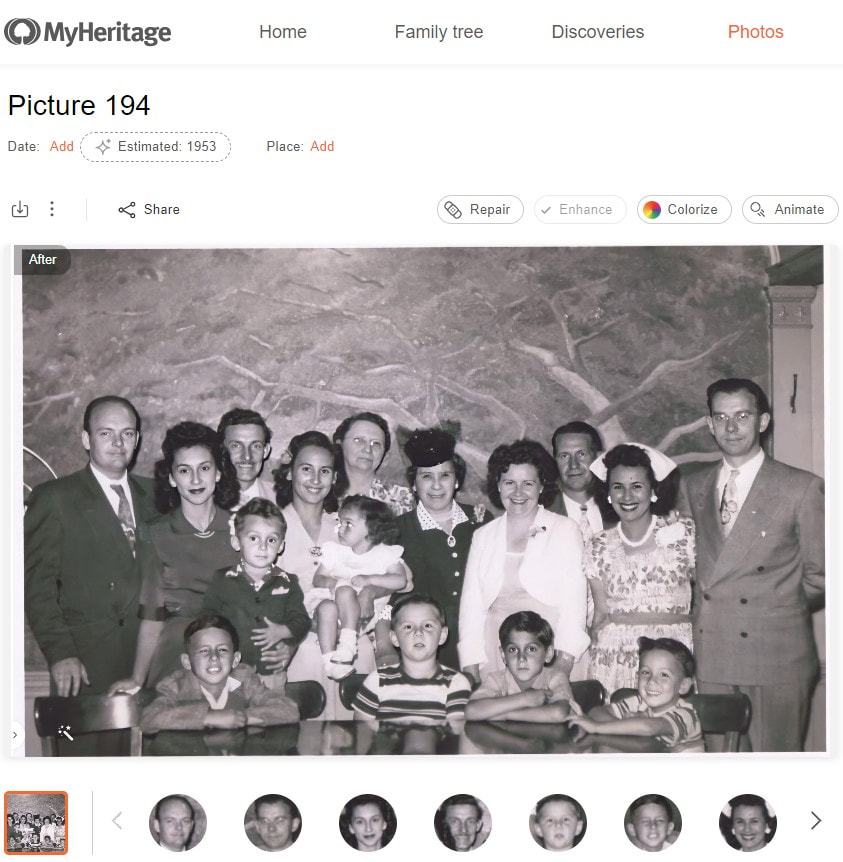
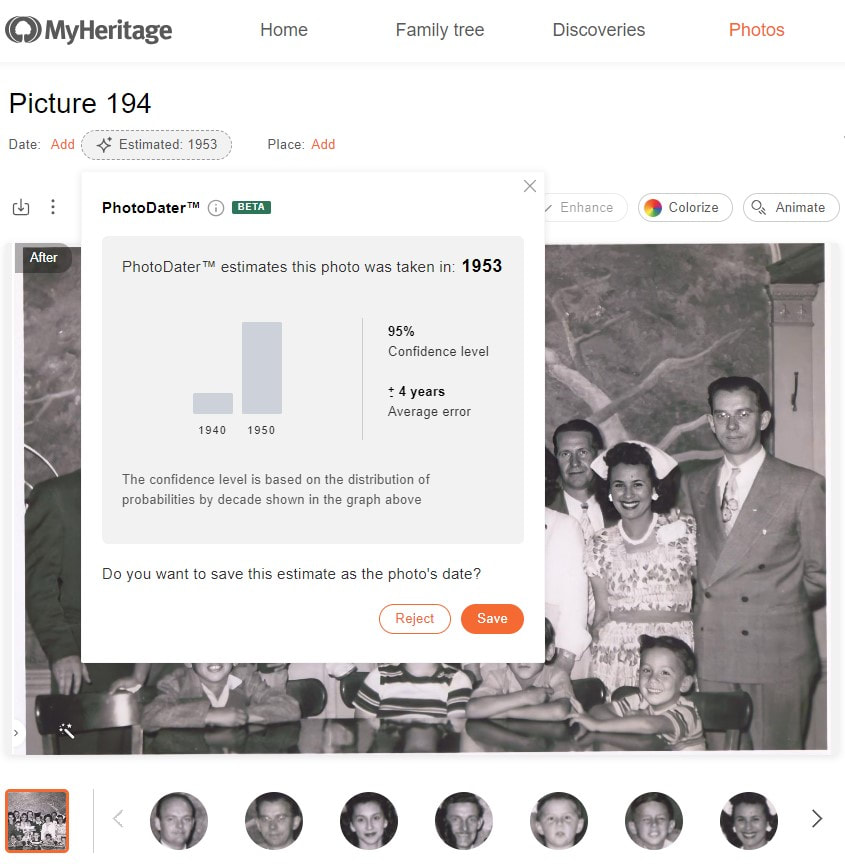
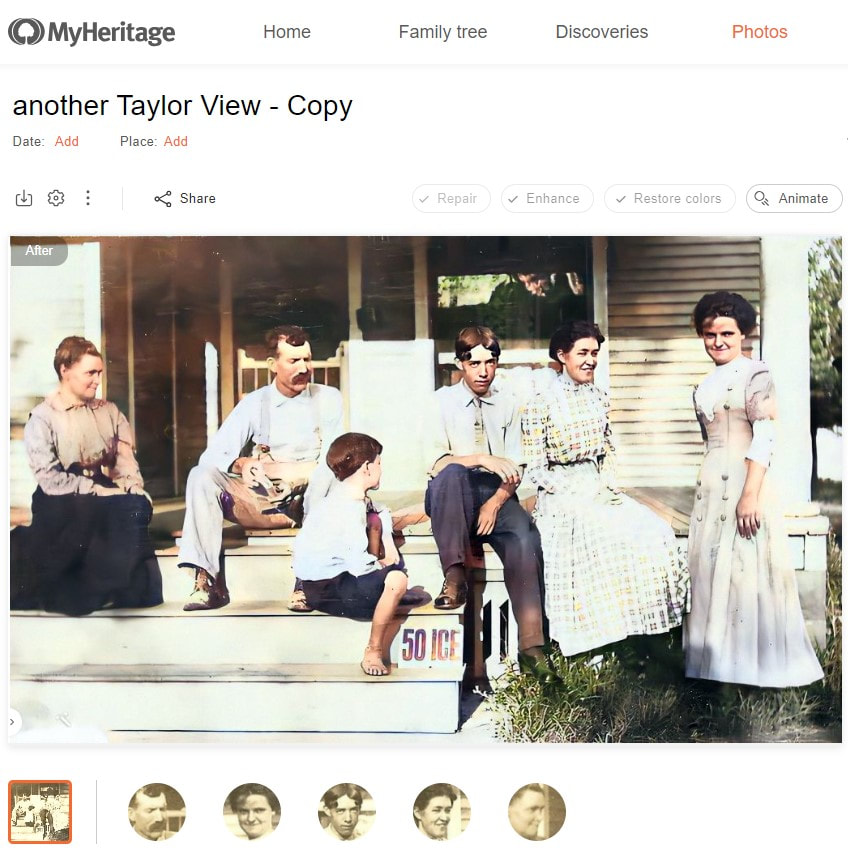
This photo of my great grandmother; grandparents; father; uncle; aunt; great aunts, uncles, and their children; and a few of their friends was taken just about 1951 after a bible study at my great grandmother house, as my aunt (the youngest in the photo) was born in the middle of 1948. The PhotoDater estimated the picture being taken withing the year 1953 and with a range of 4 years before or after. Wow, right within the range!
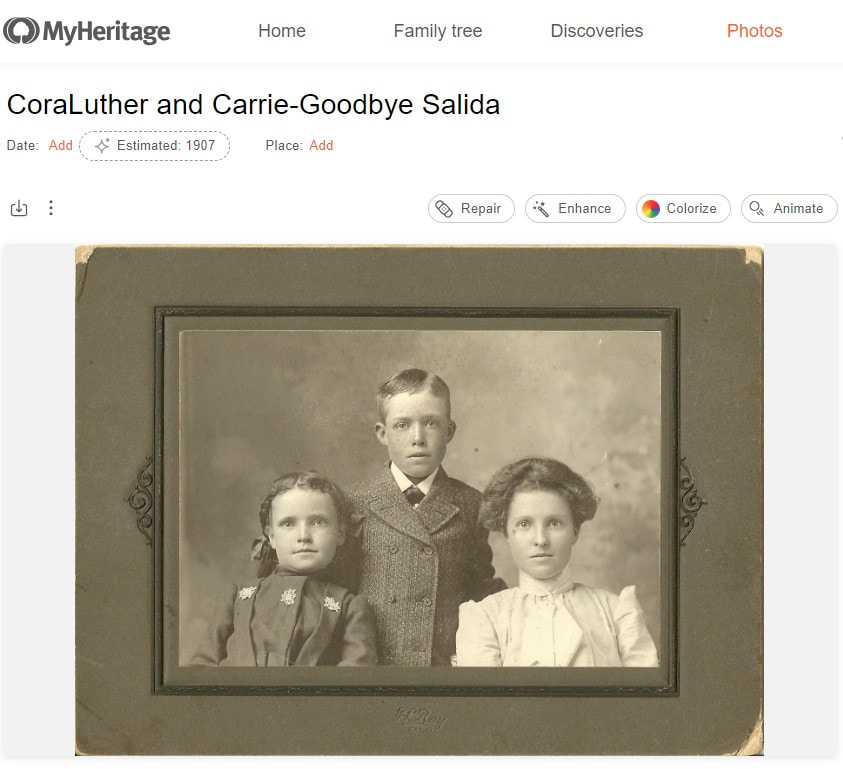
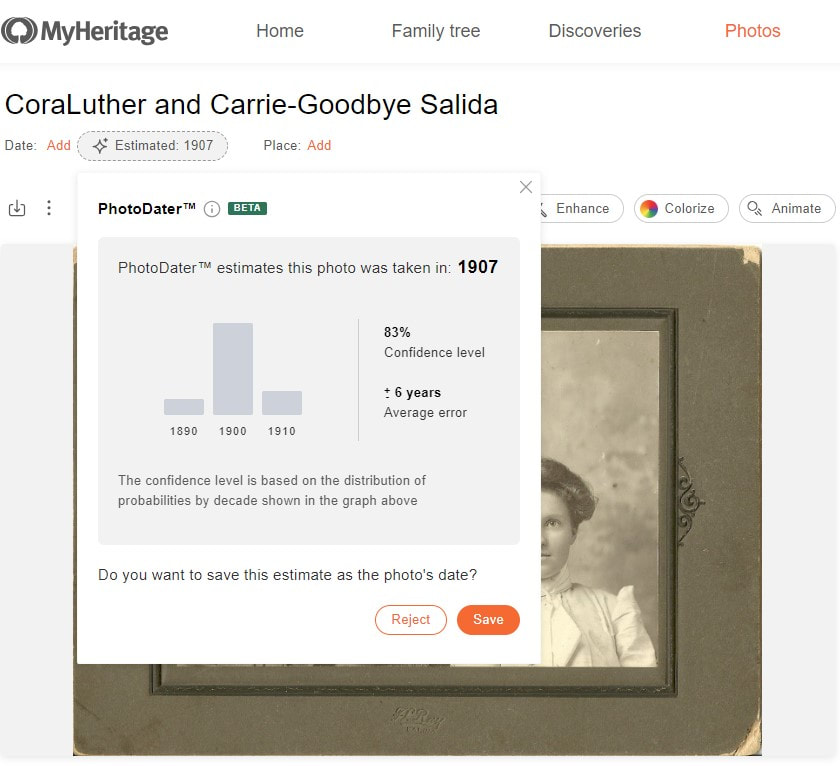
On the back of this photo of one of my great grandmothers, along with 2 of her siblings, was written “Goodbye Salida”. According to documentation, the family was in Salida, CO in 1900, and by 1910 they were in Wichita KS. The PhotoDater estimates this photo being taken about 1907, with a range anywhere between 1901 and 1913, being right on target with the range!
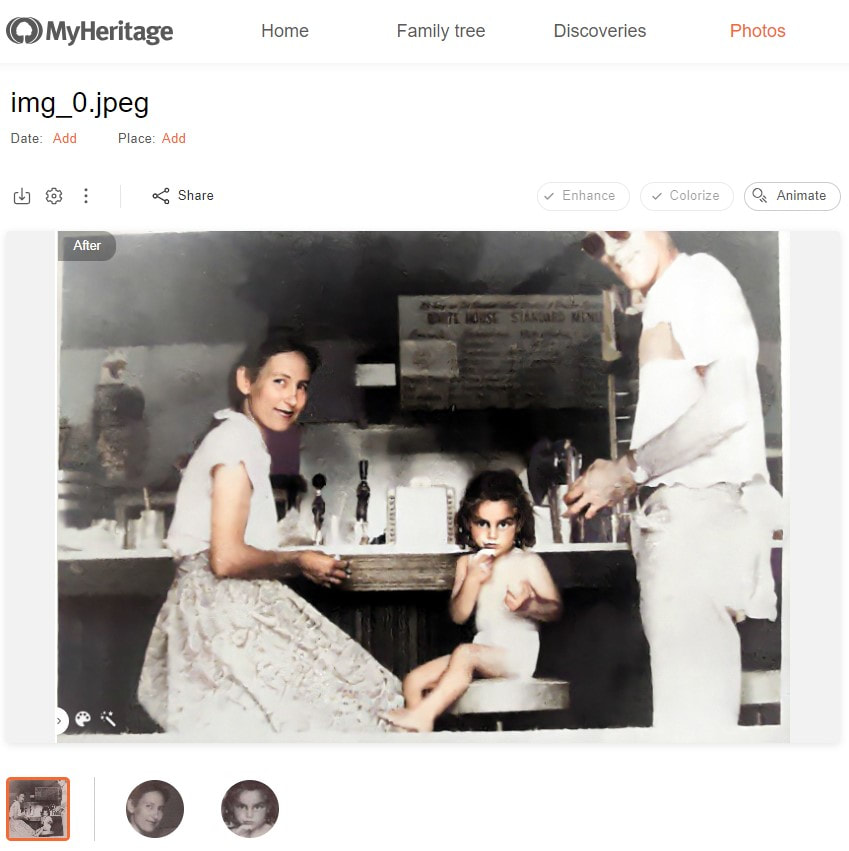
Some May Not Work For some unknown reason, some photos just couldn’t be estimated, maybe due to the quality, etc. Below are a couple of examples where the dates couldn’t be determined.
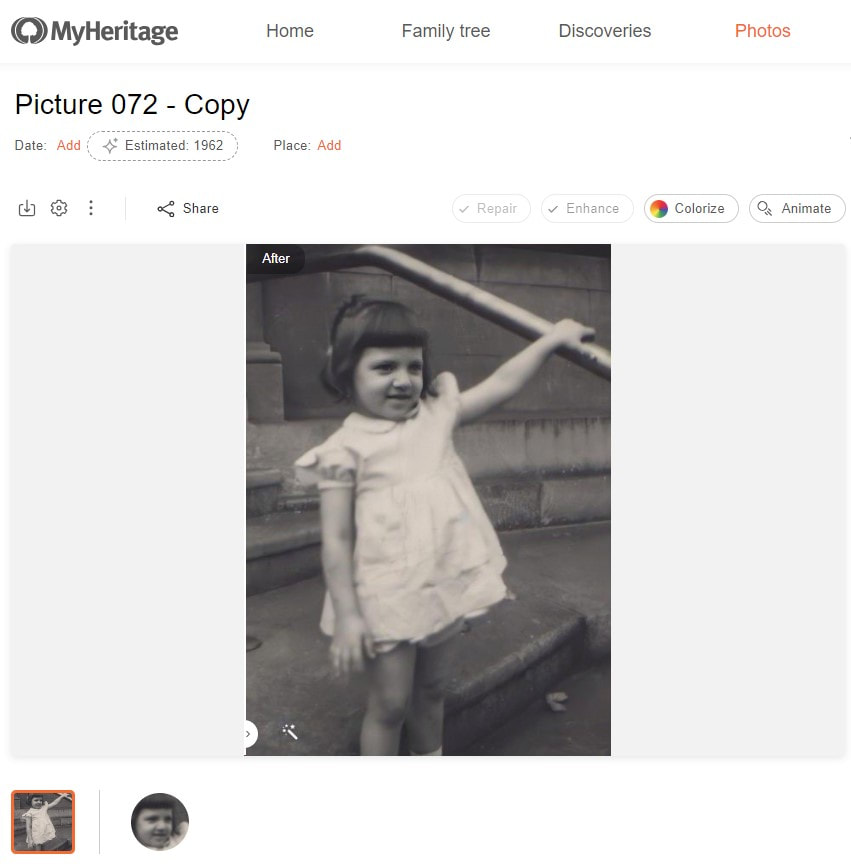
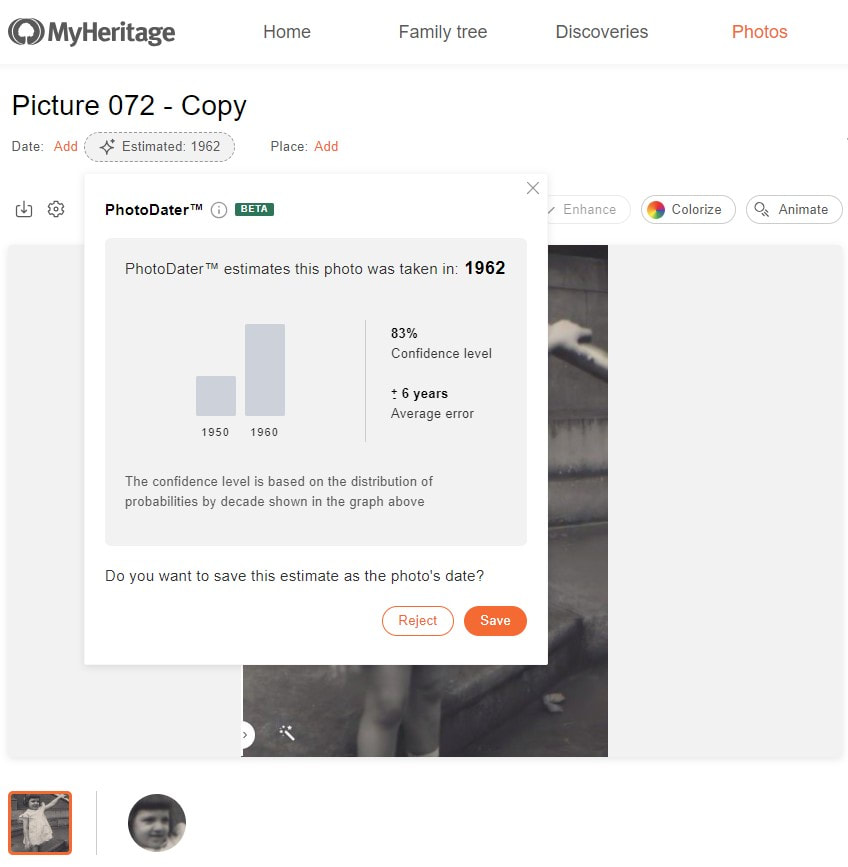
Some May Be Way Off As this is a new feature that relies on AI technology, it may need a little more training. That’s where you come in! The more estimates that are saved or rejected will help with the accuracy in the estimates! Below are a few examples where the estimated date ranges were way off. My mom was born in 1948, and here she is at about 3 years of age, making the PhotoDater way off on this estimate of 1962 and the range of 6 years.
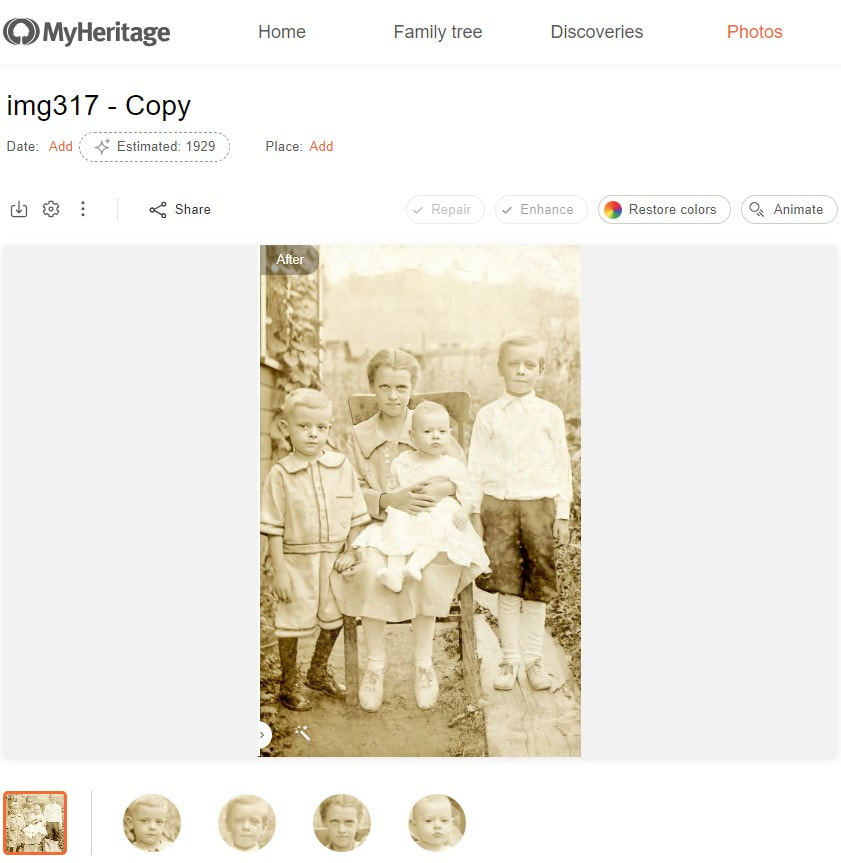
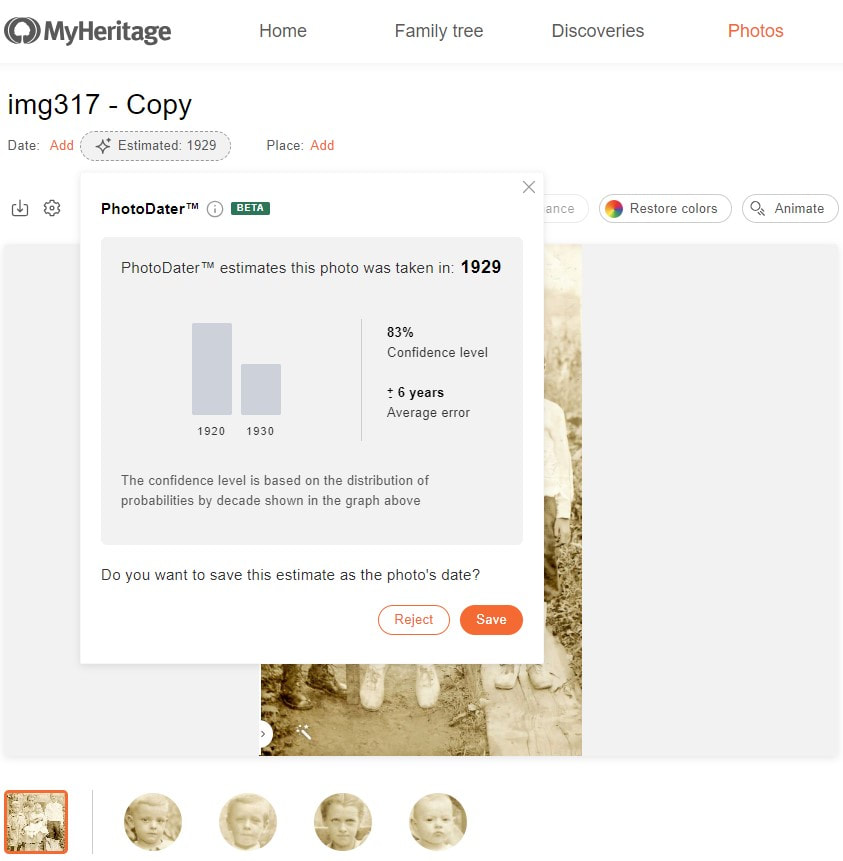
Here is a photo of the first 4 children of my great grandmother and her first marriage. The baby was born near the end of 1918, placing this photo somewhere about 1919, and the PhotoDater estimating it being taken about 1929 give or take 6 years.
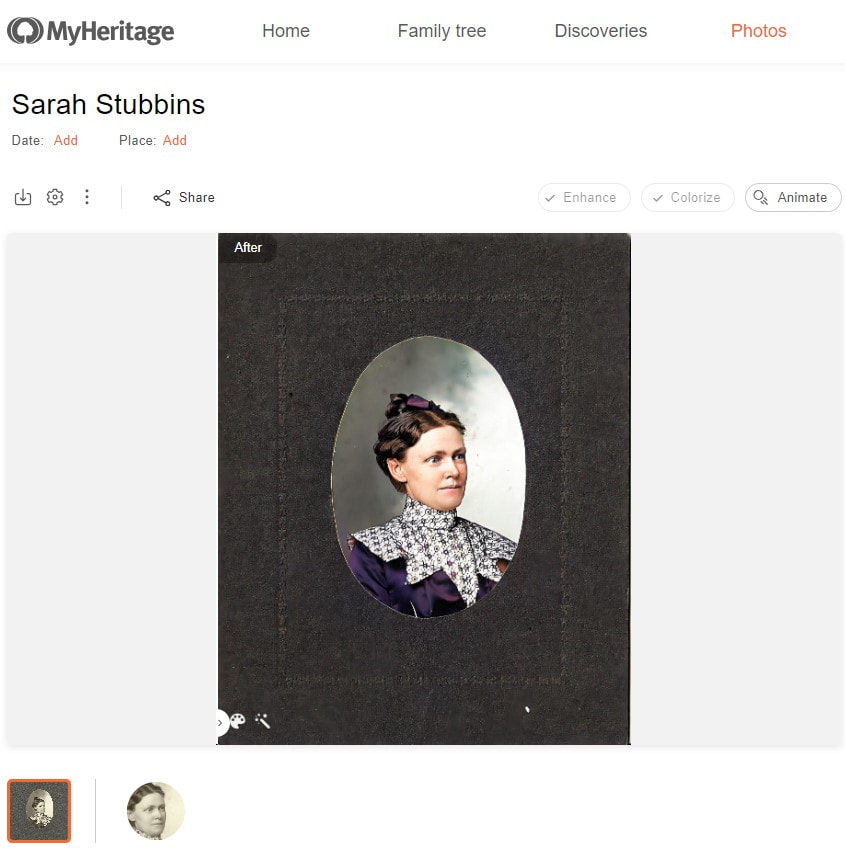
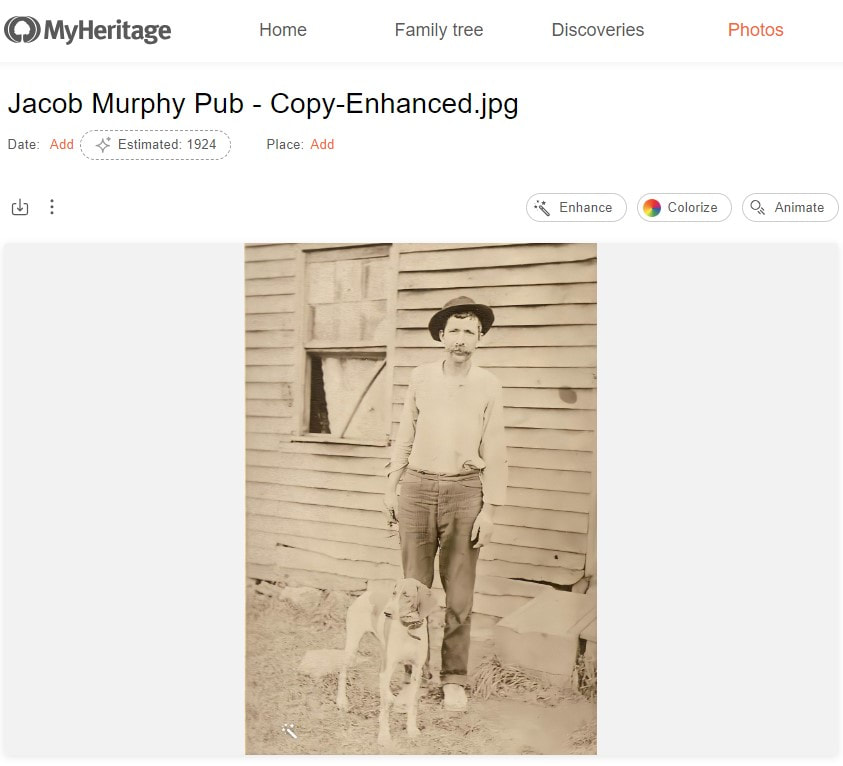
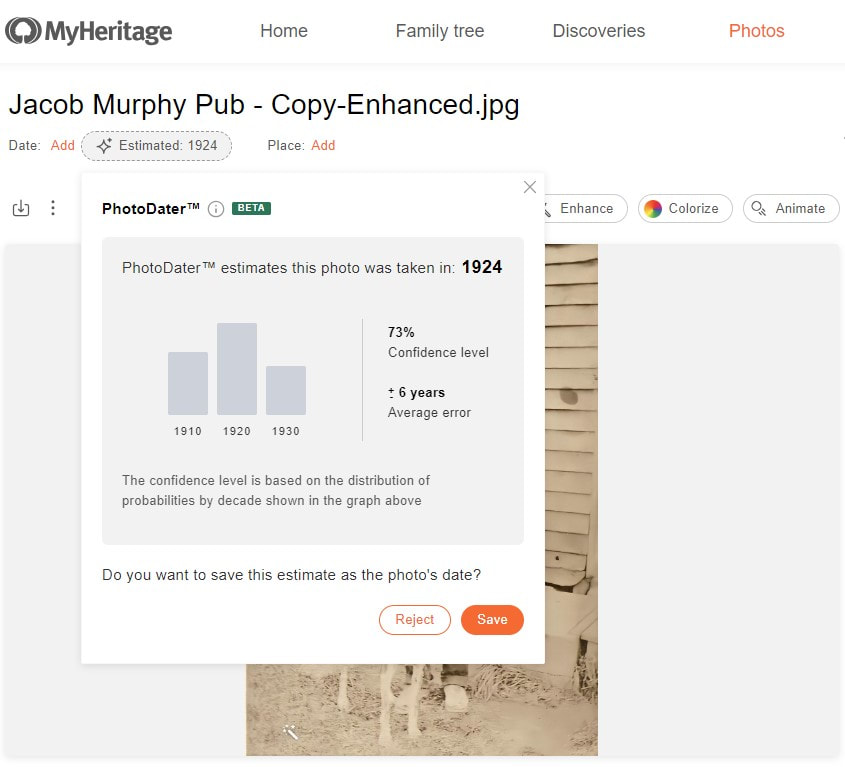
This photo of one of my 2nd great grandfathers is estimated to be dated in somewhere in 1924 with a range of 6 years, but he died in 1903.
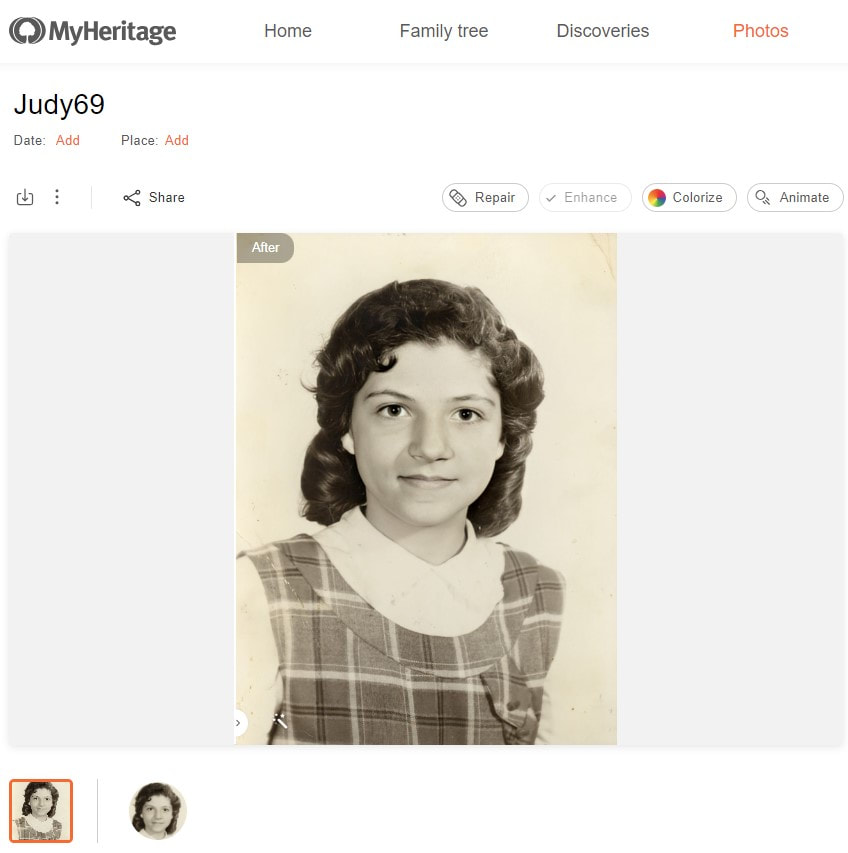
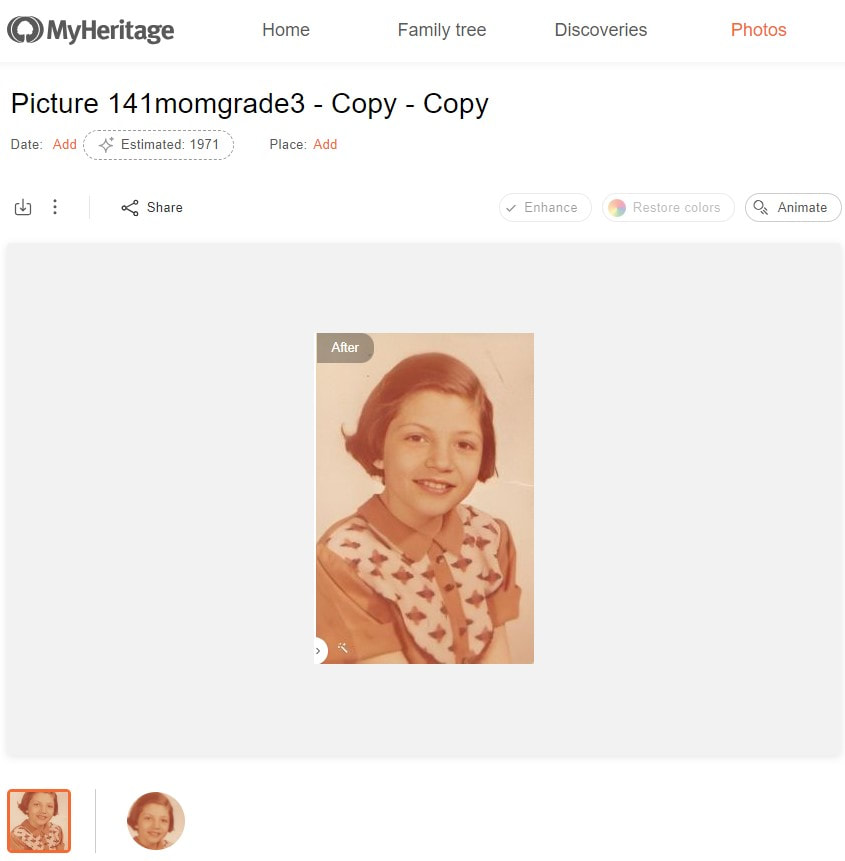
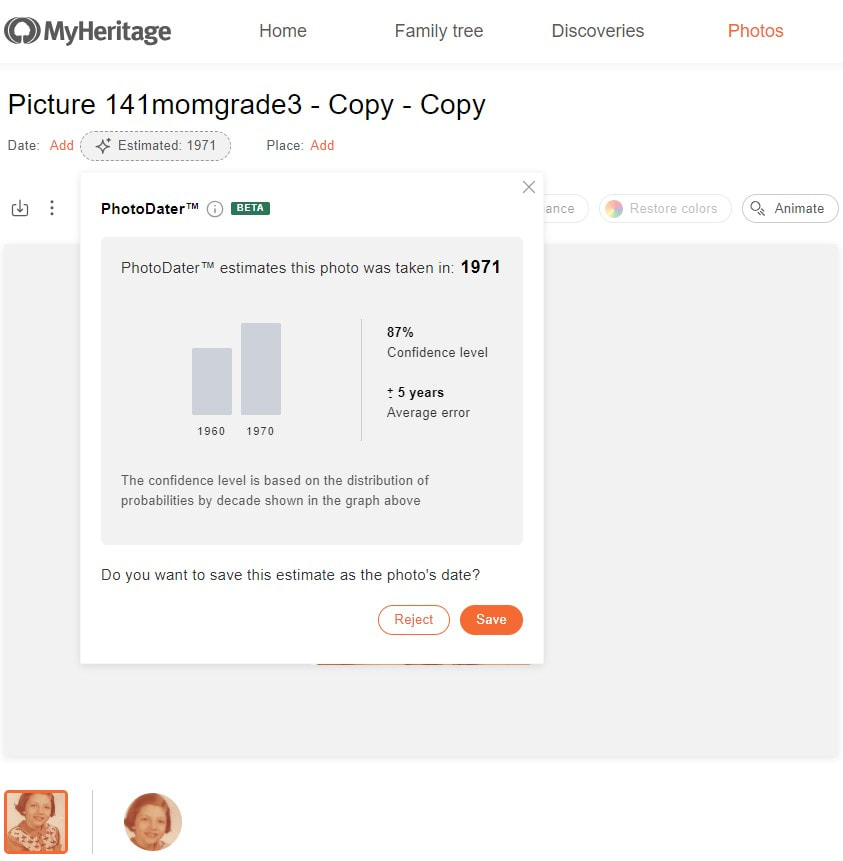
This last photo is my mom’s 3rd grade school picture, and she was born in 1948, placing this photo being taken in about 1856-1957, but the PhotoDater places it at about 1971 with a date range of 5 years, making this one of the few that was way off.
How to get to PhotoDater
Try it out at MyHeritage and don’t forget to save or reject the estimate to help improve the accuracy on this fantastic genealogy tool! *Note: All photos copright protected More MyHeritage and Genealogy Resources: Learn about more MyHeritage updates, tips, tools, and features and other family history and genealogy resources under the Genealogy Resources category and on my dedicated Genealogy Resources page. 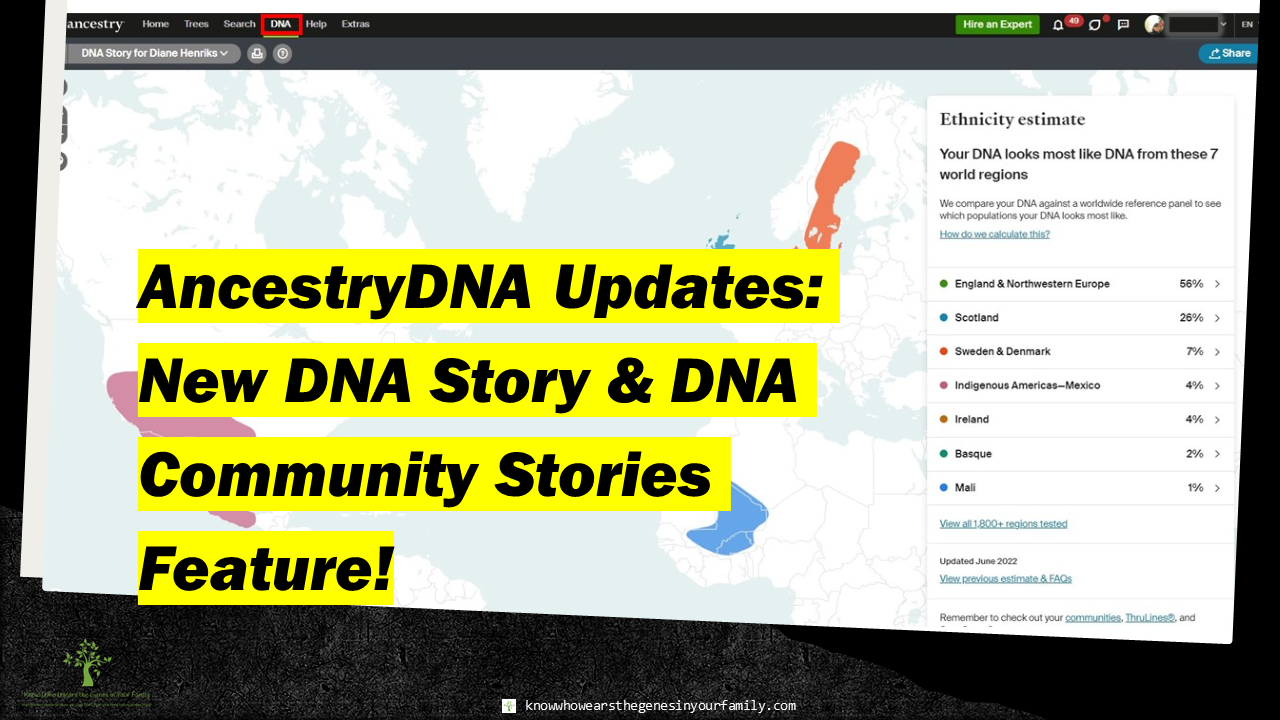 AncestryDNA New DNA Communities Story Feature & Updated DNA Story AncestryDNA New DNA Communities Story Feature & Updated DNA Story! Ancestry has been upgrading their DNA Story this past week with lots of new updates! As mentioned last week, in Ancestry DNA Updates: New DNA Community Record Collections Feature!, they added a new DNA records collections feature to DNA communities, along with new ethnicity updates, and have now revamped it with a new look, while adding animation, stories, and more! What’s New at AncestryDNA
New Background Color Toggle & Ethnicity Colors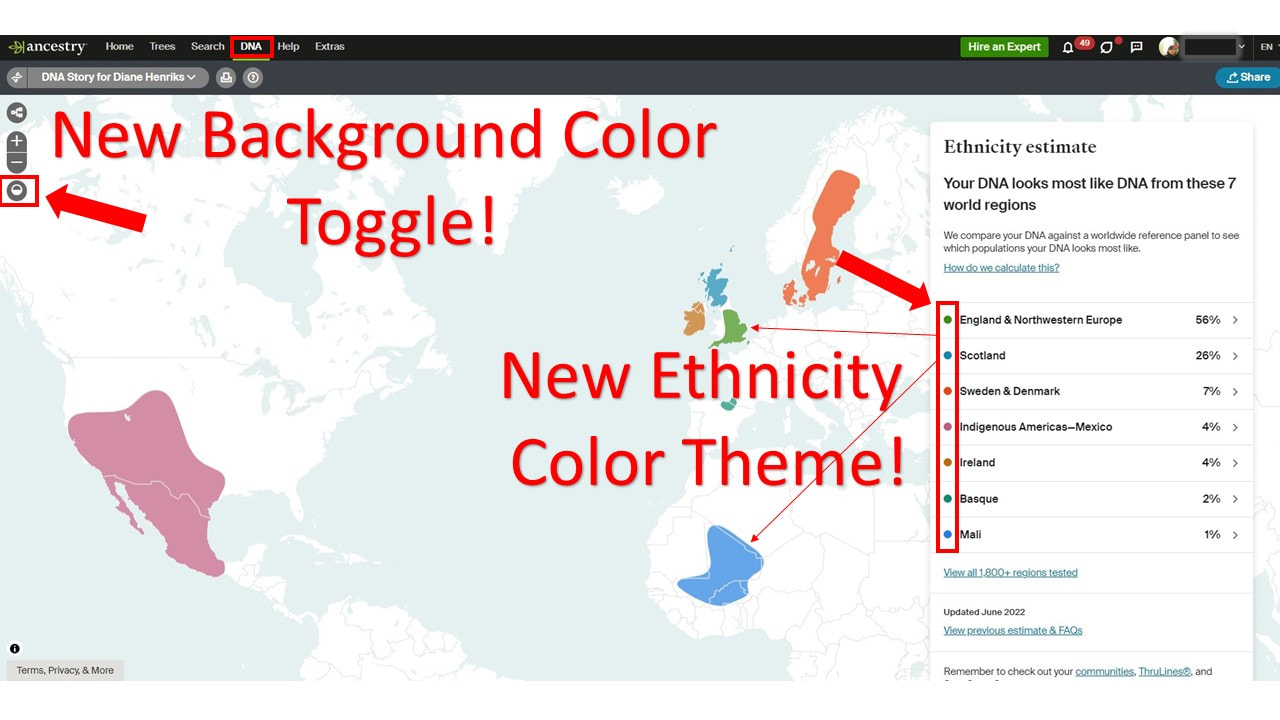 New AncestryDNA Background Color Toggle & Ethnicity Colors Example 1 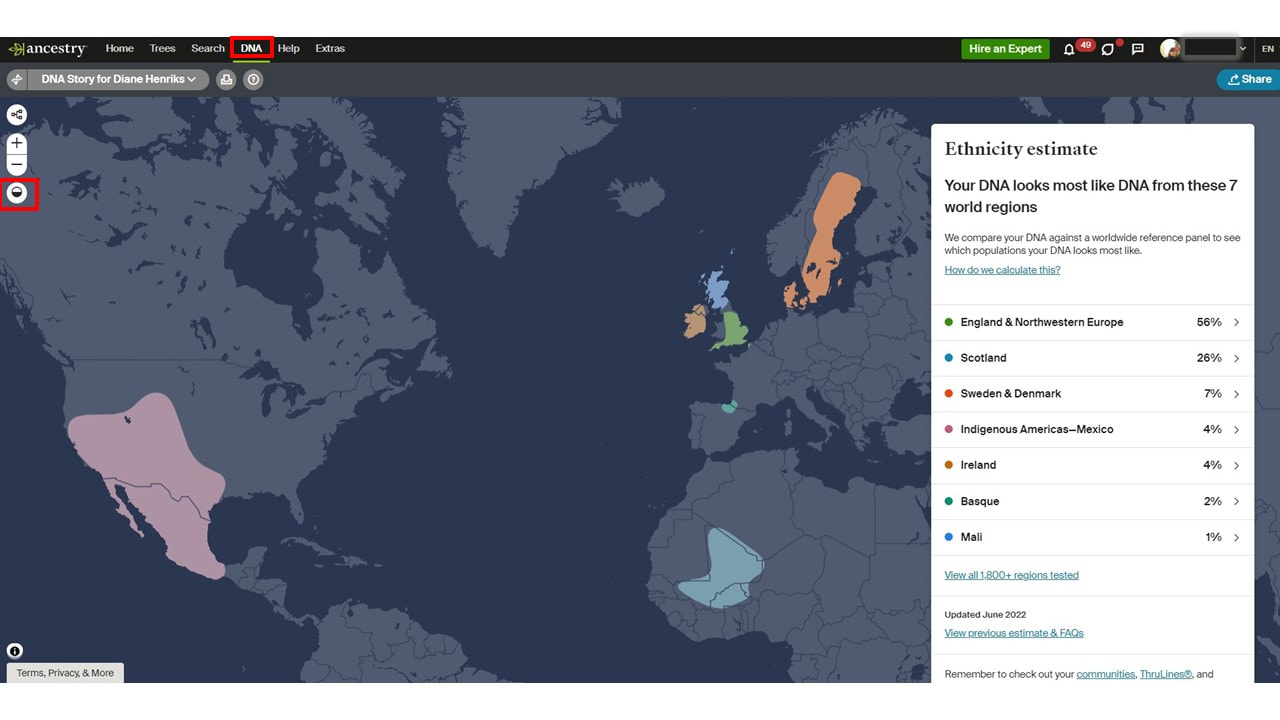 New AncestryDNA Background Color Toggle & Ethnicity Colors Example 2 New Animated DNA Communities Maps & Timeline Stories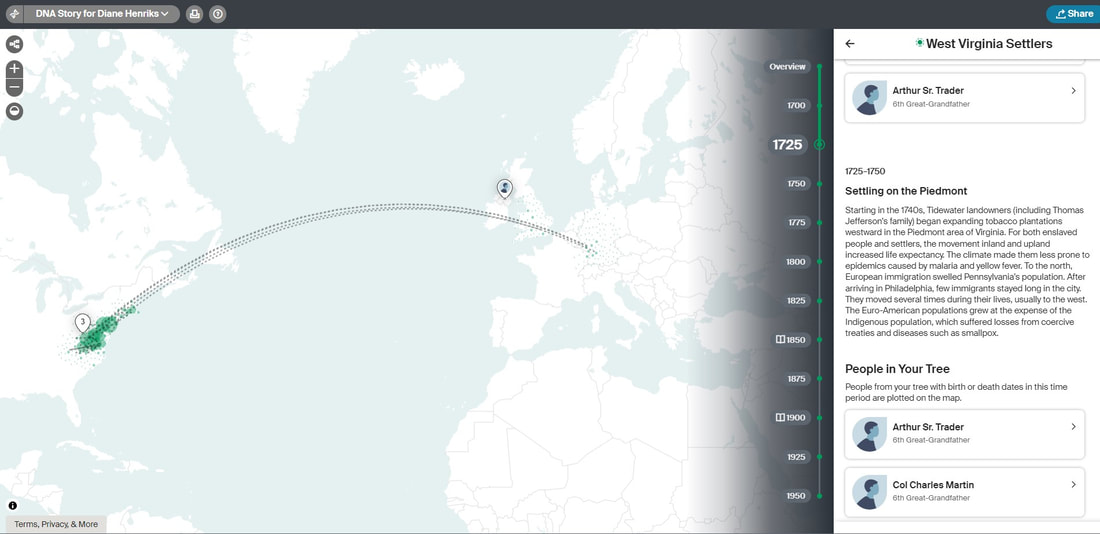 New AncestryDNA Animated DNA Communities Maps Example 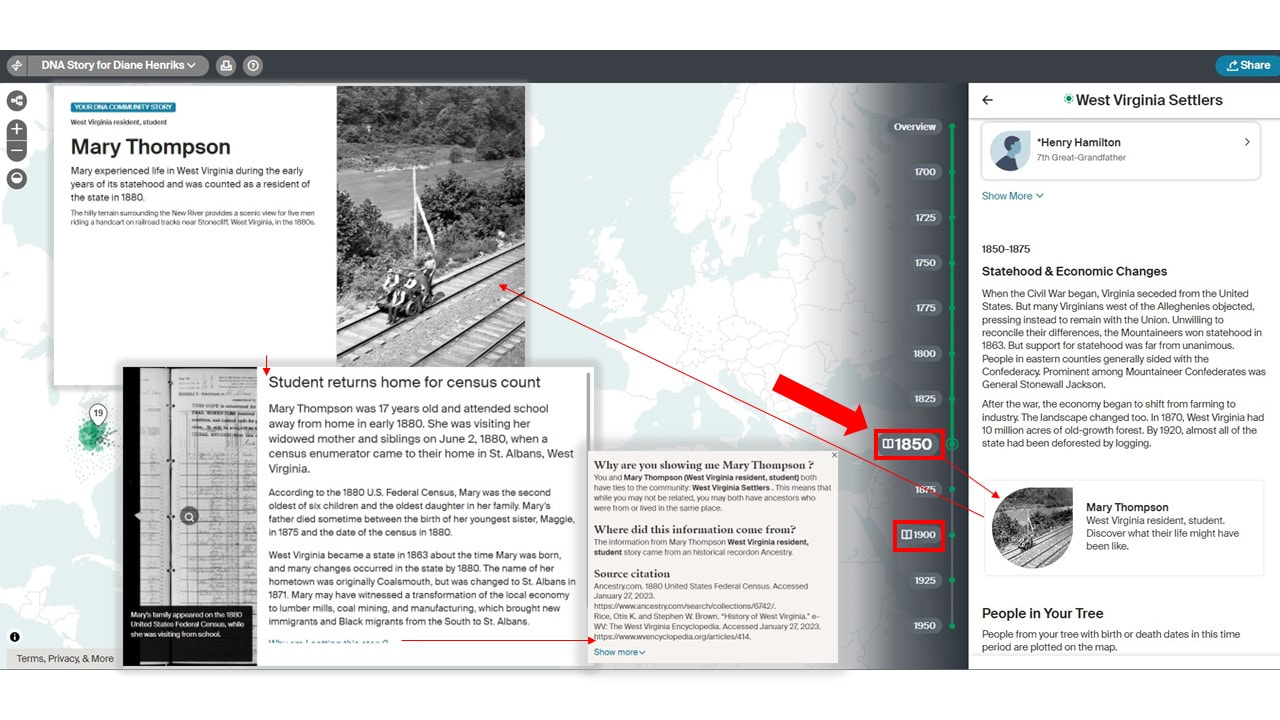 New AncestryDNA Timeline Communities Stories Example 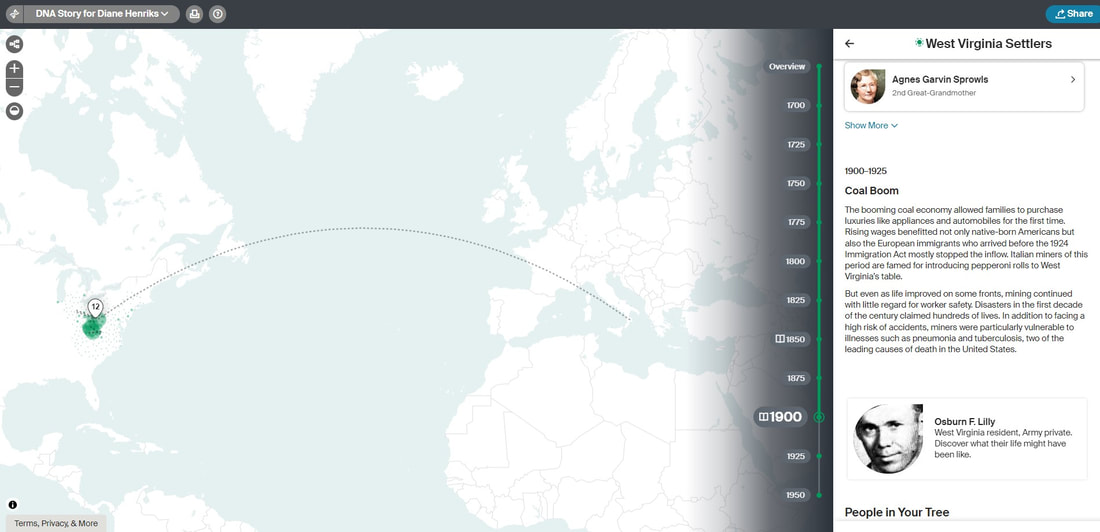 New AncestryDNA Animated DNA Communities Maps & DNA Stories Example 1 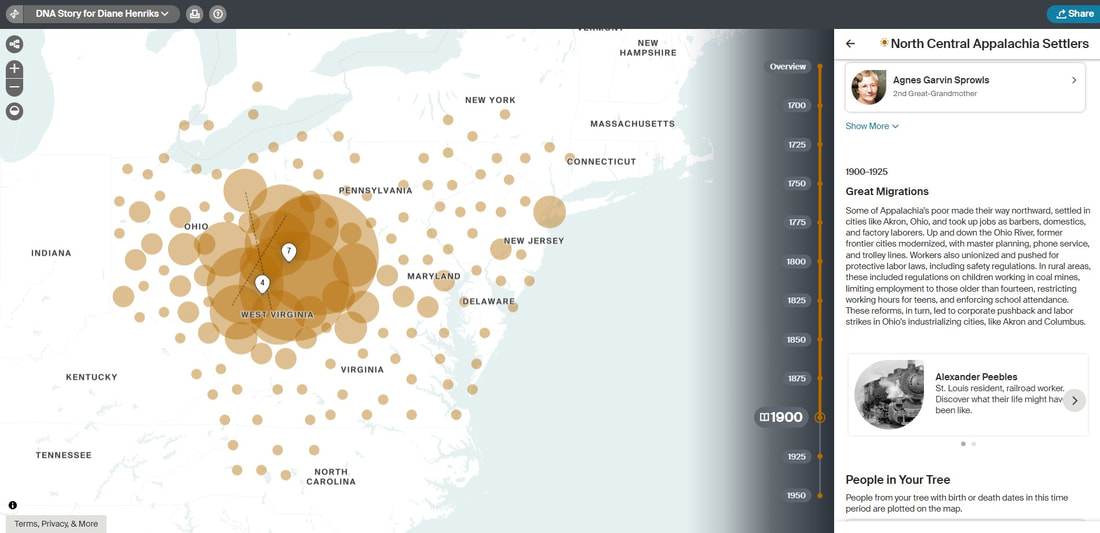 New AncestryDNA Animated DNA Communities Maps & DNA Stories Example 2 More Ancestry and Genealogy Resources:
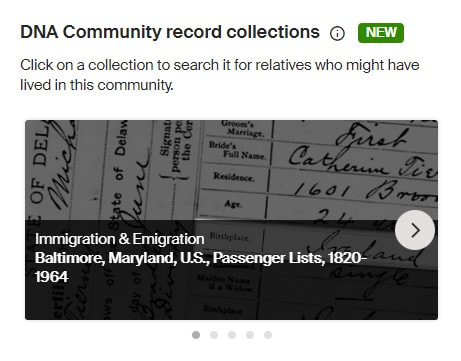
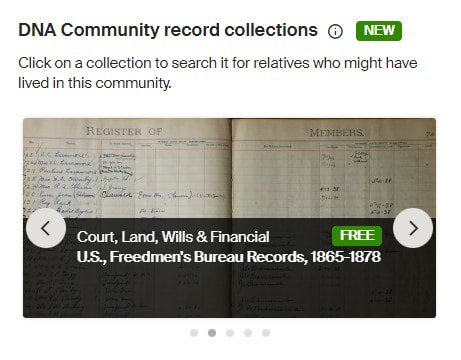
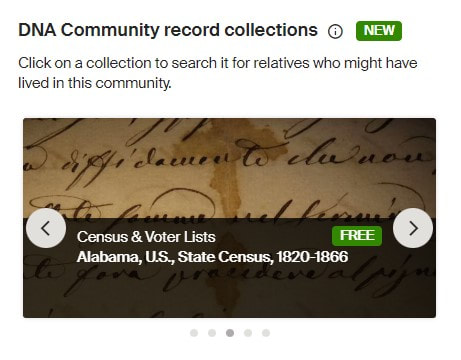
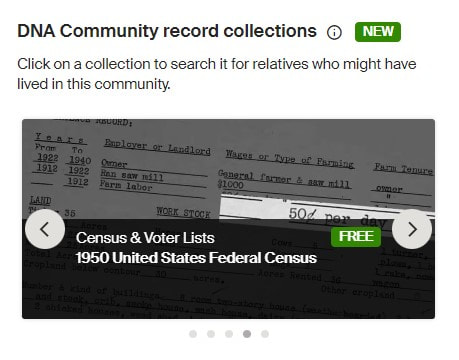
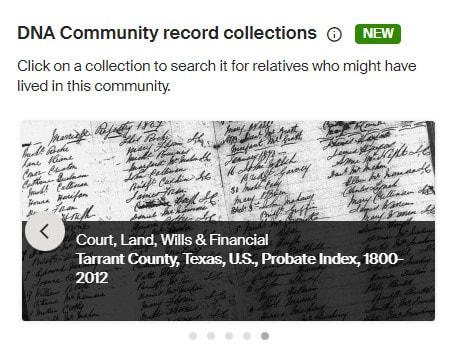
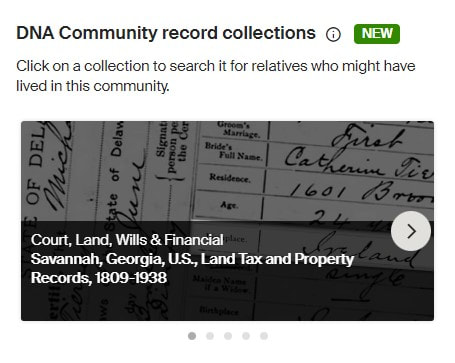
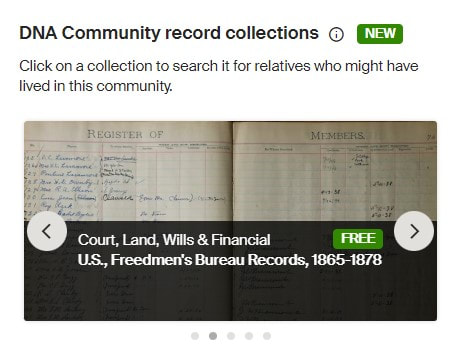
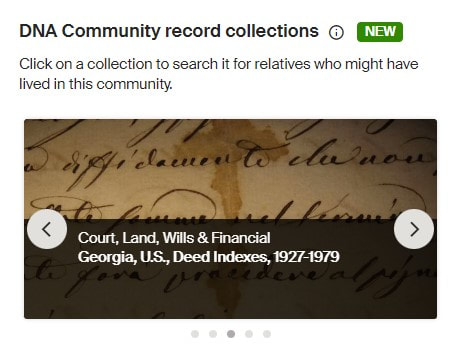
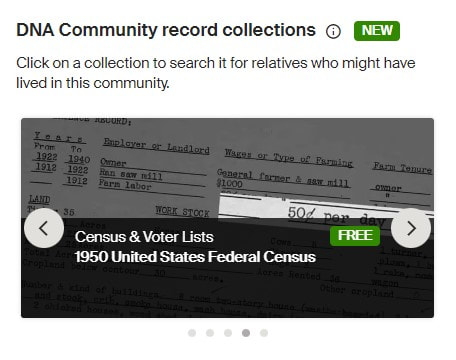
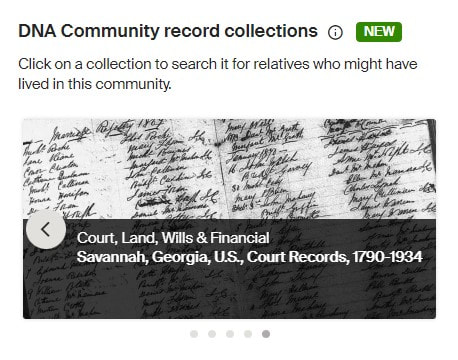
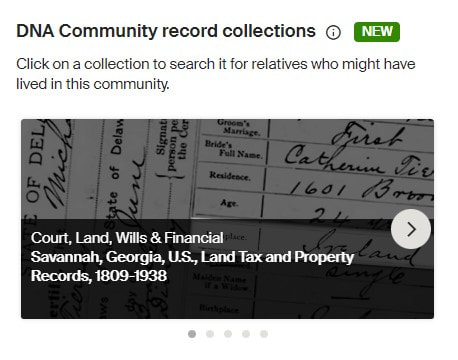
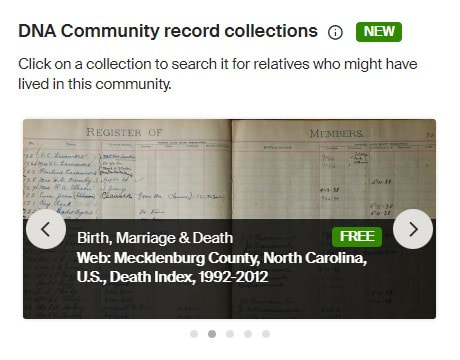
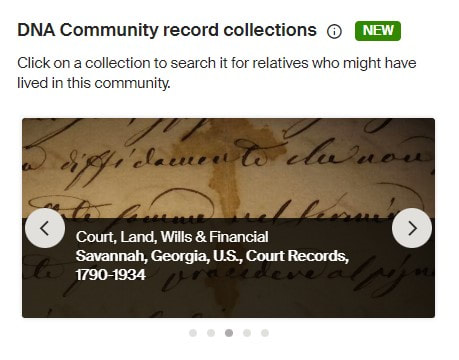
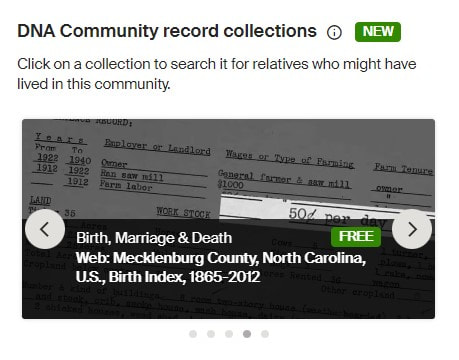
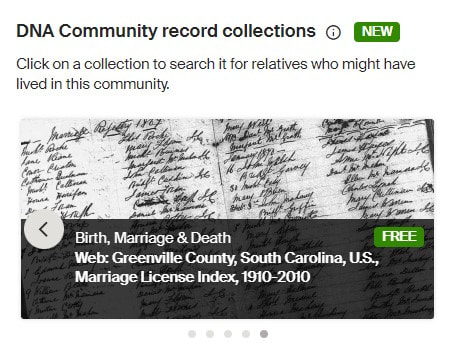
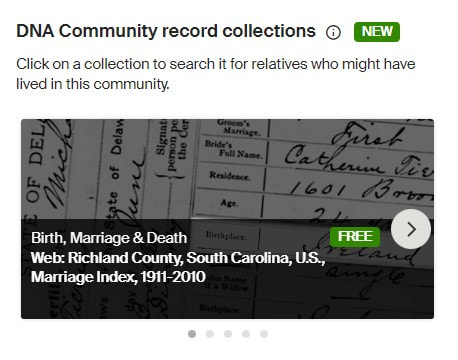
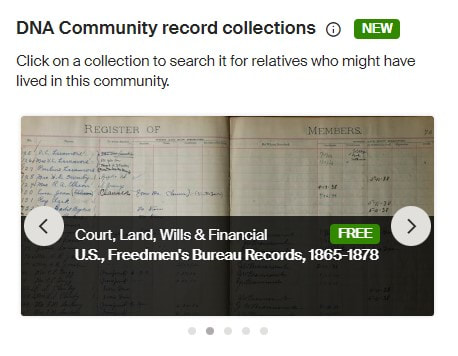
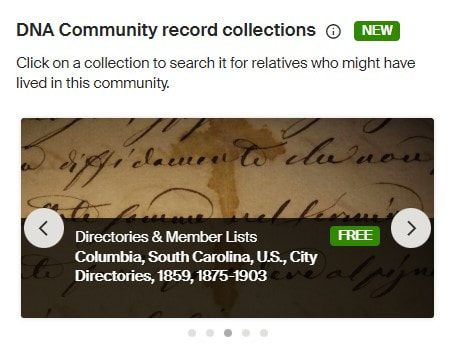
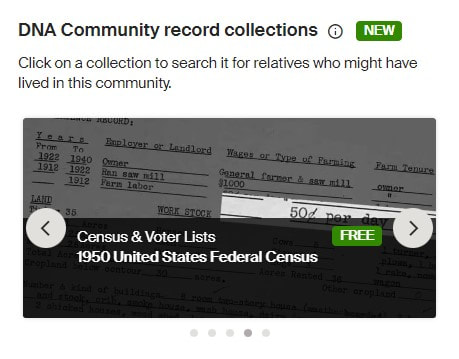
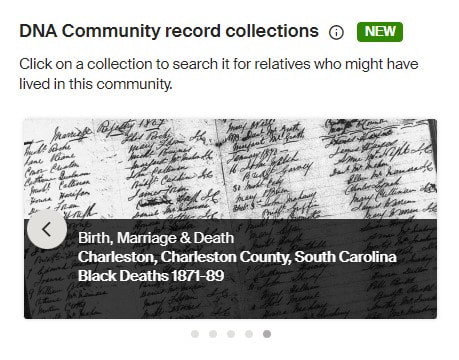
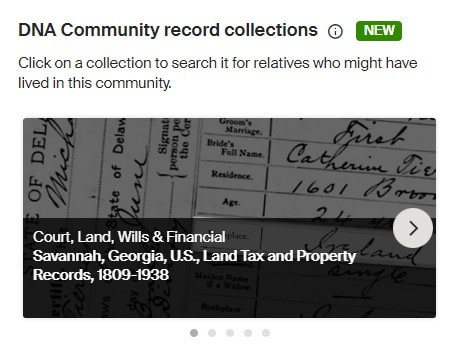
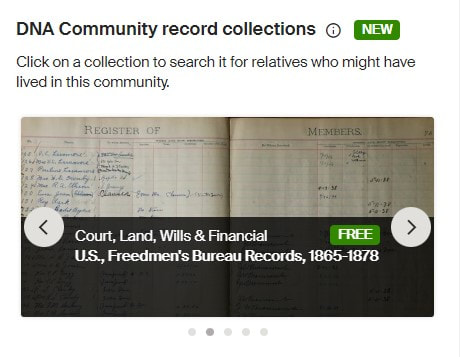
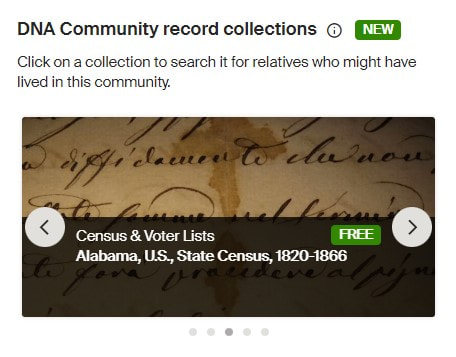
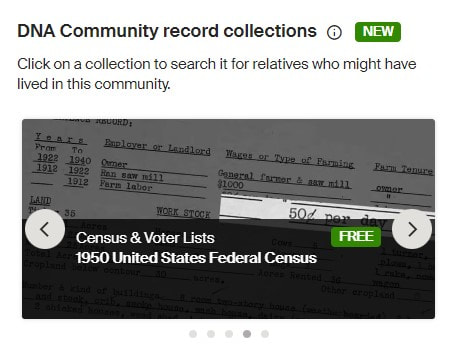
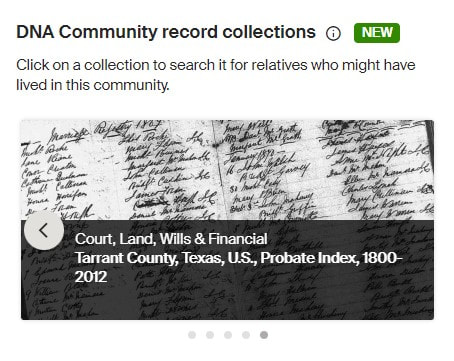
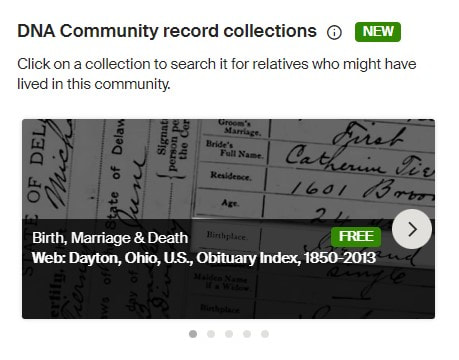
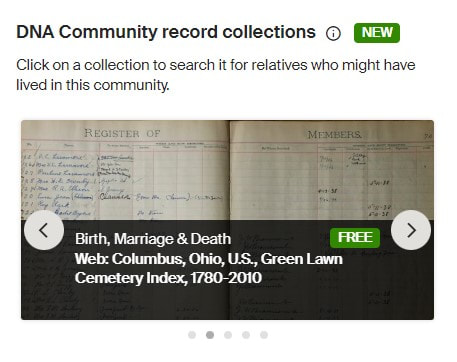
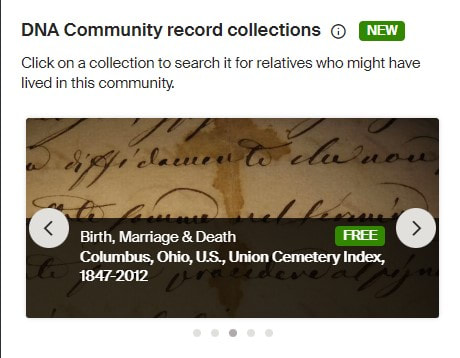
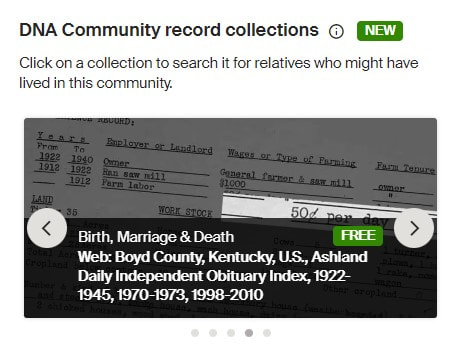
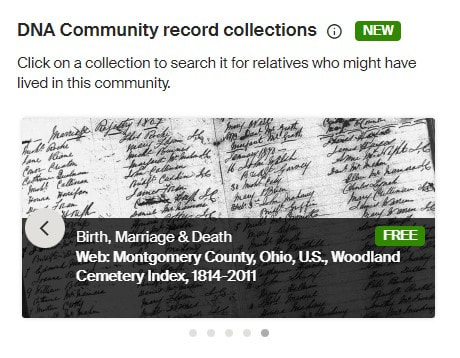
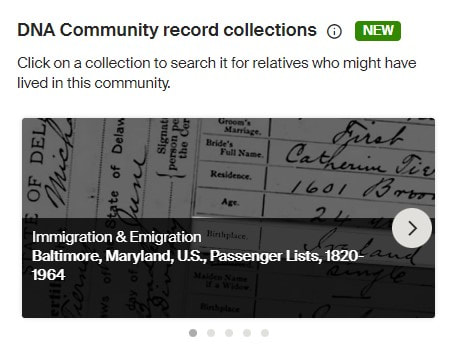
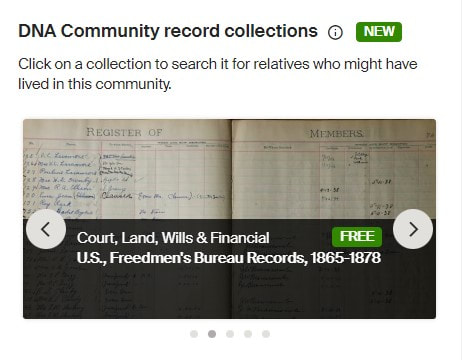
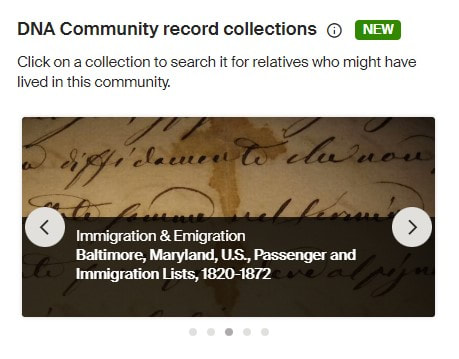
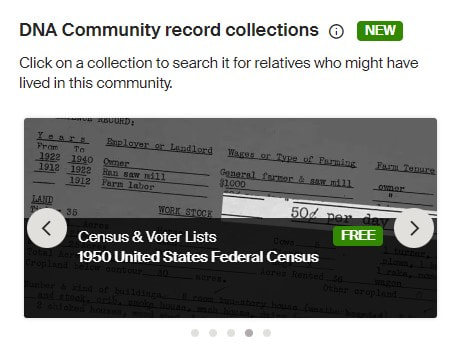
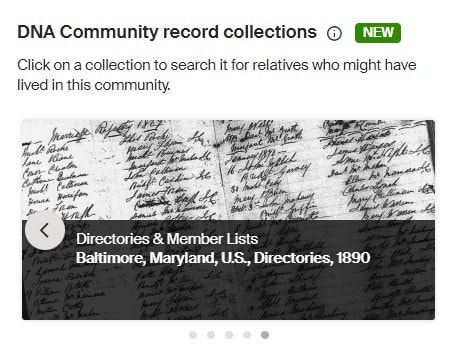
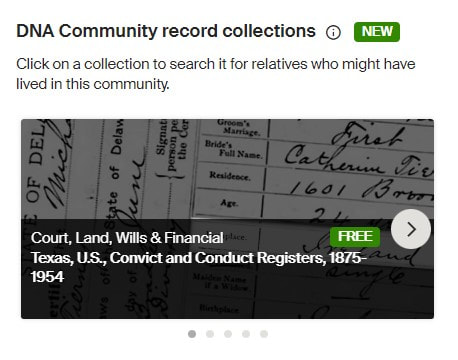
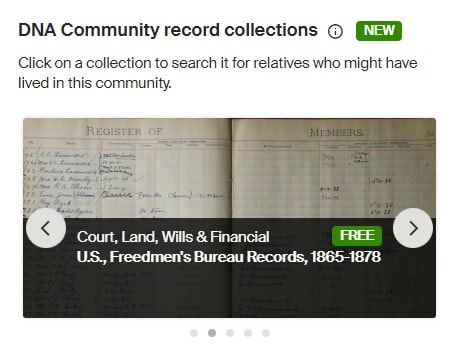
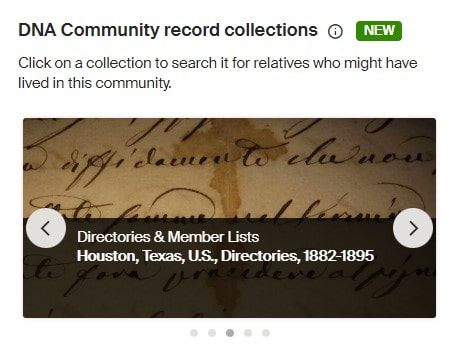
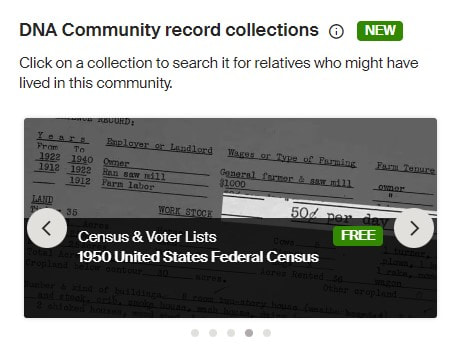
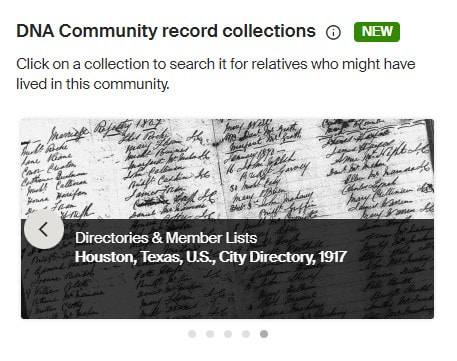
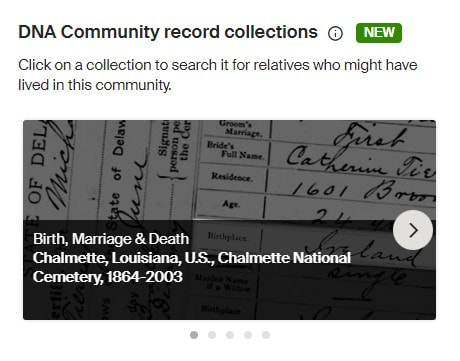
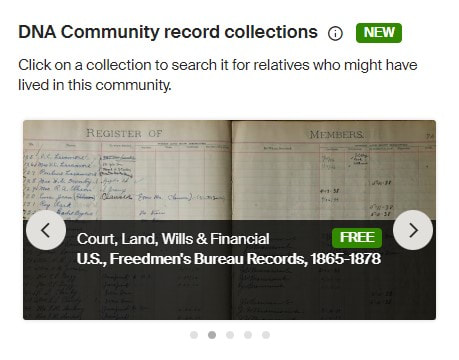
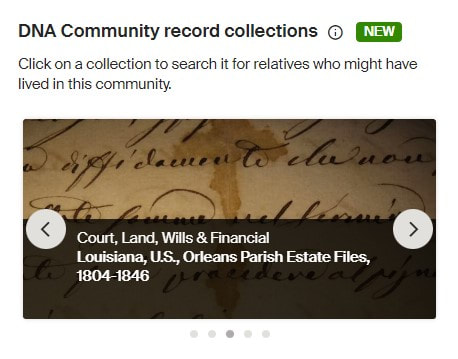
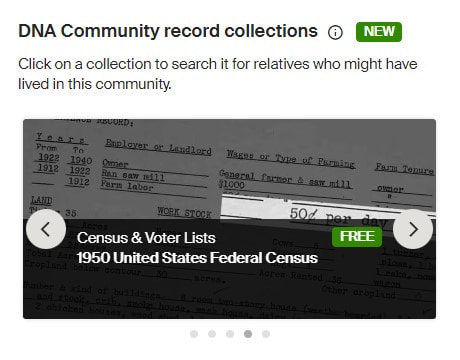
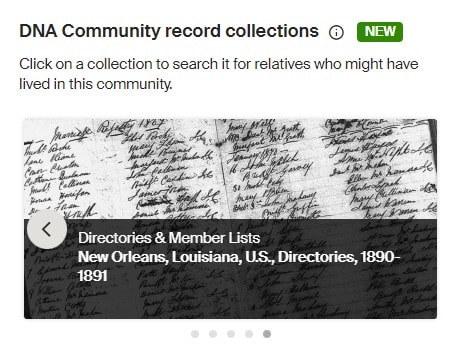
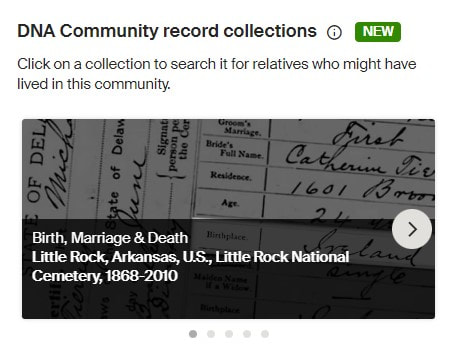
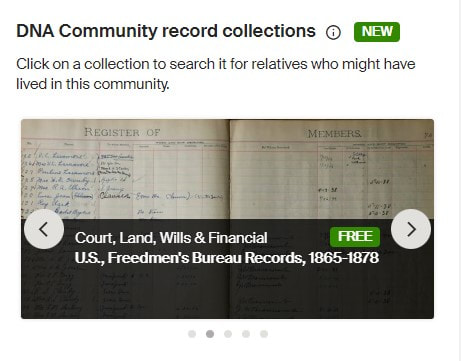
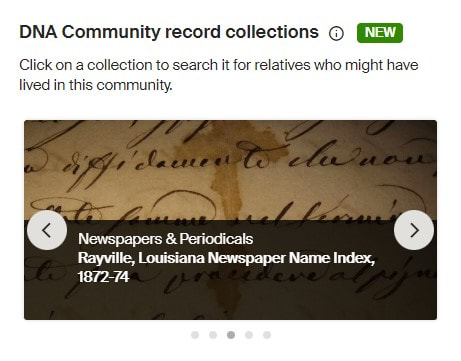
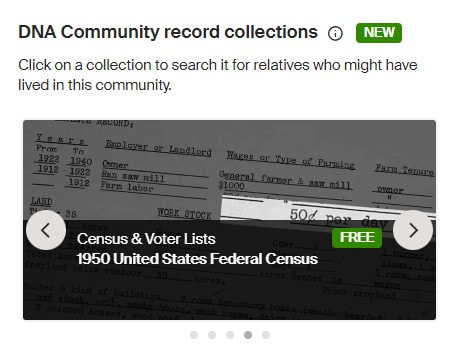
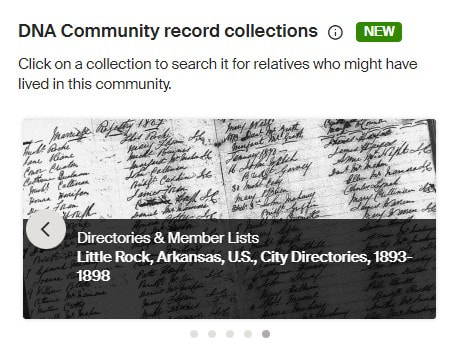
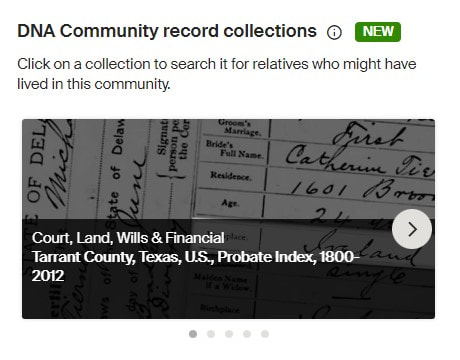
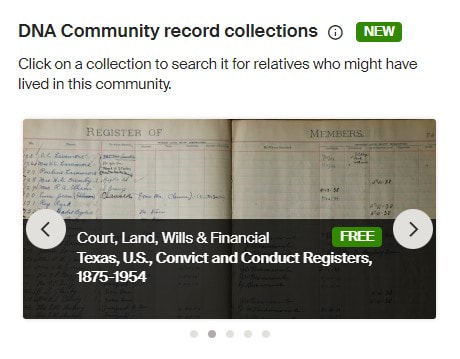
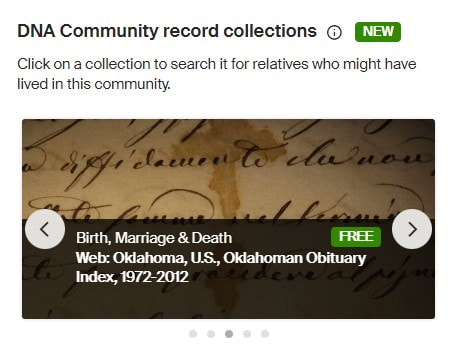
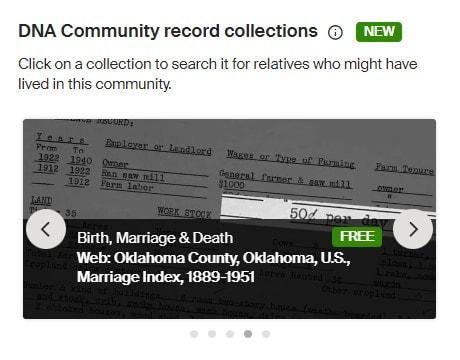
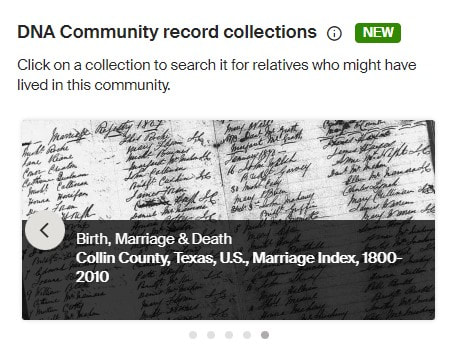
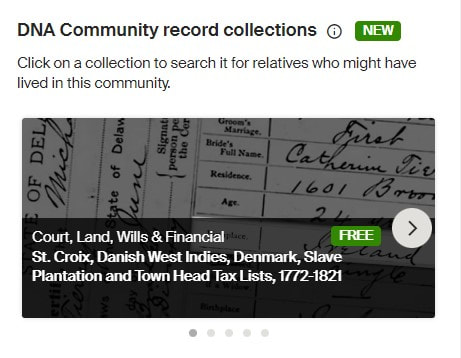
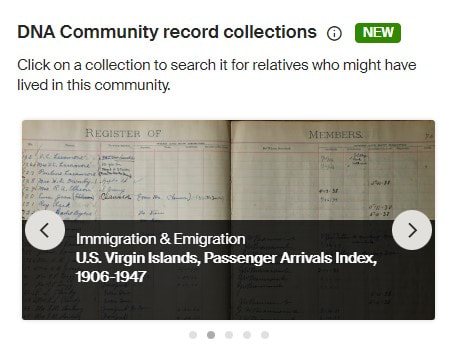
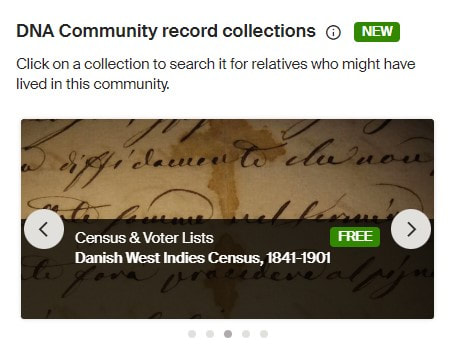
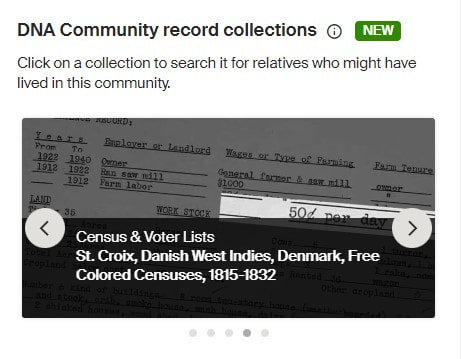
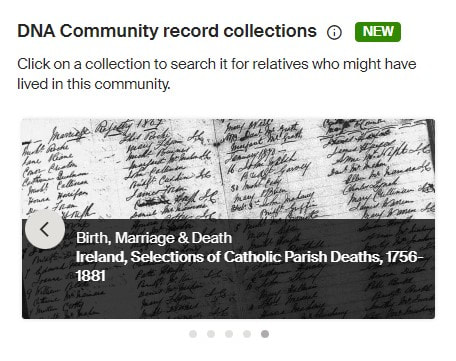
Learn about more Ancestry updates, tips, tools, and features and other family history and genealogy resources under the Genealogy Resources category and on my dedicated Genealogy Resources page. 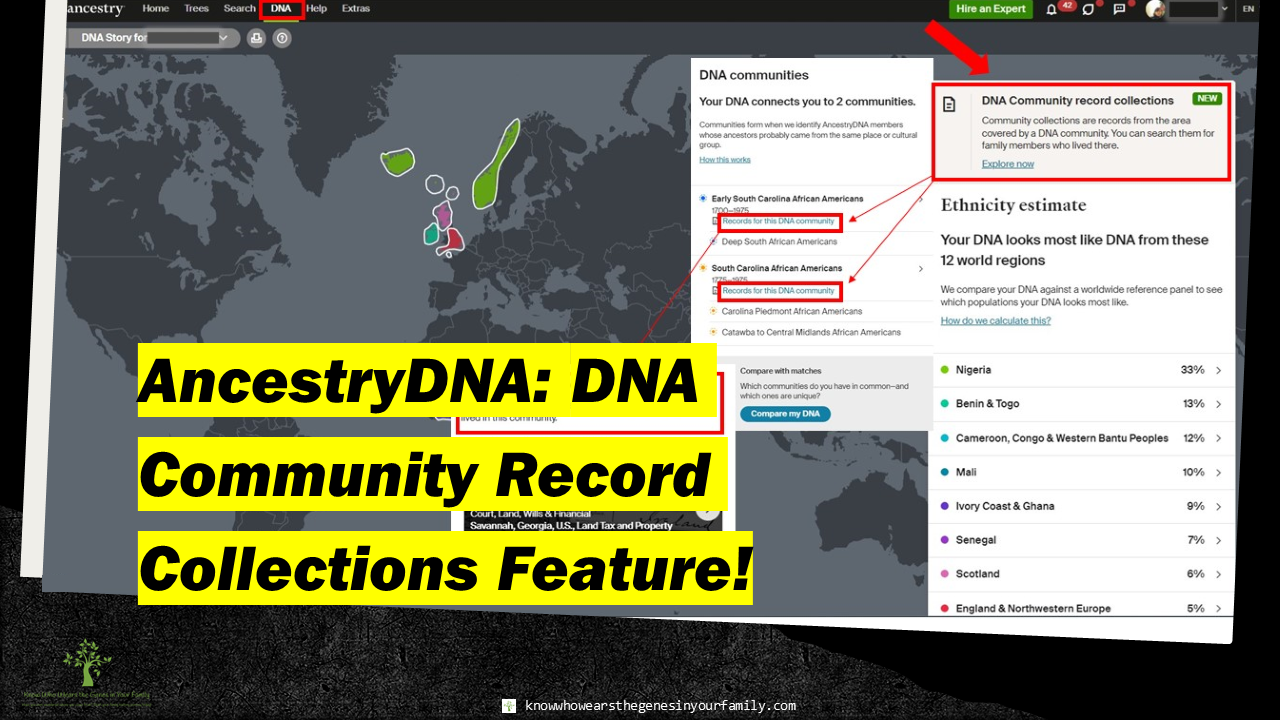 New Ancestry DNA Community Record Collections Feature! Ancestry Updates: DNA Community Record Collections Feature!Going into Ancestry the other day, I noticed that not only did Ancestry update DNA ethnicity estimates again but added a new feature in AncestryDNA as well, DNA Community Record Collections! Right now, by going through the long list of DNA that I manage, it seems to just be for African American and Irish communities. I’m sure many more will come soon, as I just noticed it on the 25th of July, and it was not there the day before! So, if you are a beginner and have African American or Irish ethnicity, along with DNA communities as part of your AncestryDNA results, you will have some cool helps to get you going on where to look! Did you know there are over 400 African American and Afro-Caribbean communities and 203 Irish communities for AncestryDNA members? I’m not sure all the communities for these 2 ethnicities are included in this new feature yet, but below you’ll find the ones that are included in the long list of DNA that I manage for family, friends, and clients. African American DNA Community Record Collections
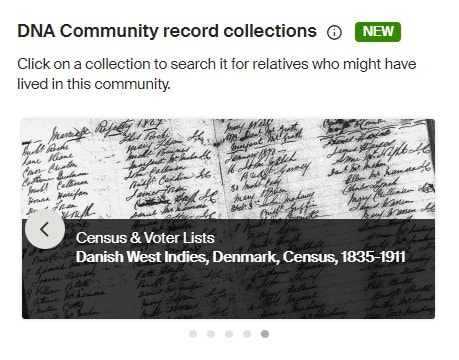
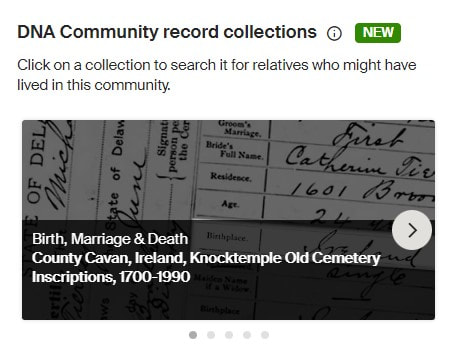
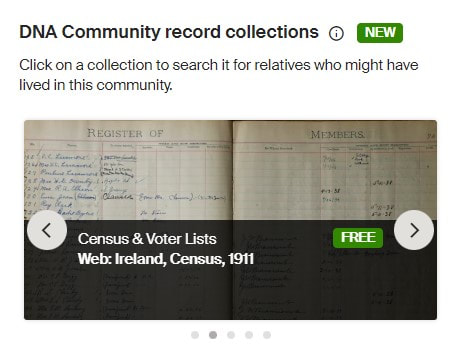
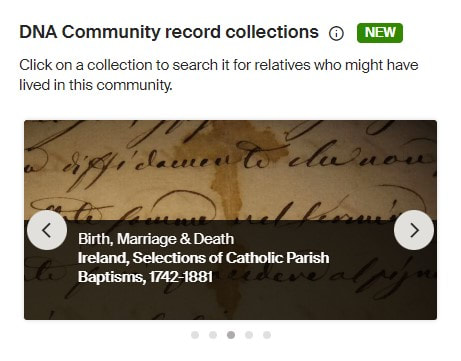
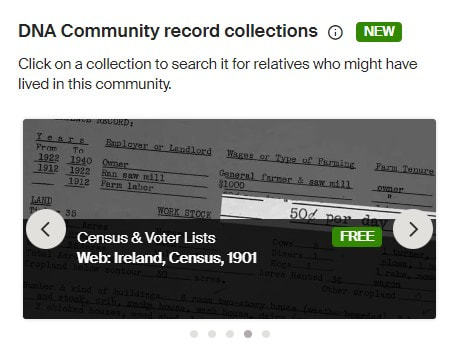
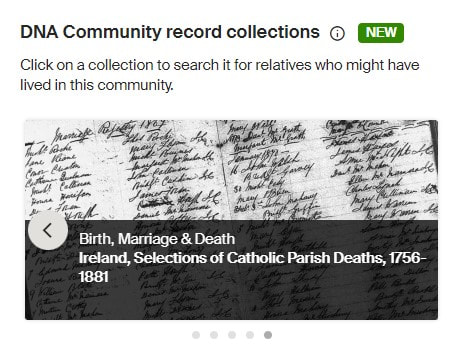
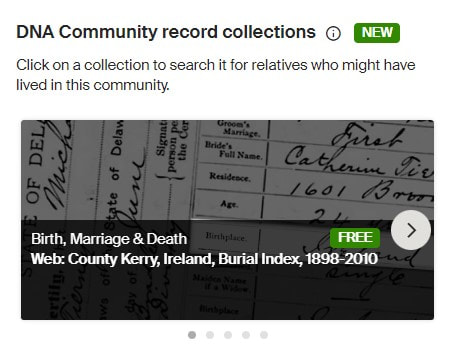
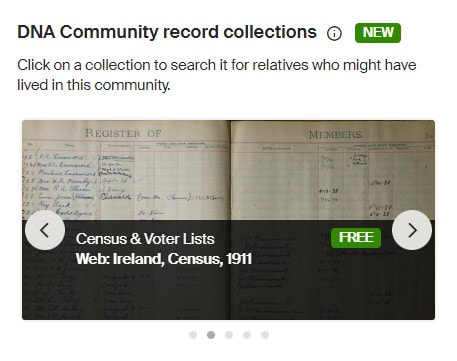
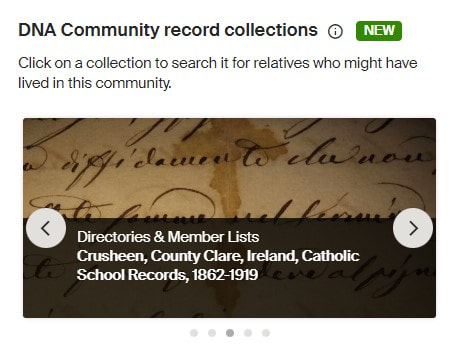
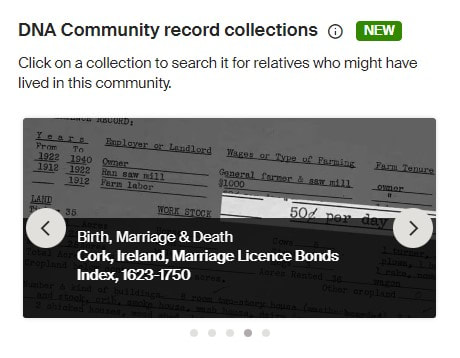
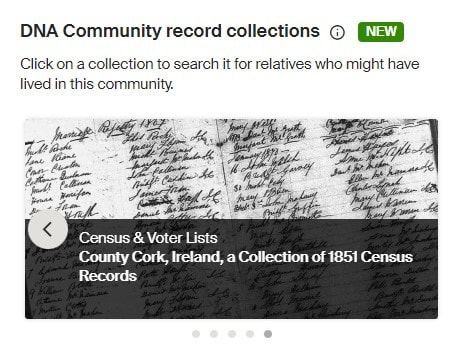
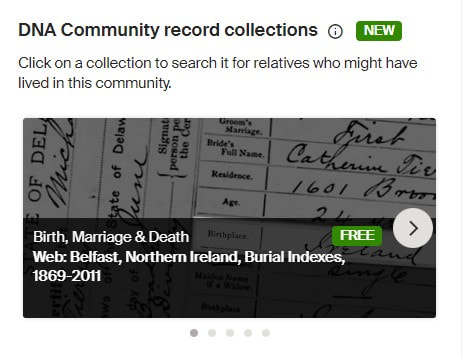
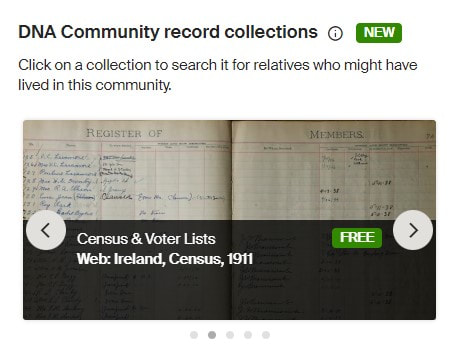
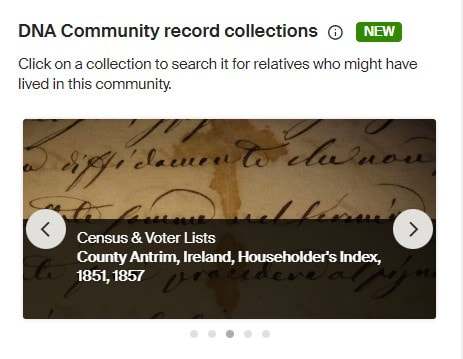
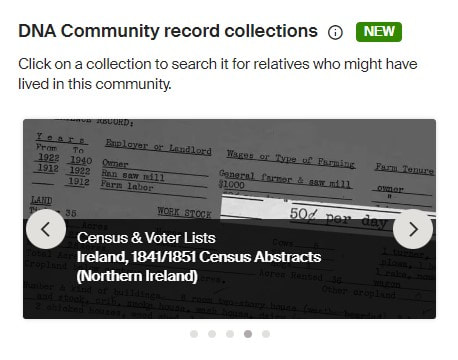
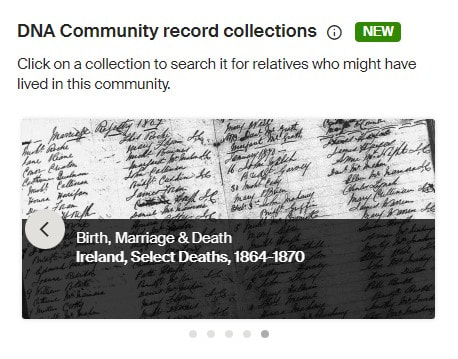
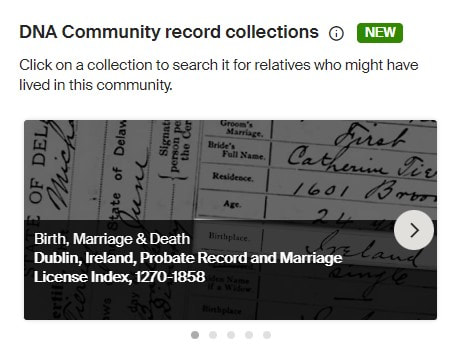
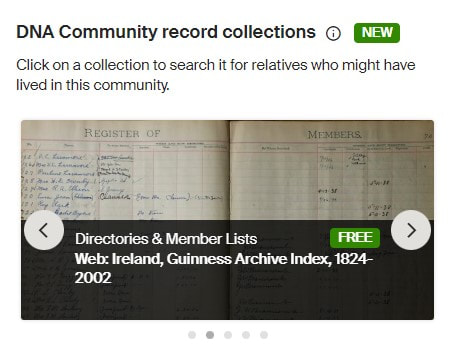
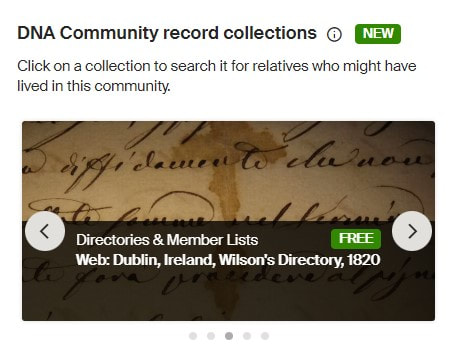
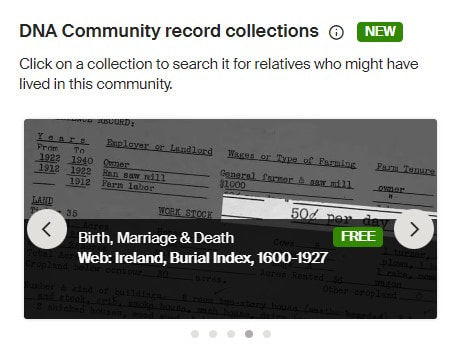
Irish DNA Community Record Collections
How to Get to DNA Community Record Collections
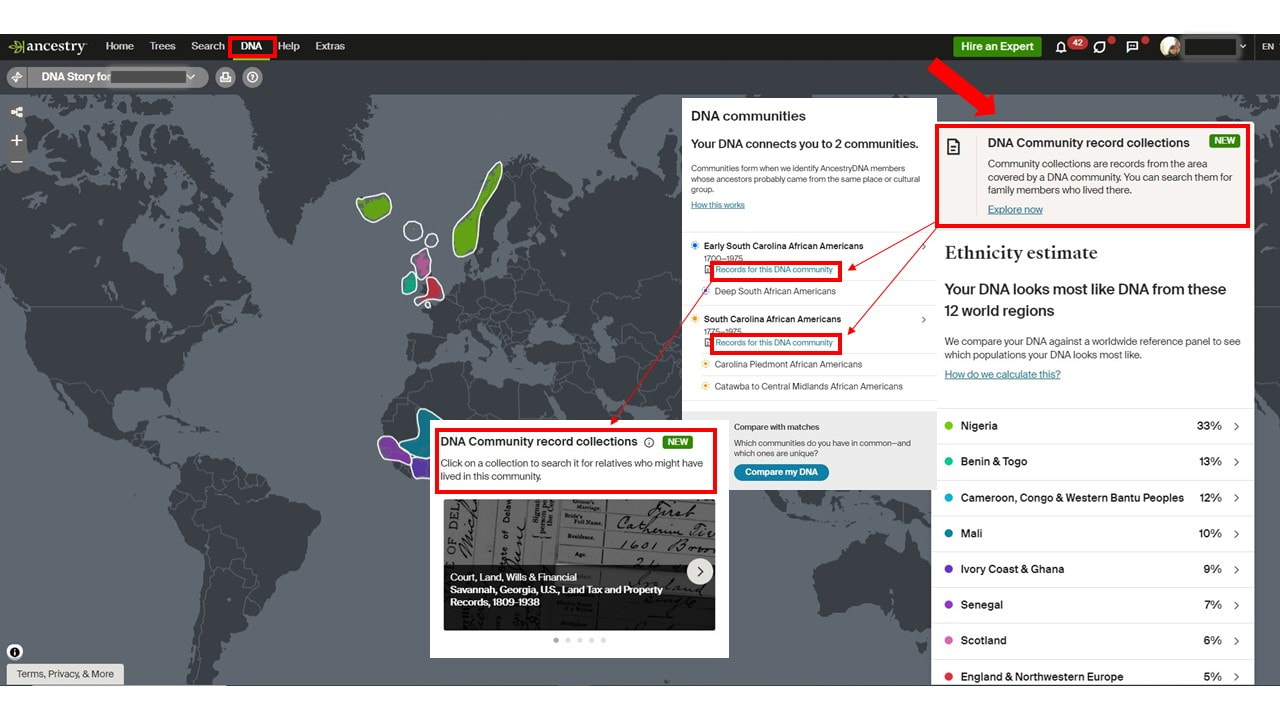 How to Get to Ancestry DNA Community Record Collections More Ancestry and Genealogy ResourcesLearn about more Ancestry updates, tips, tools, and features and other family history and genealogy resources under the Genealogy Resources category and on my dedicated Genealogy Resources page.
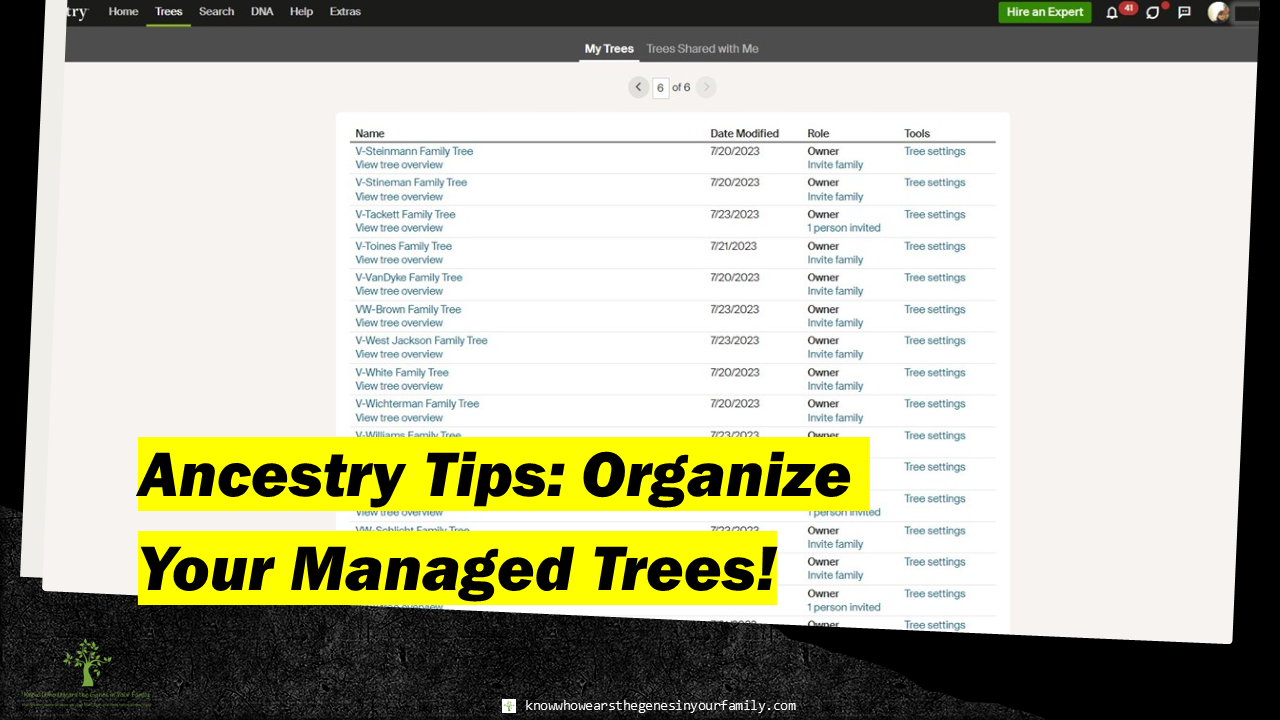 Ancestry Tips: Why You Should Organize Your Managed Trees! Ancestry Tips: Why You Should Organize Your Managed Trees! Do you have a long list of managed family trees on Ancestry? That list can get fairly long with more than just your personal family tree; you may have DNA match trees, client trees, test trees, family trees for friends, and volunteer case trees, and more! If so, it may be time to start organizing them! Organizing your managed trees on Ancestry may be a lot more important than you may think. If your managed trees aren’t organized, you may not be able to use some of the tools and features on Ancestry with them. Some Ancestry Tools/Features That May Not Work
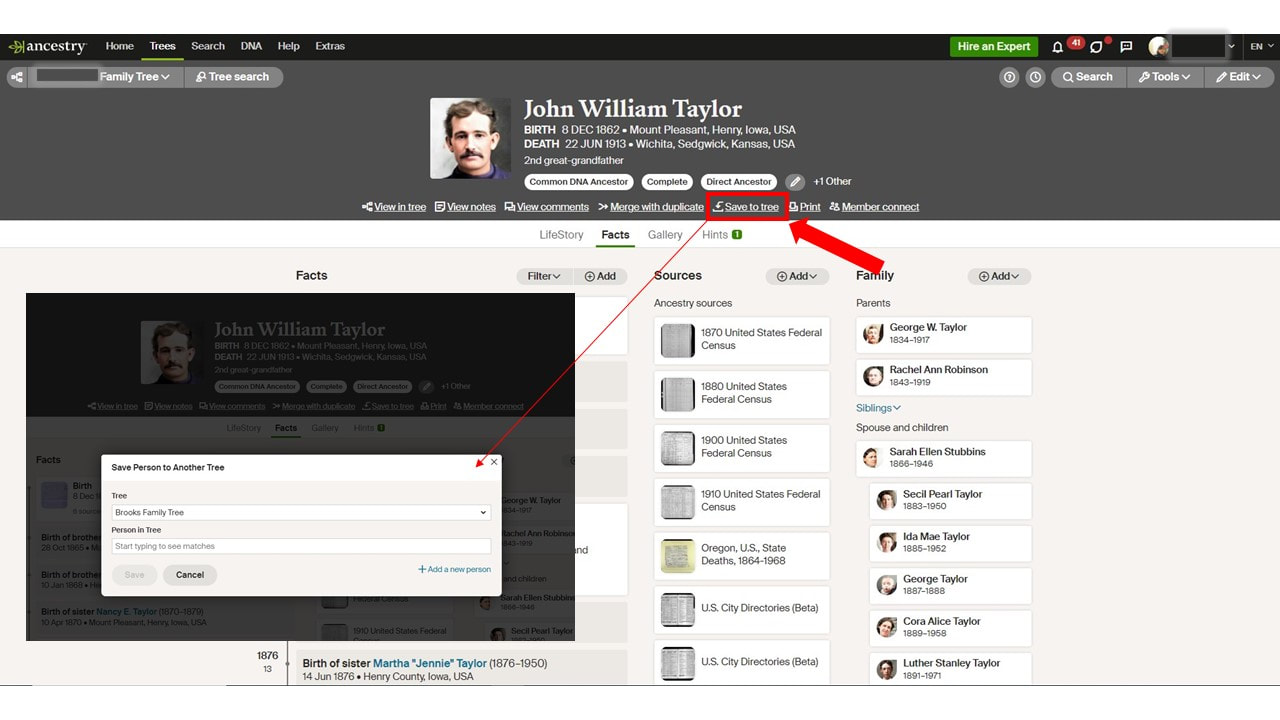 Ancestry's Save a Person to Another Tree Feature 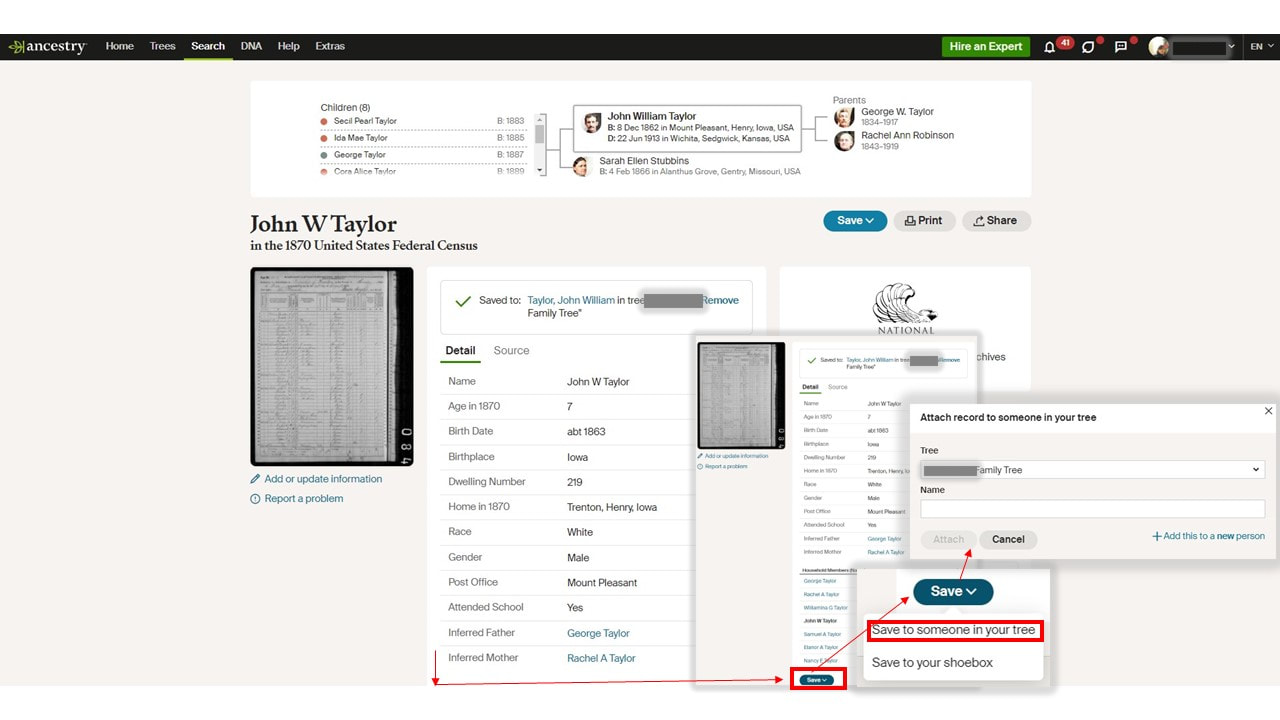 Ancestry's Save a Record to Someone Else Feature If you have more than 100 trees, you may not be able to use these features for some of your trees. Ancestry cuts the drop-down lists (shown in the above examples) for these features off at 100, so any trees after the first 100 will be affected. My main/personal family tree starts with an “S”; therefore, it was near the end of the list, and I couldn’t use the “save a record to someone” else feature, which was very frustrating and time consuming. This feature is meant to make things easier and save valuable time. You will want to make sure that any trees that are no longer important, such as archived clients, etc., are moved to the bottom of the list. You can think up any clever naming/labeling system that works for you. I quickly chose a temporary system, for the meantime, that allows me to use these features for the trees that I need to use them on. It is simple, but not only does it let me use these important features, but it also helps me stay organized, by knowing what types of trees they are. I may need to give it a lot more thought in the future. 😉 My temporary Naming/Labeling system
All my personal trees are scattered between, but still fall in the drop-downs. Where to Change Tree Names
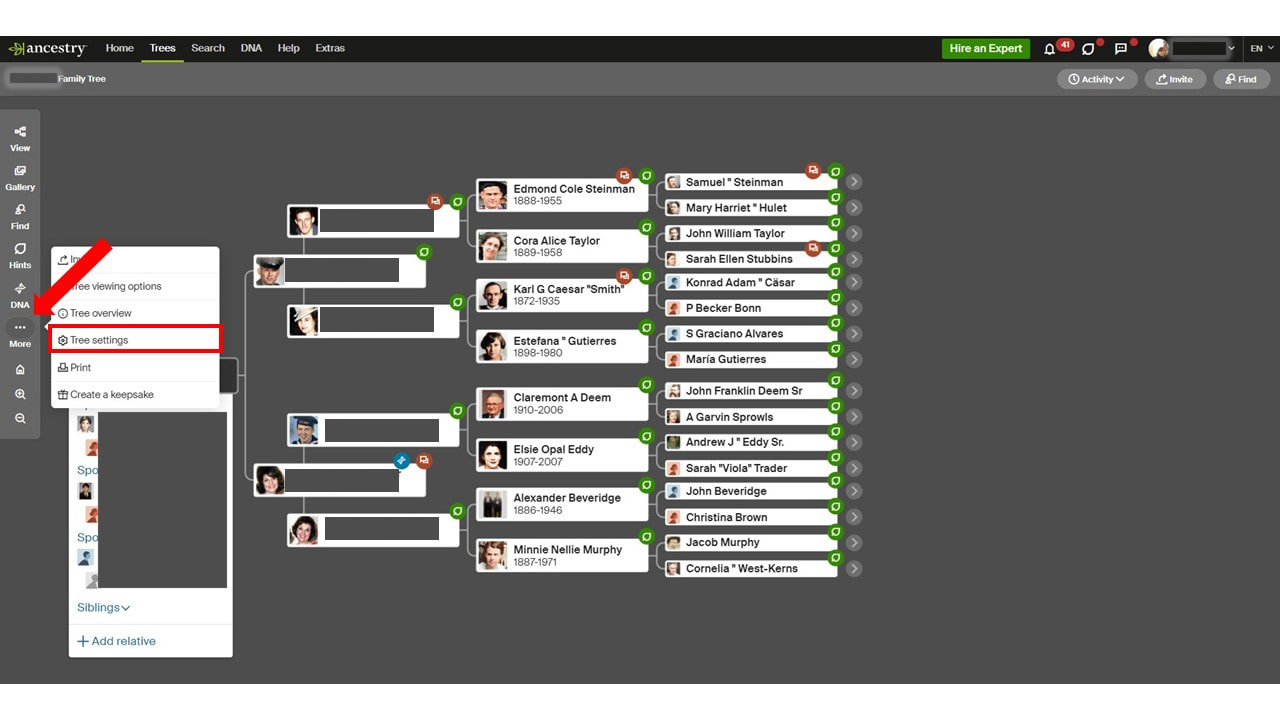 Ancestry's Individual Tree Settings-Example 1 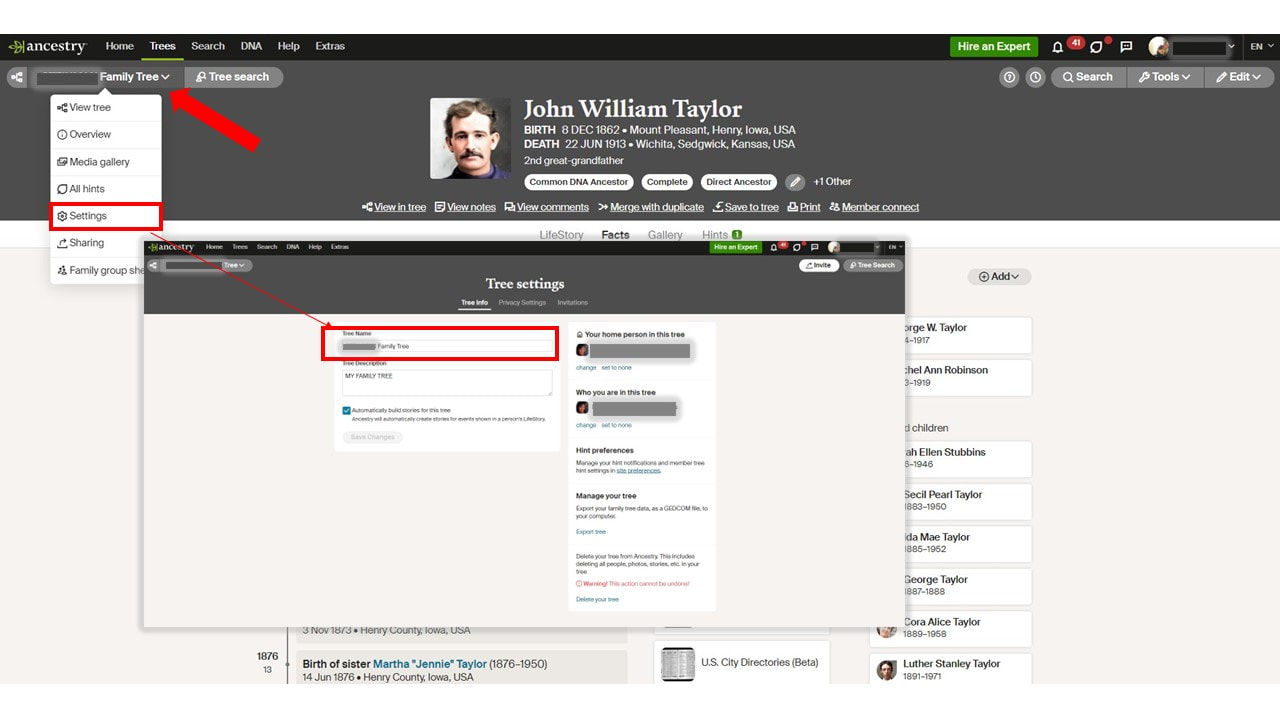 Ancestry's Individual Tree Settings-Example 2
 Ancestry's Create & Manage Trees Example 1 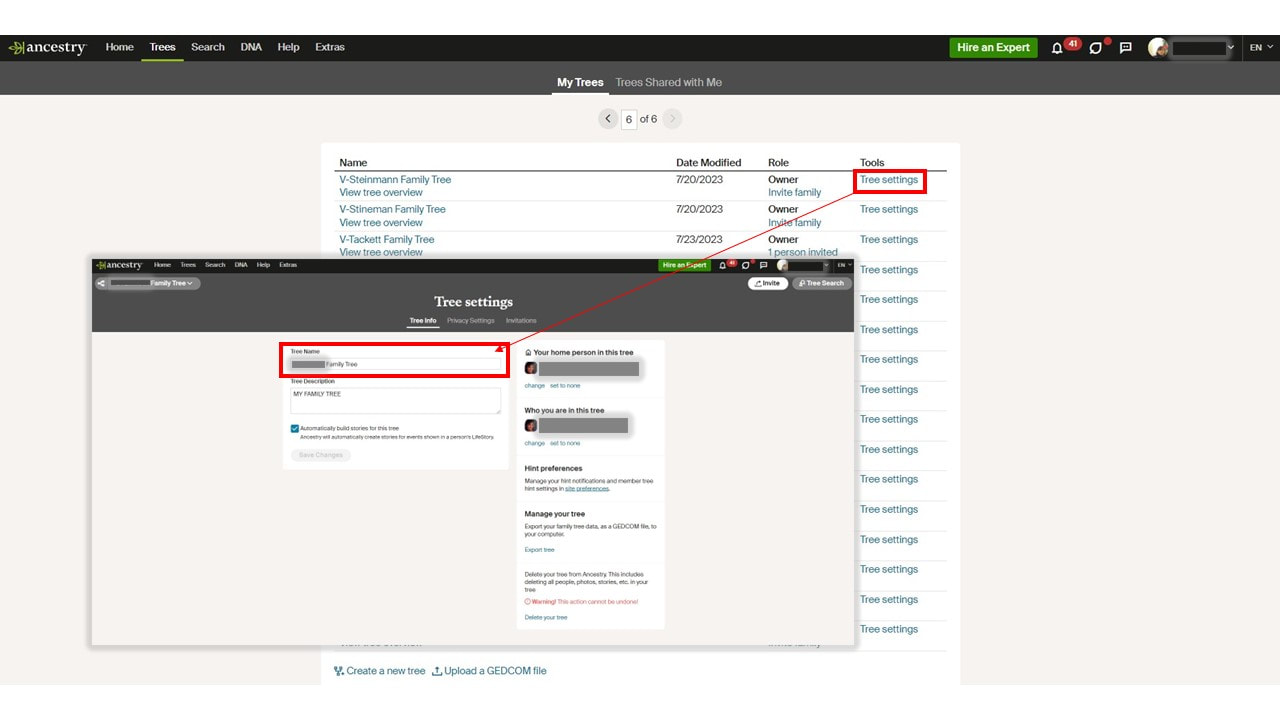 Ancestry's Create & Manage Trees-Example 2 *Note: Your labeling system can be changed at any time, as well as removing a name for syncing or reports, then renaming again. *Note: You can also do this for any trees shared with you, as editor. More Genealogy ResourcesLearn about more Ancestry tips, tools, and features and other family history and genealogy resources under the Genealogy Resources category and on my dedicated Genealogy Resources page.
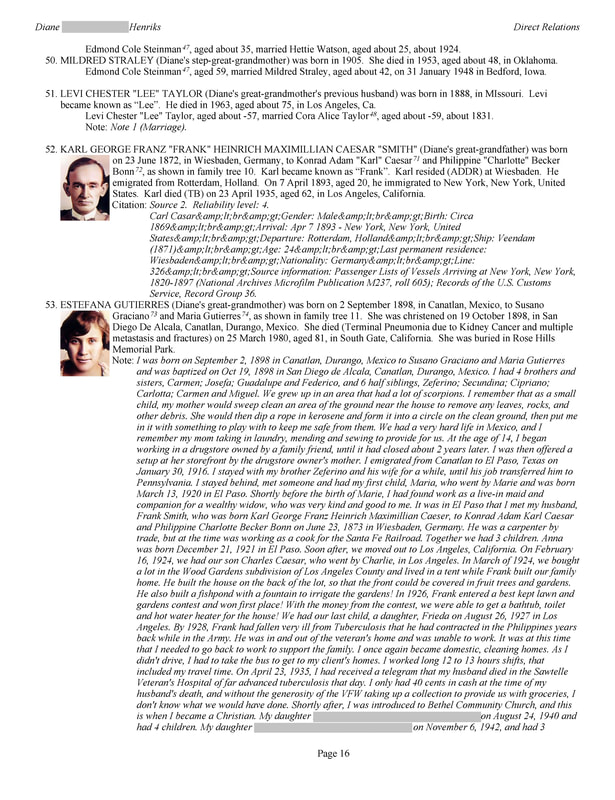
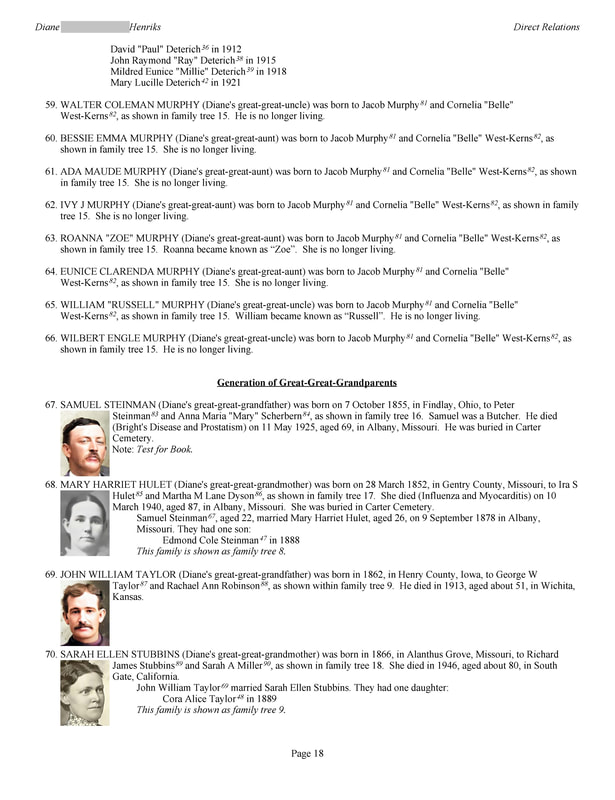
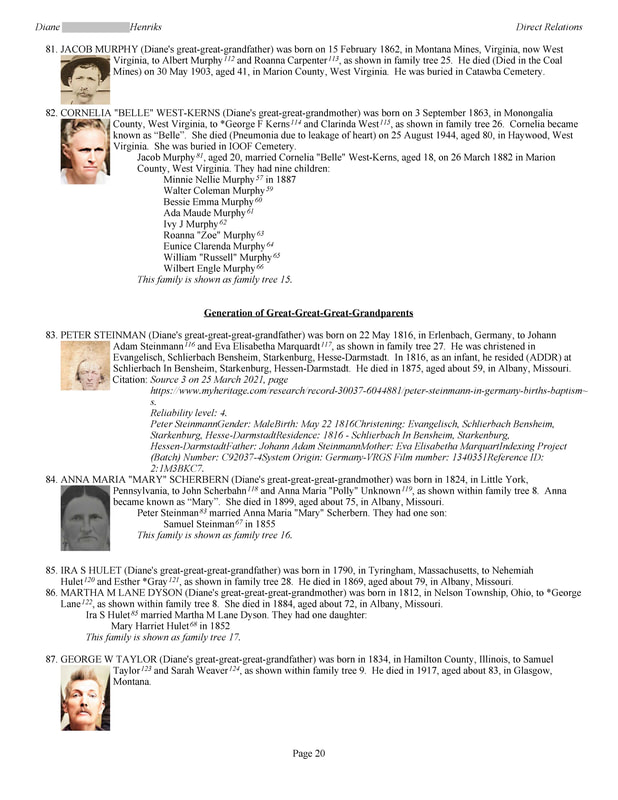
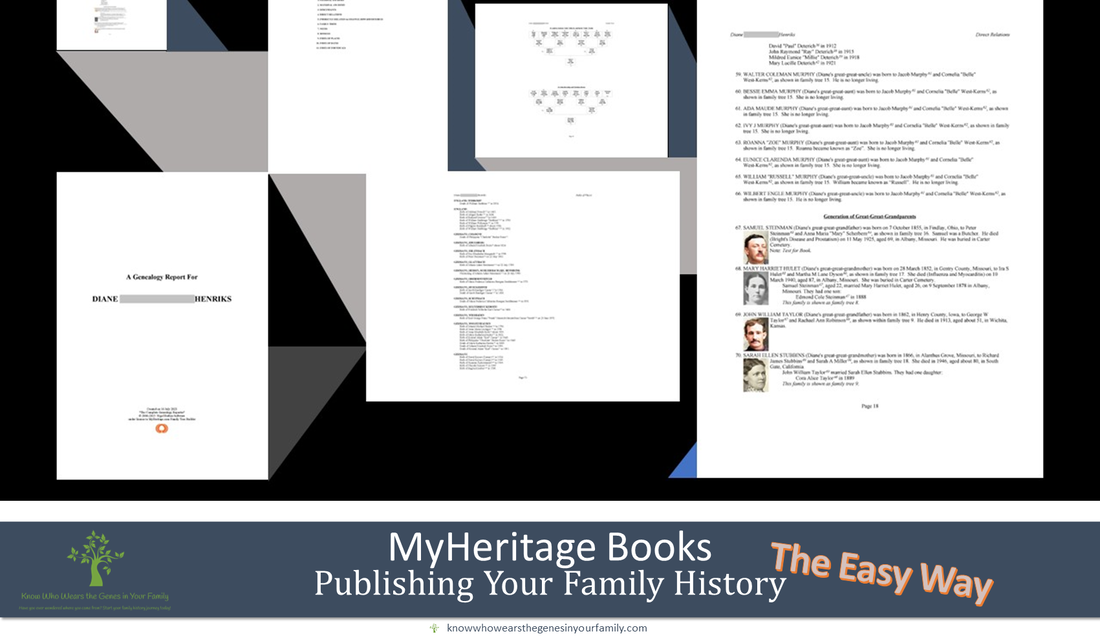 Publish Your Family History with Effortless MyHeritage Family Books! Publish Your Family History Easily with MyHeritage Family Books!Want to publish your family history or genealogy, but you’re not much of a writer, typist, or the task just seems like an impossible feat to hurdle? No need to stress, ANYONE can publish their family history! The best and easiest way to publish your family history is with a MyHeritage Family Book. This professional, detailed, heirloom style genealogy and family history book is generated automatically, within a matter of minutes, using the info in your MyHeritage family tree, taking absolutely ALL the work out of it for you and leaving this as the simplest and best option out there! The best part? It’s completely FREE! Information Included in a MyHeritage Family Book:
MyHeritage Family Book Print Options:
MyHeritage Family Book Print Sizes Included:
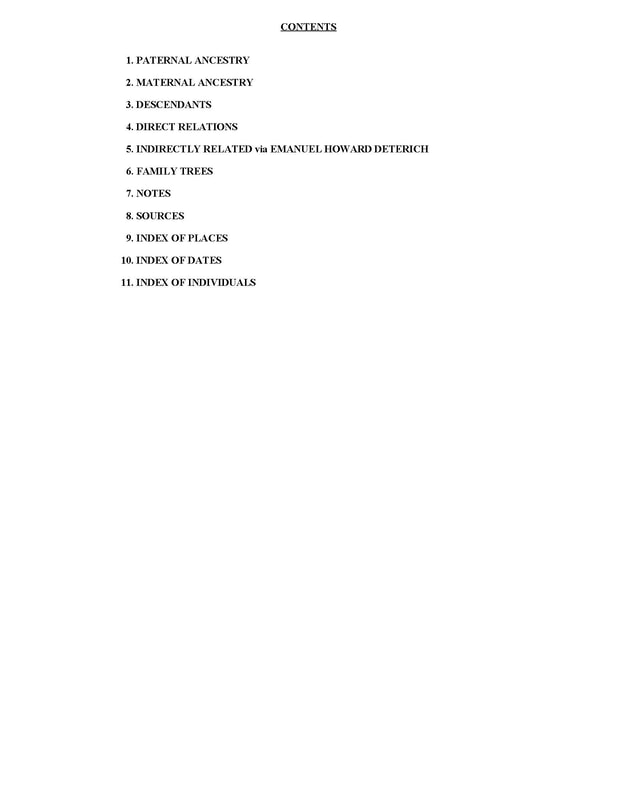
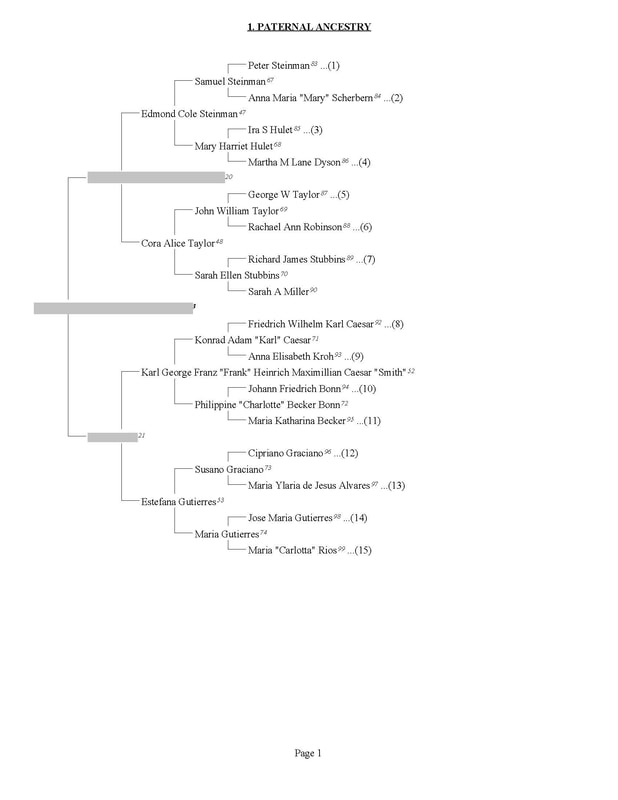
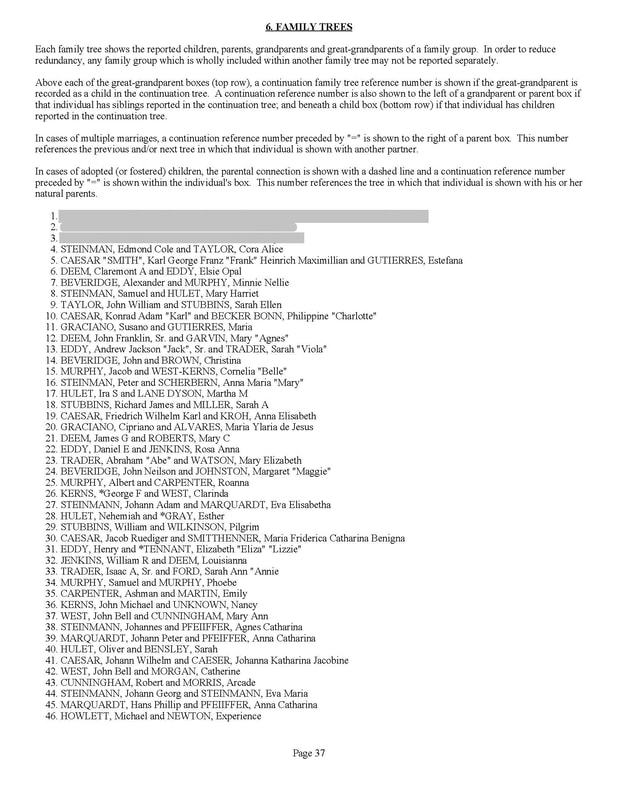
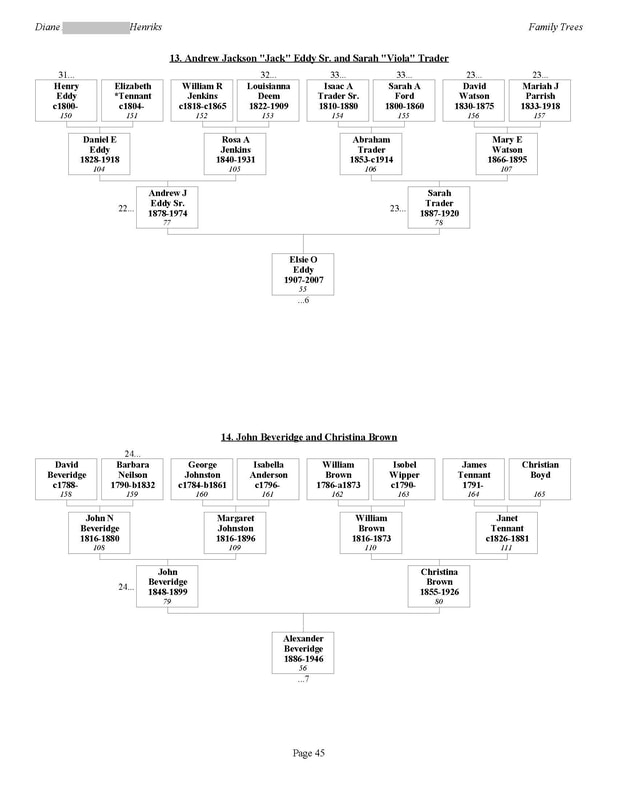
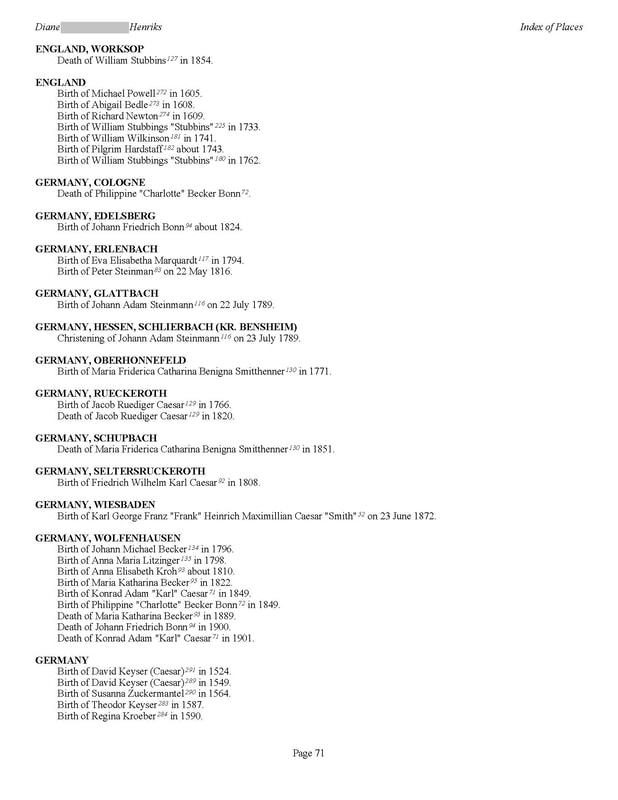
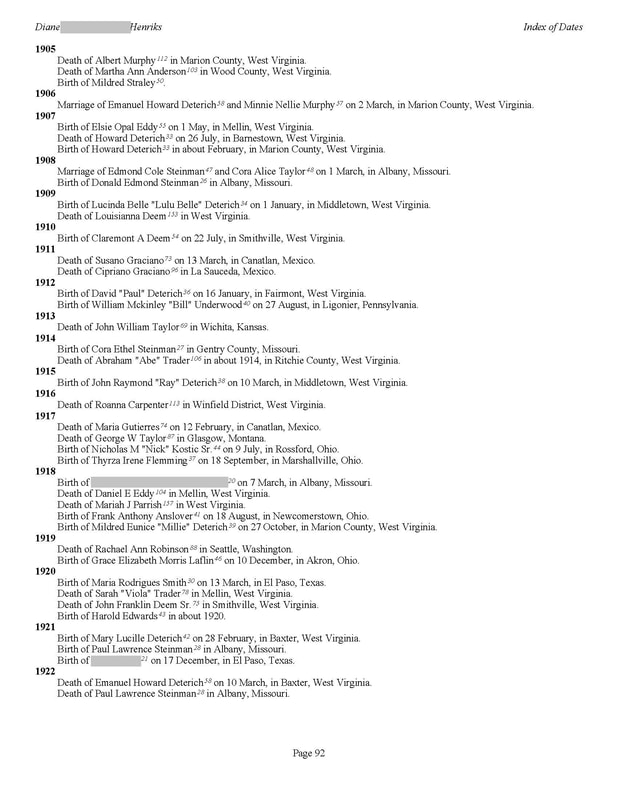
MyHeritage Family Book Examples: Using just my direct line tree, you can see some of the beautiful pages of the book. Keep in mind that the tree I used to create this book only includes my direct line, with a few others in the tree, and the more people and info you have in your tree, the fuller the book will be! This direct line only book generated 101 pages, so just think of how many pages you’ll get using your complete tree! 😉 *Note: You can begin your book with anyone in your tree, thus you can make heirloom books as gifts for family as well! 😊
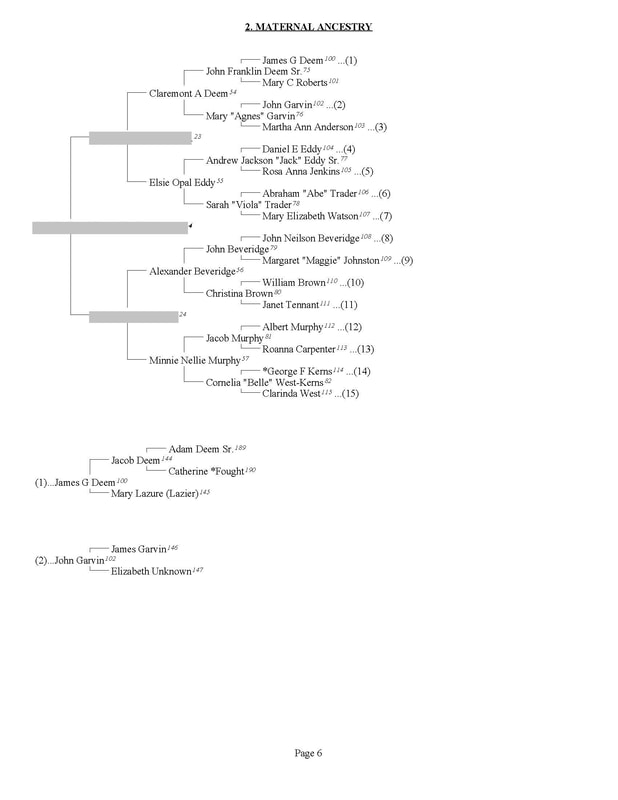
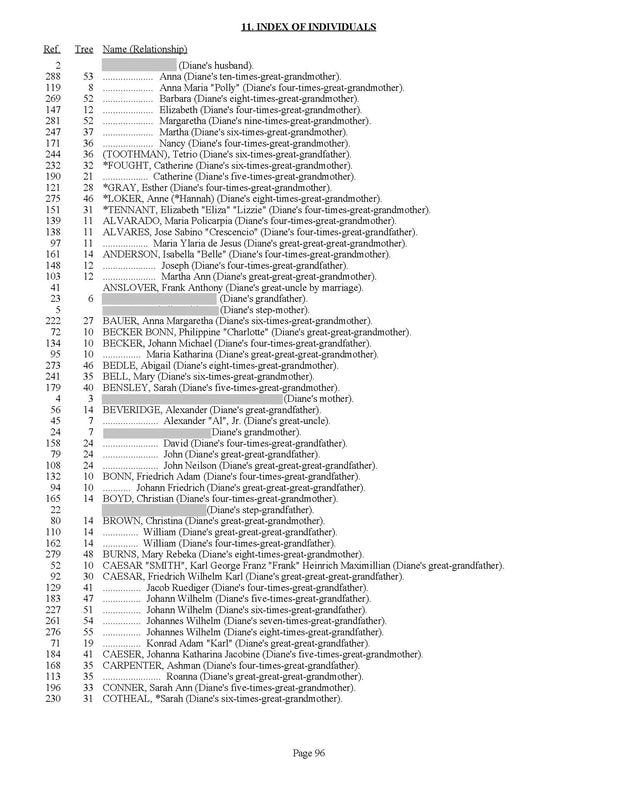
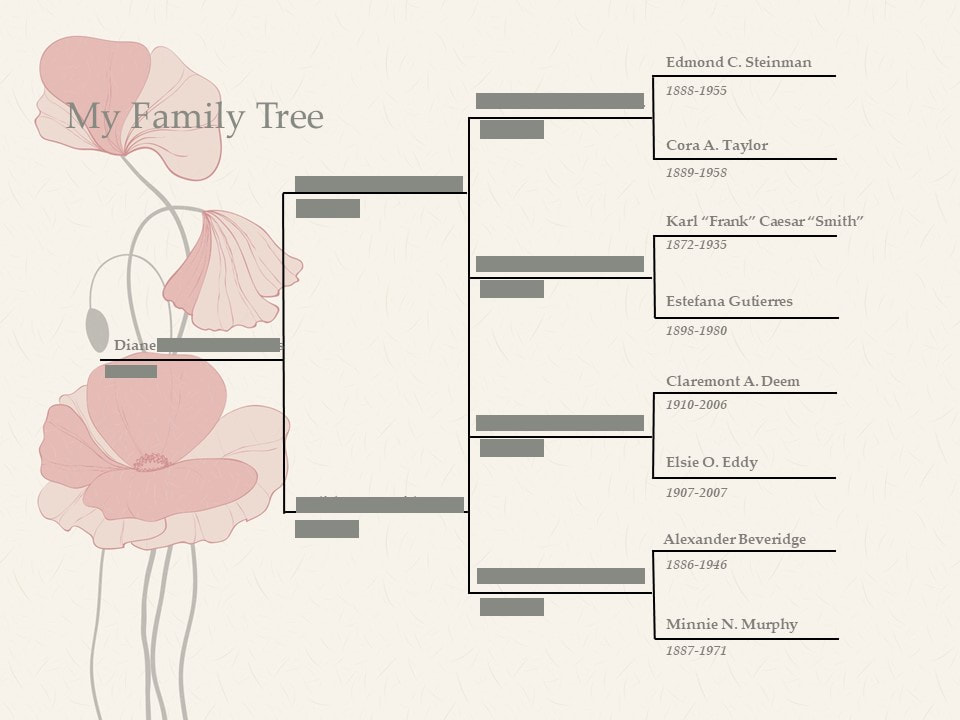
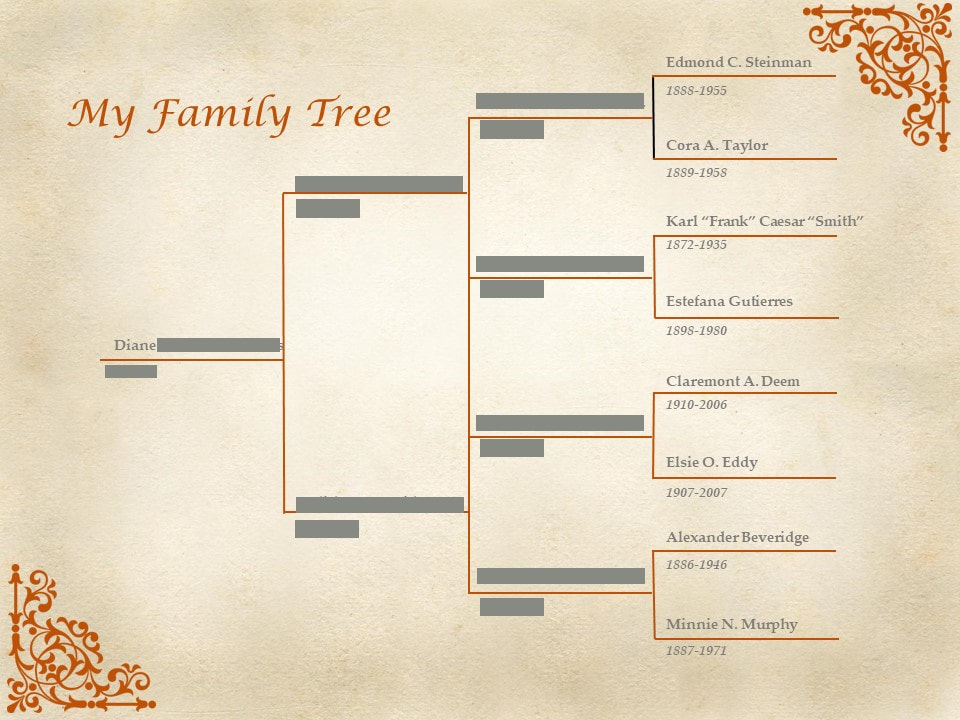
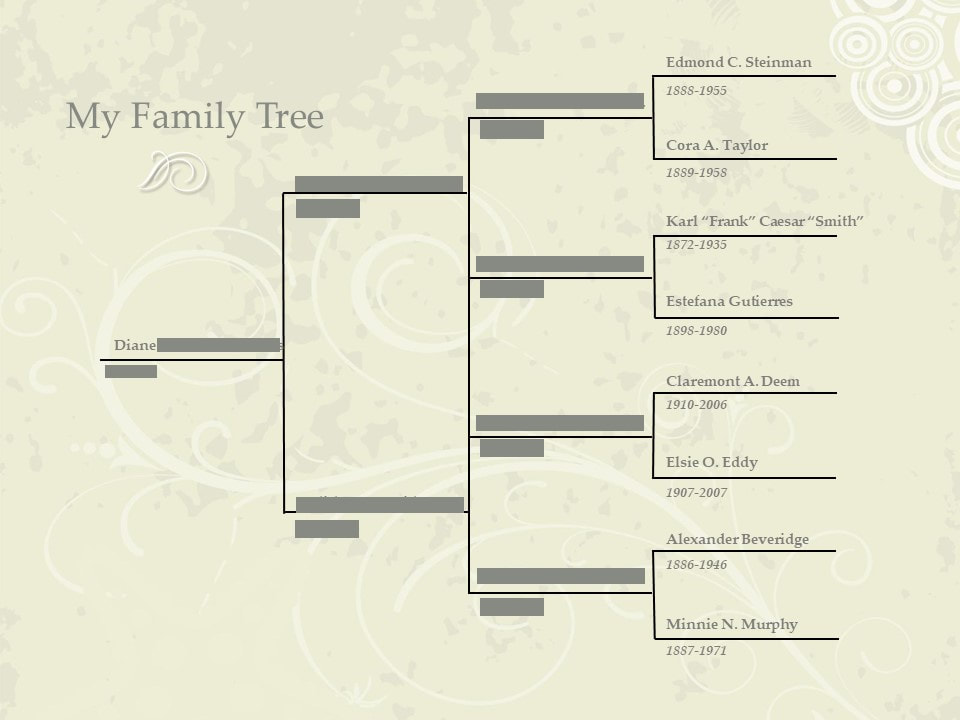
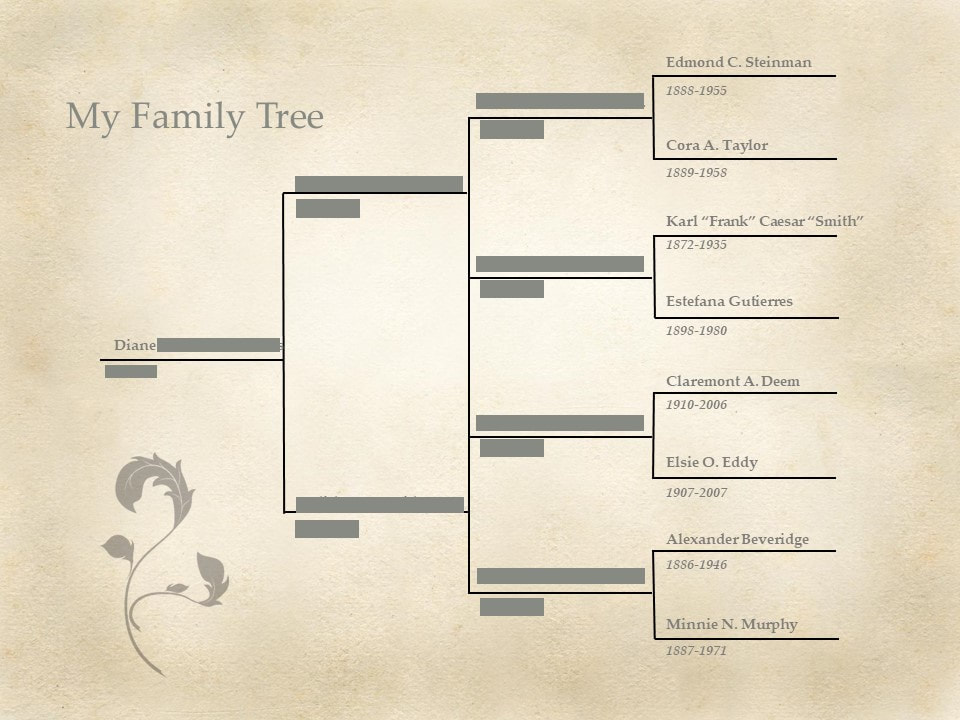
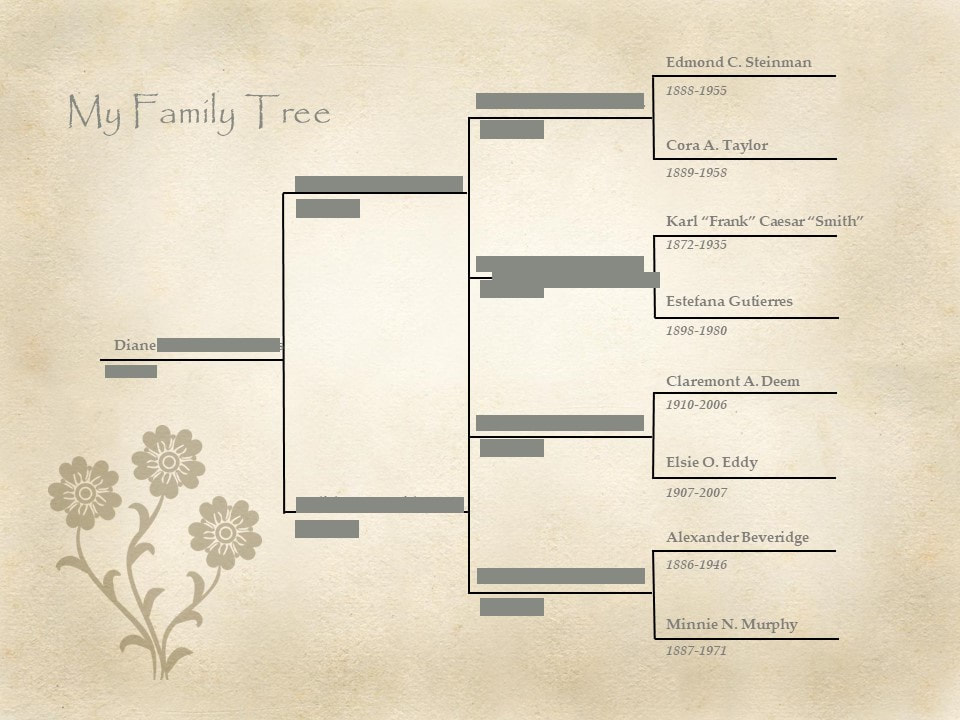
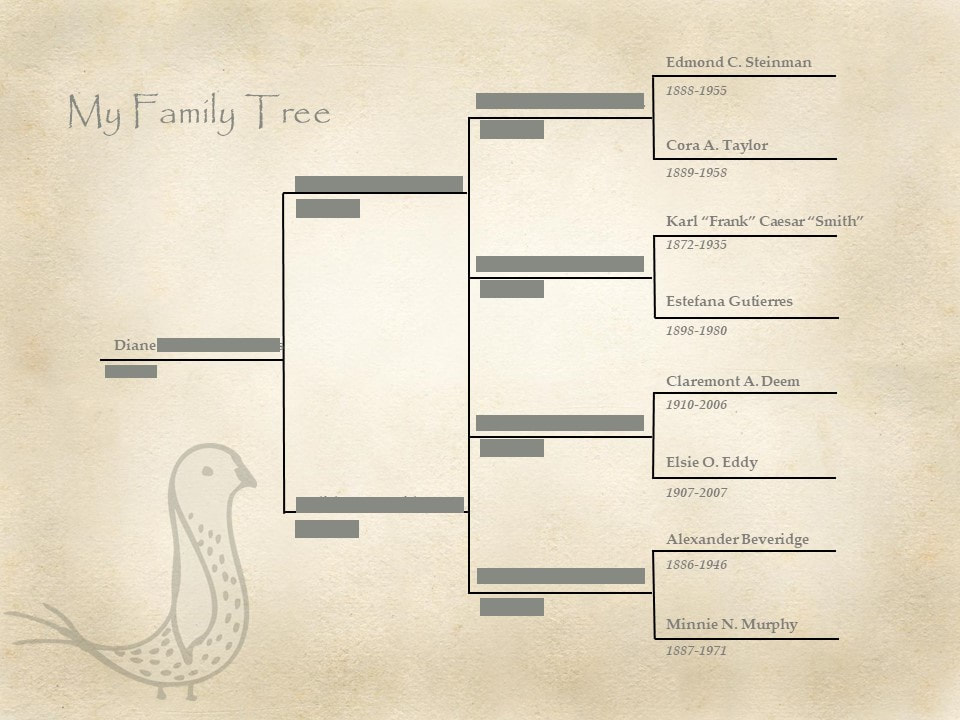
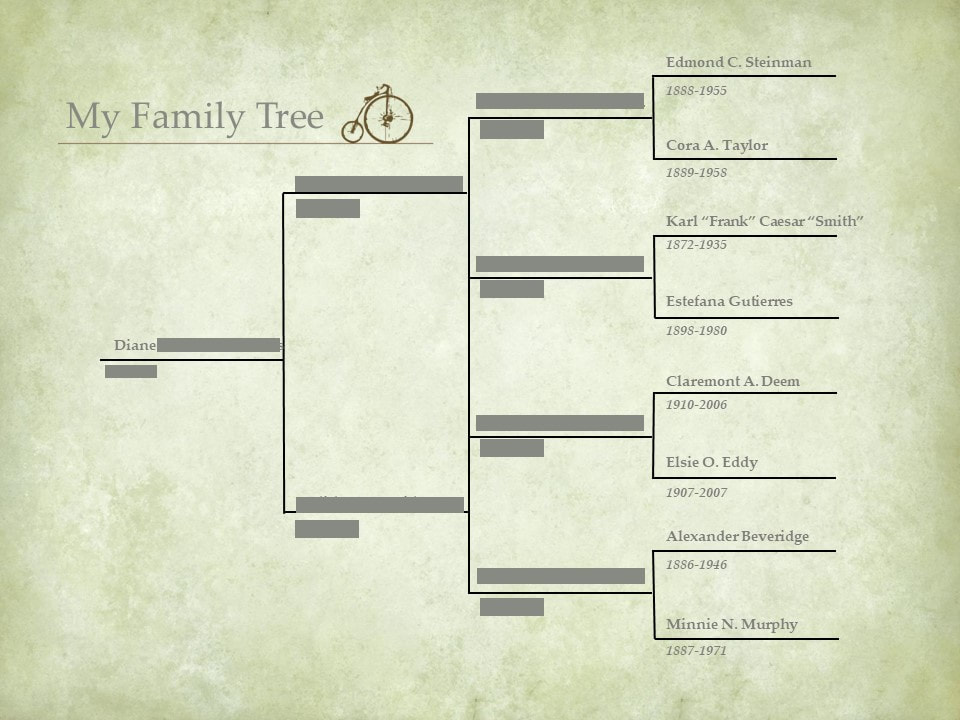
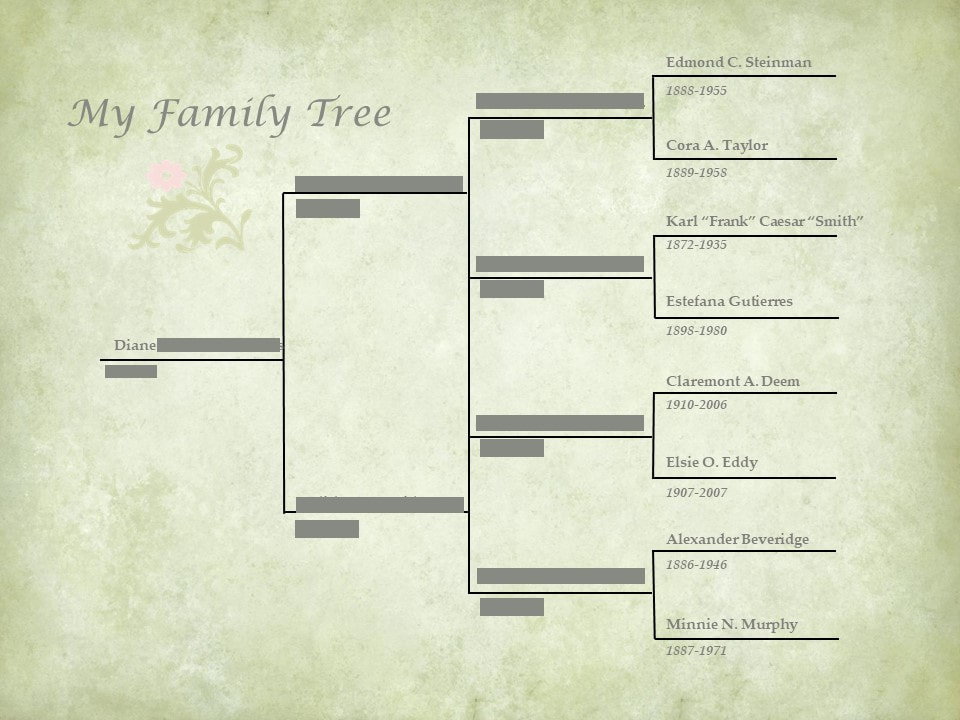
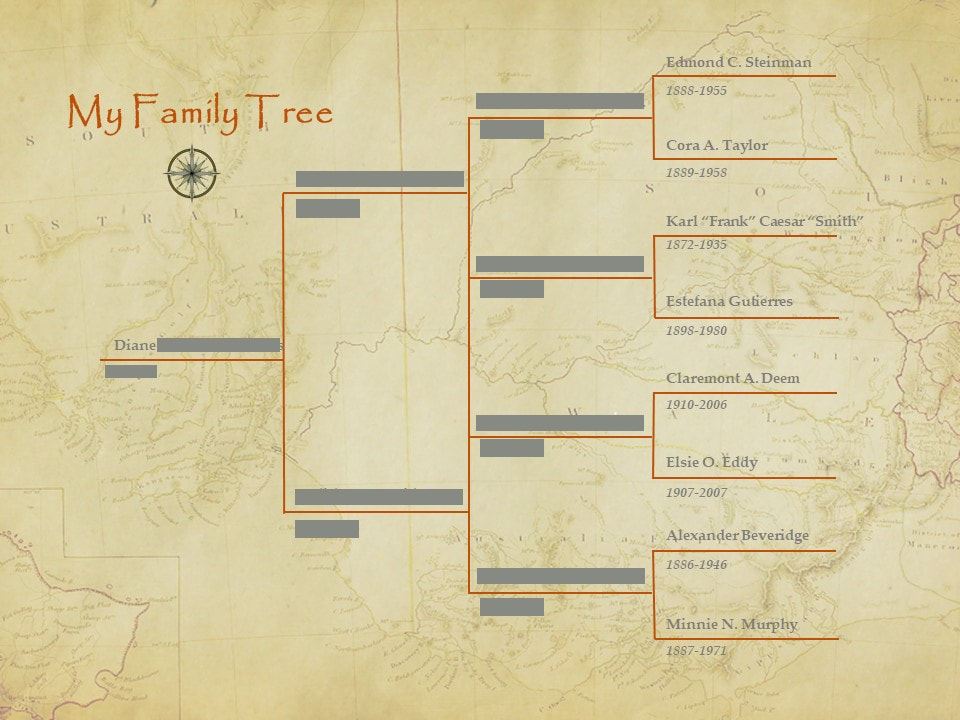
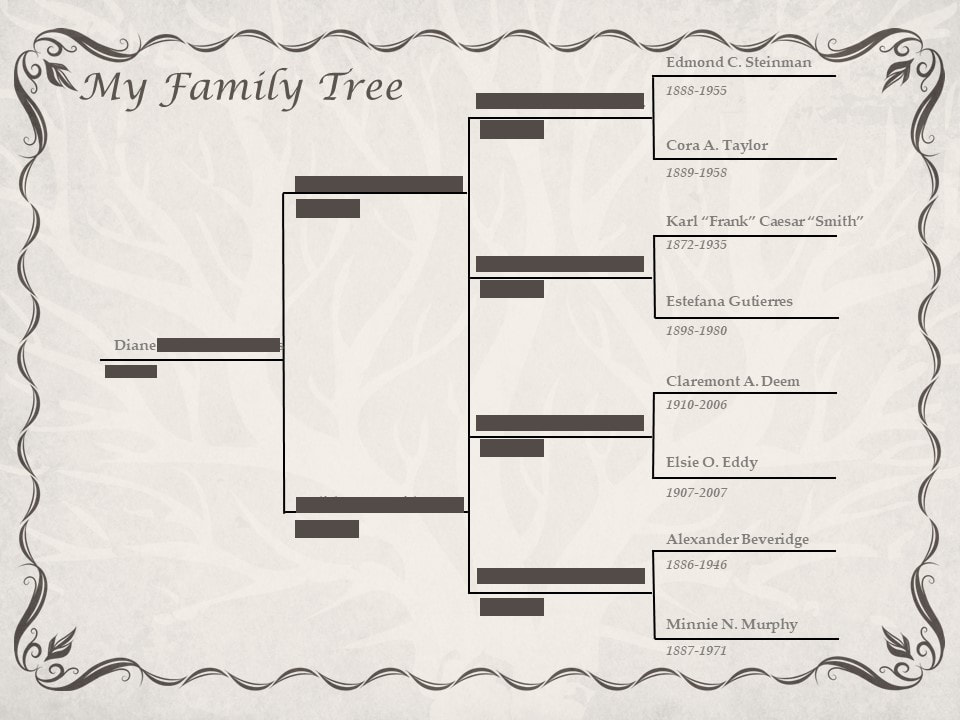
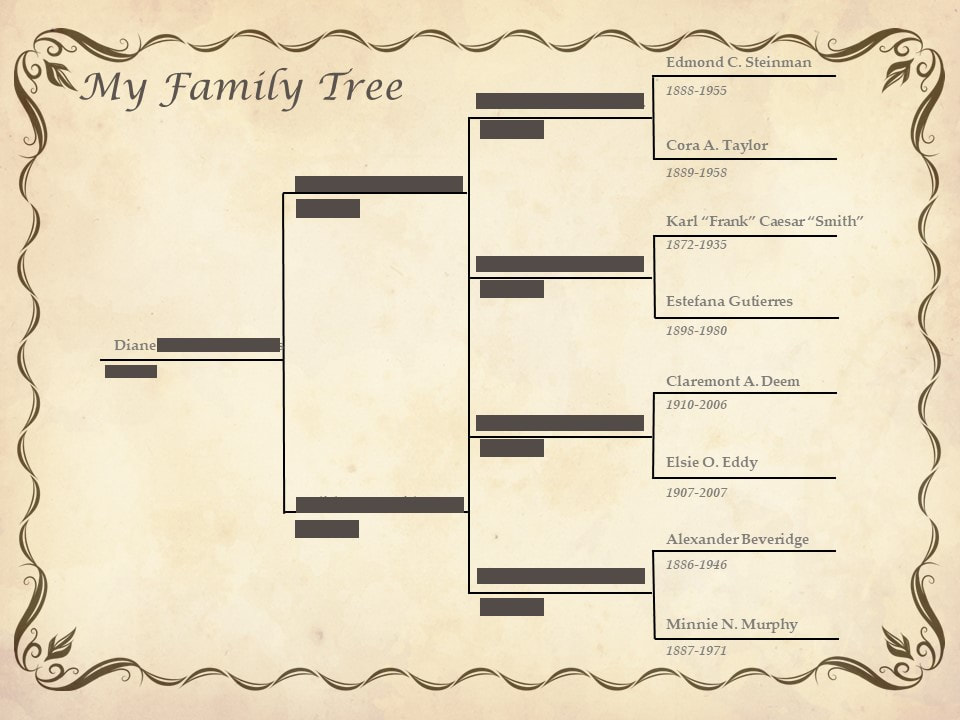
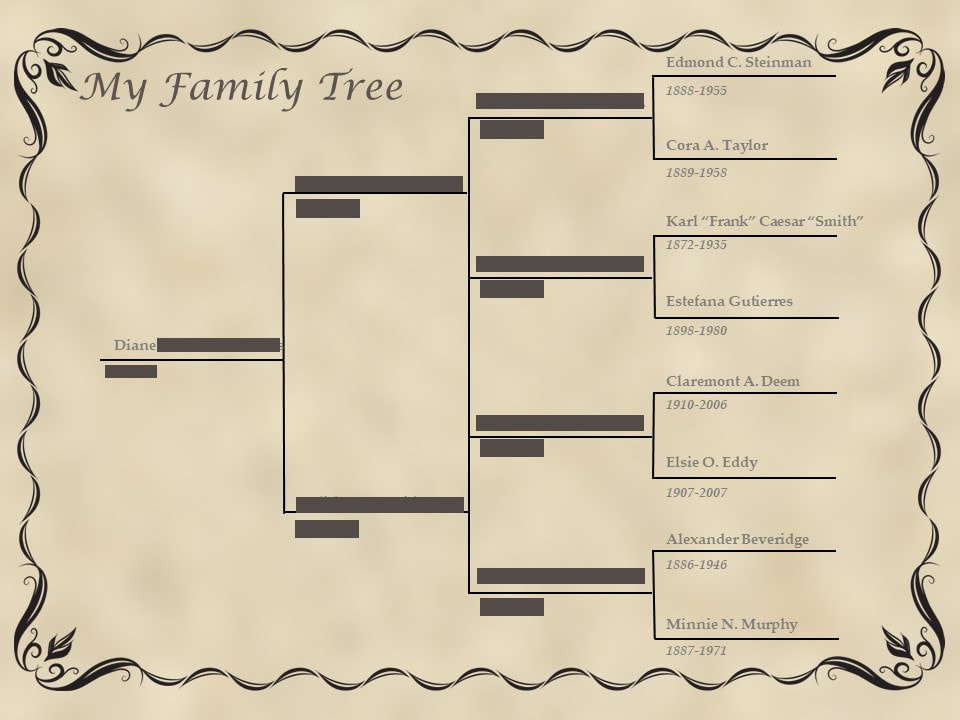
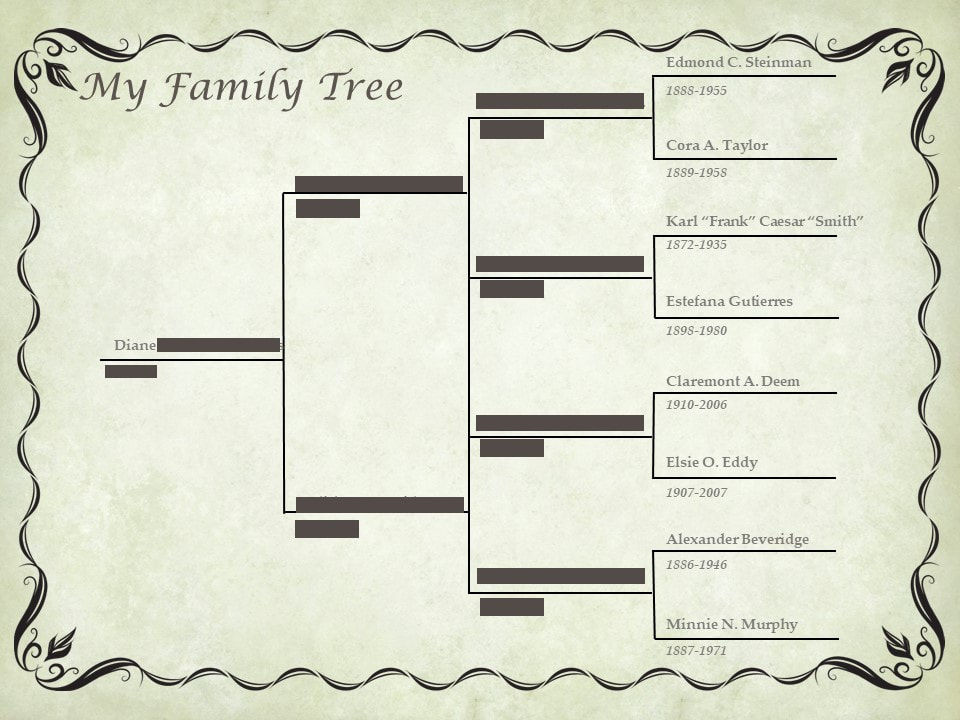
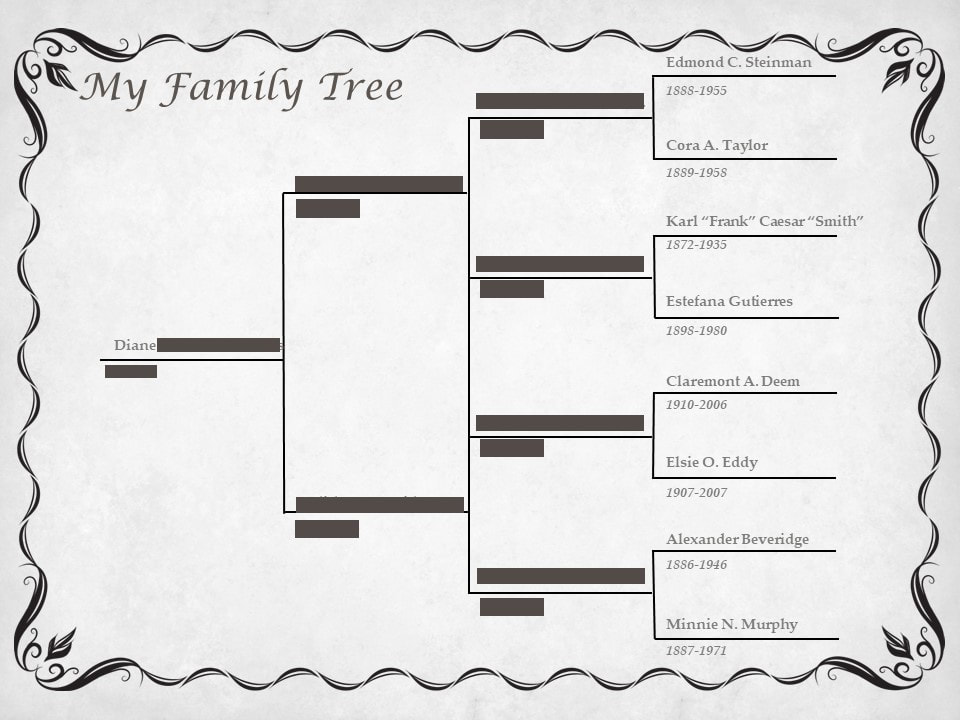
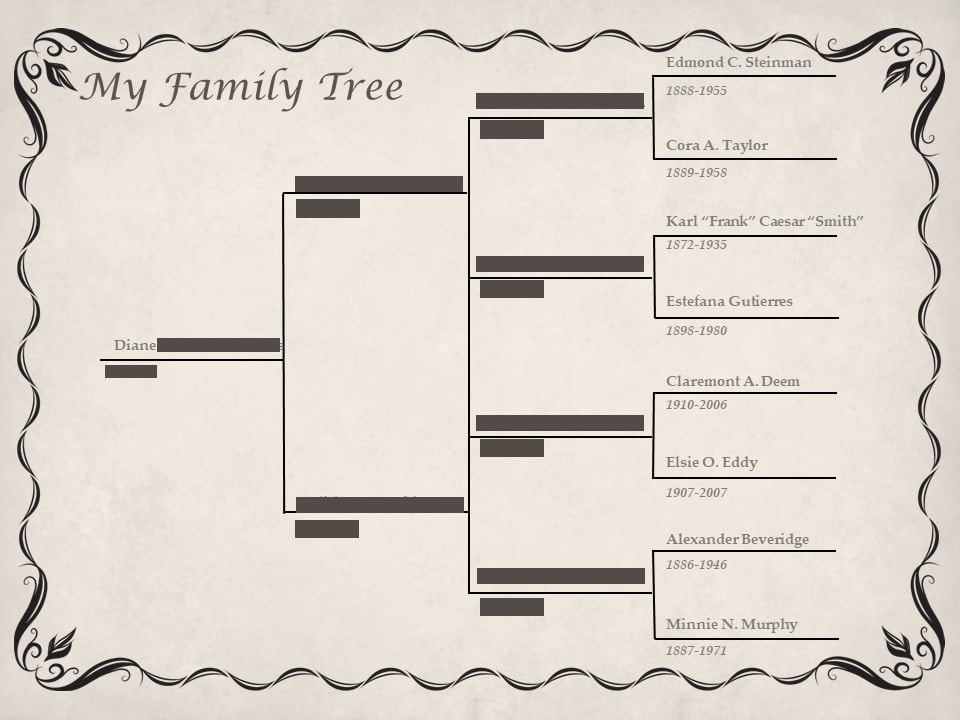
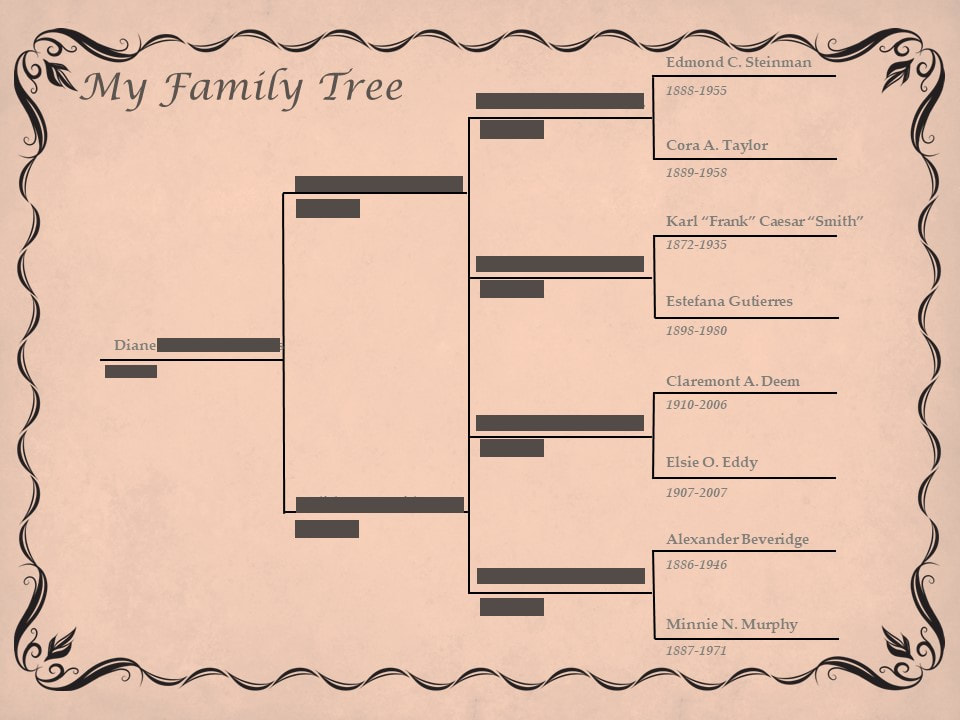
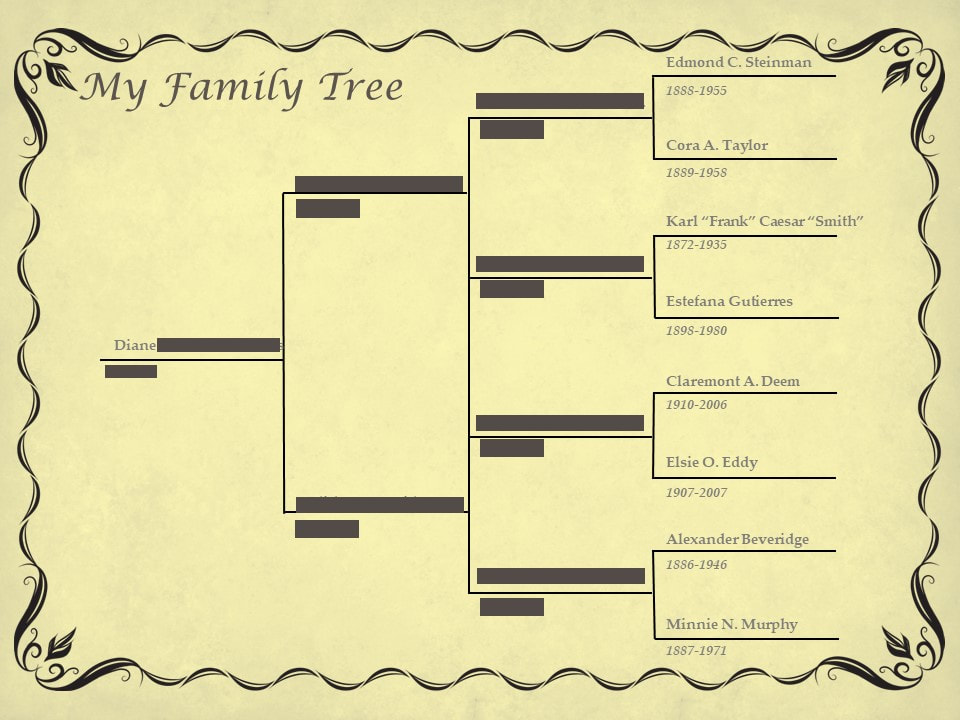
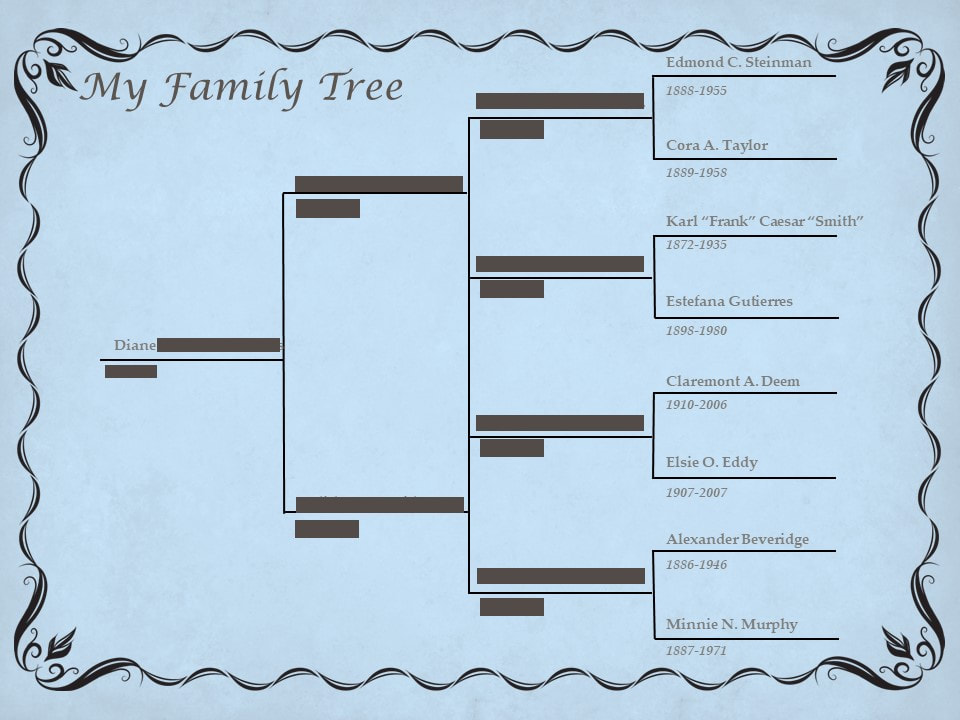
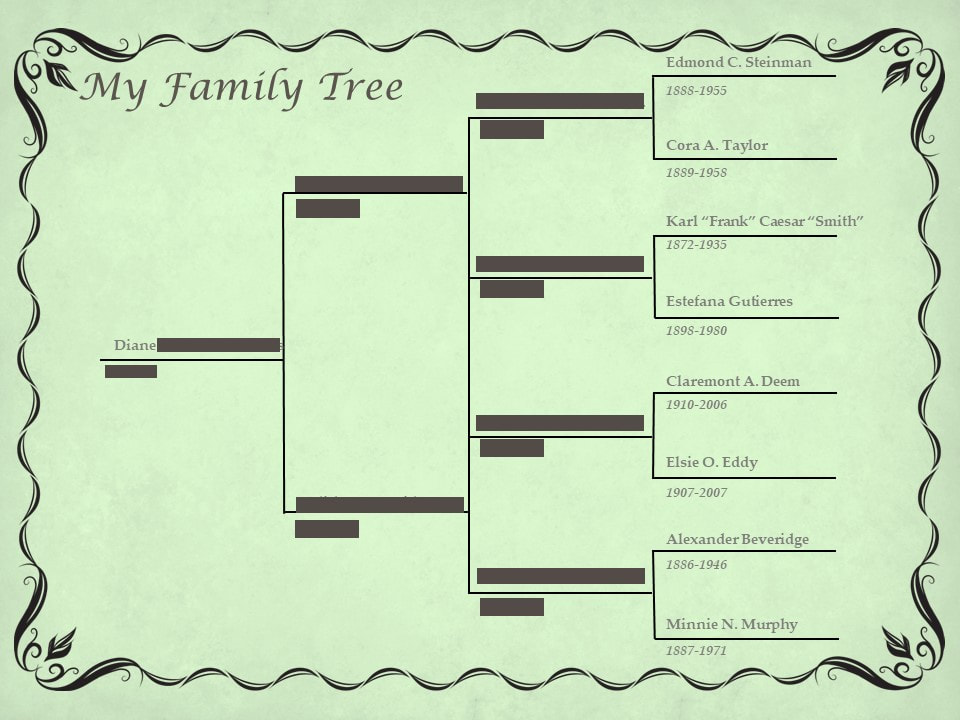
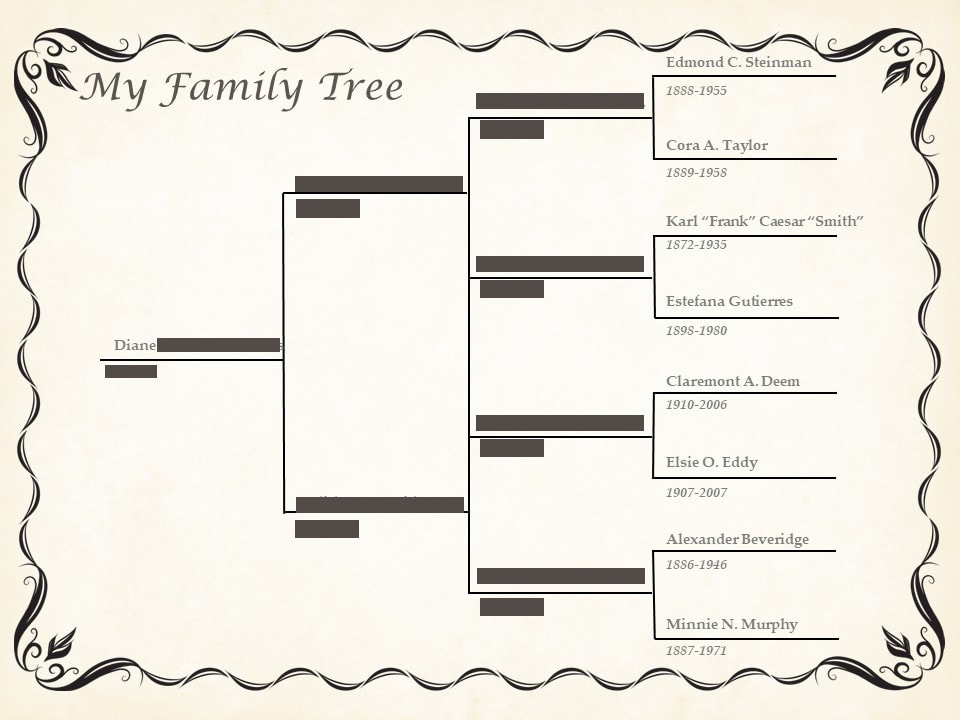
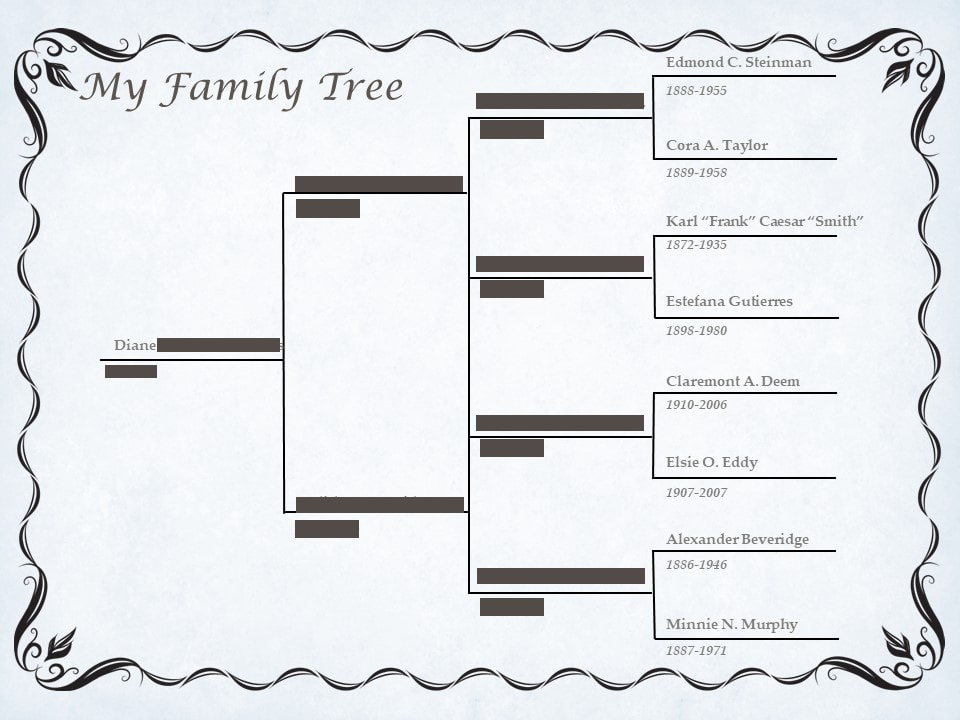
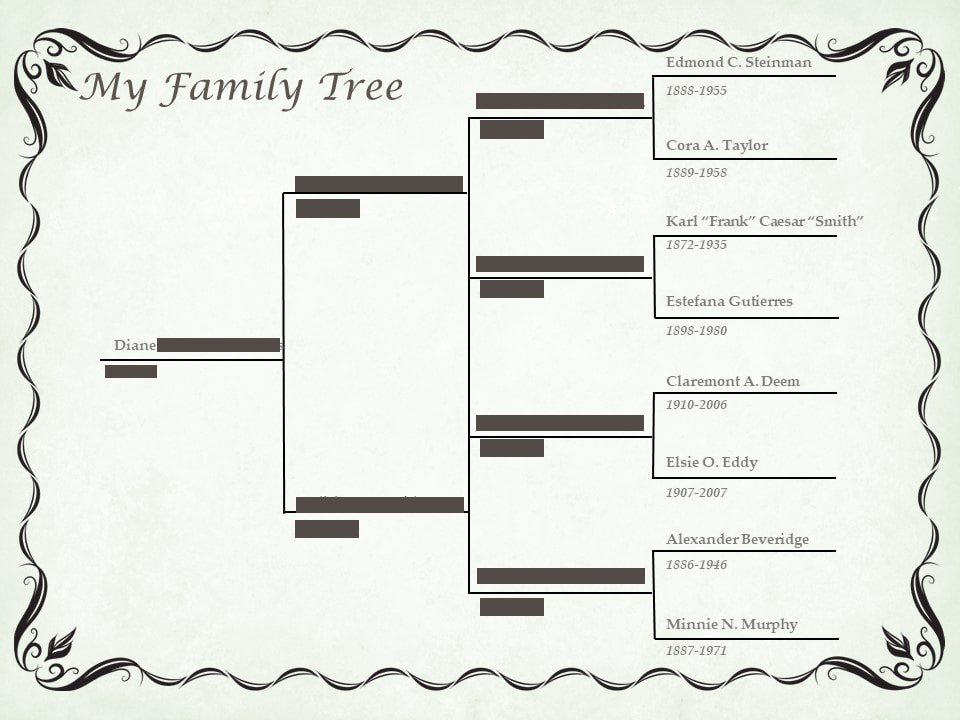
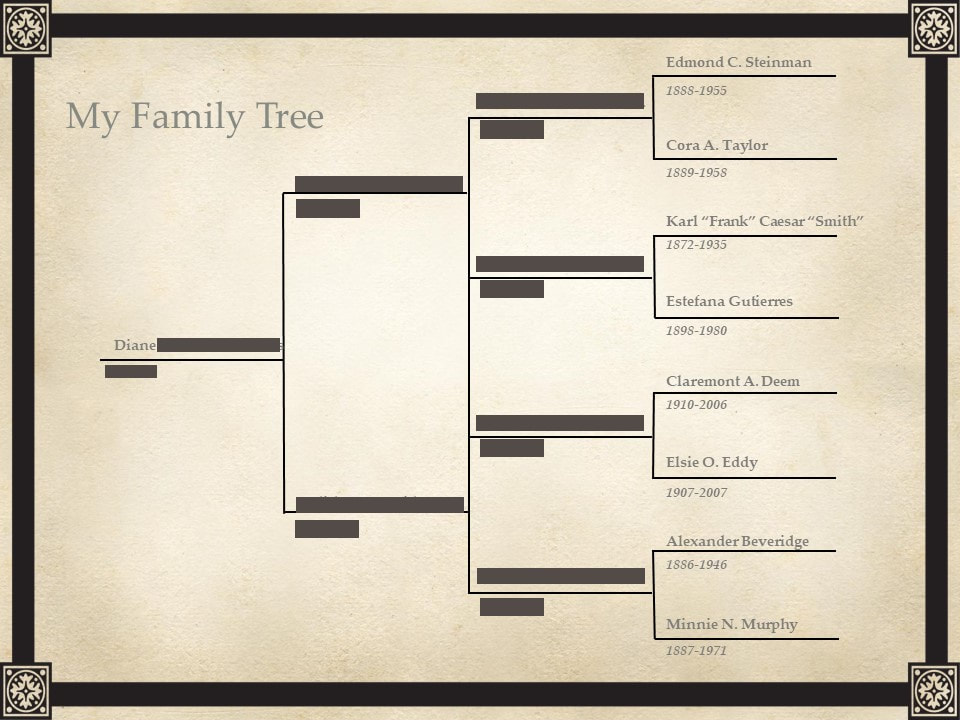
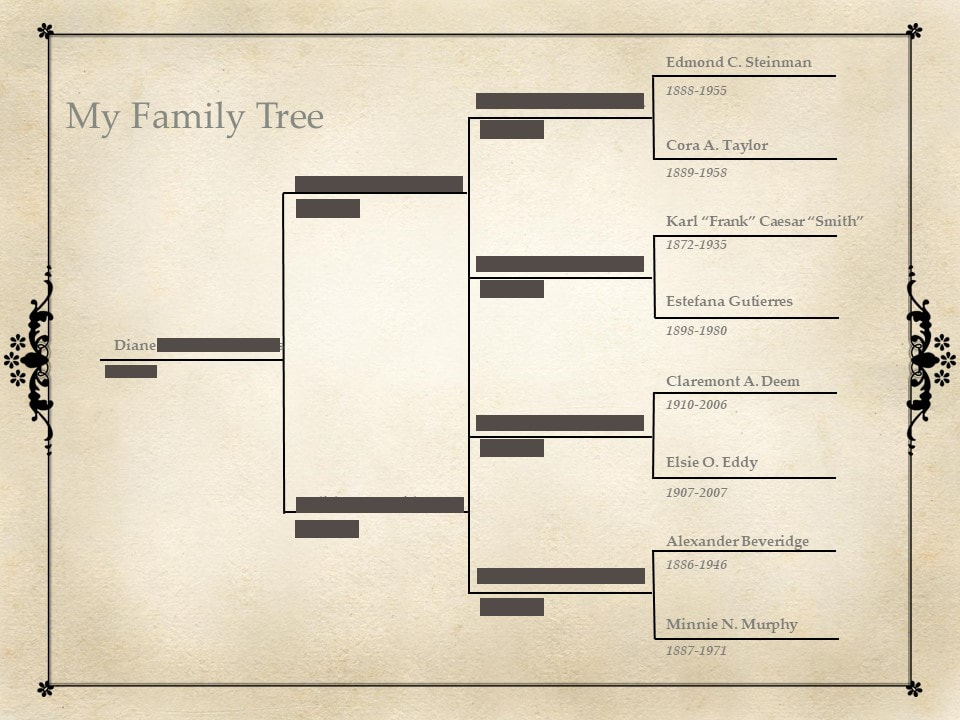
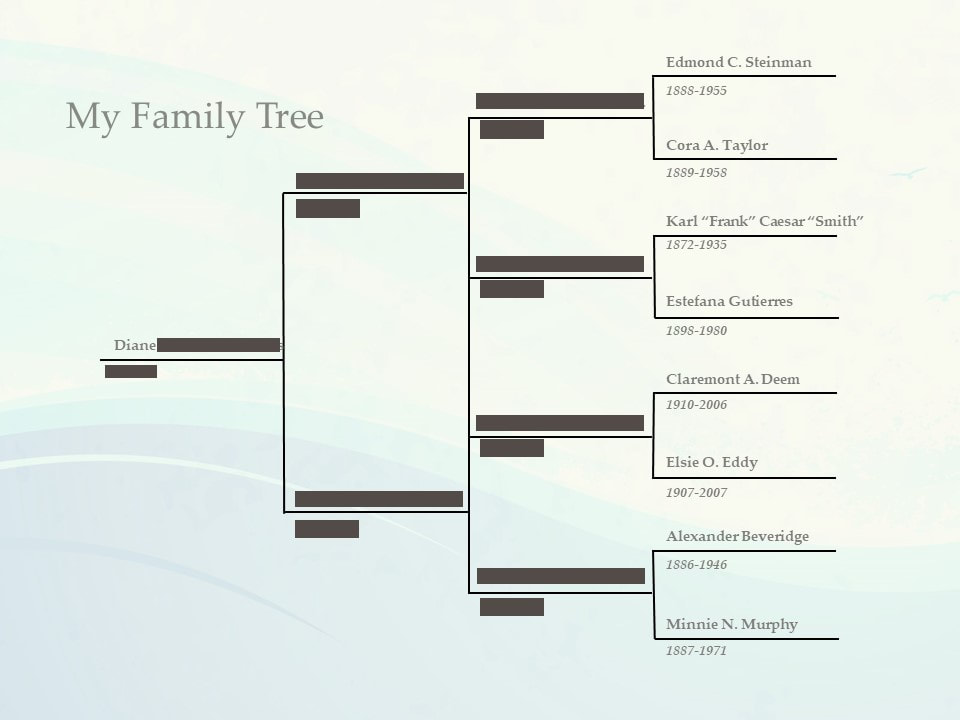
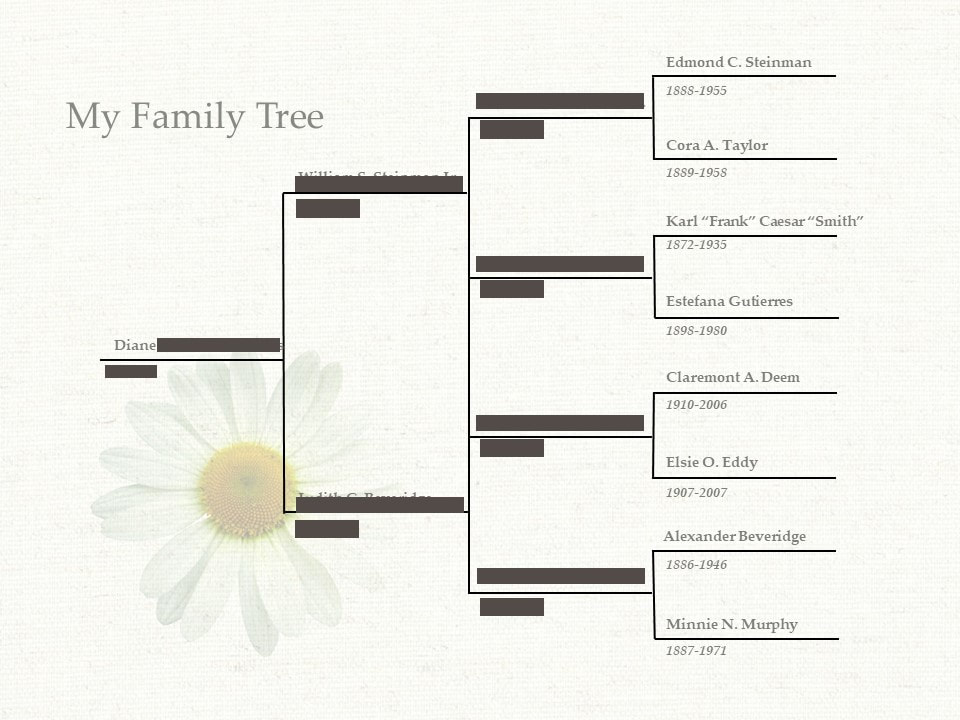
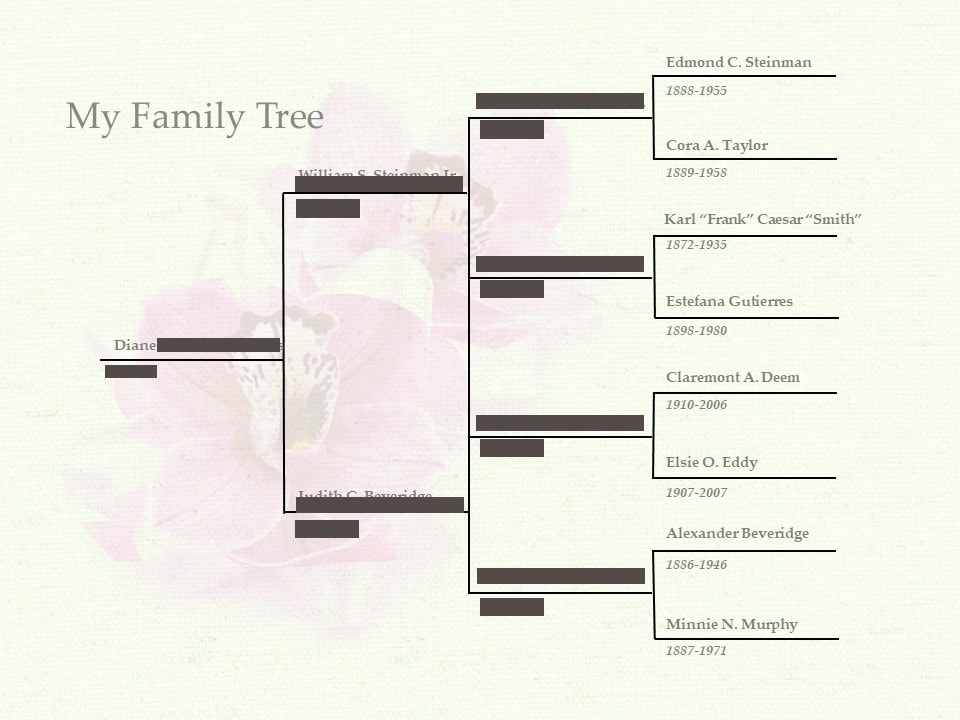
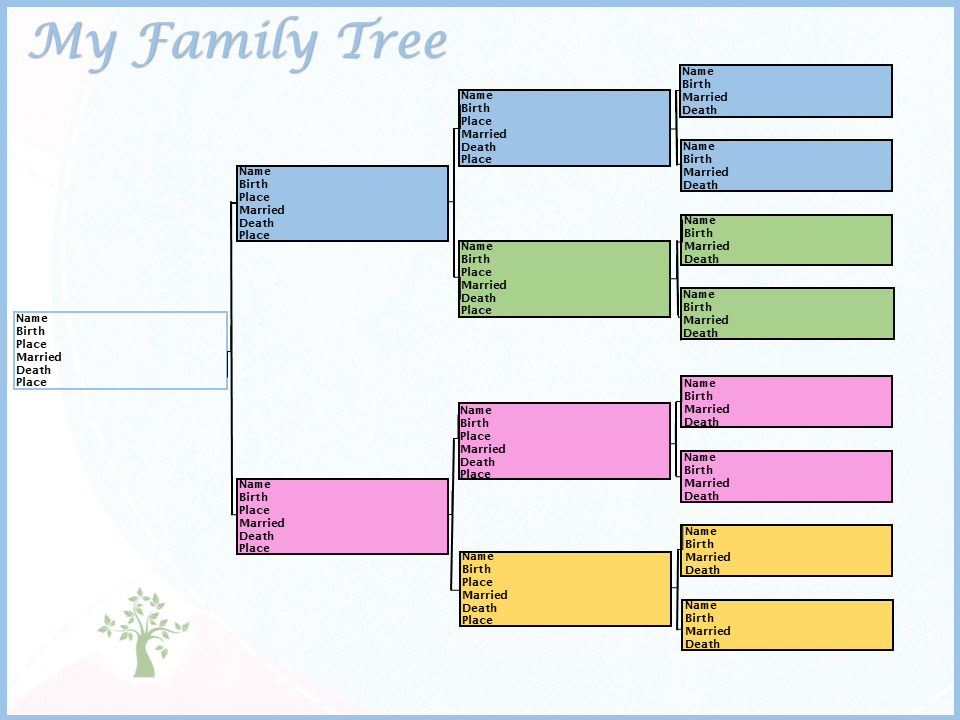
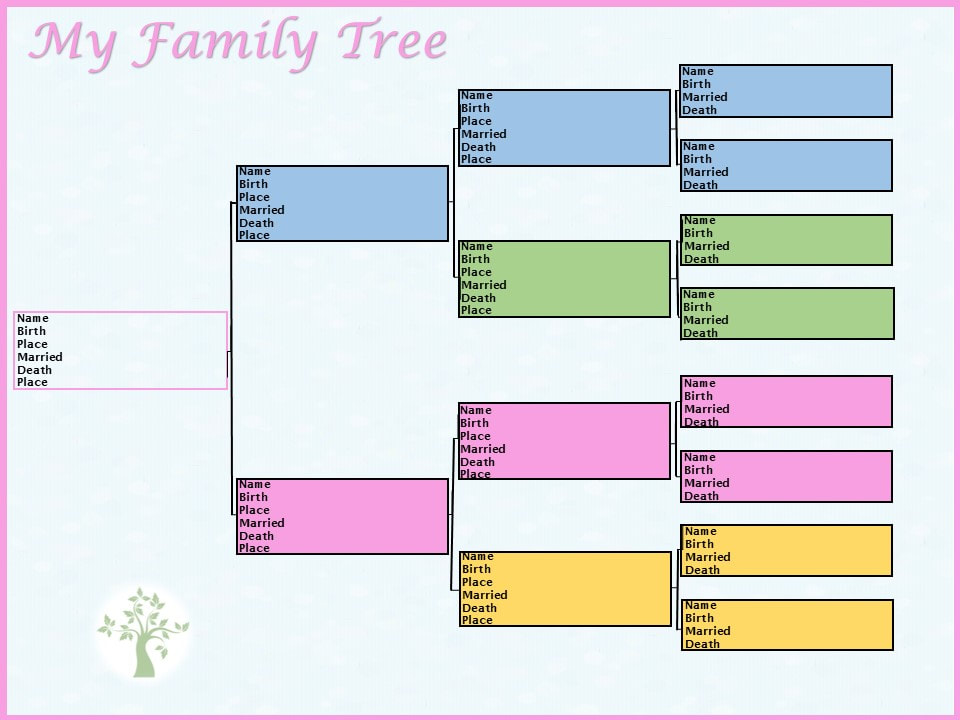
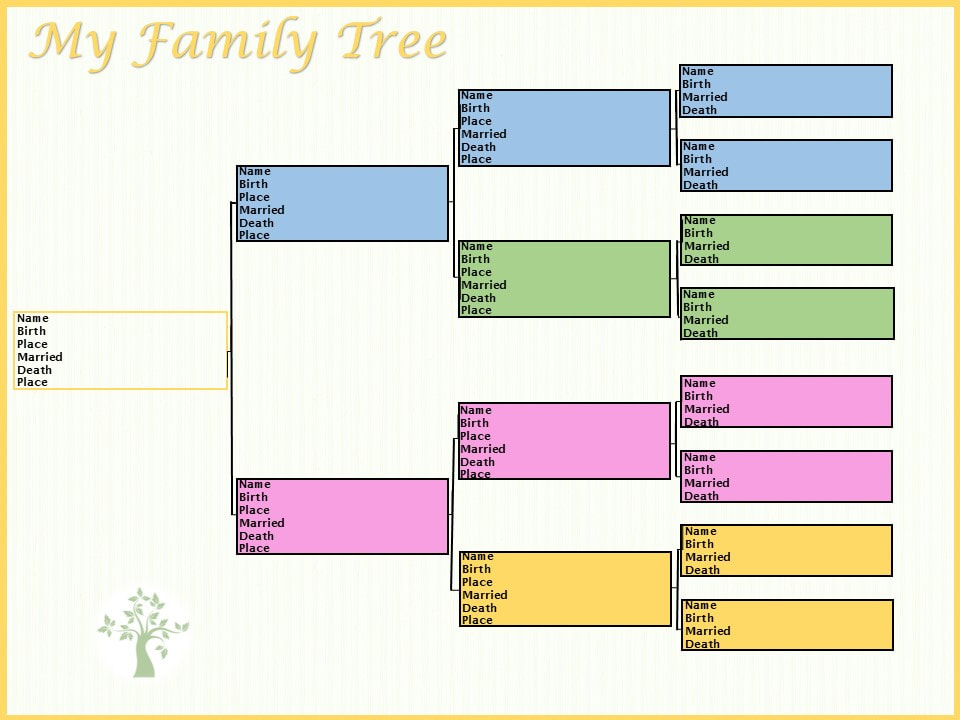
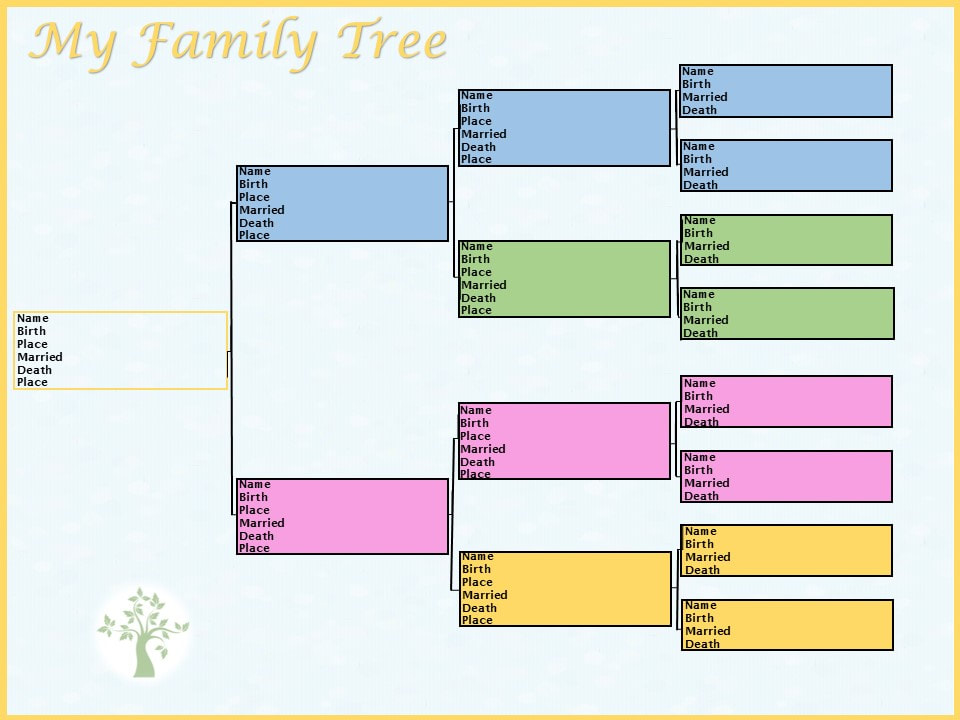
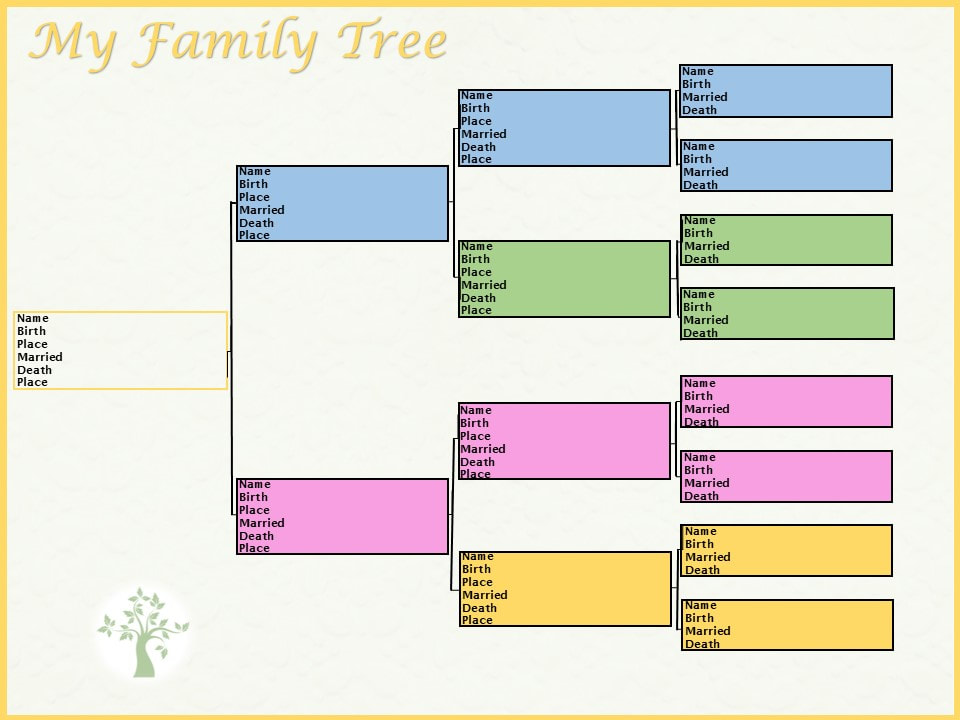
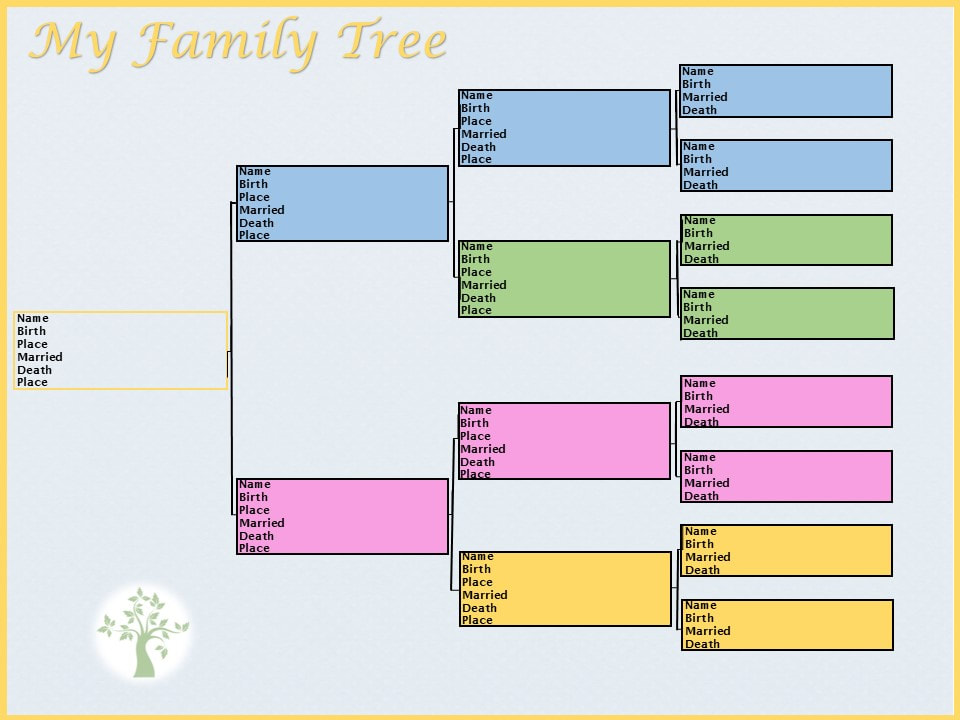
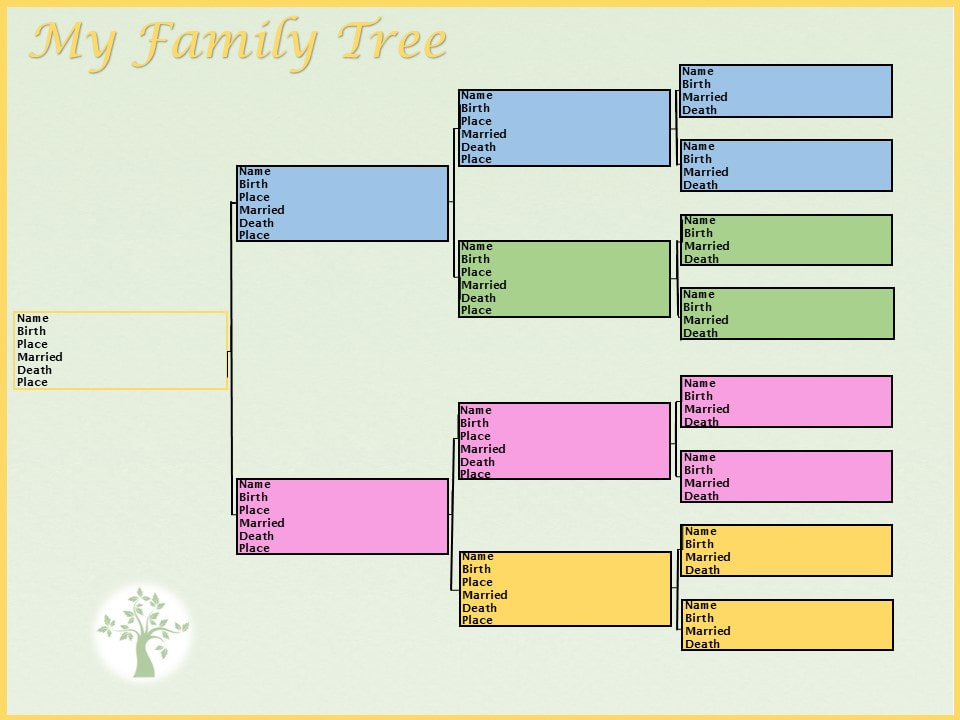
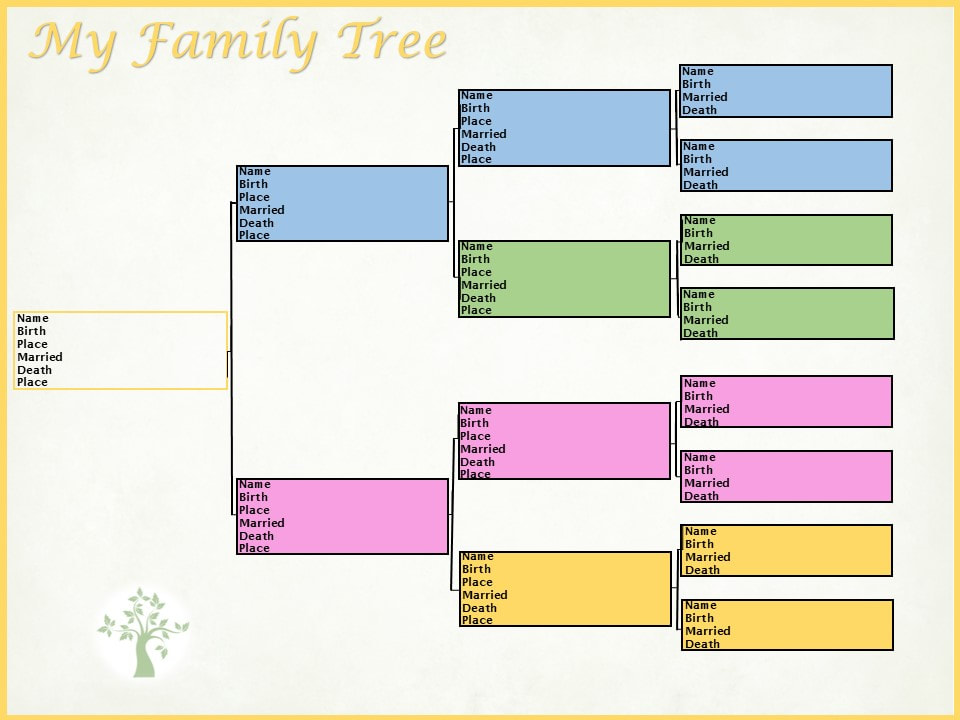
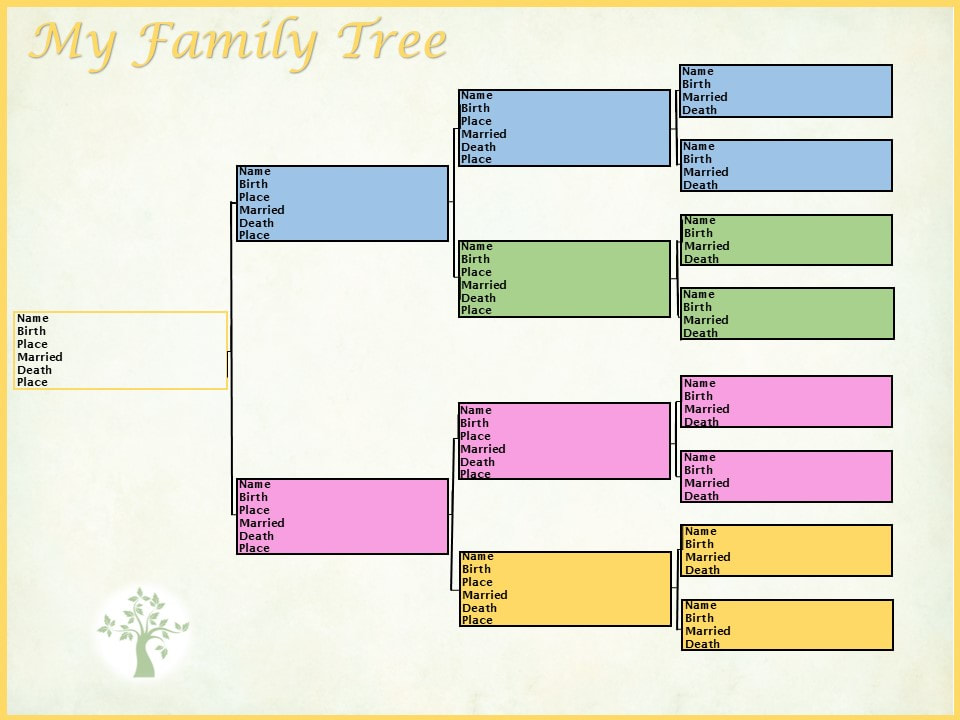
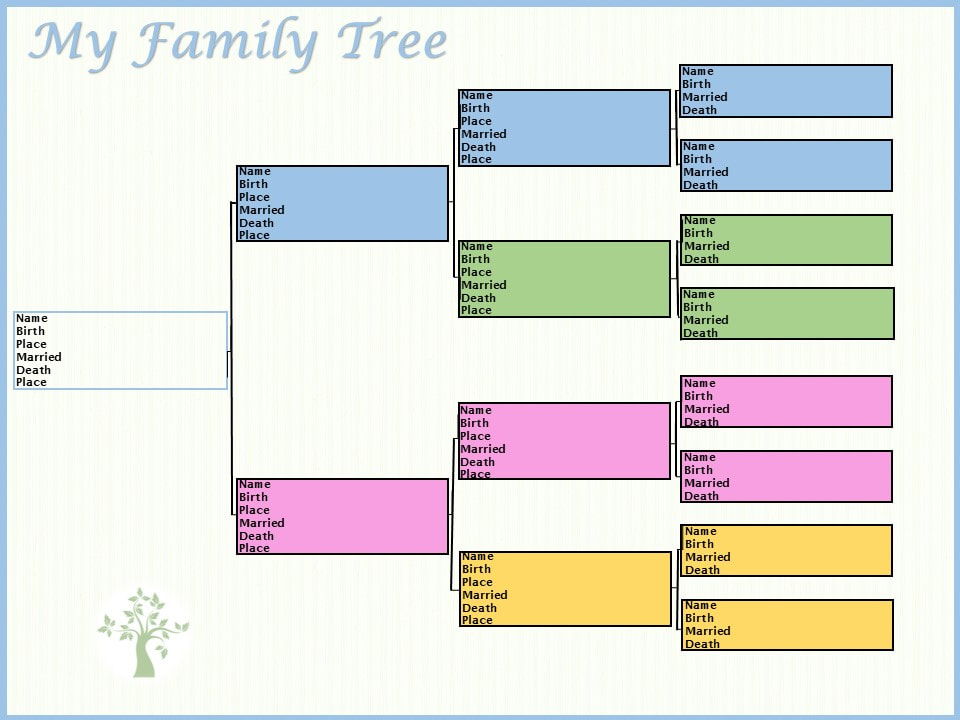
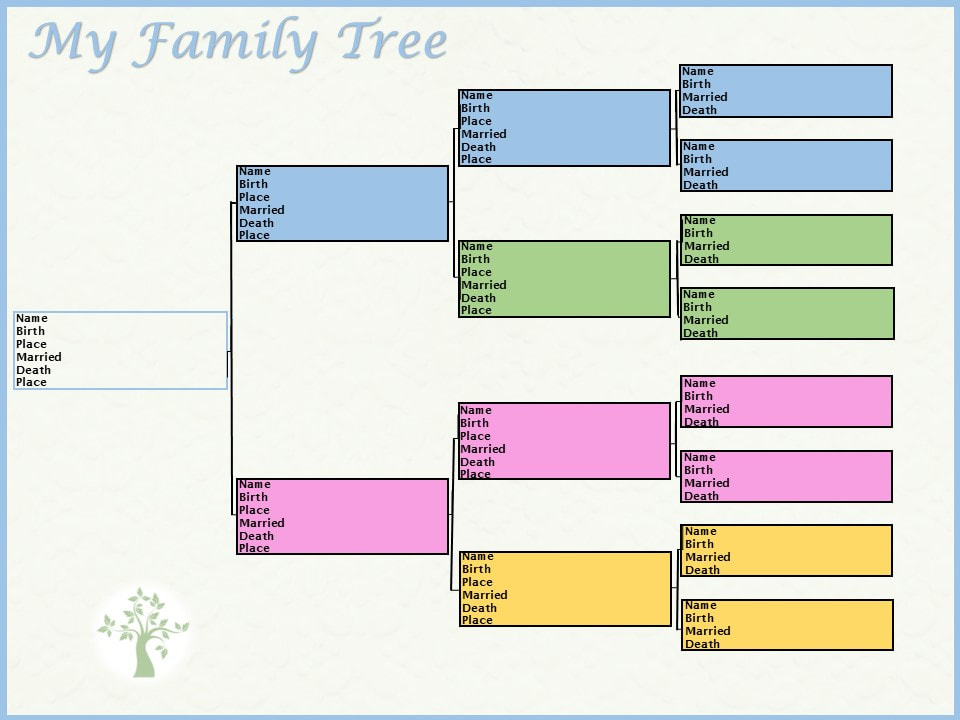
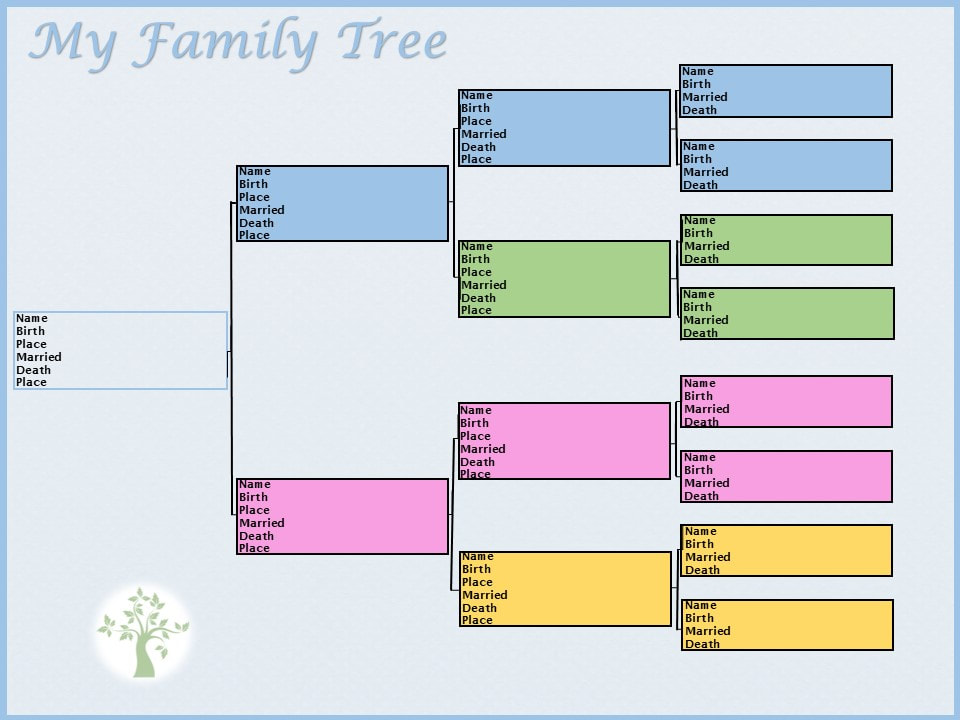
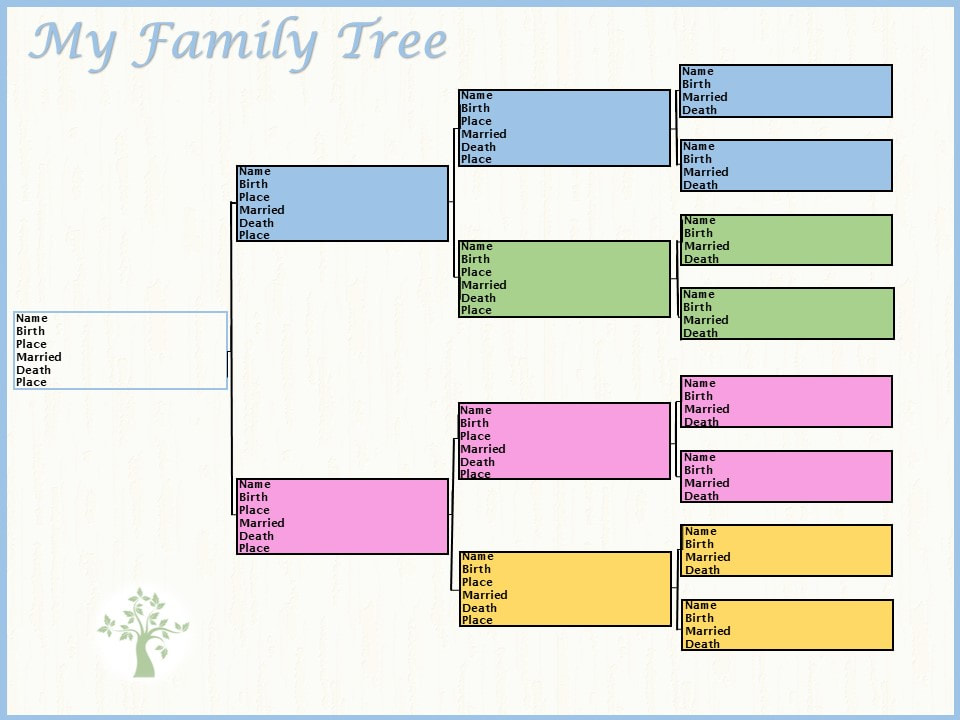
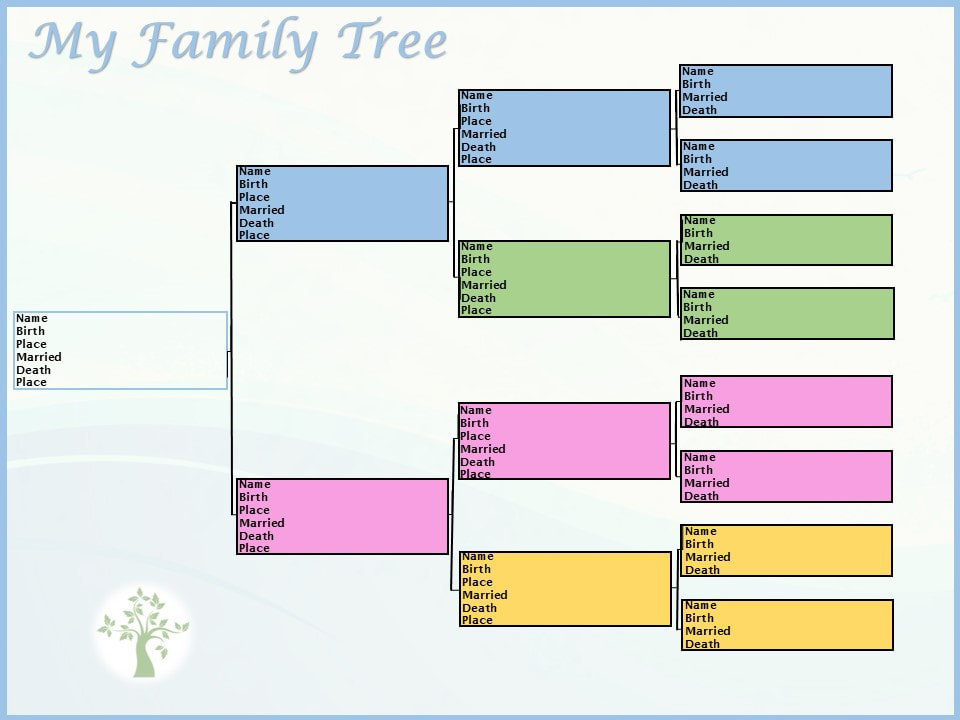
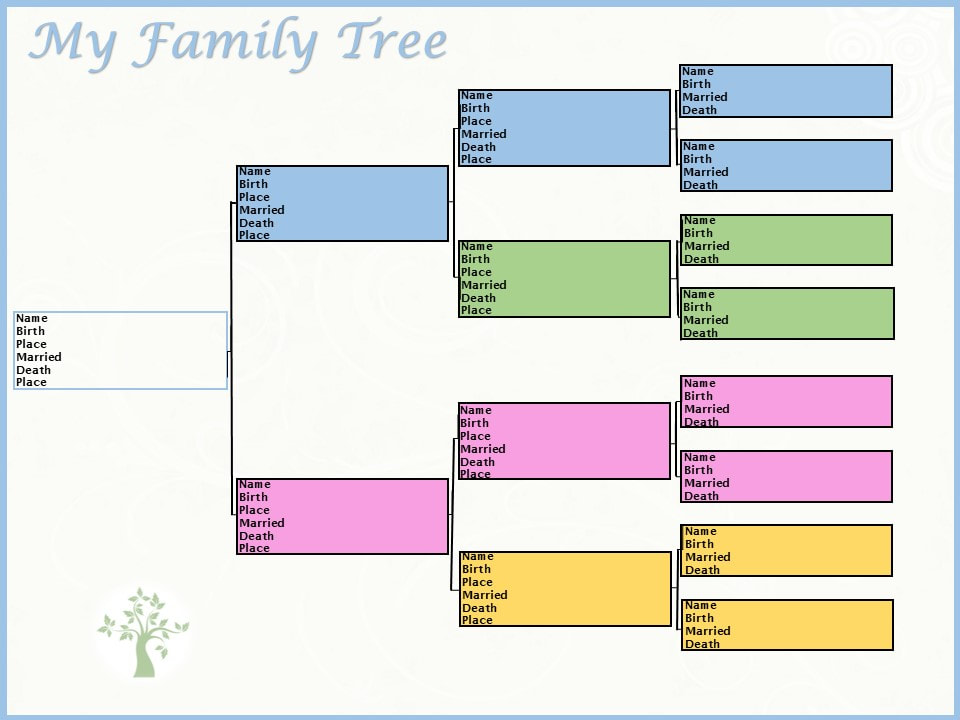
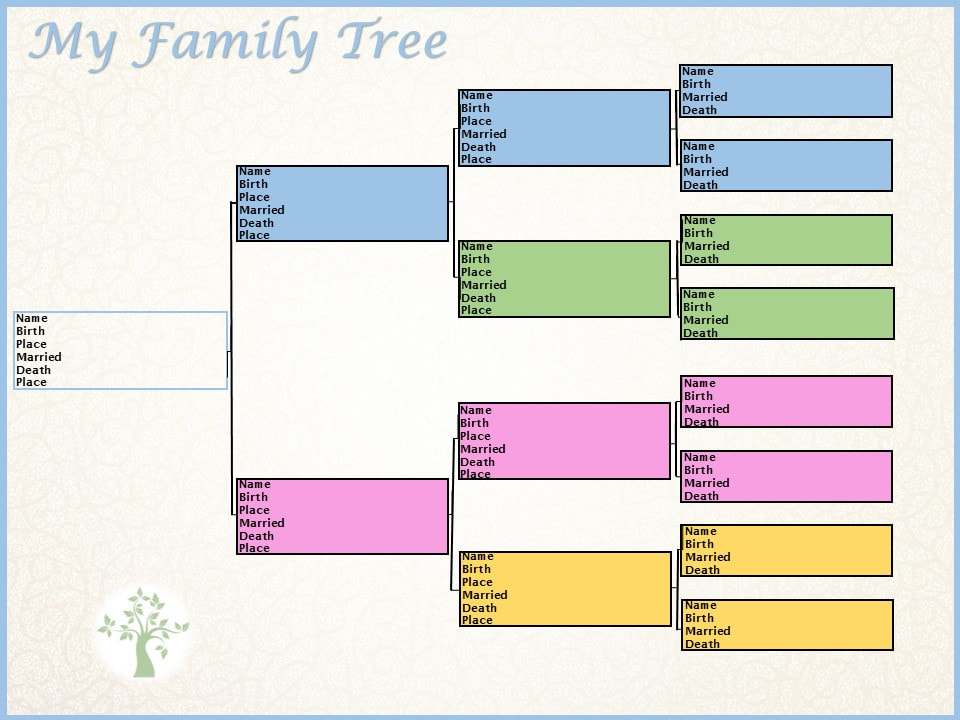
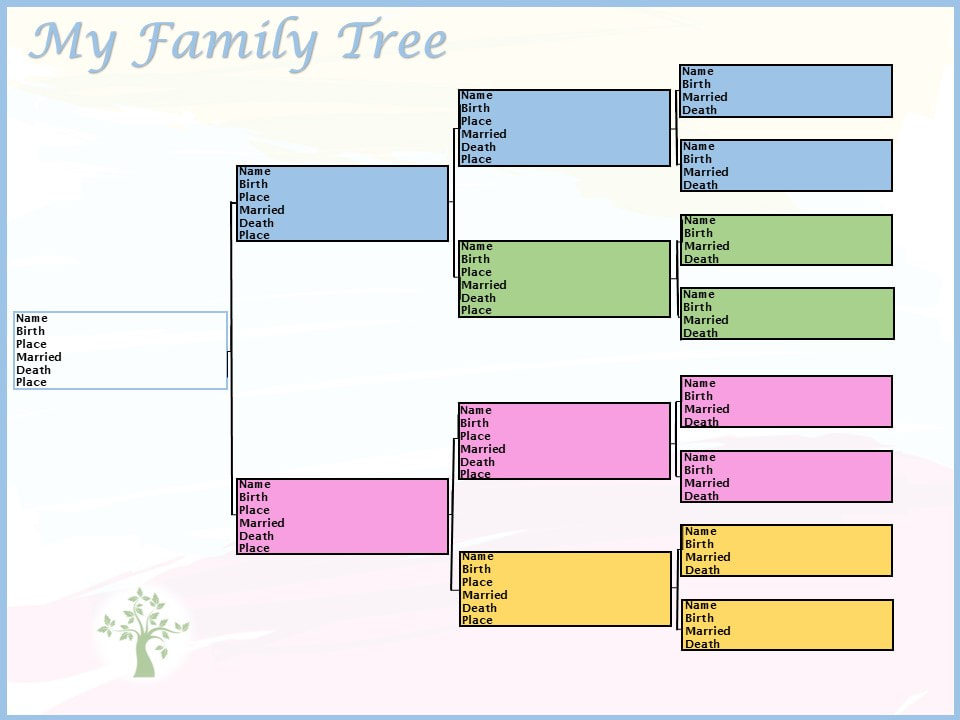
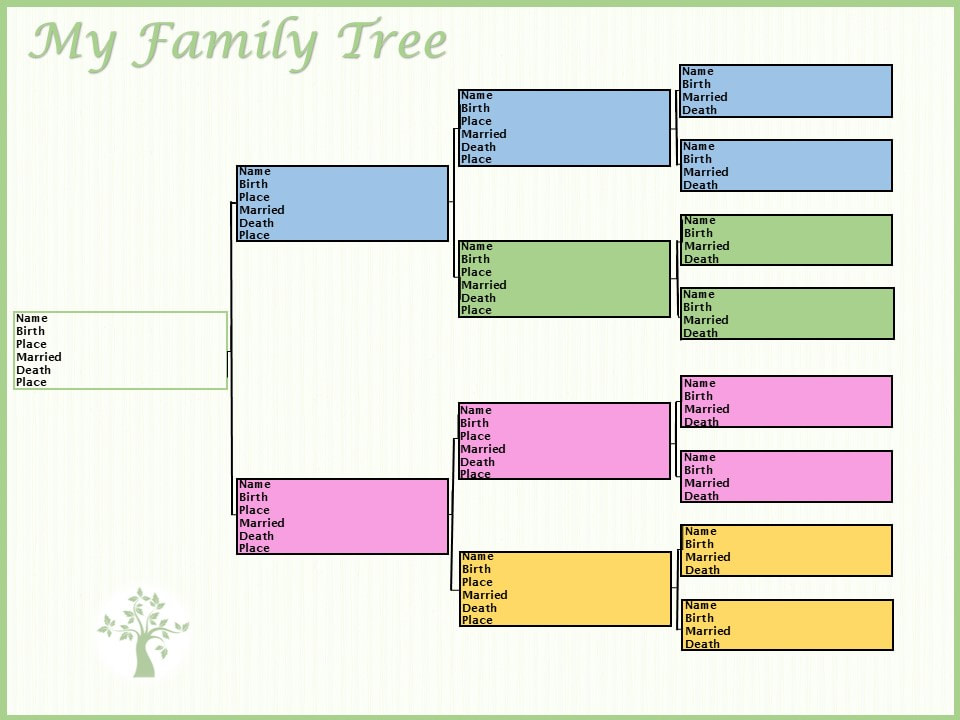
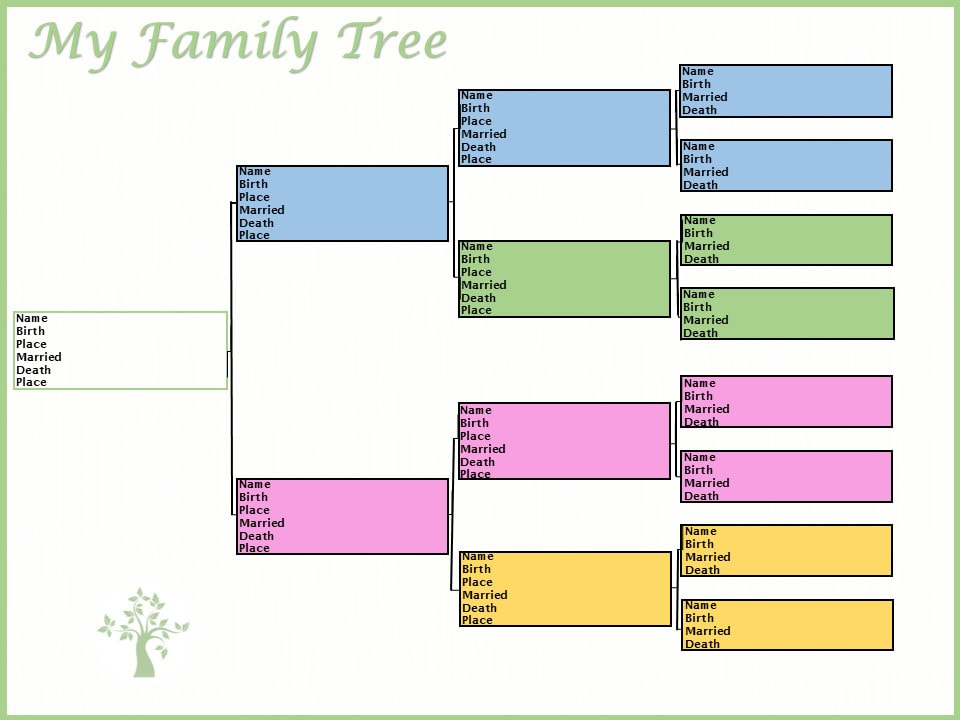
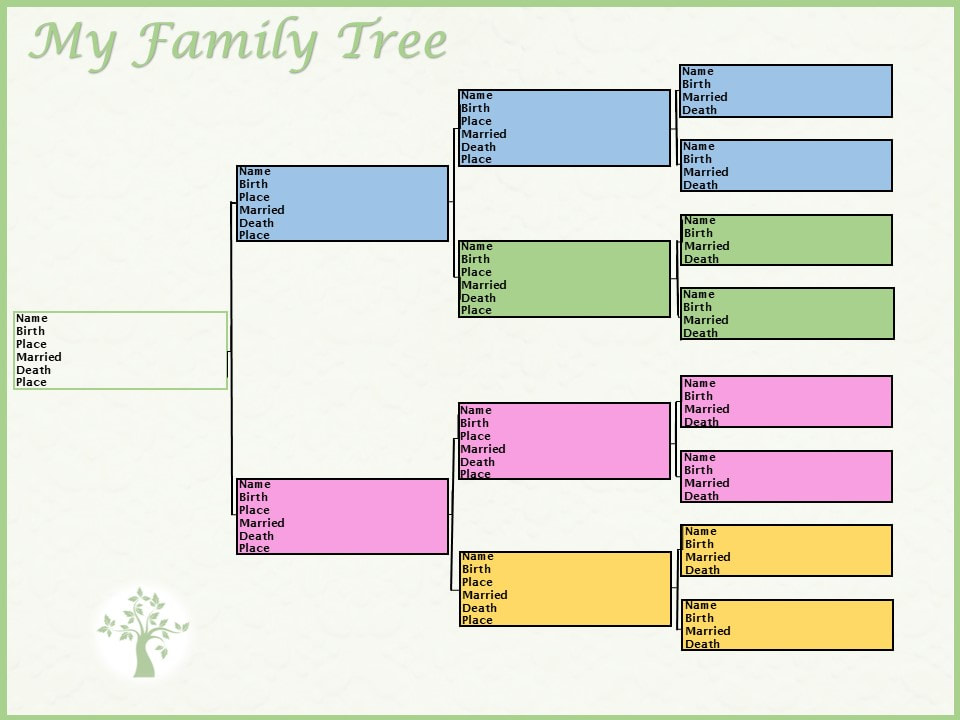
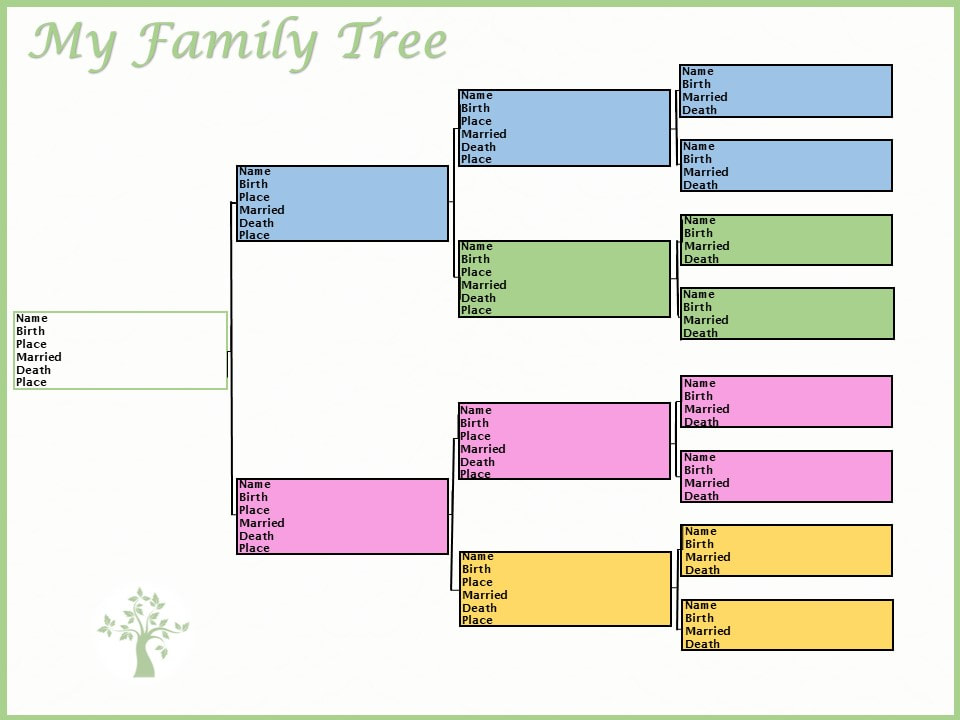
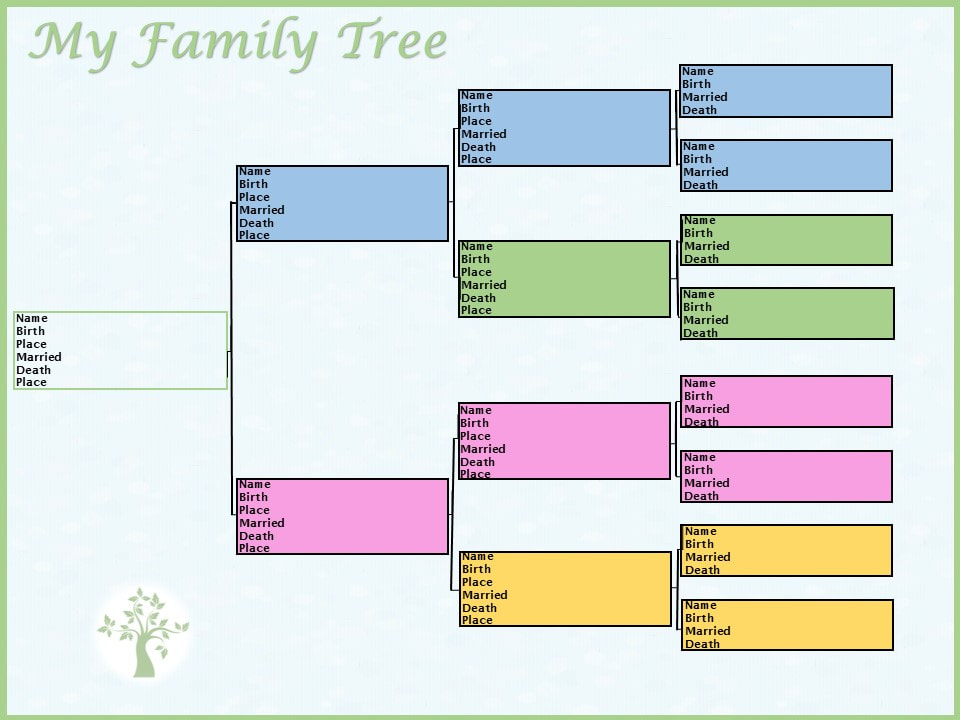
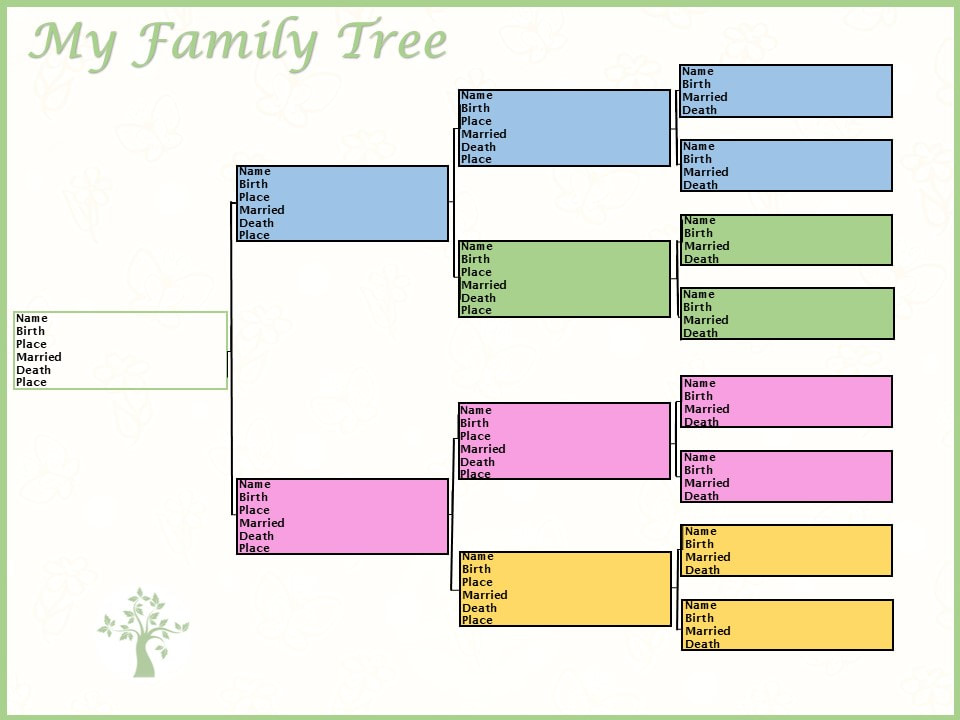
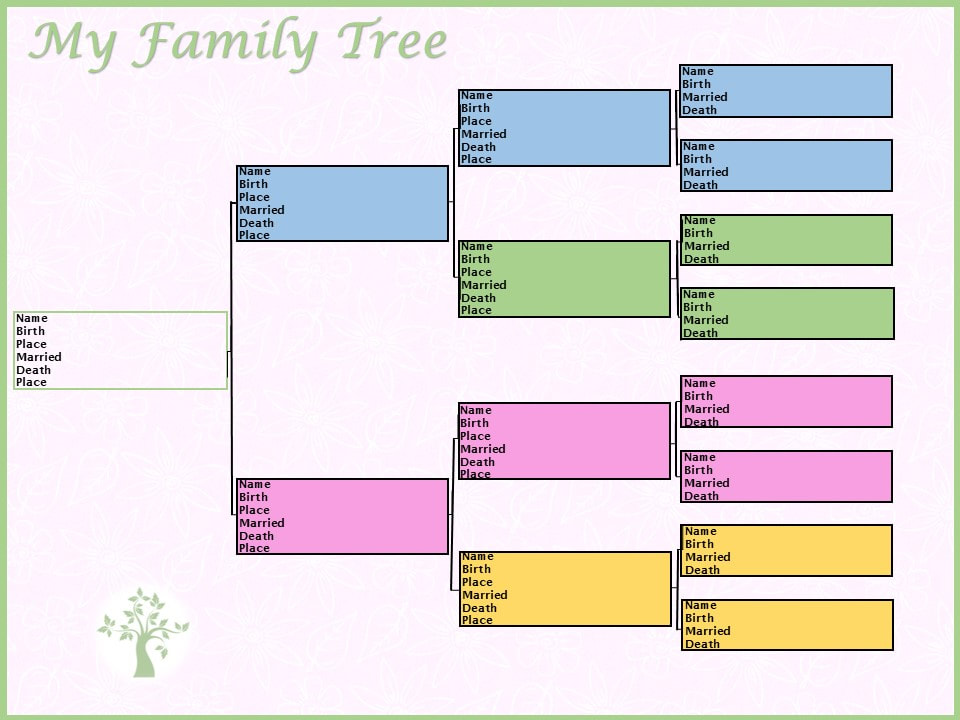
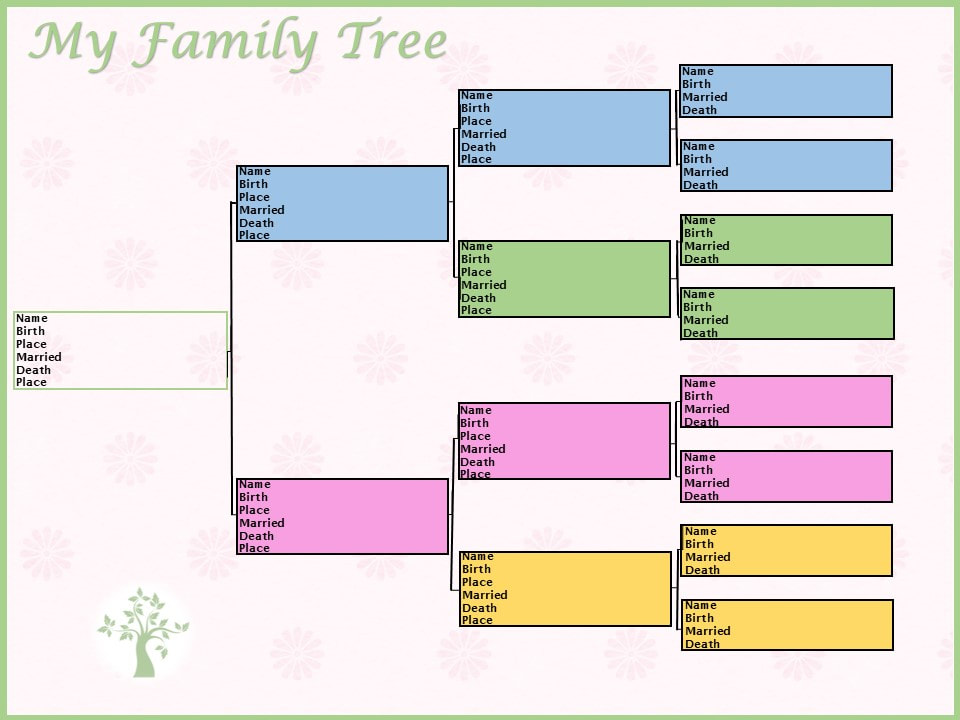
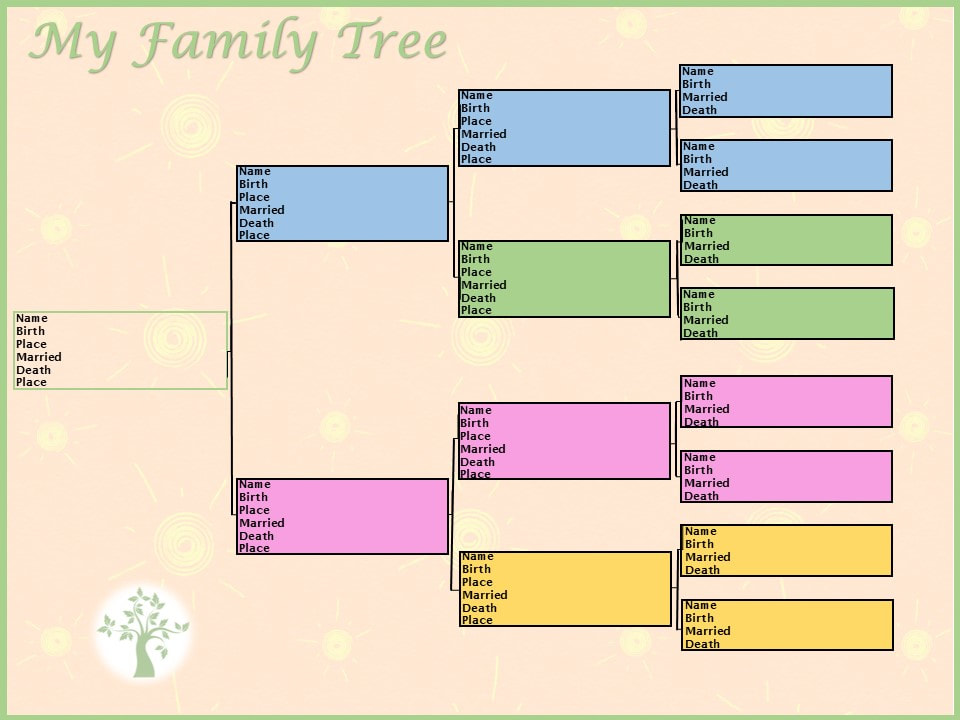
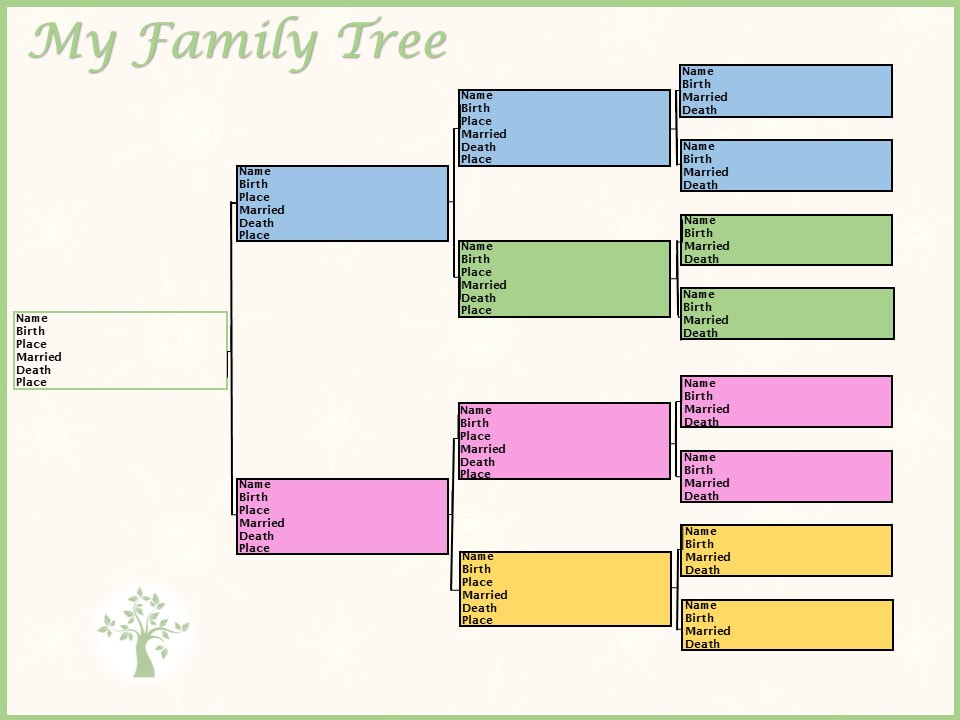
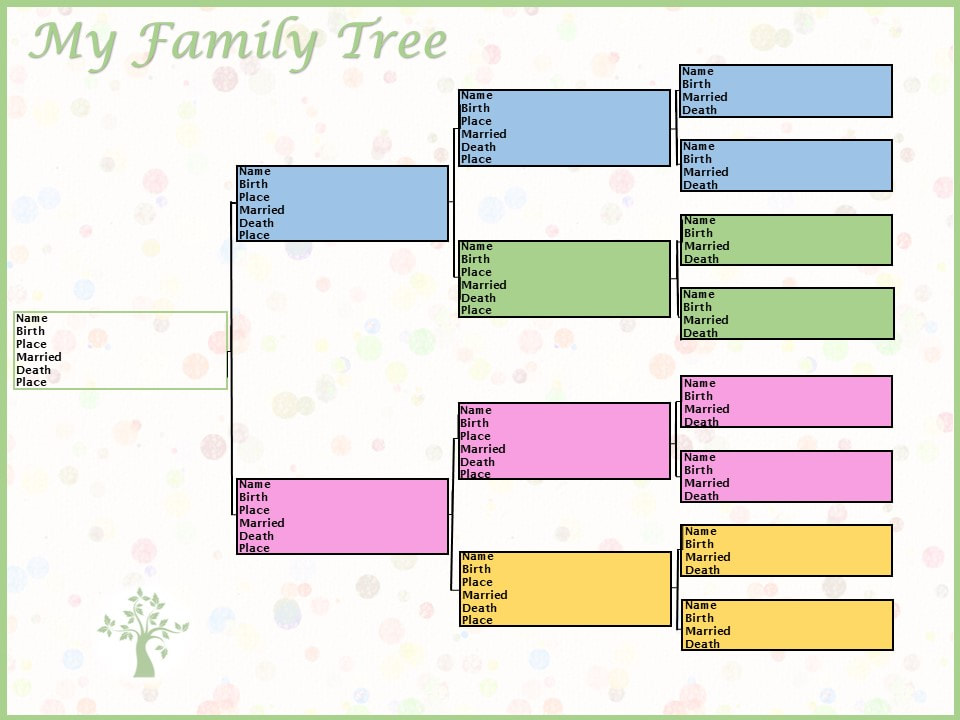
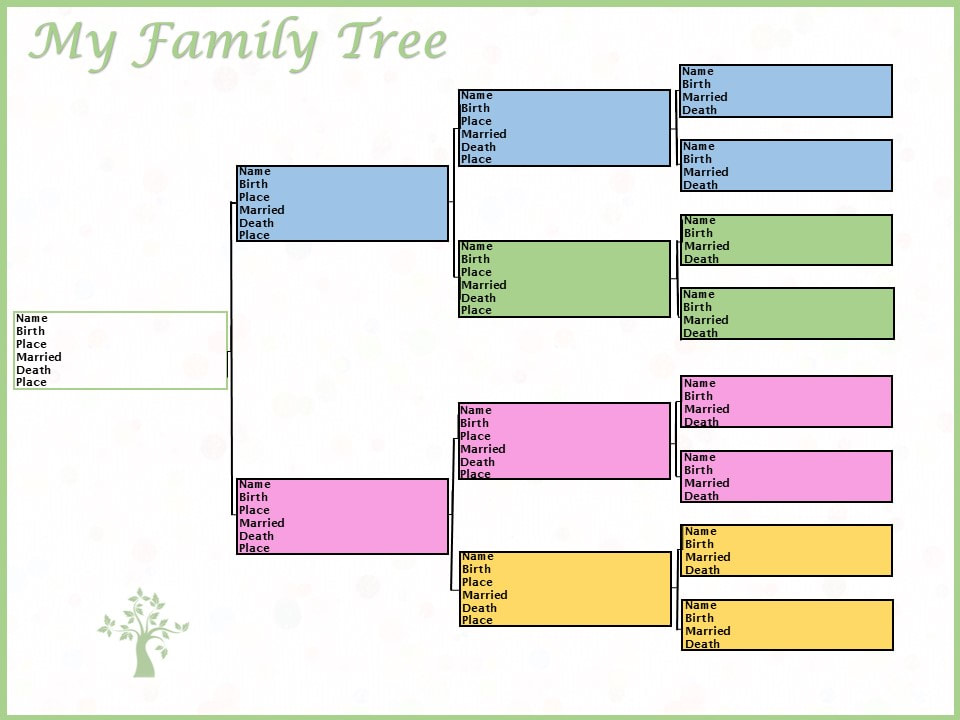
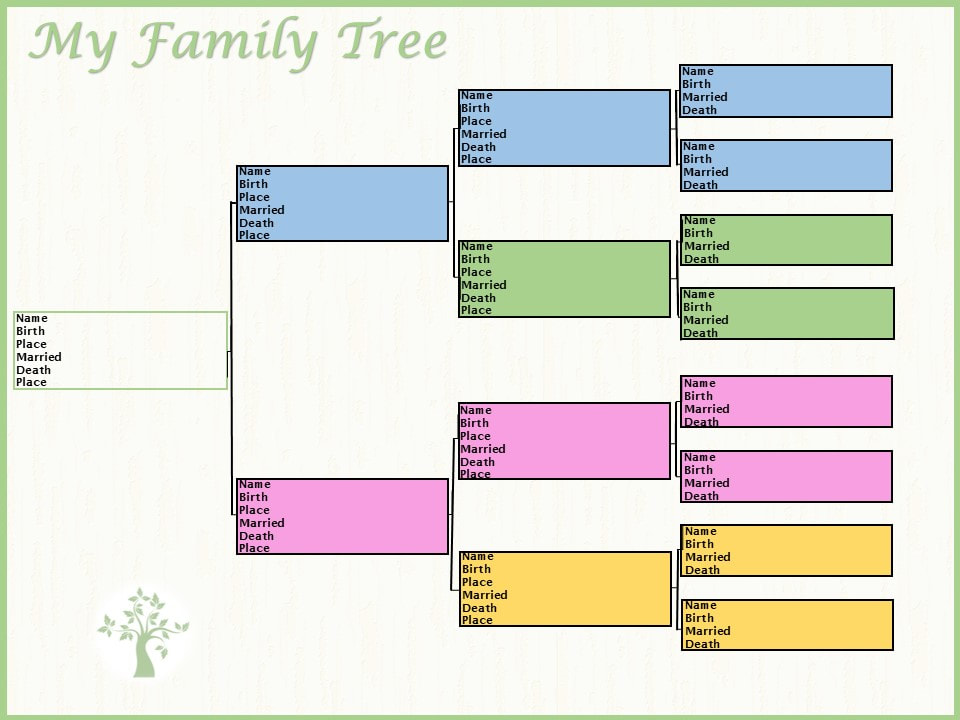
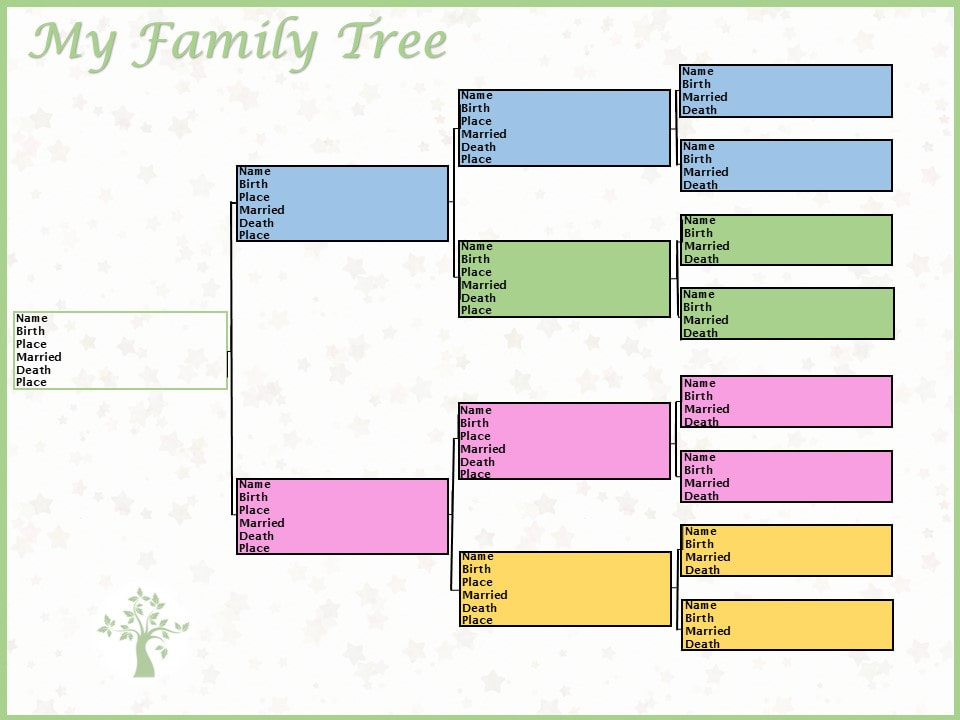
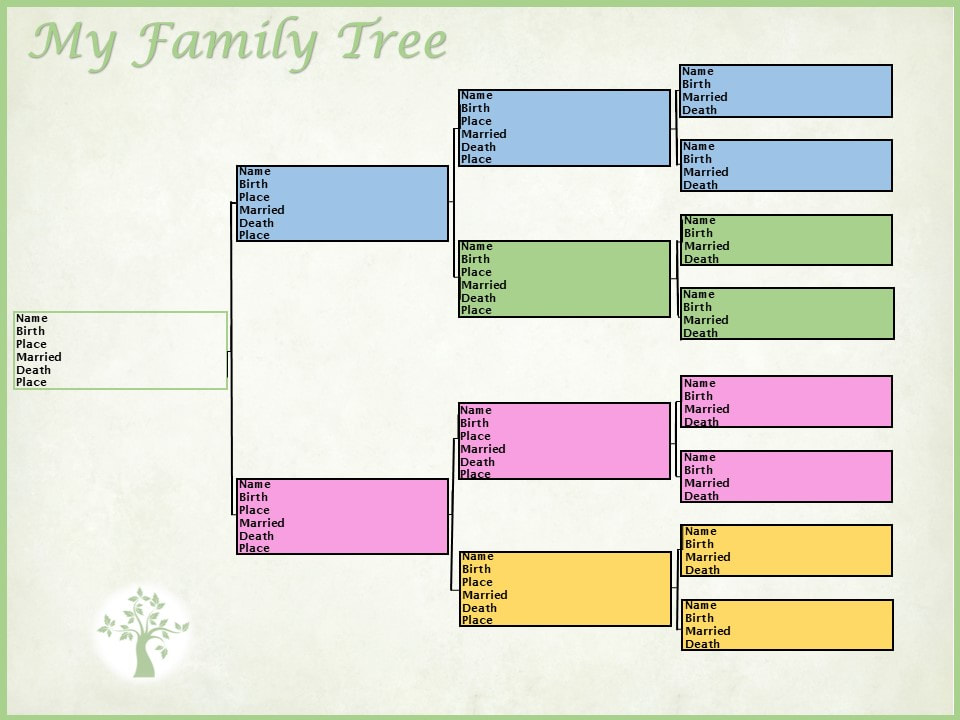
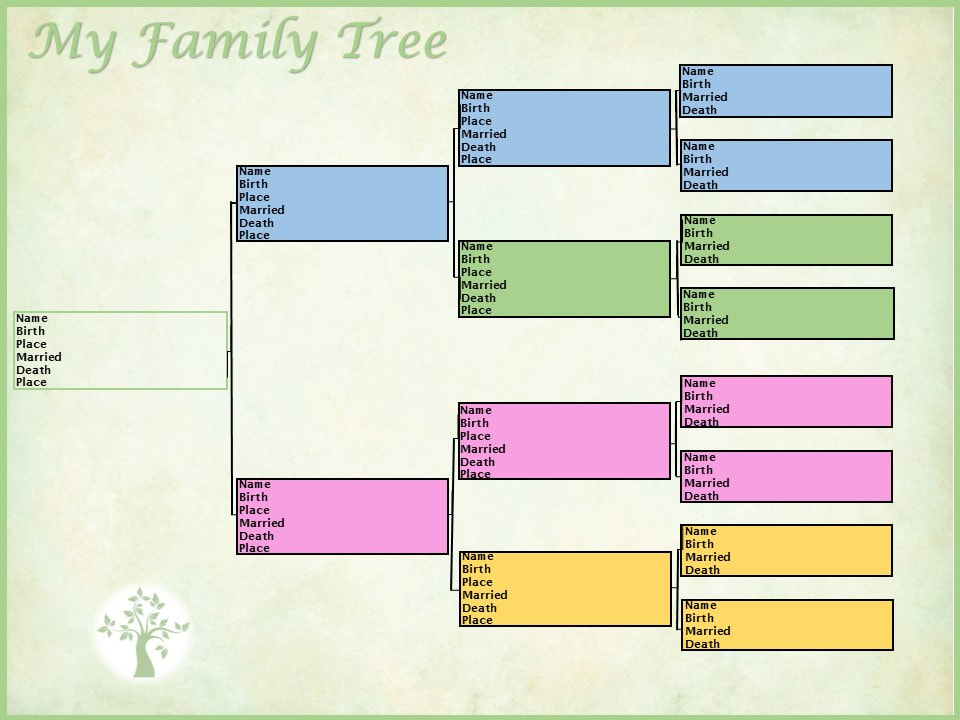
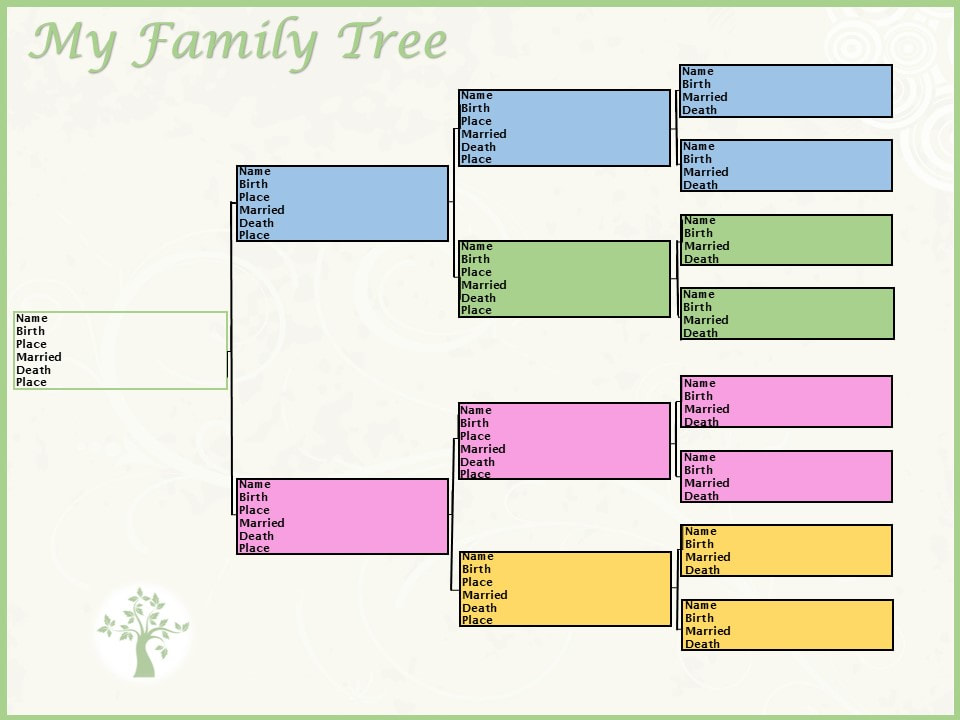
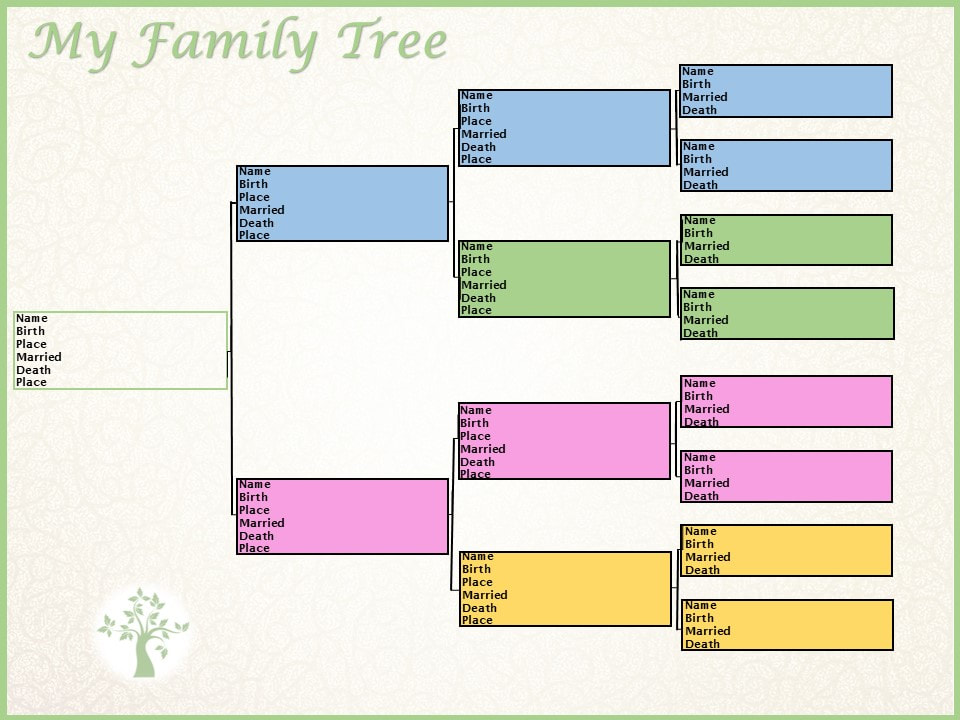
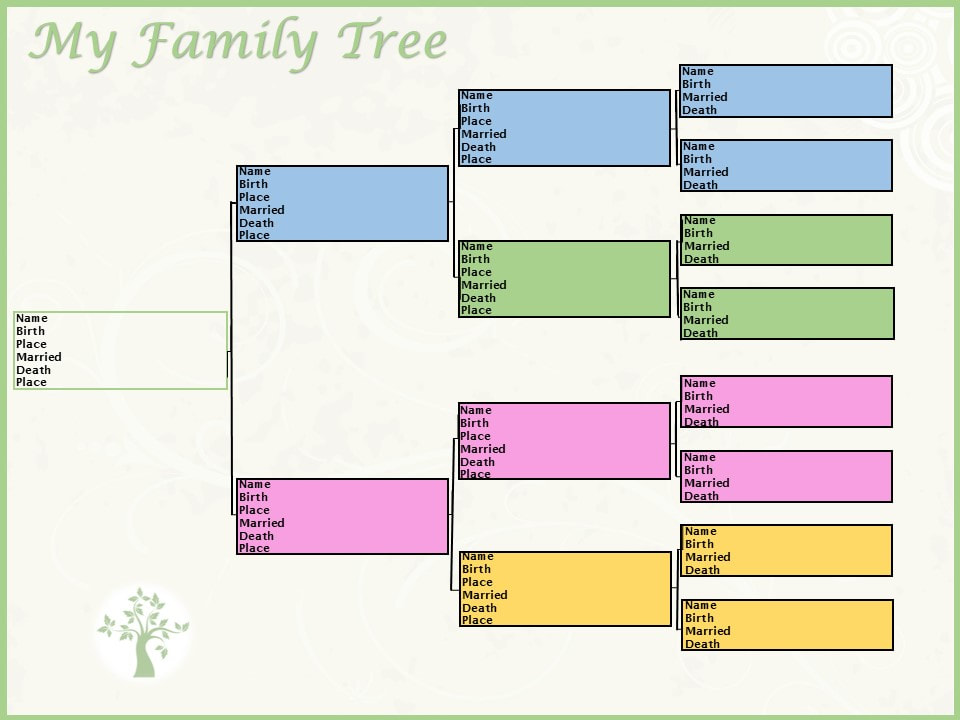
Find more easy ways to publish your family history, under the Publishing Your Family History Category! 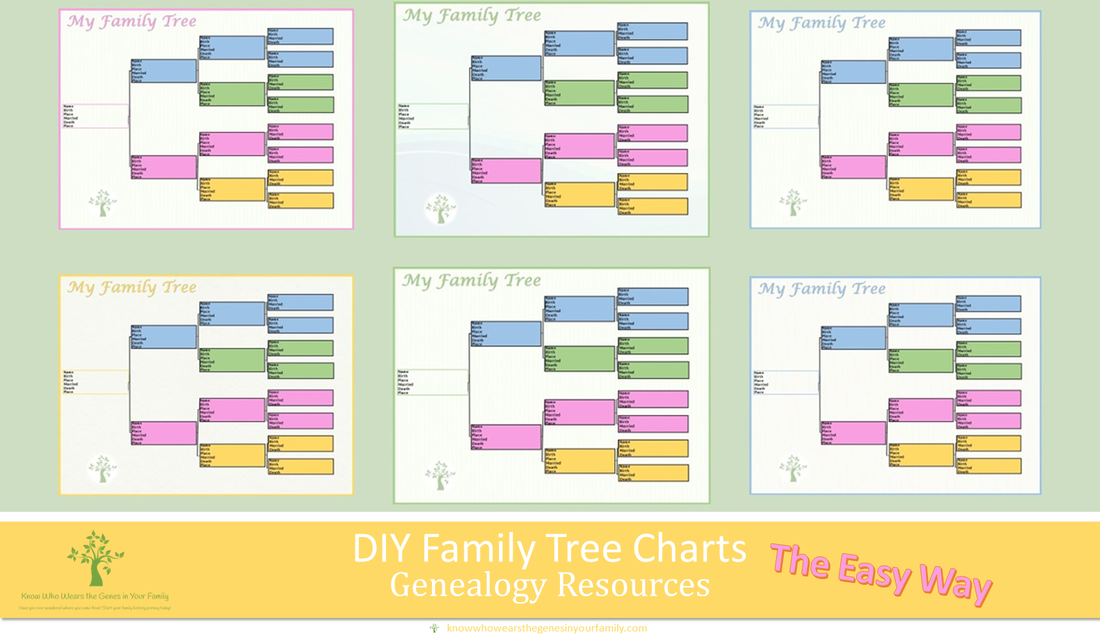 DIY Family Tree Charts and Templates! Genealogy Resources: DIY Family Tree Charts and Templates! While organizing my personal family history and business digital file folders last week, mentioned in Help, I Can’t Find My Family History/Genealogy Stuff!, I came across some of the different family trees I had created on sites that offered pre-generated family trees based on my family tree research; free, fillable templates that different sites offered; and some that I had created in Family Tree Maker over a decade ago; along with others. This got me sidetracked to where I decided to try to create my own, easy, DIY templates for family trees, using various resources. What I Used to Create My Easy, DIY Family Tree Templates:
How I Designed My Simple, DIY Family Tree Charts:
Use Your Family Tree Chart Creations for:
Examples: My Family Tree Chart Heirloom ExamplesMy Other Family Tree Chart ExamplesEven though it is hard to tell on some, each one is different either with a different backround, a change in transparency, saturation, tone, or color or both.
There are many sites out there where you can get a pre-generated family tree heirloom printed out (blog coming soon), that offer fillable templates, and more, some free and some not. There are also many sites where you can create family tree templates to use for visual reference, presentations, and more (blog coming soon). But you can always DIY your own family history heirlooms to pass down through the generations or give as a gift, by creating your own family tree charts and templates! *Note: ©Diane Henriks (Copyright protected, and all rights are reserved. No portion of these images may be reproduced, stored in a retrieval system or transmitted in any form or by any means; whether electronic, mechanical, etc., such as through copying, screenshotting, downloading, or other without prior written notice from me) |
Categories
All
Featured
Top Posts
BlogrollEvalogue.Life, Heart of the Family, Molly's Canopy, Climbing My Family Tree, Cami Mayer, Field Genealogist, Ancestor Detective, DNA Breakthroughs, Your DNA Guide, Ancestral Findings, Genealogy Tip of the Day, Family History Daily, Genea-Musings
BlogI hope my family history and genealogy blog on genealogy research tips, resources, events, and more, along with my own genealogy journeys, will help you in your research and in building your family tree to learn more about your ancestors and family history to preserve for future generations to come! 
Come visit me at Know Who Wears the Genes in Your Family if you're interested in starting your family history journey, booking me for your next speaking event, or family history and genealogy heirloom products!
          Archives
April 2024

|
















 RSS Feed






HoursM-Su: 8am - 8pm


|
Know Who Wears the Genes in Your Family is dedicated to promoting family history and genealogy, while maintaining commitment to client care and professional service, and adheres to the Code of Ethics and Professional Practices put forth by the Association of Professional Genealogists.
|