
 Nostalgic Memories: Memorable 1970s TV Commercials Nostalgic Memories #3: Memorable 1970s TV Commercials Remember when commercials had catchy tunes that you just couldn’t get out of your head, memorable plots that reeled you in, or well-known stars that hooked you, along with being memorable no matter the age? This is the third in a series of nostalgic memories that include TV shows, commercials, toys, and more, as I remember them, while writing my memoirs as part of my family history. The second was Nostalgic Memories #2: Early 1970s Kid’s Animated TV Shows. I have been in the process of trying to write my memoirs, and in doing so, I have come up with tons of memories from every decade, which I thought would be fun to share. These brought back tons of nostalgic memories, and maybe they will bring back some for you as well. My Most Memorable Commercials of the 70s I remember tons of commercials from the 70s, but these are the most memorable ones that I still remember quite well to this day. They include links that will take you to some of the ones I watched during that time. See how many you remember! 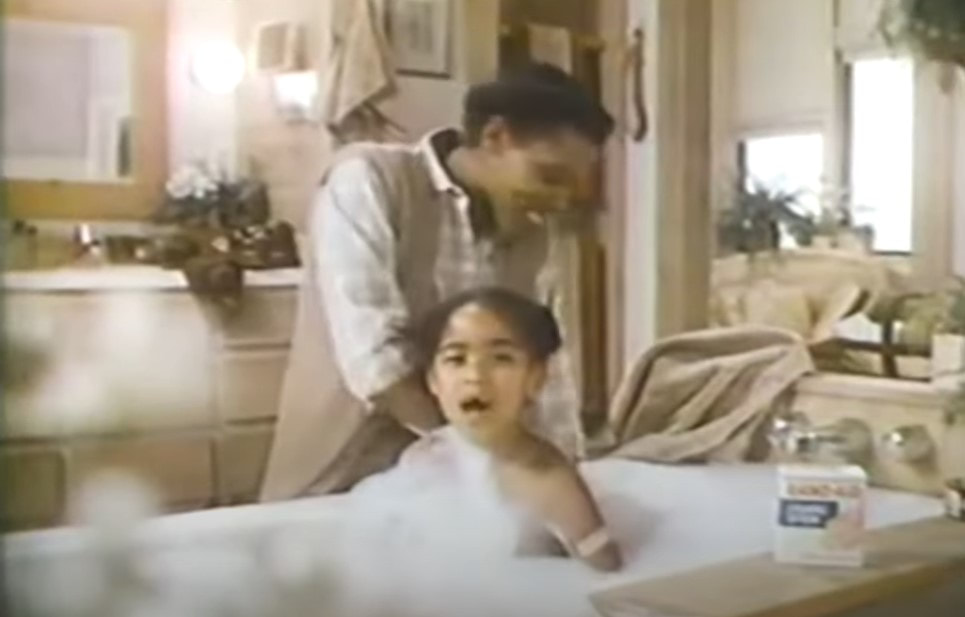 Band-Aid 1970s TV Commercials
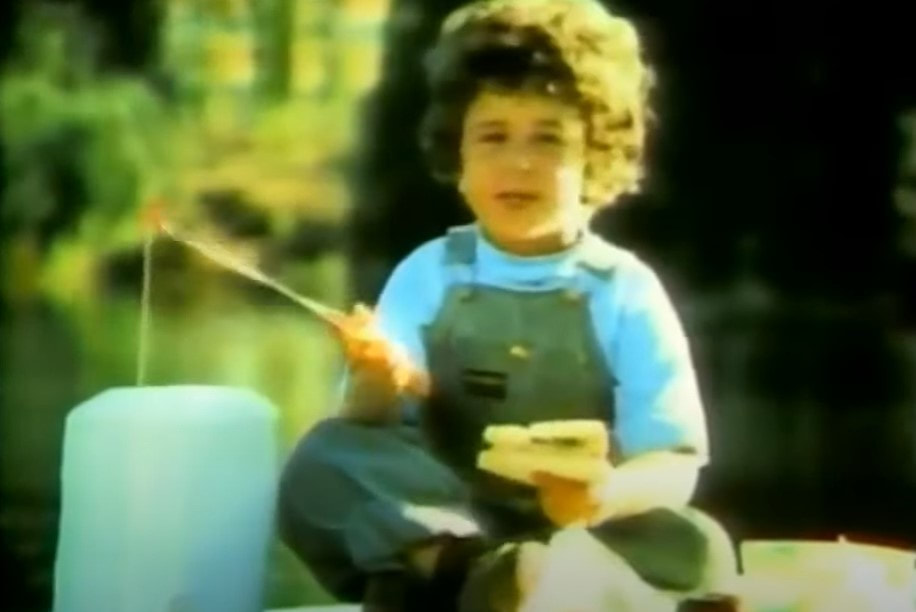 Oscar Mayer Bologna 1970s TV Commercials 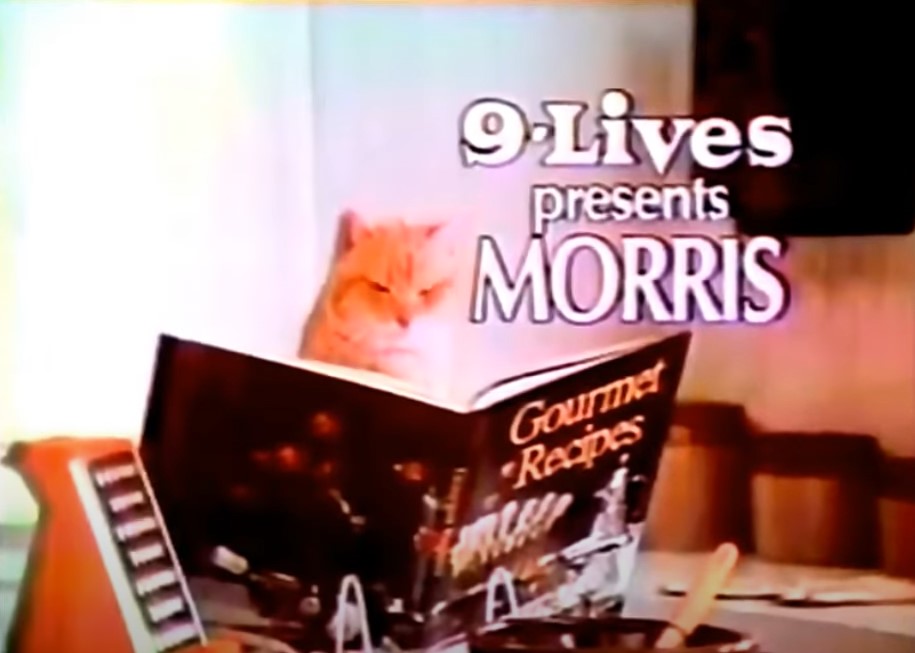 9-Lives (Morris the Cat) 1970s TV Commercials
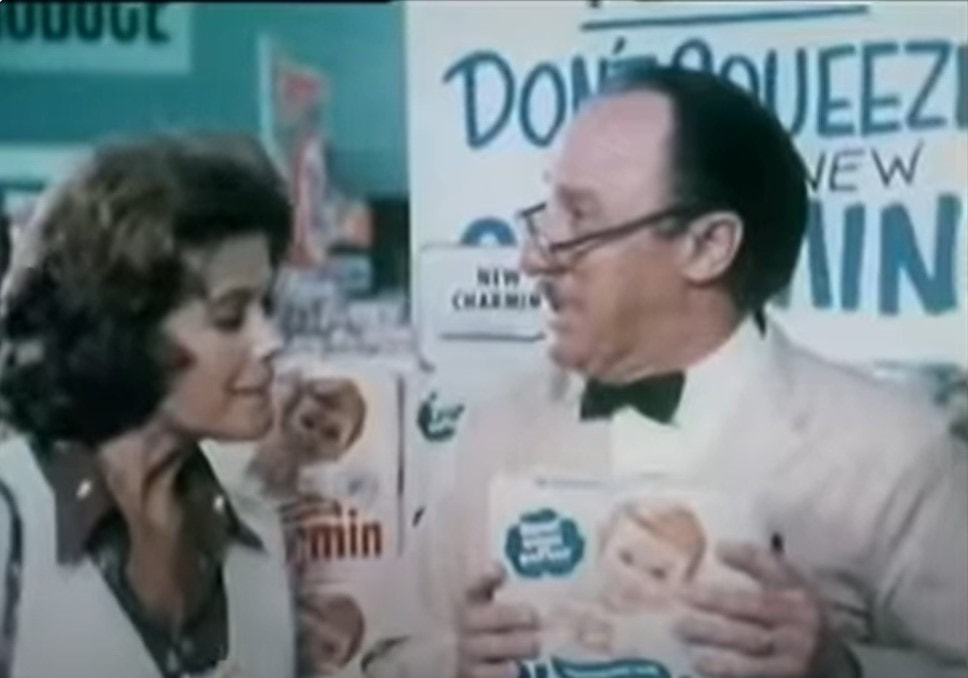 Charmin (Mr. Whipple, "Don't squeeze the Charmin") 1970s TV Commercials 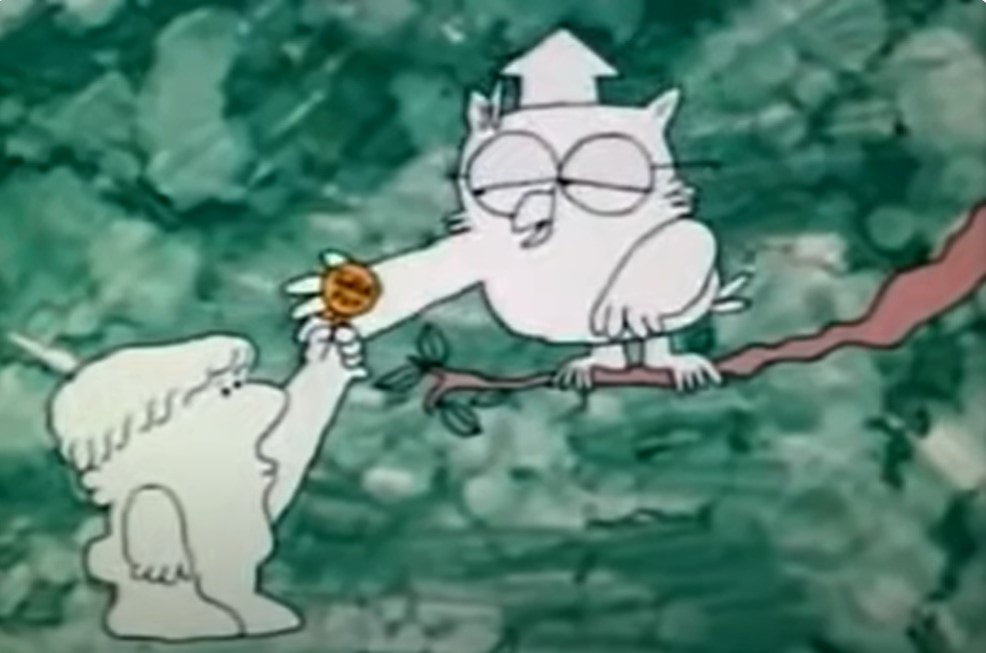 Tootsie Roll Pop 1970s TV Commercial
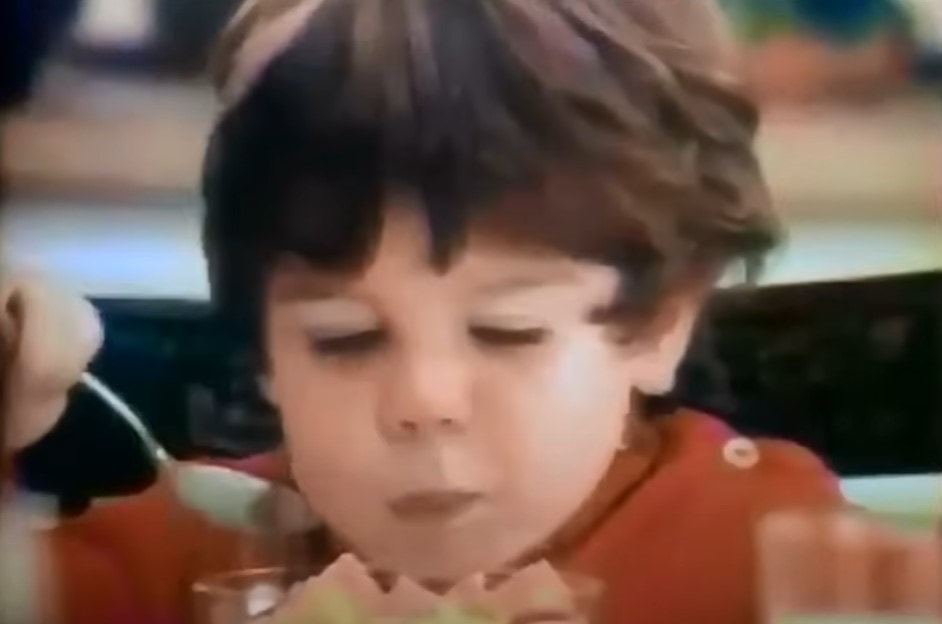 Life Cereal ("Hey Mikey!") 1970s TV Commercial 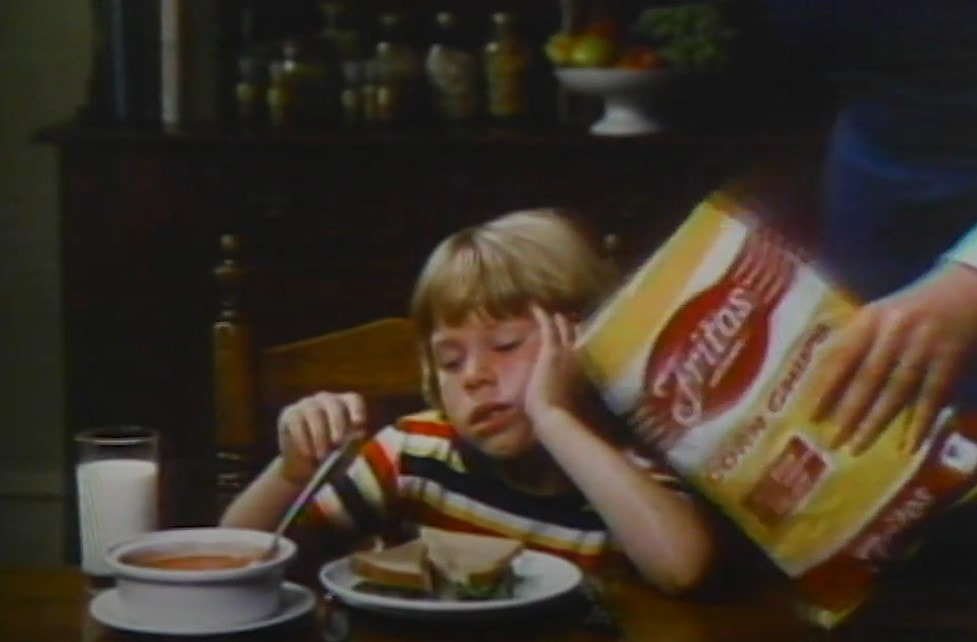 Fritos 1970s TV Commercial
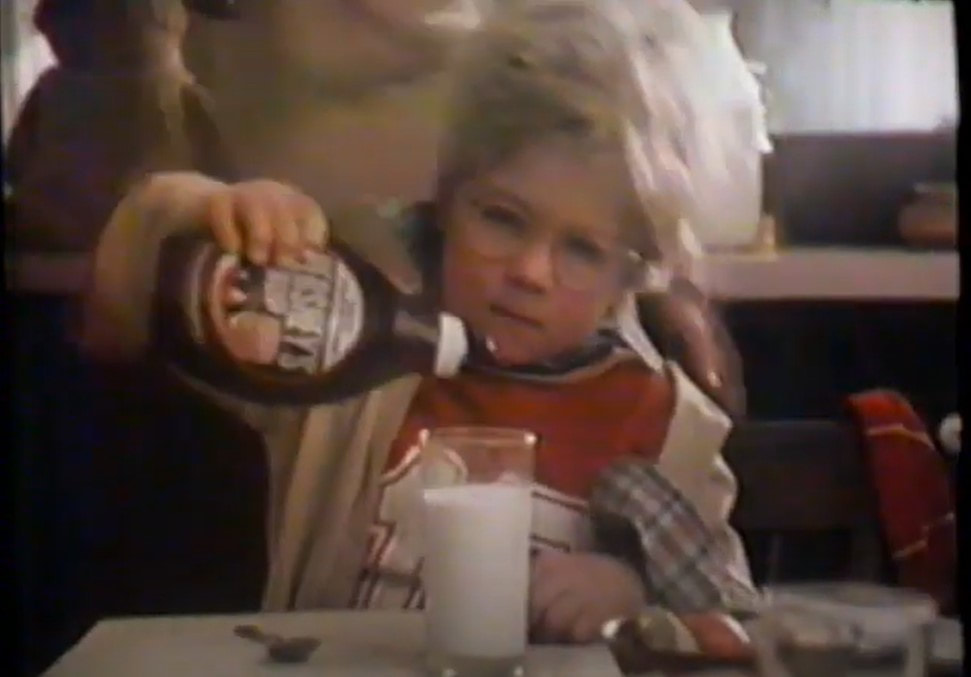 Hershey’s Syrup (Messy Marvin Debut) 1970s TV Commercials 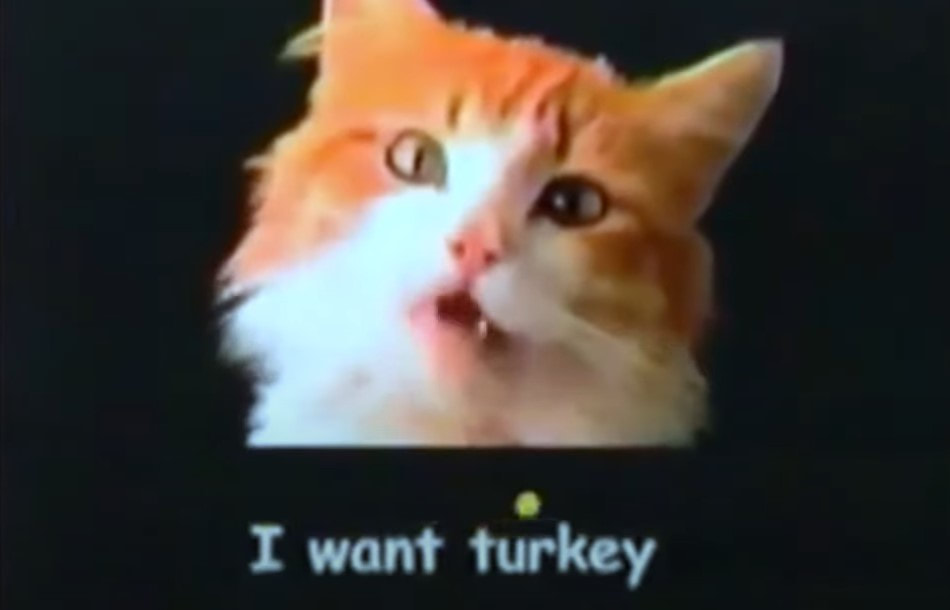 Meow Mix 1970s TV Commercials
4 Comments
 Nostalgic Memories: Early 1970s Kid’s Animated TV Shows Nostalgic Memories #2: Early 1970s Kid’s Animated TV Shows This is the second in a series of nostalgic memories that include TV shows, commercials, toys, and more, as I remember them, while writing my memoirs as part of my family history. The first was Nostalgic Memories #1: Early 1970s Kid’s TV Shows. I have been in the process of trying to write my memoirs, and in doing so, I have come up with tons of memories from every decade, which I thought would be fun to share. I spent a couple of years living with my grandma when I was between the ages of 3-5, and while jotting down my memories of my time with her, I also remembered some of the TV shows I watched during that time. This brought back tons of nostalgic memories, and maybe it will bring back some for you as well. My Early 1970s (Pre-Elementary School) Children's Cartoon Line UpBelieve it or not, with this long list, at this age, I wasn’t into cartoons as much as I was educational shows, but these are all the ones I remember watching before I started kindergarten. They include links that will take you to either episodes or opening songs of the ones I would have watched during that time, along with their air dates and some rerun dates.
And The ABC Saturday Superstar Movie (ABC)/The New Saturday Superstar Movie (1972-1973) (included pilots for new shows) *Many of these can be found on Amazon Prime, as well as YouTube. Remember any of these? I'd love to know!  Harnessing the Power of AI to Help You Write about Your Ancestors The Combined Power of AI and Timelines in Ancestor WritingJust a few days before MyHeritage announced their newest feature, AI Biographer, which you can read about in my post, “New MyHeritage Feature: AI Biographer, Creates Instant Biographies for Your Ancestors!”, I was literally working on a couple of projects that was doing just that, using AI for my biography, as well as for my ancestors’ biographies! I was taking all my own historical facts from my timeline and copying and pasting them in an AI paraphraser tool to create something just like this! At the same time, I was telling myself that it would be cool if either Ancestry or MyHeritage came out with a feature that did exactly what I was doing manually, take everything from your timeline/ancestor’s timeline and create a story or biographical sketch using AI. Who knew that MyHeritage was working on just that behind the curtains, right at the time I was envisioning it! I quickly found that if I create one myself from ancestors in my family tree, using their timeline events, I can create a fairly descent ancestor story/biography. Of course, it wasn’t that quick, and I had to manually tweak the paragraphs then run them through a paraphraser again. Then today, I decided to add some historical context throughout to make it a bit more interesting, taking cues from Ancestry’s new AncestryAI and My Heritage’s new AI Biographer, by using some of the events in my timelines and running them through an AI chat program. I also tweaked those as well. Altogether, I used quite a few different programs to accomplish my final test product. Check out the result below! 😊 My Ancestor Biography, with the Help of AI*This example is all based on my OWN research and taken from my own ancestor timeline, which is filled with facts and events based on my research. I then used AI to help me paraphrase my facts and events.
More AI and Genealogy ResourcesLearn about more AI in Genealogy and other family history and genealogy resources under the AI in Genealogy and Genealogy Resources category and on my dedicated Genealogy Resources page.
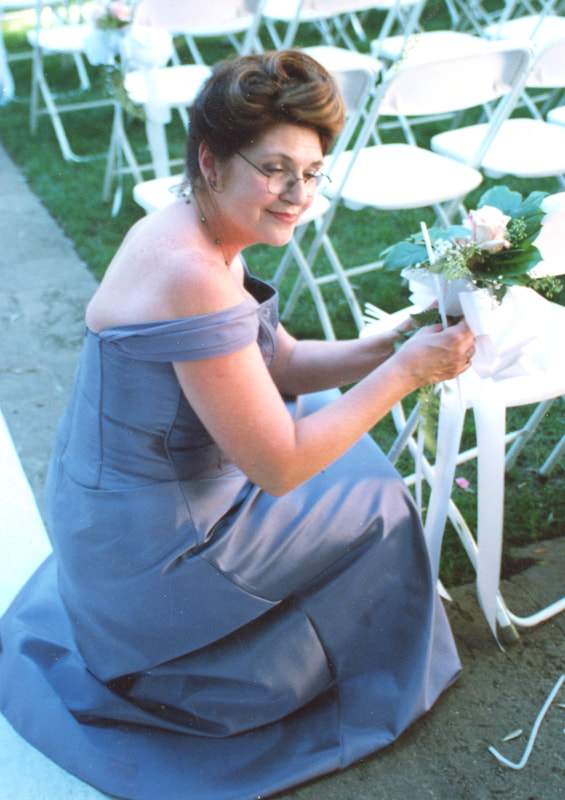
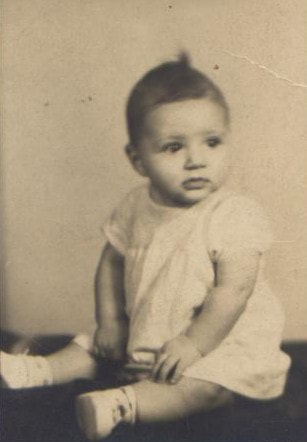
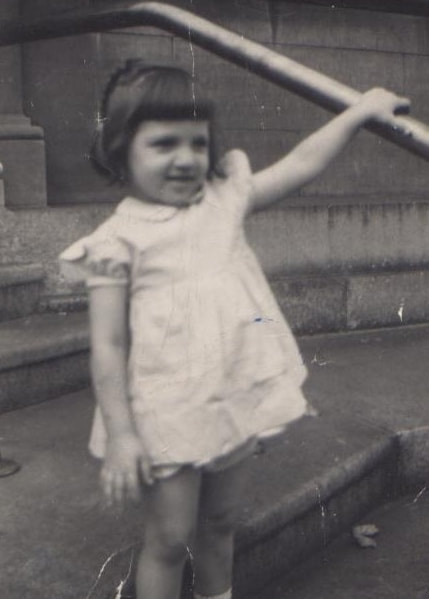
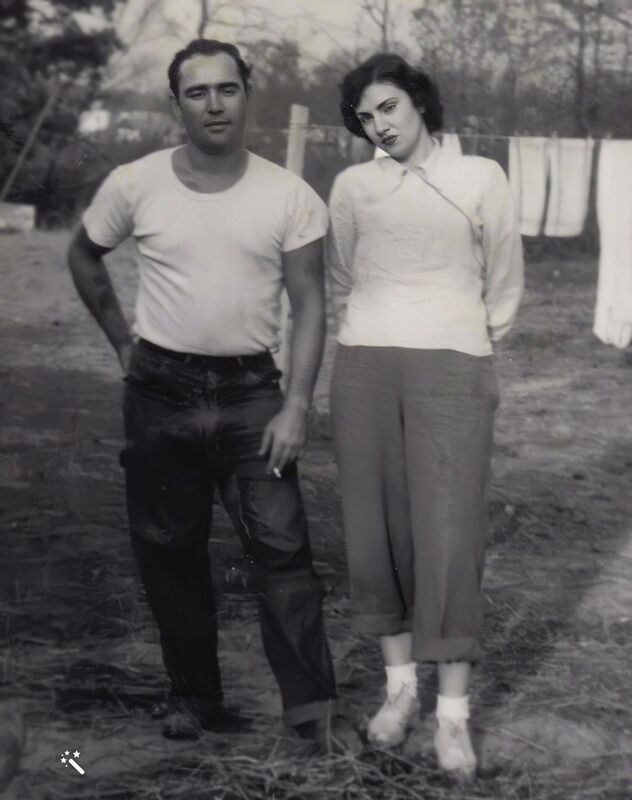
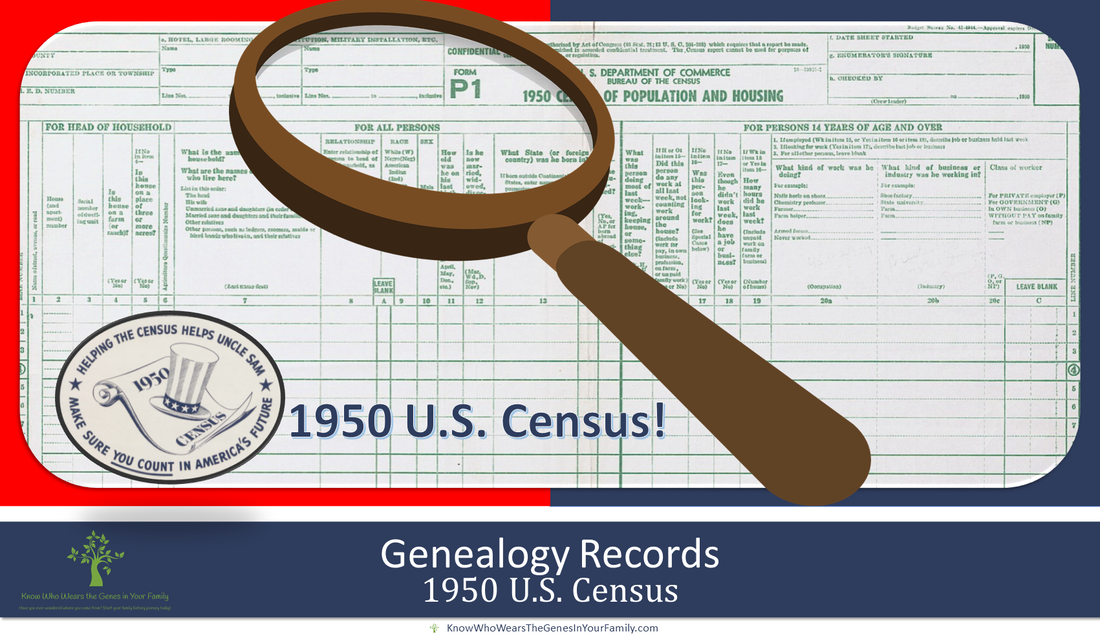
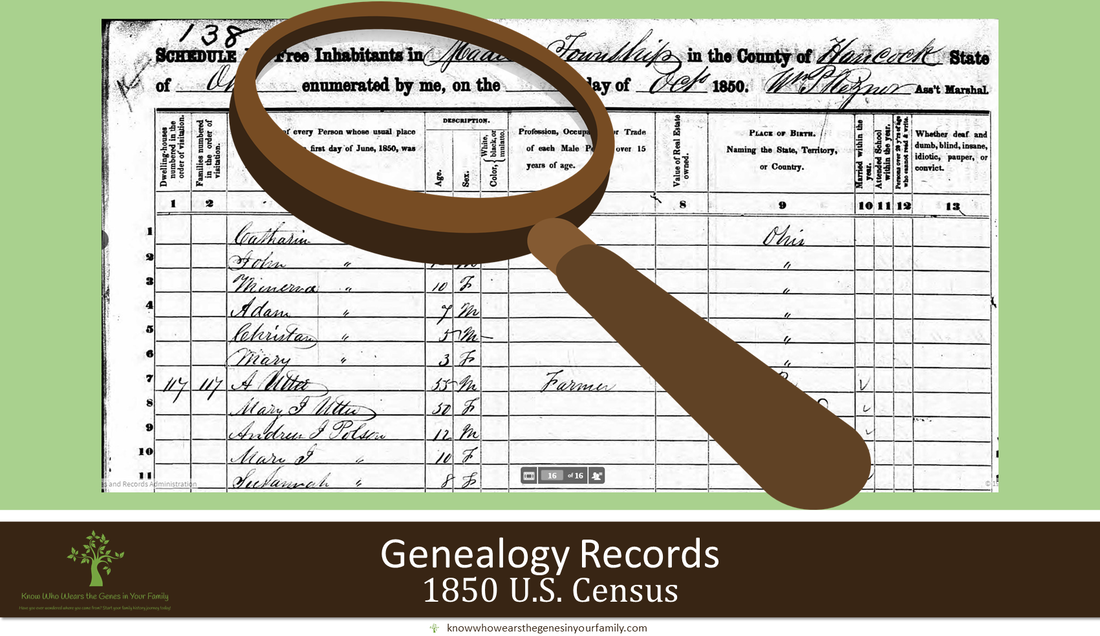
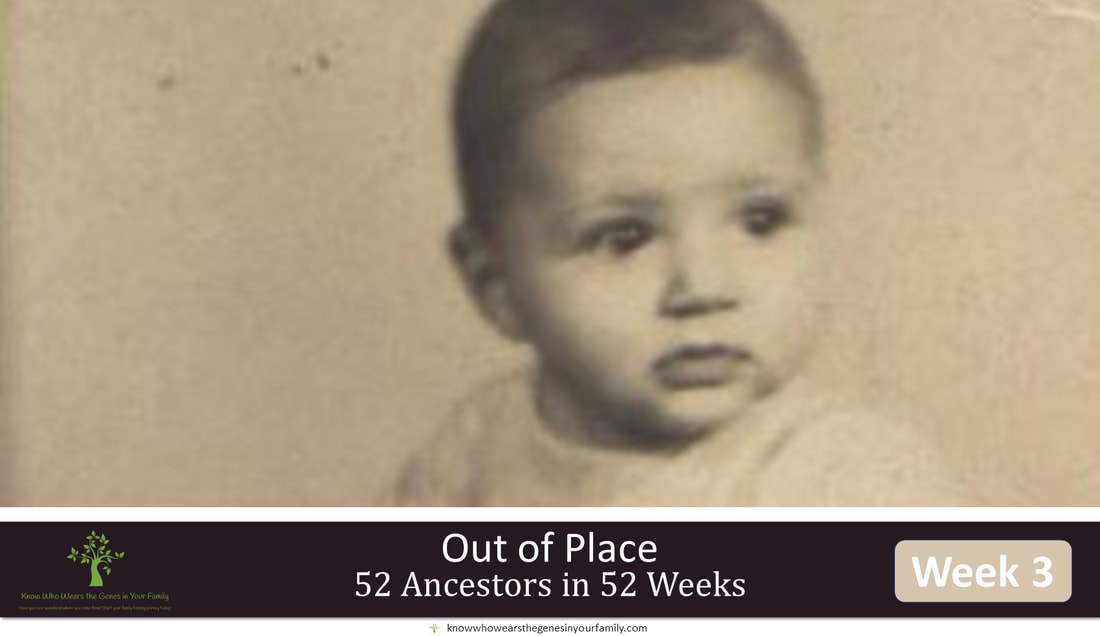 My 52 Ancestors in 52 Weeks Challenge; Week #3: Out of Place My 52 Ancestors in 52 Weeks Challenge; Week #3: Out of PlaceI joined the 52 Ancestors in 52 Weeks challenge this year, put on by Amy Johnson Crow, and for week #3's challenge, "Out of Place", I immediately thought of my mom. When the 1950 Census came out in April of last year, I, just as many, was on a crazed hunt searching through the 1950 Census digital images for 2 straight days! I had made a list of everyone I had wanted to find in the 1950 U.S. Census, but it was my mom, my dad, my biological father, and my paternal grandmother who I wanted to find the most, especially my mom! Searching the digital images was not that easy, especially if you didn't have an address or your ancestors weren't where they should have been. It took me just 2 days to find everyone on my list, basically ALL of my ancestors to be found on the 1950 Census, with the help of different tools that I had mentioned in "A Whirlwind of Searching the 1950 Census Digital Images!", including Ancestry's 1950 Census helps, such as the Enumeration District Maps tool they had out to help search the digital images one by one. I was really surprised that I could find everyone from that long list in just 2 days! Well, not everyone; I wasn't able to find my mom. My mom had just passed away, unexpectedly, the year before, and it was extremely important to me to be able to find her on the census for the first time, as maybe it might have helped the healing process in some way. She was the first person that I wanted to find, and her and her mom wound up being the only ones I did not find. I gave up and thought, even though I knew the chance was slim that it would help, I would wait until the 1950 Census became searchable, even though I knew I checked the entire area and surrounding areas thoroughly and painstakingly, image by image/page by page. My Mom and the 1950 Census:
My mom was born in 1948 in Massillon, Ohio, according to her and her birth certificate. I knew where she and her mom should have been, so it should have been easy right? Not at all. Her mom was an unwed teenager who had my mom at the age of 17. My mom didn't speak much about her life with her family nor her childhood. Most of the family information, I got when I started my genealogy research over a decade ago. I had to start from square 1 with my mom's lines. As I did the research, of course I was able to find relatives, that were never spoken about, during the process, and I was able to get tons of family stories through them. Let's just say, I understand why my mom wanted to keep mum. I was told by an uncle of my mom, her mother's brother, that he had taken his sister and my mom in and helped raise my mom, before her mom married. That wasn't until just a month or so shy of my mom's 2nd birthday. She was not with her uncle as told, nor any other family member. She was nowhere to be found. I pride myself on being a diligent genealogist and researcher, and I can usually find needles in a haystack, but not this time. I am convinced that they just aren't on it. Definitely out of place.
Follow more of my #52ancestors in 52 Weeks challenge here, and let's see if I can accomplish it this year! *Note: These photos are copyright protected and may not be downloaded, screenshot, etc. Are you interested in getting prompts to help you to begin jotting down more about your ancestors than just names and dates? Give it a whirl! You can sign up for Amy Johnson Crow's 52 Ancestors in 52 Weeks here! This post is a participant in 52 Ancestors in 52 Weeks and Sepia Saturday 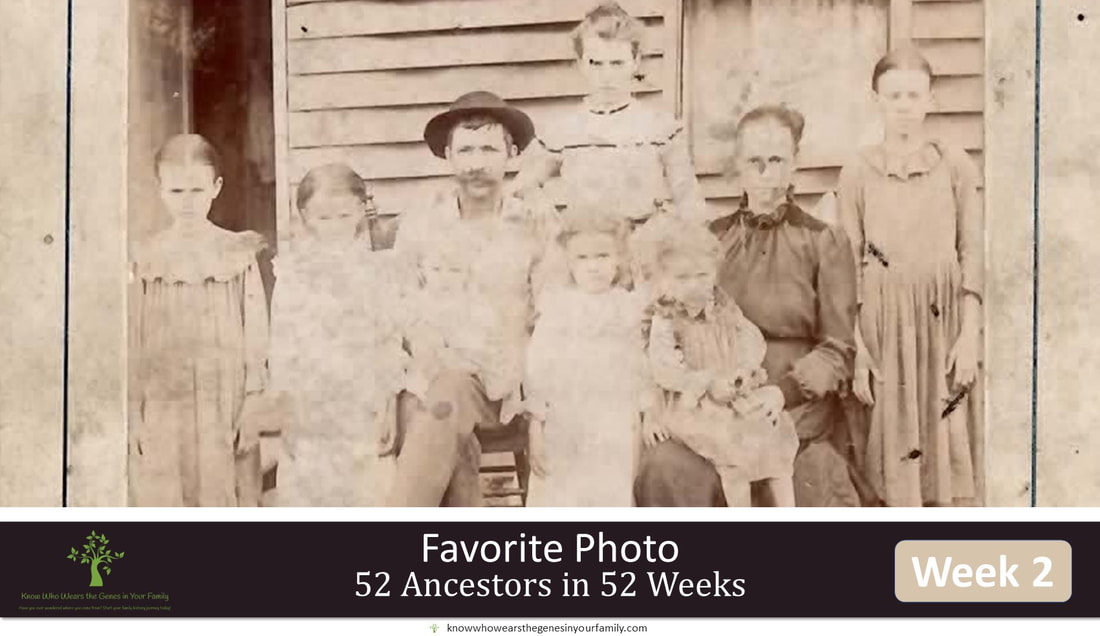
My 52 Ancestors in 52 Weeks Challenge; Week #2: Favorite Photo
My 52 Ancestors in 52 Weeks Challenge; Week #2: Favorite PhotoAbout 52 Ancestors in 52 Weeks
So, I joined the 52 Ancestors in 52 Weeks challenge this year, put on by Amy Johnson Crow, for the first time. The 52 Ancestors in 52 Weeks challenge is a series of prompts that you get each week that gets you thinking about an ancestor and sharing about them, which also helps with you writing about them to preserve for future generations, one of the stressed objectives of Know Who Wears the Genes in Your Family. I have wanted to attempt it many times over the years, but I am flooded with work, and it seemed too overwhelming, so we'll see how it goes and if I can complete it or not. I had always thought that the challenge had to be done in blog form, but since I found out that it can be done in any form, even just a post on social media, I was in! They also modify the challenge to those that will find it overwhelming, to 12 Ancestors in 12 Months, which is what I may have to revert to if I can't find the time each week to continue with it. I will try to blog about some through the year, but many will be just a quick post on my Facebook Page, like the first one that I have already done, I'm sure. I am also not a very elaborate memoir writer, and more of a technical writer, so I apologize in advance.
#52Ancestors Challenge Week #2: Favorite Photo
I don't really have a favorite family history photo, but I do have many that stand out to me for various reasons, and this is one of them. This is a photo of one set of my maternal 2nd great grandparents and 7 of their children, including my great grandmother to the far right. They had a total of 9 children. One is not pictured because he's already off working in the coal mines at a very young age, and the last child wasn't born until a year and a half later.
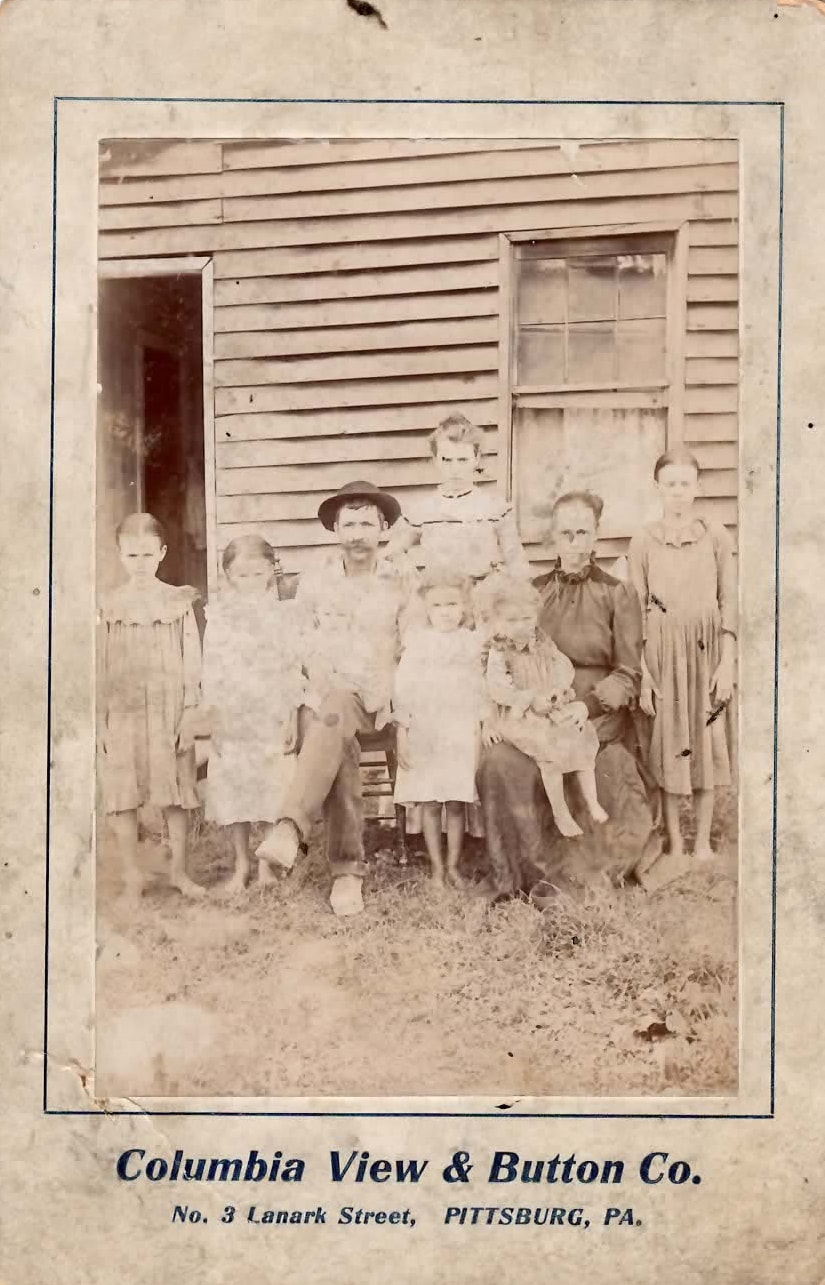
My 2nd Great Grandparents and their Children, including My Great Grandmother, ca. 1901; ©Diane Henriks
Reasons This Family History Photo Stands Out to Me
*Note: Photo is copyright protected and may not be downloaded, screenshot, etc. You can check out my first week's challenge on my Facebook Page and below:
Are you intereseted in getting prompts to help you to begin jotting down more about your ancestors than just names and dates? Give it a whirl! You can sign up for Amy Johnson Crow's 52 Ancestors in 52 Weeks here!
Follow my #52ancestors in 52 Weeks challenge here, and let's see if I can accomplish it this year! 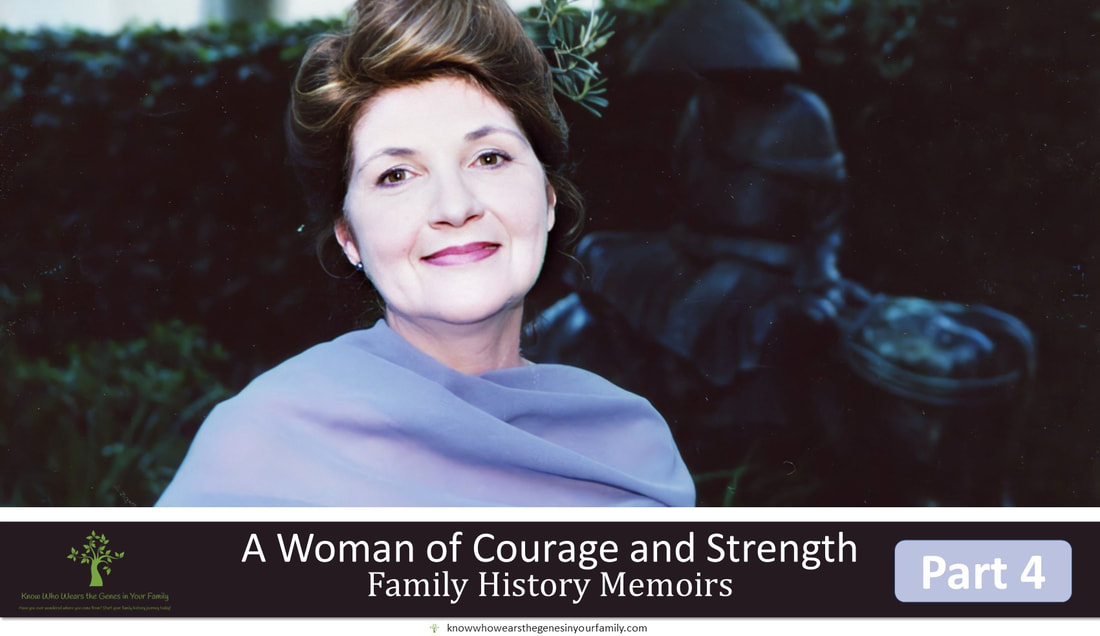 A Woman of Courage and Strength: A Mother’s Day Tribute Part 4Continue with me in the conclusion of my first family history memoir/narrative, from A Woman of Courage and Strength: A Mother's Day Tribute Part 3. Another Tragedy Strikes, Another Test of Courage: My mom started childcare back in the 1980’s and continued up until 2011, when she became paralyzed due to a mishap with a CT Myelogram. She adored all the children she babysat over the years, and I believe she touched every single one of their lives; they brought so much joy to her life, and I’m sure she brought a lot of joy to theirs. After being paralyzed in 2011, she was filled with grief, as she knew she would not be able to babysit anymore, and she had thought all her activities she loved, like card making, ceramic painting, and more would no longer be able to be done. It was a very difficult time for her for the first couple of years, but she got right back to the activities she loved; it took quadruple time, but she made it happen. After her passing, I had reached out to Color Me Mine to pick up the last projects she was working on. One of the staff there, who spent a lot of time helping her and conversing with her, had said she remembered my mom coming in and spending many days, and all day, on her pieces. She remembered how difficult it was for her, but how my mom was extremely patient and would never give up, and how passionate she was with it and how much joy it brought her. My mom was a strong woman who overcame many adversities in her childhood and during the rest of her life. Some of these drawbacks included an unfathomable childhood; a childhood car accident that left her with facial reconstructive surgery and complete dentures by the age of 9; severe scoliosis; 21 back surgeries; her paralysis; losing her home and almost 80% of her belongings in the year and a half right before she passed, due to the home she was renting being sold, all while she was in the hospital battling a severe staph infection; and being moved into an assisted living home, when all she ever wanted was to be in her own home and independent. I will never forget how, the last year before she passed, she walked blocks with her walker to see me give a presentation in Whittier. I told her she would be bored with the topic, but she insisted on coming to hear me speak. No matter how difficult things were, my mom pressed on and kept her faith. It was through her relationship with God that she had hope and faith in knowing that everything was in his control, and she was able to ease her anxieties in life, which was shown through her personal journal. I will always remember her tremendous strength in trying to overcome her extreme adversities in life. Take Aways Gifted to Me from my Mom: Not only was my mom gifted with creativity that she was able to use to show her love for others when she didn't know how to show love in conventional ways, but she was gifted with so much more that she hadn't come to realize! She was gifted with resiliency, strength and courage. I’ve learned many things throughout my life from my mom, but the 2 things that stick the most are to never give up with anything and to put forth 100% in everything I do. I hope she knew just how much I loved her; she is truly missed and is greatly loved.
Interative Questions:
Do you have an ancestor or family member that showed tremendous courage during challenging times? What have you learned from a trying experience, family member or ancestor? I'd love to read your comments below! More Family History Memoirs: Read this story from the beginning and find more family history stories under the Family History Memoirs category! Note: All photos are copyright protected and are owned by me and may not be downloaded, screenshot, or saved in any other way without my explicit permission 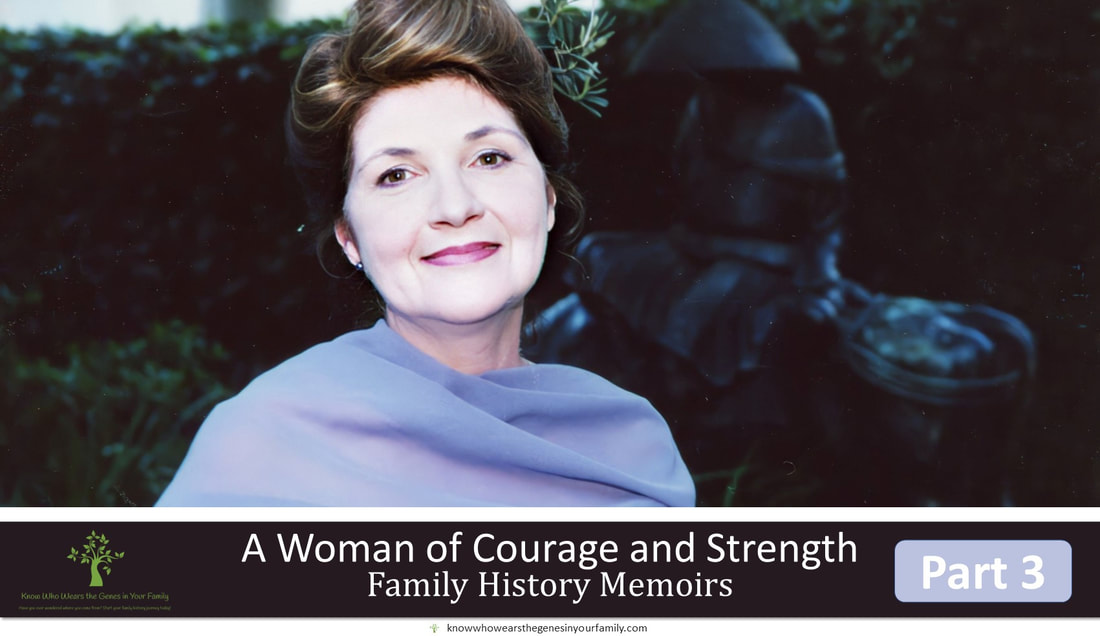 A Woman of Courage and Strength: A Mother’s Day Tribute Part 3 Continue with me in my first family history memoir/narrative from A Woman of Courage and Strength: A Mother's Day Tribute Part 2. The Turning Point:  My mom became a Christian and was baptized in 1988 at the church she had been attending, and she then officially became a member of the church. It was at this time, along with the birth of her first granddaughter, my oldest, whom she got to spend every weekend with, that was the most significant turning point in her life. It was a new beginning to all her past regrets and helped her to forgive and move on from her traumatic childhood that she had grappled with most of her life. She loved her children very much but had a special place in her heart for her grandchildren, they were the light of her life, and she supported them in everything they did. She never missed an activity of theirs or supporting them in some way or another! They were the biggest joy in her life.
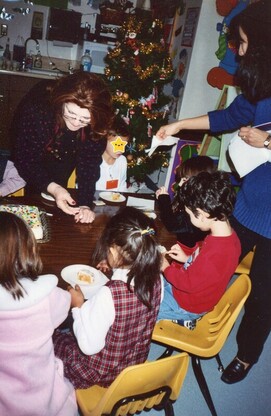
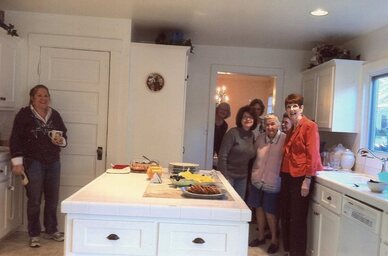
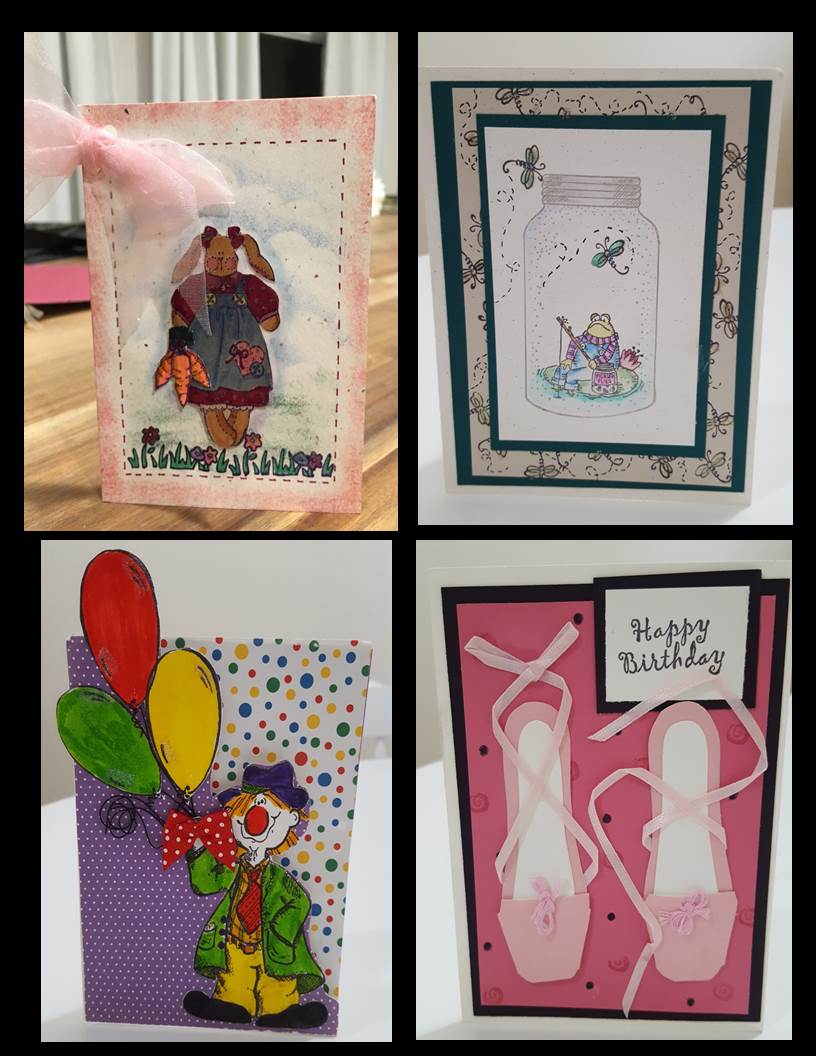
Spreading Joy with the Gifts Given to Her:  I believe that everyone has a special gift, such as a talent or skill. What do you choose to do with your gifts? My mom loved using what she really believed to be her one gift, the gift of creativity, from God (revealed after her death in a personal journal) for the purpose of bringing joy to others. She incorporated this into teaching Sunday School and Early Childhood at her church, and she always thought up the most adorable new crafts and activities for them. She had a hard time showing her love in conventional standards, because of her childhood, but you could see how much she loved by the time she spent putting such detail into her thoughtful handmade cards and gifts for family and friends, and by the time she spent helping and supporting others. I will always cherish that she had figured out she had a special talent and that unknowingly, she used it to show her love in an unconventional way to bring joy to others by making things for her family and friends, and how much time she put into it. I will never forget how she watched my children for me, so I could finish up school- from the times she took the bus all the way to my place to watch them, to the time she underwent the medical training to be able to watch my youngest for me. It takes a strong person to be able to see light after being in the dark for so long. It was through her love of God and the quality time she got to spend with her grandchildren, that she became the softer, more caring, and compassionate woman that she was known by, and how she had finally come to know love and how to freely give it. You could see that in her interactions with her grandchildren and how she helped others. She visited the homebound, helped those dealing with chronic pain, and helped those dealing with physical challenges, all through programs offered through her church. She loved to help others and give back, and she made many friends along the way through her activities at church. Not only was she able to help and give hope to others, but unknowingly, she was able to do the same for herself.
Interative Questions:
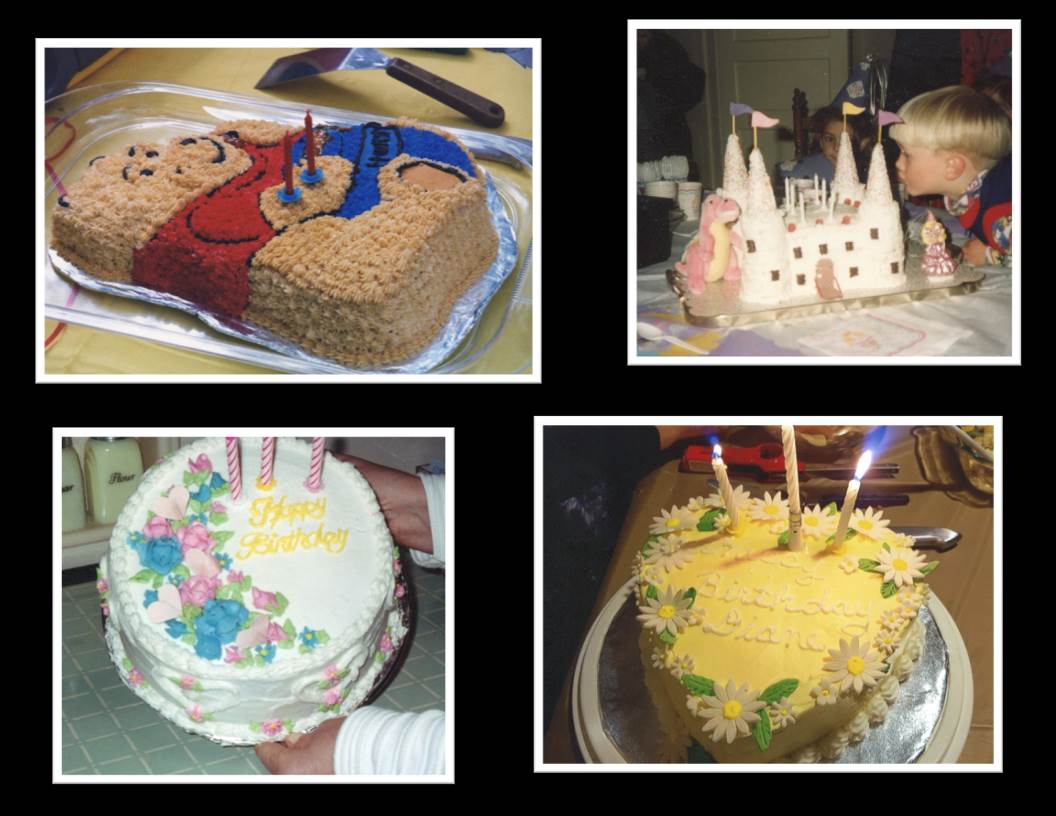
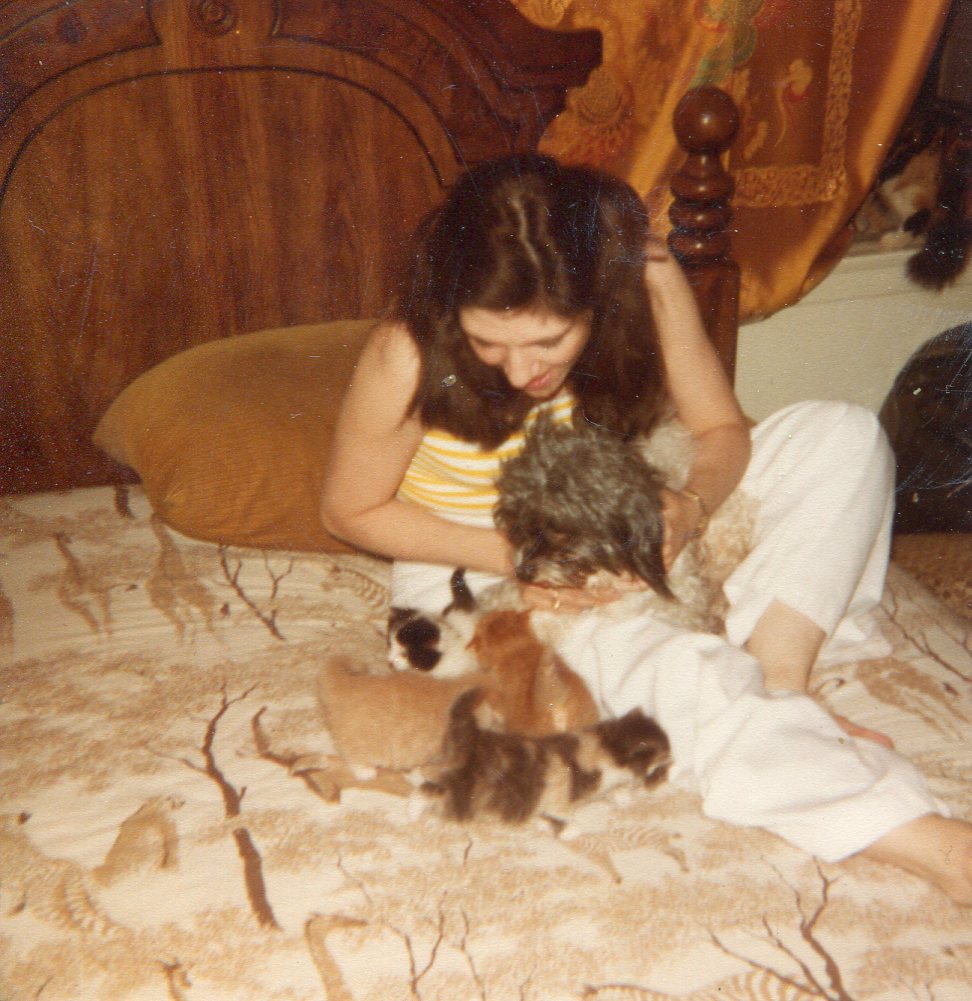
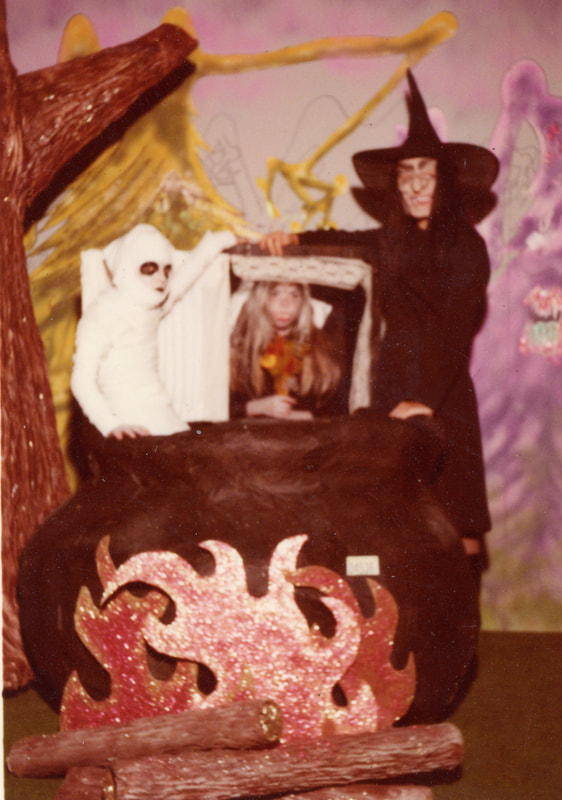
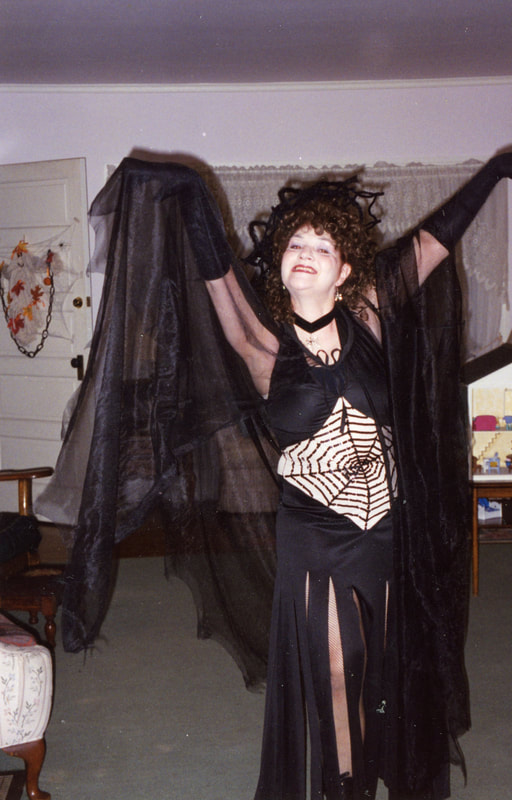
Did you have a major turning point in your life that helped get you through tough times? Have you used a special talent or skill that you have to hep others? I'd love to read your comments below! Stay Tuned: Stay tuned for Part 4, the final part, in this month long memoir celebrating my mom, for a Mother's Day tribute Next Up: Tragedy Strikes, Another Test of Courage, and more Note: All photos are copyright protected and are owned by me and may not be downloaded, screenshot, or saved in any other way without my explicit permission  A Woman of Courage and Strength: A Mother's Day Tribute Part 2Continue with me in my first family history memoir/narrative from A Woman of Courage and Strength: A Mother's Day Tribute Part 1. Blessed by More Gifts of Passion to Help See Her Through: Everyone needs some kind of passion in life to help see them through the tough times. My mom was very fortunate to have such passions to help her move forward in life. She had always loved arts and crafts of any kind, from card making, cake making, ceramic painting, making Halloween costumes, making wedding decorations, thinking up ideas for parties, and the list goes on. She also loved to refinish furniture, and during my childhood, I remember her always picking up furniture from flea markets or the side of the road to refinish them. This was another refuge. My mom absolutely loved animals. She picked up so many strays and nursed them back to health, including our family pet, Muffin, and even birds, and squirrels. I will never forget the time I saw her give mouth to mouth to a baby bird, just to make sure it survived! She was such an animal lover, that sometimes she would only use her heart and forgot to use her mind. An example of this that I'll never forget, was from when we were up in Yosemite when I was young, and she saw a baby bear cub, and she just had to go to it out of instinct. When she called out for my dad to come and see it, he was frantic and knew what would be in the midst, but it was too late; he had already seen the mama bear coming! Throught the years, we had many pet dogs, cats, hampsters and bunnies. In later years, her pet birds brought her much joy and comfort.
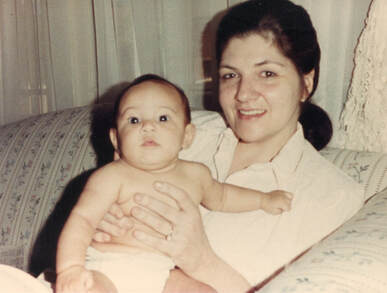
Her Favorite Time of the Year: Not only does one need passions in life to help get them through the tough times, but everyone should always have something to look forward to, in order to press on in forgetting the past. For my mom, these were the holidays. The holidays were my mom’s favorite time of year, as long as she had her family with her! I knew how important this was to her, so made sure she never missed a holiday without us. I will always remember how she tried to make every holiday extra special by going all out up to the final touches from the decorations to dinner and the dinner table, and even down to the decorating of the sugar cookies, which I always looked forward too! Stay Tuned: Stay tuned for Part 3 in this month long memoir celebrating my mom, for a Mother's Day tribute Next Up: The Turning Point, Using the Gifts She Was Given to Spread Joy, and more Note: All photos are copyright protected and are owned by me and may not be downloaded, screenshot, or saved in any other way without my explicit permission  A Woman of Courage and Strength: A Mother's Day Tribute Part 1This is my first attempt at ever writing a family history memoir/narrative or blogging about close family in one of my family history and genealogy blogs. It was one of the prompts for this month's Genealogy Blog Party at Elizabeth Swanay O'Neal's Heart of the Family and being another Mother's Day without my mom, whom I miss dearly, that inspired me. There's not a day that goes by that I don't think about or miss my mom, so for this Mother's Day, I thought I'd celebrate my mom with some of my memories of her and a little bit about her life. This is a Family History Memoir of my mom, a courageous woman who tried her best to escape the pain of her traumatic childhood and live her life as normal as possible. Gleams of Light through the Trauma: My mom was born in 1948 in Massillon, Ohio and raised by her stepfather and her mother. She had 3 younger brothers who had all predeceased her before she had passed in 2019.
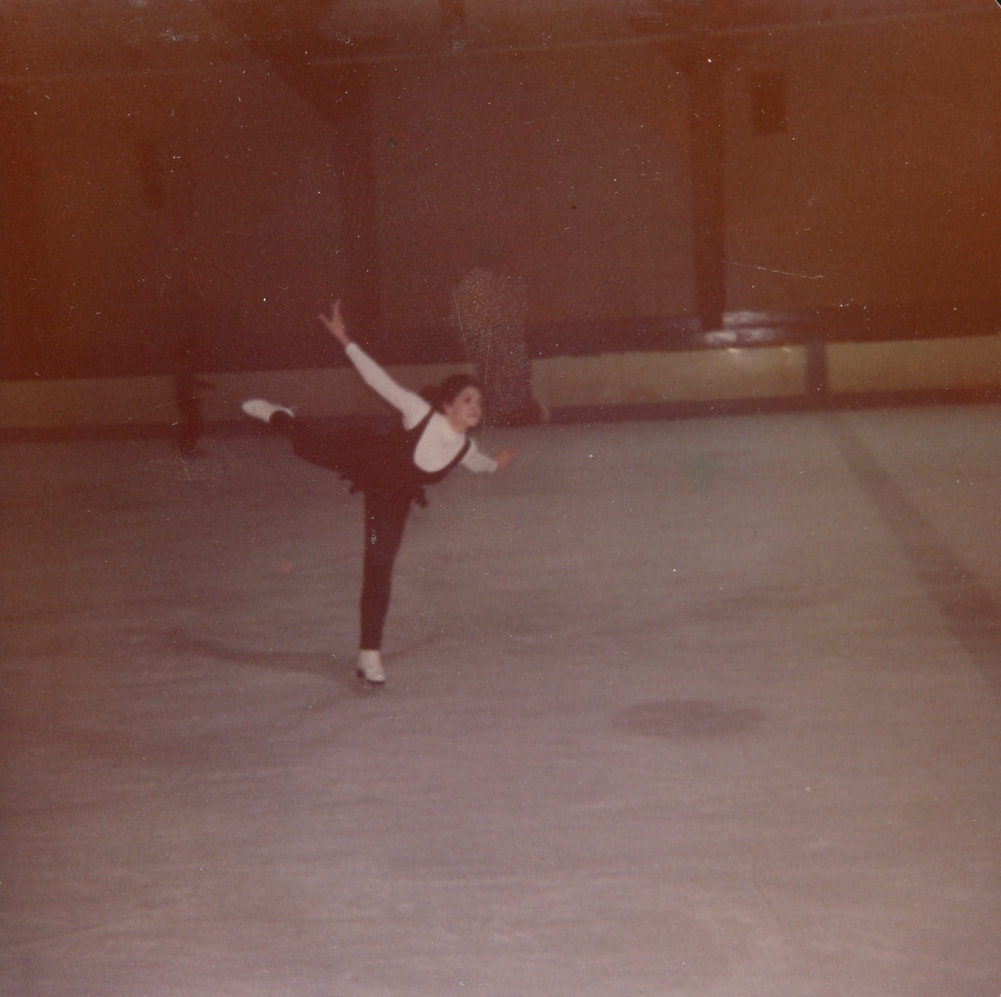
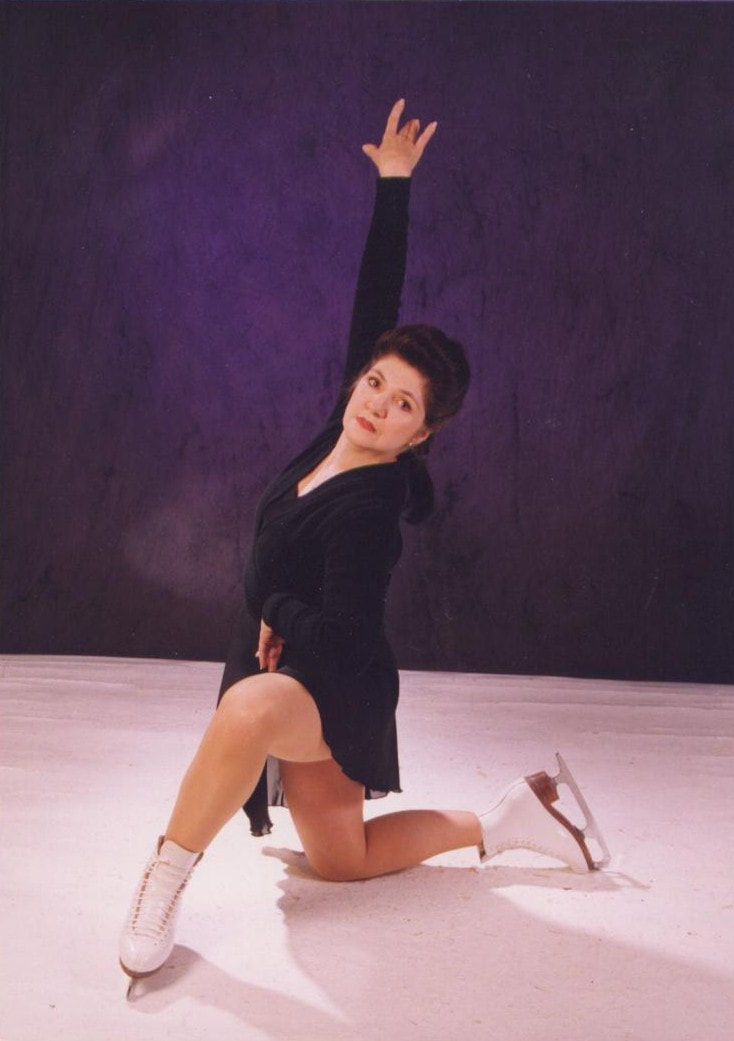
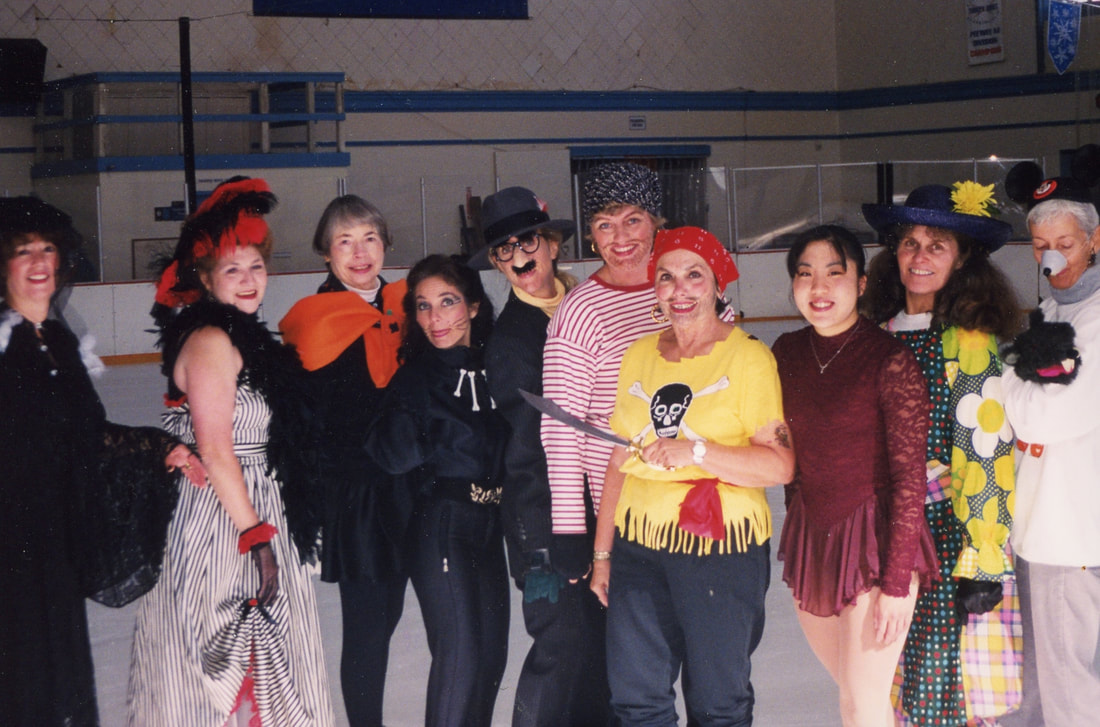
She came out to California with her family when she was almost 16, in about 1963, and this would finally be her chance at a new life and to escape her painful childhood. 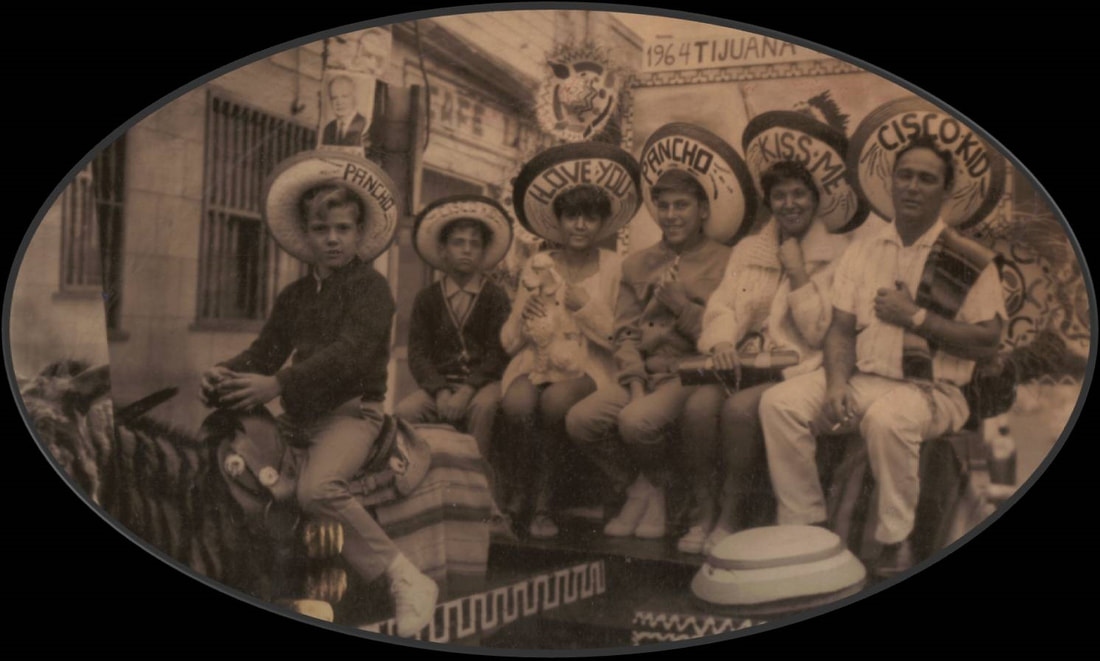 Tijuana, about 1963 It was here that she met and married my father, in 1965, and had my sister and me. They divorced before I was born, which I hadn’t known until I started my family genealogy. She then had my brother. 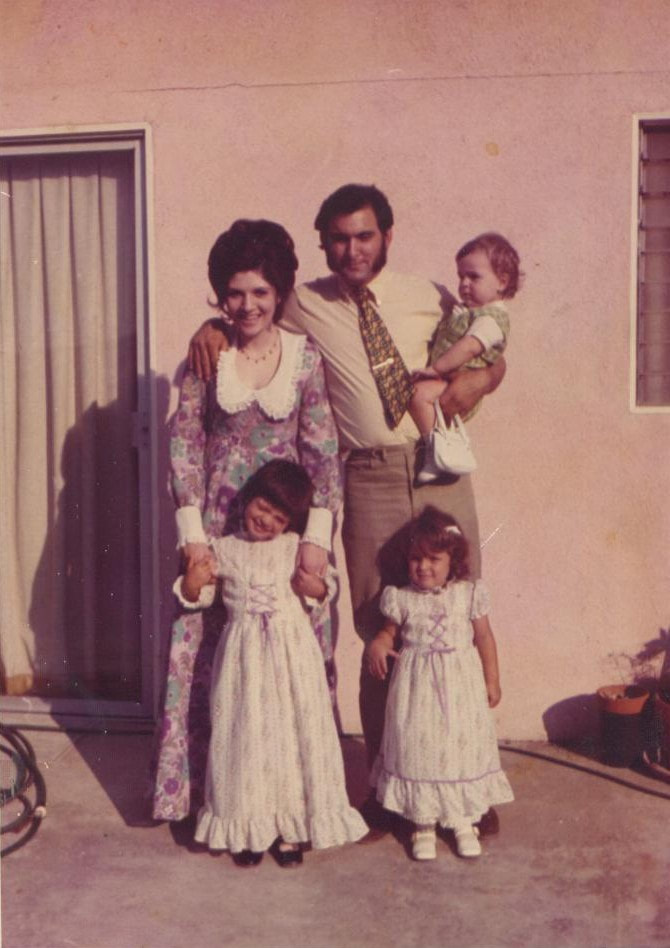 My mom and father during a brief period of trying to reconcile, with my brother, sister and me, about 1971 In 1971, her family went back to Ohio after the tragic death of her oldest brother, while she remained here with her new family. Out of a tragic event, came an unexpected light of hope through the disconnection with her family. 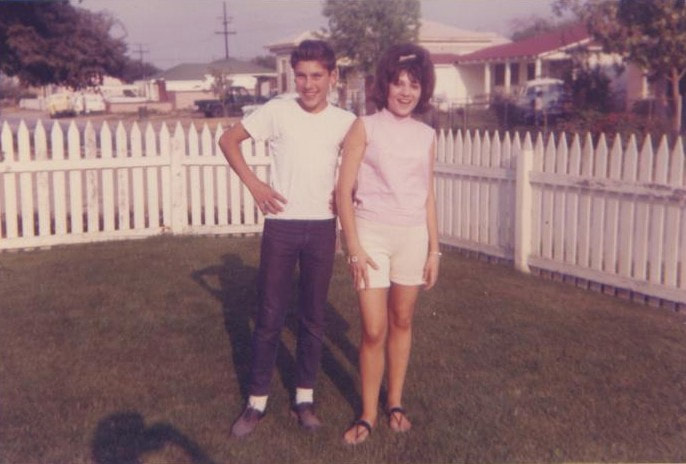 My mom with her oldest younger brother, Russell "Butch" in California, about 1963 In 1972 she met my dad, when I was 3 ½, giving her another glimmer of hope and a chance at happiness and normalcy. They later divorced in my teenage years, but they still had remained good friends, up until the end. 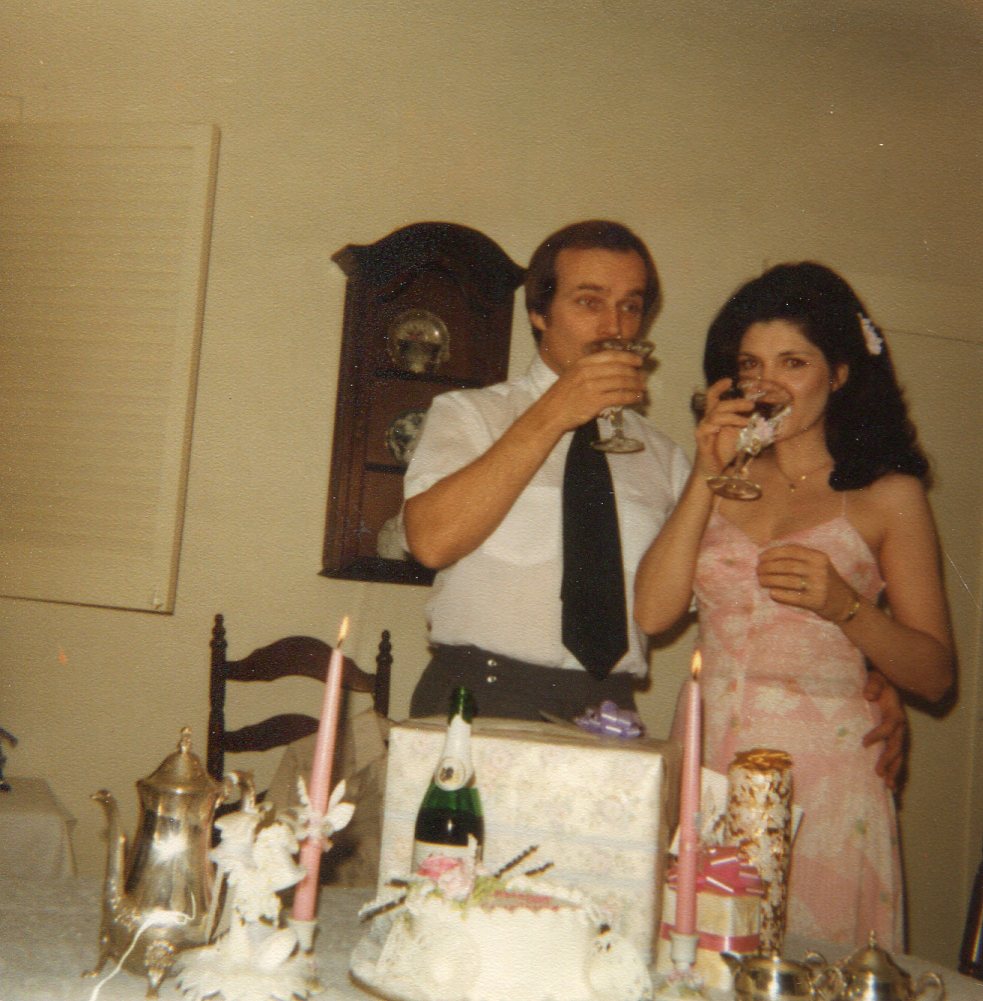 My mom and dad on their first wedding anniversary, 1980 Without going into the details of my mom’s extremely traumatic childhood, out of respect, I can say that she was a strong, courageous woman to try to live a life of normalcy as best as she could, while also trying to block the flashbacks that forever haunted her. An Escape to Get Her Through the Tough Times: My mom loved Ice skating and got her first pair of skates from her mom when she was 11 years old, and she first skated on the frozen pond down the hill from her home in Ohio, but she had to keep it a secret. This was her escape from her childhood; at least for a short time each day she got to be somewhere else and forget all that she had to endure when at home. This passion helped her escape the painful memories of her injurious childhood throughout her life. She skated in numerous ice shows when I was young, and I remember practically living at the ice rinks in Burbank, Culver City, West Covina and Santa Monica. She joined the Coffee Club at the Pasadena Ice Rink and had a grand time skating and getting together with her friends there. She skated until her last year on the ice in 2006. Who would have known that one gift of a pair of ice skates would bring with them a lifetime of havens?
Connecting the Dots to Her Freckles:
Oh, a funny little memory just popped up. I remember practically living at Santa Monica Beach when I was young; we were there every single day in the summers because not only did she love the beach, but she insisted that eventually she would get a tan, but only ever connected the dots to her freckles. :) Stay Tuned: Stay tuned for Part 2 in this month long memoir celebrating my mom, for a Mother's Day tribute Next Up: Blessed by More Gifts of Passion to Help See Her Through, The Turning Point, and more Note: All photos are copyright protected and are owned by me and may not be downloaded, screenshot, or saved in any other way without my explicit permission |
Categories
All
Featured
Top Posts
BlogrollEvalogue.Life, Heart of the Family, Molly's Canopy, Climbing My Family Tree, Cami Mayer, Field Genealogist, Ancestor Detective, DNA Breakthroughs, Your DNA Guide, Ancestral Findings, Genealogy Tip of the Day, Family History Daily, Genea-Musings
BlogI hope my family history and genealogy blog on genealogy research tips, resources, events, and more, along with my own genealogy journeys, will help you in your research and in building your family tree to learn more about your ancestors and family history to preserve for future generations to come! 
Come visit me at Know Who Wears the Genes in Your Family if you're interested in starting your family history journey, booking me for your next speaking event, or family history and genealogy heirloom products!
          Archives
July 2024

|


 RSS Feed



HoursM-Su: 8am - 8pm


|
Know Who Wears the Genes in Your Family is dedicated to promoting family history and genealogy, while maintaining commitment to client care and professional service, and adheres to the Code of Ethics and Professional Practices put forth by the Association of Professional Genealogists.
|