|
11/2/2025 Immersive Genealogy with ChatGPT-5: Turning Research into “A Day in the Life” StoriesRead NowGenealogical research can give us the facts about an ancestor’s life—but those facts alone don’t always help readers picture the world they lived in. That’s where immersive storytelling can make history feel alive. For my research on Samuel Steinman (1855–1925), my official AI tester ancestor, I tested ChatGPT-5’s ability to take verified facts and create short narrative scenes imagining what an ordinary day in his life might have been like. Then, I paired each scene with a historical context blurb so whoever is reading enjoys both the immersive moment and the educational background. 1) A Day in the Life ScenesWhat they are: Short, stand-alone portraits that place the reader right beside the ancestor in a specific time and place. These aren’t fictional in the sense of “made-up events”—they’re built from factual research (your research) about where the ancestor was, what they were doing, and what their environment was like. Example: Albany, Missouri, Spring 1910 — Samuel’s hands worked quickly, trimming the fat from a slab of beef as the morning rush began at the market. The wooden counter smelled faintly of sawdust from the day before, and the bell over the door jingled with each new customer. He glanced out the window toward the dusty street, thinking of Hattie tending the garden back home. Why I use them:
How GPT-5 helped:
2) Historical Context Blurbs What they are: Brief factual side notes that explain the real-world background to each scene—placed directly after the short narratives so they feel connected, not like an appendix. Example paired with the above scene: Historical Context – Butchering in Missouri, 1910 In the early 20th century, local butchers were central to small-town economies. Shops often relied on deliveries from nearby farms, and refrigeration was limited to iceboxes. Skilled butchering meant not just cutting meat but also advising customers on the best cuts for stews, roasts, or Sunday dinners. Why I use them:
How GPT-5 helped:
3) Pairing Scenes and Context for Maximum ImpactWhen paired, the scene and context work together like this:
This approach creates a “Life in Scenes” section that’s especially engaging for books and blogs because it blends the emotional connection of narrative with the reliability of factual context. A Day in the Life Scenes ExampleThis is any example of one, of many, A Day in the Life Scenes of Samuel Steinman. *Click to zoom in What GPT-5 Did Better (vs. earlier ChatGPT)
(Could older ChatGPT do this?) Yes--GPT-4 could write both scenes and context notes, but GPT-5 reduced the amount of rewriting I needed to align them in tone and detail. Practical Tips (if you want to replicate this)
PromptAnd because many seem to ask; although, it is no longer necessary to craft the perfect prompt, here is a prompt you can utilize to generate this: Prompt: Write a detailed “Day in the Life” story for [full name] in [year or period], based on the following known facts: [insert facts/research notes, etc. here—location, occupation, events, family, etc.]. Use historically accurate details about the time period, location, and occupation to make the scene vivid. Blend the documented facts with realistic daily activities for that era, but avoid adding major fictional events. Keep the tone immersive and narrative, as if the reader is experiencing the day alongside the person. Include sensory details (sounds, smells, sights) and interactions with family or community. More AI and Genealogy ResourcesLearn about more AI in Genealogy and other family history and genealogy resources under the AI in Genealogy and Genealogy Resources categories and on my dedicated Genealogy Resources page.
2 Comments
9/28/2025 Timeline Storytelling for Genealogy: Three Ways ChatGPT-5 Structures an Ancestor’s LifeRead NowWhen writing family history, a plain list of dates can feel boring—but a fully written biography can sometimes totally overwhelm those reading who just want the key events. The perfect balance usually lies somewhere in between. For my research on Samuel Steinman (1855–1925), my official AI tester ancestor, I tested how ChatGPT-5 could reshape the same life story into three timeline-based formats:
1) Side-by-Side Timeline + Narrative Hybrid What it is: A clean two-column layout where the left column lists the dates and places, while the right column contains a short narrative for each event. Those reading can scan dates at a glance or read the story in order. Why I use it:
*Click to view 2) Timeline + Narrative Hybrid with Historical Side NotesWhat it is: Same date-and-narrative format as above, but with an added short historical blurb next to certain entries—just enough to help those reading understand what was happening in the wider world. Example: (Date/Narrative) 1860 – The Steinman family was living in Hancock County, Ohio, as farmers. (Historical Note) In 1860, Ohio farmers relied heavily on horse-drawn plows, and corn was the dominant crop in the region. Why I use it:
*Click to view 3) Ready-to-Use Book Page Version of Hybrid TimelineWhat it is: A fully formatted page that’s print-ready for a family history book. This isn’t just about text—it’s about layout, pacing, and visual flow. GPT-5 produced a version with:
*Click to view What GPT-5 Did Better (vs. earlier ChatGPT) Older versions could produce timelines and narratives, but:
Yes--GPT-4 could produce timelines and add historical notes, but GPT-5 reduces the amount of post-editing, keeps formatting consistent across large sections, and improves the relevance of historical details. Practical Tips (if you want to replicate this)
More AI and Genealogy ResourcesLearn about more AI in Genealogy and other family history and genealogy resources under the AI in Genealogy and Genealogy Resources categories and on my dedicated Genealogy Resources page.
Genealogists often struggle with the challenge of presenting the same research in different formats. Sometimes you need a deeply researched, fully sectioned biography for a family history book; other times you need a flowing, narrative chapter that reads like a story; and sometimes you just need a short “ancestor snapshot” for quick reference. For my research on Samuel Steinman, my official AI tester ancestor, I decided to test ChatGPT-5 by giving it the same set of research facts — and asking for three different biographies:
Here’s how each turned out — and what I learned about GPT-5’s capabilities. 1. Detailed, Sectioned Biography with Historical ContextThe first format was a full, sectioned biography — the kind you might see in a formal research report or a comprehensive family history. This biography included:
Why it works: This approach ensures no detail is lost. It’s perfect for record-keeping, reports for clients, or the main biographical section in a printed family history. What GPT-5 added: Older versions could list facts well, but GPT-5 integrated them smoothly with historical notes, avoided repetition, and kept each section consistent in tone. It felt “polished” without heavy post-editing. 2. Narrative-Style Biography for Family History Books Next, I asked GPT-5 to take the same facts but weave them into a flowing narrative — the kind of biography that feels like you’re reading a chapter from a historical novel, even though it’s entirely factual. Example excerpt: “By the spring of 1910, Samuel had left Albany temporarily for work in El Dorado, Kansas. The Nicodemus Market kept him busy, with farmers coming in before dawn, boots muddy from the fields. But his thoughts drifted home, to Hattie and the children, and the lilac bush blooming by their gate.” Why it works: This format pulls readers in emotionally, helping them picture the ancestor as a living, breathing person. It’s ideal for family history books, presentations, or blogs where engagement matters as much as detail. What GPT-5 added: While GPT-4 could create narratives, GPT-5 stayed more historically grounded and avoided introducing anachronistic or overly modern phrases. The flow felt natural and era-appropriate without sacrificing accuracy. 3. Condensed Ancestor Snapshot for Quick Reference Finally, I asked GPT-5 to condense the same material into a brief ancestor profile — just enough for a caption next to a photo or a family tree entry. Example: Samuel Steinman (1852–1925) – Born in Hancock County, Ohio, Samuel worked as a butcher in Missouri for decades. Married to Hattie, he raised four children, was active in his community, and was known for his strong work ethic. He died in Albany, Missouri, in 1925. Why it works: These quick-reference summaries are perfect for timelines, photo albums, online family trees, and social media posts. What GPT-5 added: The ability to distill decades of life into a few sentences without losing the core identity of the person. Older versions could do this, but GPT-5 does it with more precise word choice and without cutting out essential facts. Key Takeaways for Genealogists
This exercise proved that GPT-5 isn’t just about answering questions — it can reshape the same research into exactly the format you need, making it a powerful tool for professional and personal genealogy projects. More AI and Genealogy ResourcesLearn about more AI in Genealogy and other family history and genealogy resources under the AI in Genealogy and Genealogy Resources categories and on my dedicated Genealogy Resources page.
What if your ancestors could speak to you? Not just through letters, photos, or census records—but in their own voice, telling their story in 30 seconds or less? That’s exactly what I set out to explore in a recent AI experiment: combining real ancestor research with cutting-edge (and free!) AI tools to create short, emotionally engaging ancestor videos. These clips aim to preserve and share family stories in a way that’s fast, fun, and surprisingly powerful. Whether you're looking for a new way to engage your relatives—or just want to bring your family history research to life—this technique might be just the creative spark you need. What Is the "Ancestor Voice Clip" Project?This project is part of an ongoing experiment I’m conducting to explore new, low-effort but high-impact ways of sharing family history through AI. The concept is simple: take a moment from your ancestor’s life, craft a short script in their voice, and then bring it to life with AI narration, images, and video editing tools. The result? A 30-second digital storytelling experience that can grab attention, stir emotion, and even get younger generations asking questions about their roots. Two Examples I Created▶️ Example 1: A Near-Death Experience Story: In this clip, Samuel recounts a frightening accident that nearly cost him his life. AI Tools Used:
▶️ Example 2: Returning to Butchering Story: After nearly 15 years of farming in Missouri, Samuel decided to sell his farm in 1892 and return to his original trade—meat cutting. AI Tools Used:
Why This Works
How You Can Create One Too: Step-by-StepWant to give it a try? Here’s a general workflow that you can follow: 1. Upload or Prepare Your Ancestor Profile Start with a short narrative or bullet points about your ancestor—perhaps from an existing ancestor biography or a family history summary, or just upload a PDF of your Ancestry or MyHeritage ancestor profile page. 2. Generate a 30-Second Script Use ChatGPT (or another writing assistant) to help craft a short monologue in your ancestor’s voice. Think first person—like they’re telling you a story themselves. Example Prompt: “Write a 30-second script in the voice of Samuel Steinman, who sold his Missouri farm in 1892 to return to butchering.” 3. Create a Voice Clip Use a tool like ElevenLabs (free accounts available) to generate audio from your script. You can choose from many realistic voice styles or customize your own. 4. Upload an Ancestor Image Optional, but impactful: upload a portrait or symbolic image of your ancestor to visually represent them. This helps personalize the voice clip. 5. Create Symbolic AI Images (Optional) Ask ChatGPT or another AI image platform to generate visual backdrops or symbolic scenes that reflect your ancestor’s story—like a dusty butcher shop or a Missouri farmhouse at dawn. 6. Put It All Together in Canva (or similar) Upload your audio, images, and text into a free platform like Canva to assemble the final video. Canva makes it easy to animate text, add transitions, and export the clip for social sharing. Expanding the Experiment: Two More Tests Using MyHeritageAfter the initial voice-to-story clips using ChatGPT, ElevenLabs, and Canva, I expanded the experiment by testing two more creative approaches—this time using MyHeritage’s AI features. Each of the new clips used the same short scripts and the same AI-generated ancestor photos, but each followed a slightly different path. ▶️ Test #2: Using MyHeritage DeepStory In this version, I uploaded my ancestor photos and the script into MyHeritage's DeepStory tool. DeepStory animates a still photo and adds a lifelike voice narration using its built-in AI features—no ElevenLabs needed. The result? My ancestor appears to speak directly to you, narrating his life story in his own words. It's seamless, intuitive, and very emotionally effective.
▶️ Test #3: MyHeritage LiveMemory + ElevenLabs + Canva This version used a more layered approach:
This test gave me more creative control over the voice, visual pacing, and transitions. It combined the realism of ElevenLabs with the animation capabilities of LiveMemory, all wrapped in Canva’s design tools. Why These Extra Tests MatterThese variations show that there’s no single “right way” to do this kind of storytelling. Each tool—whether ChatGPT, ElevenLabs, MyHeritage DeepStory, LiveMemory, Grok, or Canva—brings something unique to the table. You can mix and match them depending on your comfort level, creative goals, and the type of story you want to tell. Whether you want a fast, all-in-one experience (like DeepStory) or more control and polish (like combining LiveMemory with Canva), the technology is there—and much of it is free or low-cost. What This Project Is (and Isn’t)This isn’t meant to be a polished documentary or in-depth biography. It’s a bite-sized memory, intended to spark curiosity, open the door to conversations, and inspire further exploration. It’s an experiment—one I’m continuing to test, tweak, and improve with each new ancestor story. And the best part? It’s totally free (or very low-cost), accessible to beginners, and endlessly customizable. Why This Might Be the Hook Your Family NeedsIf you’ve ever struggled to get your kids, siblings, or cousins interested in family history, this might be the answer. One well-timed 30-second story—told in a familiar-sounding voice, with compelling visuals—might connect in a way that a 40-page research report never could. Whether you’re a genealogist looking to share your work more meaningfully or a curious beginner looking for a creative spark, these tools open up a new frontier for storytelling. Want to Try It? I’m Happy to Help.If you’re curious about trying this with your own ancestors, feel free to reach out or drop a comment. I’d love to share what I’ve learned—or even walk you through the process step-by-step. Together, let’s explore new ways to make our family history speak—literally. Because even a 30-second voice from the past can echo for generations. More AI and Genealogy ResourcesLearn about more AI in Genealogy and other family history and genealogy resources under the AI in Genealogy and Genealogy Resources category and on my dedicated Genealogy Resources page. #Genealogy #FamilyHistory #AncestorVoices #AIinGenealogy #ElevenLabs #ChatGPT #Canva #DigitalPreservation #CreativeGenealogy #FamilyLegacy #PreserveYourStory #AncestorStories #FreeGenealogyTools
Over the past few months, I've been diving deeper into the potential of AI for genealogy and family history. One of the fascinating aspects of AI is how it continuously evolves and improves, especially when applied to a complex and personal field like genealogy. To test how far the technology has come, I decided to recreate a biography for my 2nd great-grandfather, Samuel Steinman, one that I had first generated around five months ago. For context, this project was part of a study I had conducted for an "AI and Family History" presentation. I wanted to see if ChatGPT had improved since that time—after all, family history is ever-evolving, and so too should our tools. Five months may not seem like much in the grand scheme of things, but in the world of AI development, it's a significant span. The Experiment I approached this test with the same mindset I had months ago. First, I used my own gathered research—Samuel Steinman’s entire family history, meticulously compiled on Ancestry.com. Then, I took the same steps I had previously: I opened ChatGPT, prompted it to generate a biography, and copied and pasted Samuel Steinman’s entire ancestor profile page (in one swoop) directly into the prompt. What happened next was nothing less than impressive. A Flawless Result, First Try Unlike the earlier version where I had to tweak and fine-tune the generated text to remove overly flowery language or adjust historical context, this time ChatGPT nailed it on the first try. The biography it created was clean, well-structured, and detailed without unnecessary embellishment. It pulled in my research flawlessly and even incorporated a touch of historical context, just as I had requested. Gone were the excessive adjectives that usually muddled early versions of AI-generated content. Instead, I received a biography that was not only factual but written in a professional tone that resonated with my family history documentation style. Here’s why this was particularly impressive: I didn’t feed the AI much detail other than the ancestor profile/my research. There were no long-winded instructions, just a simple prompt. Yet, ChatGPT was able to seamlessly weave together all the relevant information into a cohesive narrative—just the way I had imagined it. How AI Has Improved Over Time The key takeaway from this experiment is just how much AI, specifically ChatGPT, has evolved in such a short period. Five months ago, I could see the potential, but I still had to make manual adjustments to refine the generated text. This time, I was left with a ready-to-use biography that required no extra work. Here are a few improvements I noticed:
A Game-Changer for Family Historians For those who might be skeptical about using AI in genealogy, this experience highlights just how transformative these tools can be. Not only can AI significantly reduce the time it takes to compile and write family biographies, but it also allows researchers to focus on the other aspects of family history—like uncovering stories and connections—while leaving much of the writing and organization to AI. Imagine how this could help you write your family history! Whether you’re working on biographies, timelines, or even trying to contextualize historical events within your family’s narrative, AI tools like ChatGPT are becoming even more invaluable resources. The Future of AI in Family History This recent test of ChatGPT reaffirms my belief that AI will continue to play an essential role in family history research. With the ongoing improvements, AI will likely become even better at organizing and interpreting complex genealogical data, turning raw information into compelling, accurate stories. It has already streamlined a significant part of the process for me—and I can’t wait to see how it continues to evolve. For anyone curious about using AI to assist in your genealogy research, now is the perfect time to start experimenting. The tools are here, and they are more powerful than ever. So, what’s next for me and my AI journey? I’ll continue testing and fine-tuning my approach, looking for ways to integrate AI into every aspect of my family history research. And who knows, maybe the next big breakthrough will come in just a few months, as AI continues to advance and redefine the possibilities for genealogists like us. In the meantime, Samuel Steinman’s biography stands as a testament to how far we’ve come in just a few short months. I look forward to seeing what the future holds. More AI and Genealogy ResourcesLearn about more AI in Genealogy and other family history and genealogy resources under the AI in Genealogy and Genealogy Resources category and on my dedicated Genealogy Resources page.
As a genealogist, I’m always looking for unique ways to connect with my ancestors and make their stories come alive. Since the beginning of this year, I have been testing out the power of AI and its many family history and genealogy transforming capabilities, bringing my research to a whole new level. Recently, I ventured into a creative experiment that blended genealogy and artificial intelligence (AI) in an unexpected way: I used AI to compose songs based on my ancestors' life stories by creating a song to honor my 2nd great-grandfather, Samuel “Sam” Steinman, with AI playing a key role in crafting this musical tribute. The Power of Storytelling Through Music Genealogy usually revolves around research—documents, records, family trees, and dates. However, it’s the stories behind those names and dates that make genealogy so meaningful. I’ve always been fascinated by the idea of finding new ways to tell those stories, whether through writing, video, or photographs. This time, I chose music to tell Samuel’s story. Samuel Steinman lived during a pivotal time in rural America, facing the challenges of a changing world while raising his family and working hard on the land. To honor him, I wanted to create something that captured the essence of his life: resilience, hard work, and the enduring bond of family. And that’s where AI came in. Using ChatGPT to Generate Song Lyrics The process started with ChatGPT, an AI language model that can generate text in various forms, including song lyrics. I copied Samuel Steinman’s ENTIRE ancestor profile page/historical timeline on Ancestry.com (use can use your ancestor profile page from MyHeritage as well), which I had carefully compiled through my research and already had plenty of details and descriptions included in the facts, and pasted the entire profile page into ChatGPT with a simple prompt: "Generate a song for my 2nd great grandfather, Samuel “Sam” Steinman using the following genealogical timeline: (pasted ENTIRE ancestor profile page)” The AI quickly generated a song that captured the spirit of Samuel’s life, using storytelling lyrics to convey the key moments of his journey. From his humble beginnings in rural America to the trials and triumphs he faced along the way, the song brought his story to life in a way that I hadn’t imagined before. Here’s a snippet of the lyrics ChatGPT produced: " A man of Ohio, born in the fall, Worked with his hands, standing tall. From butcher’s blade to family ties, Sam Steinman lived under open skies." The folk genre was the perfect fit for this project, with its storytelling approach and emotional depth. The lyrics reflected Samuel’s values and the strength he exhibited throughout his life, all while honoring his connection to the land and family. Adding Music with AI Tools Once I had the lyrics, it was time to add music. I used AI music generators like AI Music Factory and Suno to create instrumental backing tracks and produce a complete song, including voice. These platforms allow you to input lyrics or choose a musical style, and they generate a backing track that complements the mood and tone of the song. With AI Music Factory, I was able to manually give directions to use a folk-inspired arrangement that included acoustic guitar, soft percussion, and a harmonica to echo the rural American setting of Samuel’s life, which ChatGPT generated. Suno, on the other hand, gave me a bit more of a modern take on the folk-inspired genre, blending traditional elements with subtle electronic enhancements to add depth to the song. Each version offered a different, yet powerful, interpretation of Samuel’s story. Why Use AI to Create Family History Songs? This experiment was not just about making music—it was about finding a new way to preserve and share family stories. AI offers a range of possibilities for genealogists who want to explore creative storytelling methods beyond the traditional family tree. Whether it’s generating lyrics, composing a soundtrack, or even creating visuals to accompany a family history, AI opens doors to new forms of expression. If you're looking to try this approach in your own research, here’s a step-by-step outline of how I brought Samuel Steinman’s story to life through AI-generated music: 1. Compile a Complete Historical Timeline Start by gathering all the key events, locations, and personal details to add to your ancestor’s profile—just as I did with Samuel’s profile on Ancestry.com. Make sure you include important milestones, emotional moments, and any themes that resonate with your ancestor’s story. 2. Use ChatGPT to Generate Lyrics Once you have a complete timeline, paste the ENTIRE ancestor profile page, in one swoop, into ChatGPT with a specific prompt. For example, you might request lyrics in a particular genre, tone, or mood that reflects your ancestor’s life. This customization can help tailor the song to the unique essence of the person you’re honoring, but ChatGPT will also generate it for you automatically, based on your ancestor timeline/facts and details, so there is really no need. 3. Choose AI Music Generators for Backing Tracks After the lyrics and composition are complete, try using AI tools like AI Music Factory or Suno to create the instrumental backing track, and even voice. You can select the genre, mood, and instruments that best complement your ancestor’s story, or you can just free text what ChatGPT turned out for you. Experiment with different platforms to see what kind of soundscape works best. 4. Combine the Elements Finally, merge the lyrics, by pasting what ChatGPT gave you, and backing track to complete the song. You can also adjust the vocals or try different arrangements to refine the final product. The Final Result The songs I created for Samuel Steinman were more than just music—they were an emotional tribute to a man whose life shaped my family’s history. Each version of the song, whether created through AI Music Factory or Suno, brought Samuel’s story to life in a way that words alone could not. Check out the different outcomes using the same ChatGPT response!
Whether you’re a genealogist like me or simply someone who wants to honor a loved one’s memory, AI offers endless possibilities for creative expression. Through this project, I’ve discovered a new way to use AI in family history and genealogy and keep an ancestor’s legacy alive, and I encourage others to explore how technology can help us tell the stories of the past in innovative ways. What do you think? Have you tried using AI to create family history songs, or do you have another creative method to share your ancestor’s story? Let me know in the comments! © 2024 Diane Henriks @ Know Who Wears the Genes in Your Family About the AuthorI'm Diane Henriks, a professional genealogist with a passion for preserving family histories through creative methods. Whether through writing, music, or digital media, I strive to make each ancestor’s story come alive. I have experience in a variety of genealogical research areas, including expertise in unknown parentage, brick walls, DNA testing, descendant research, and living people search. More AI and Genealogy ResourcesLearn about more family history and genealogy resources under the AI in Genealogy and Genealogy Resources category and on my dedicated Genealogy Resources page.
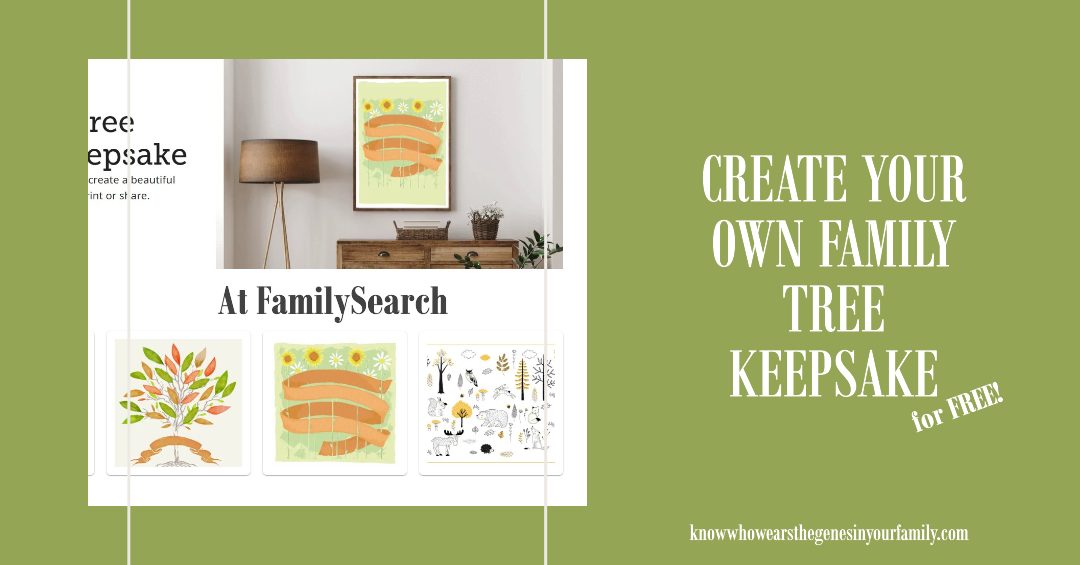
FamilySearch now has quite a few templates to choose from to design a FREE family tree keepsake. I first came across their family tree templates, as one of their campaigns, back in 2019. Then in another campaign last year, they included a few more. The newest campaign now has 35 templates to choose from, with 2 of the 4 offered last year (1 being the original) as well as 33 more. These are great little keepsakes that pull your info from FamilySearch, up to 4 generations only, and automatically fills it. I found the 2 originals and a few others to be nice little keepsakes. You used to be able to manually edit the text in the templates as well, but you can no longer do that. Check out some of the results below and create a FREE family History keepsake of your own! FamilySearch Family Tree Keepsake Design ExamplesYou can create your own FamilySearch Family Tree Keepsake here: FamilySearch Tree Designs More Genealogy ResourcesLearn about more FamilySearch and other family history and genealogy resources under the Genealogy Resources category and on my dedicated Genealogy Resources page.
The Combined Power of AI and Timelines in Ancestor WritingJust a few days before MyHeritage announced their newest feature, AI Biographer, which you can read about in my post, “New MyHeritage Feature: AI Biographer, Creates Instant Biographies for Your Ancestors!”, I was literally working on a couple of projects that was doing just that, using AI for my biography, as well as for my ancestors’ biographies! I was taking all my own historical facts from my timeline and copying and pasting them in an AI paraphraser tool to create something just like this! At the same time, I was telling myself that it would be cool if either Ancestry or MyHeritage came out with a feature that did exactly what I was doing manually, take everything from your timeline/ancestor’s timeline and create a story or biographical sketch using AI. Who knew that MyHeritage was working on just that behind the curtains, right at the time I was envisioning it! I quickly found that if I create one myself from ancestors in my family tree, using their timeline events, I can create a fairly descent ancestor story/biography. Of course, it wasn’t that quick, and I had to manually tweak the paragraphs then run them through a paraphraser again. Then today, I decided to add some historical context throughout to make it a bit more interesting, taking cues from Ancestry’s new AncestryAI and My Heritage’s new AI Biographer, by using some of the events in my timelines and running them through an AI chat program. I also tweaked those as well. Altogether, I used quite a few different programs to accomplish my final test product. Check out the result below! 😊 My Ancestor Biography, with the Help of AI*This example is all based on my OWN research and taken from my own ancestor timeline, which is filled with facts and events based on my research. I then used AI to help me paraphrase my facts and events. More AI and Genealogy ResourcesLearn about more AI in Genealogy and other family history and genealogy resources under the AI in Genealogy and Genealogy Resources category and on my dedicated Genealogy Resources page.
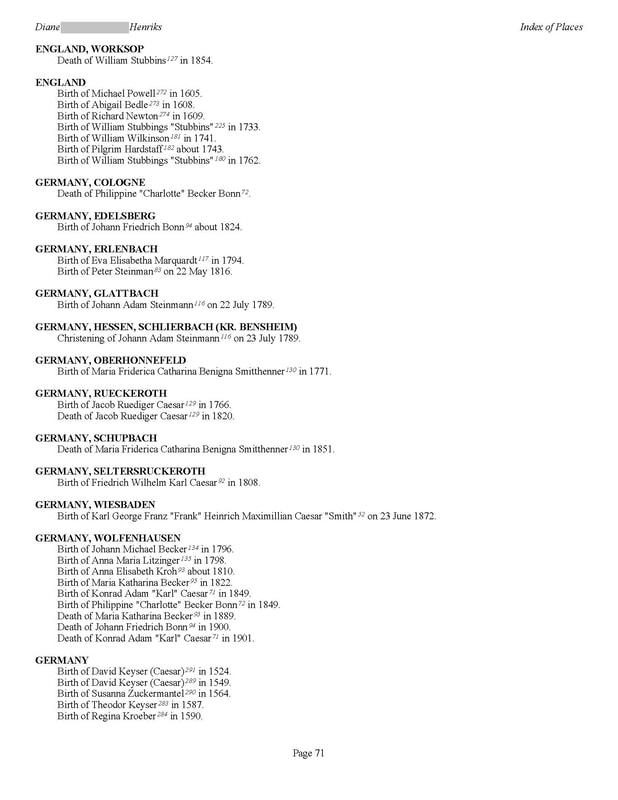
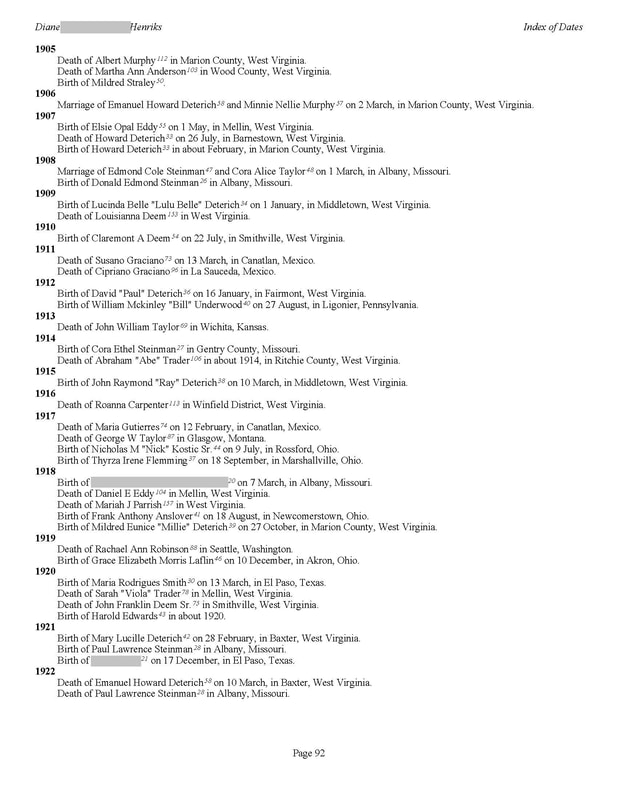
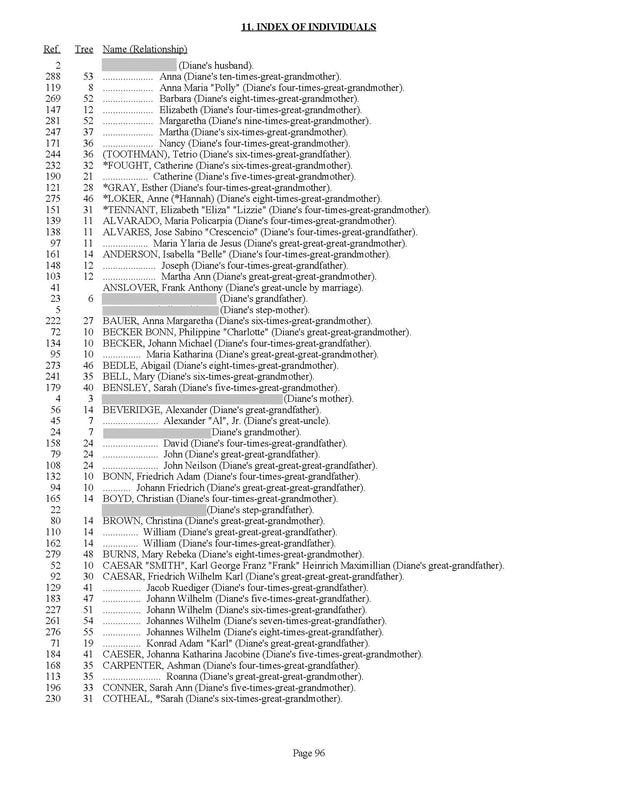
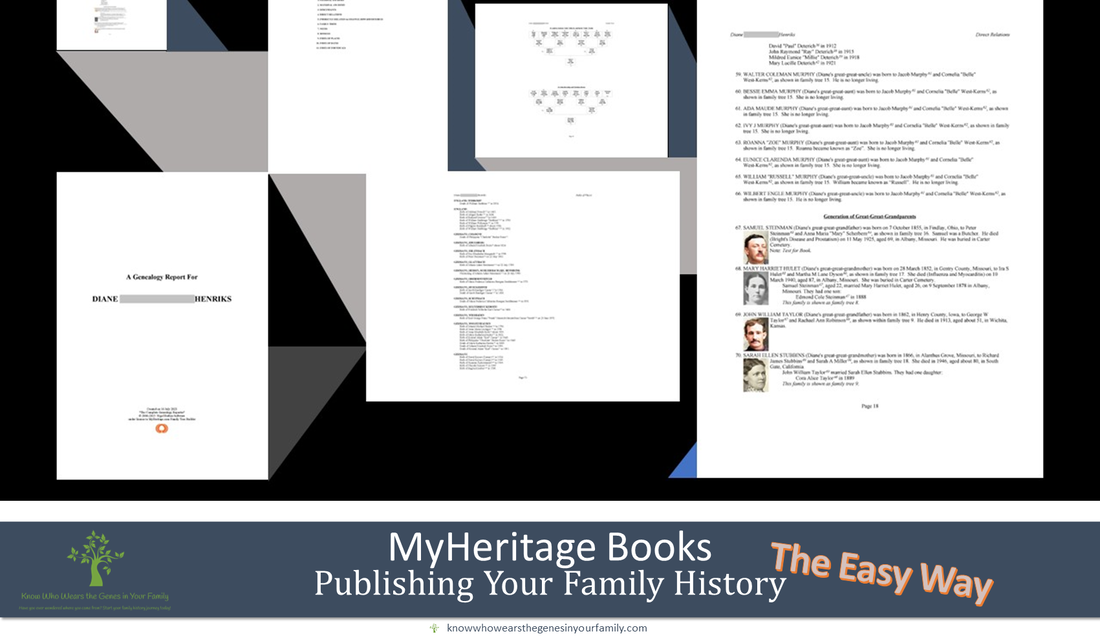
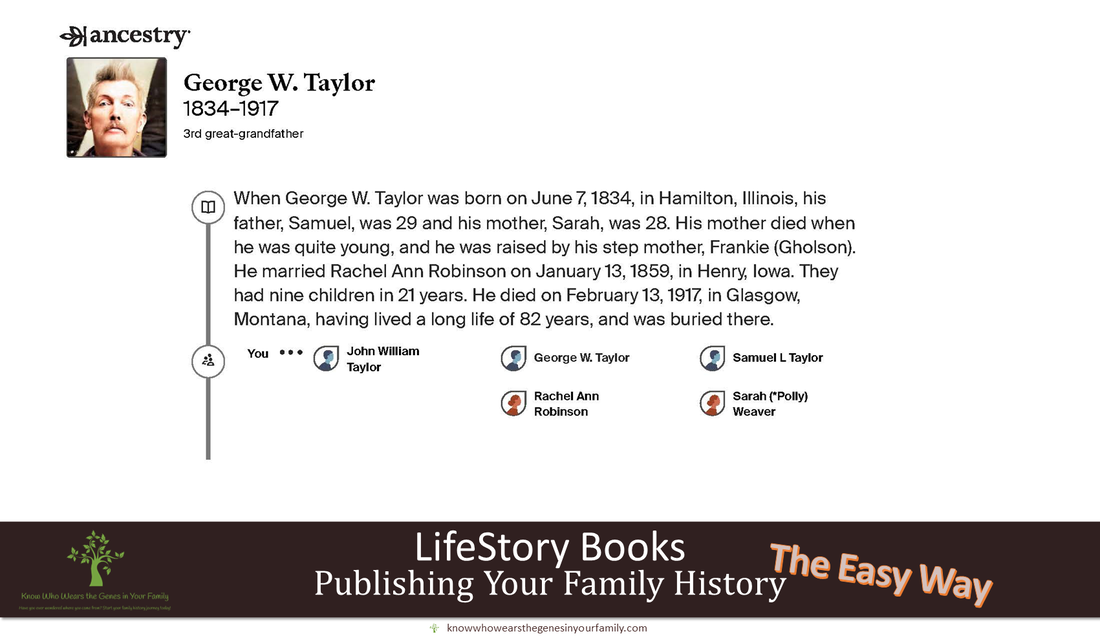
Publish Your Family History Easily with MyHeritage Family Books!Want to publish your family history or genealogy, but you’re not much of a writer, typist, or the task just seems like an impossible feat to hurdle? No need to stress, ANYONE can publish their family history! The best and easiest way to publish your family history is with a MyHeritage Family Book. This professional, detailed, heirloom style genealogy and family history book is generated automatically, within a matter of minutes, using the info in your MyHeritage family tree, taking absolutely ALL the work out of it for you and leaving this as the simplest and best option out there! The best part? It’s completely FREE! Information Included in a MyHeritage Family Book:
MyHeritage Family Book Print Options:
MyHeritage Family Book Print Sizes Included:
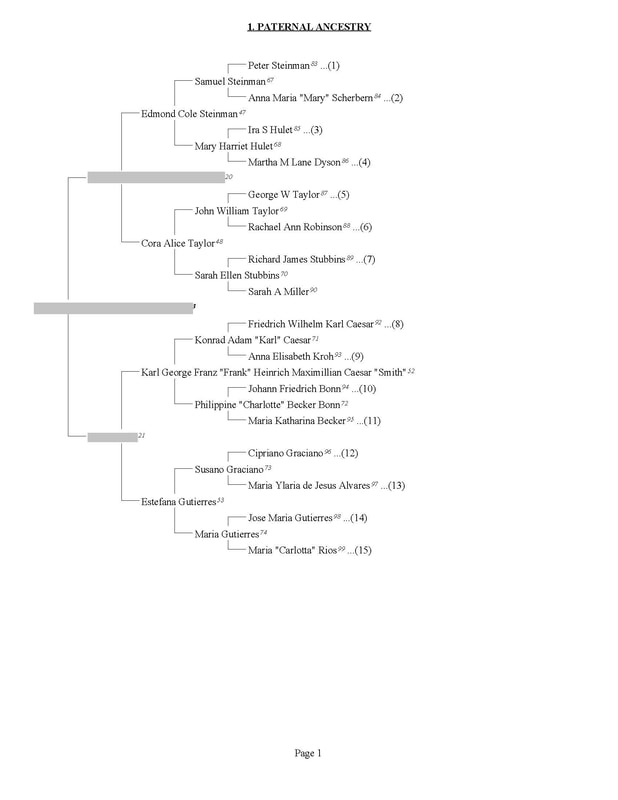
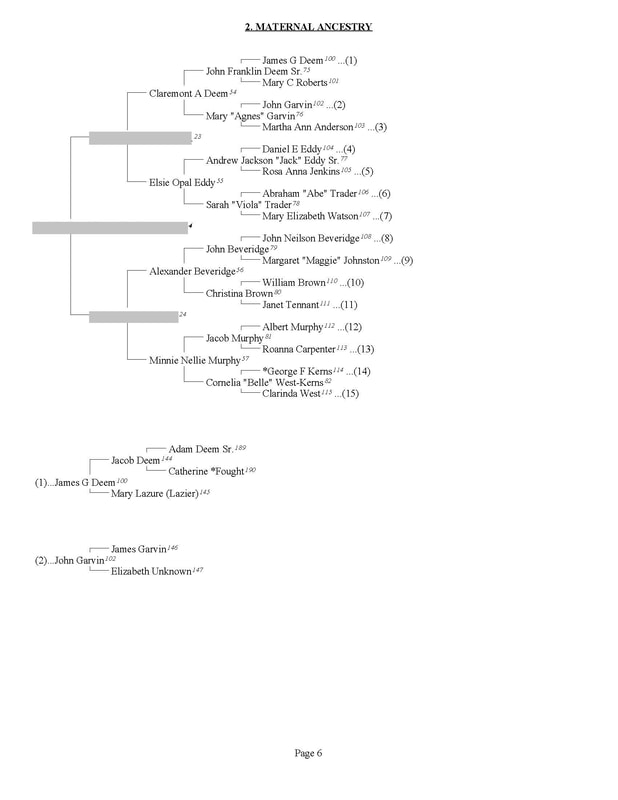
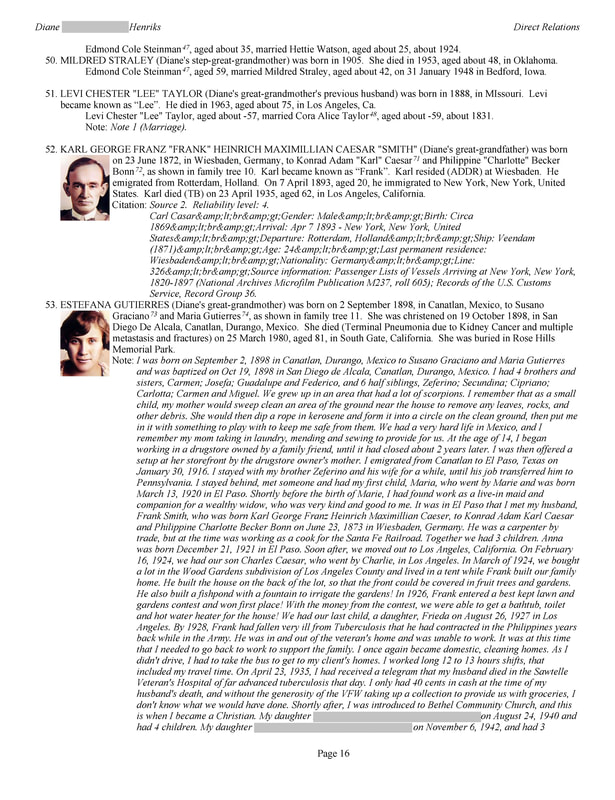
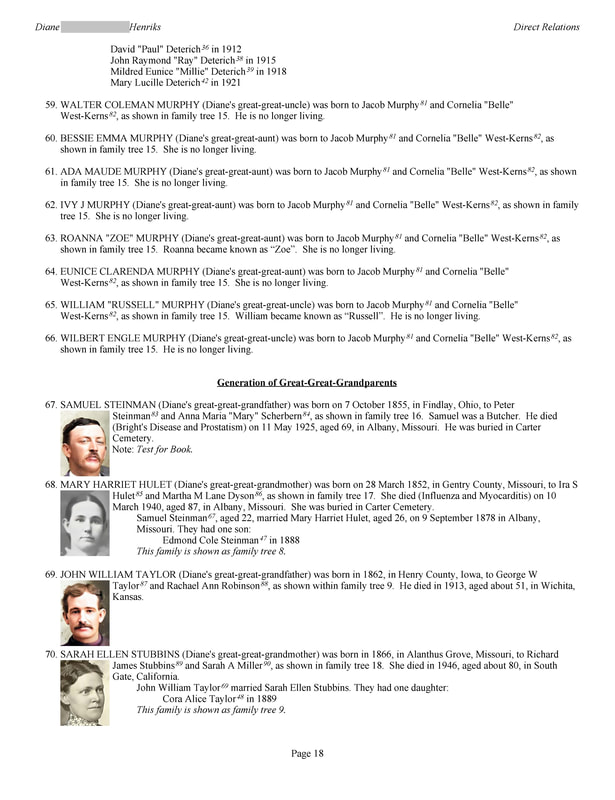
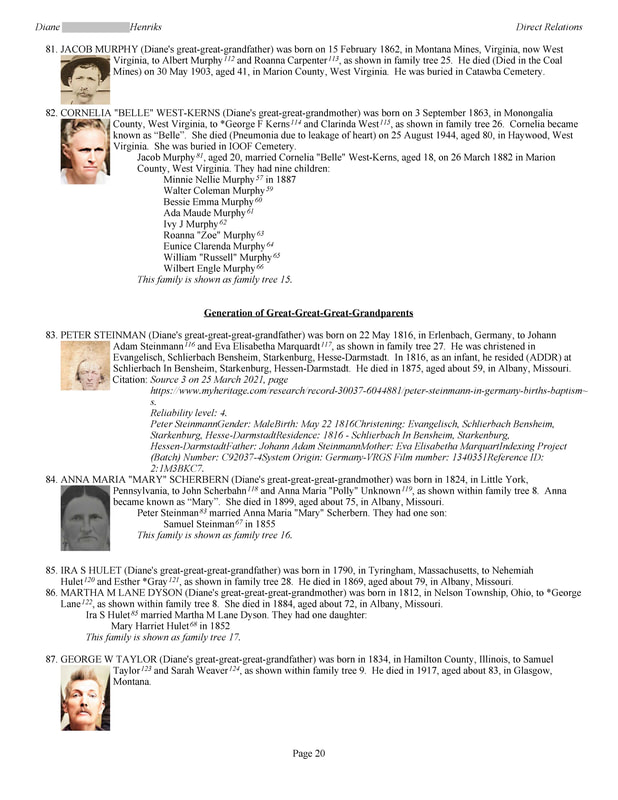
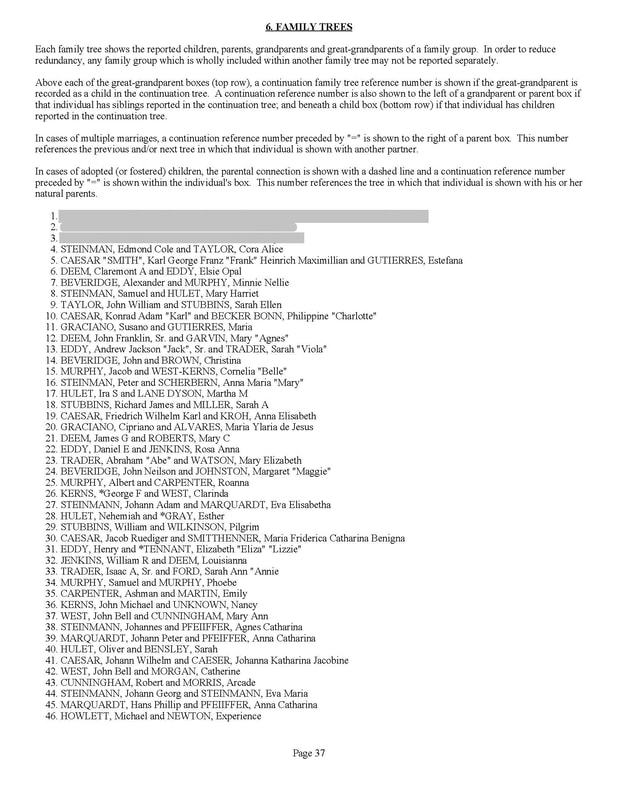
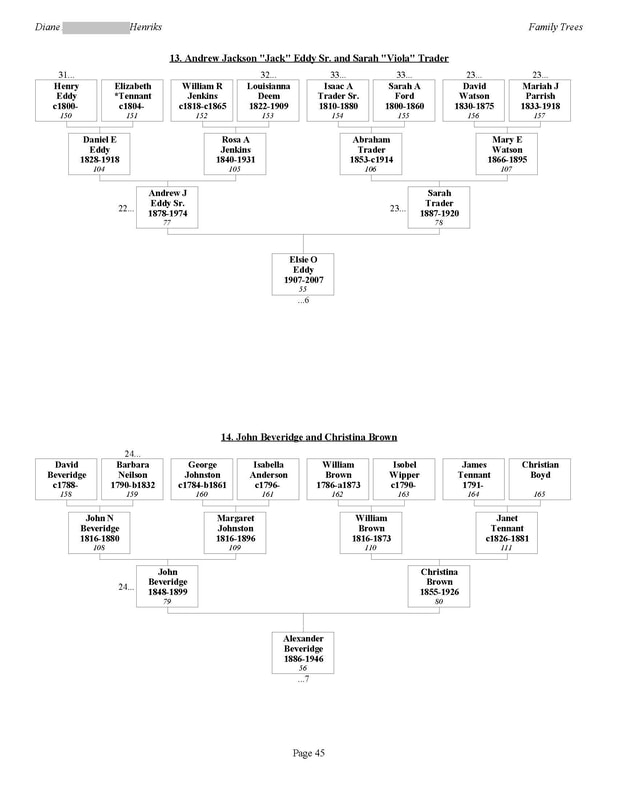
MyHeritage Family Book Examples: Using just my direct line tree, you can see some of the beautiful pages of the book. Keep in mind that the tree I used to create this book only includes my direct line, with a few others in the tree, and the more people and info you have in your tree, the fuller the book will be! This direct line only book generated 101 pages, so just think of how many pages you’ll get using your complete tree! 😉 *Note: You can begin your book with anyone in your tree, thus you can make heirloom books as gifts for family as well! 😊
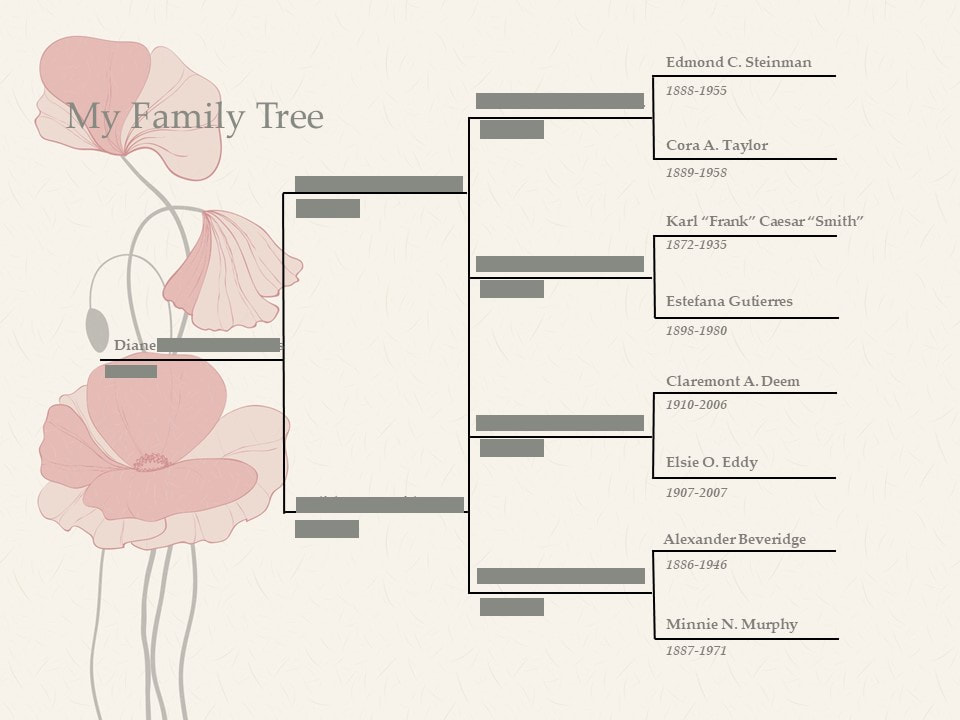
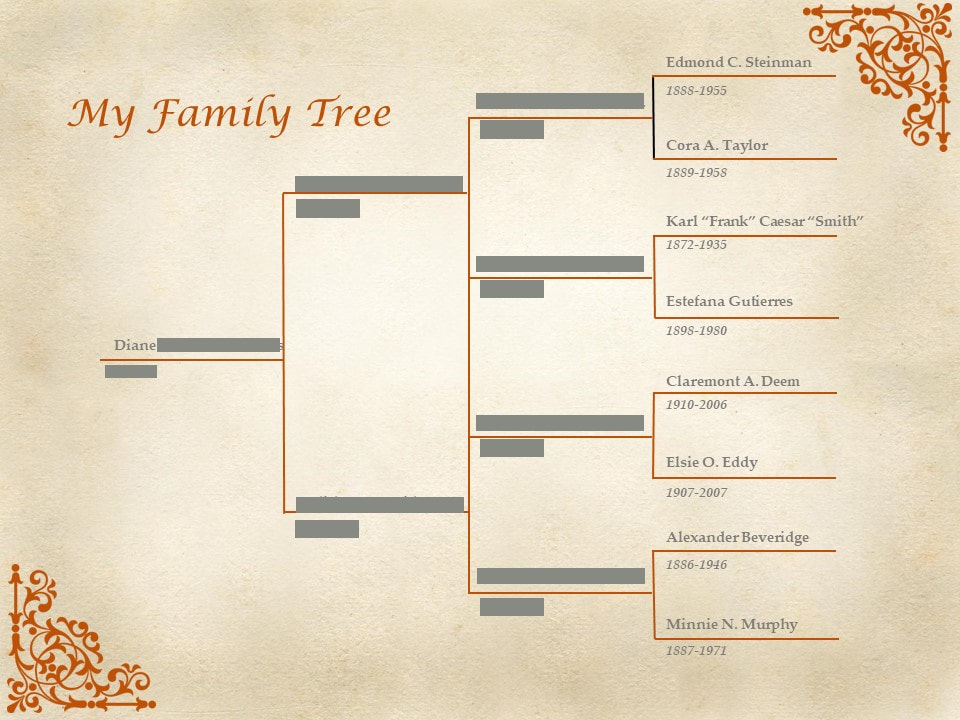
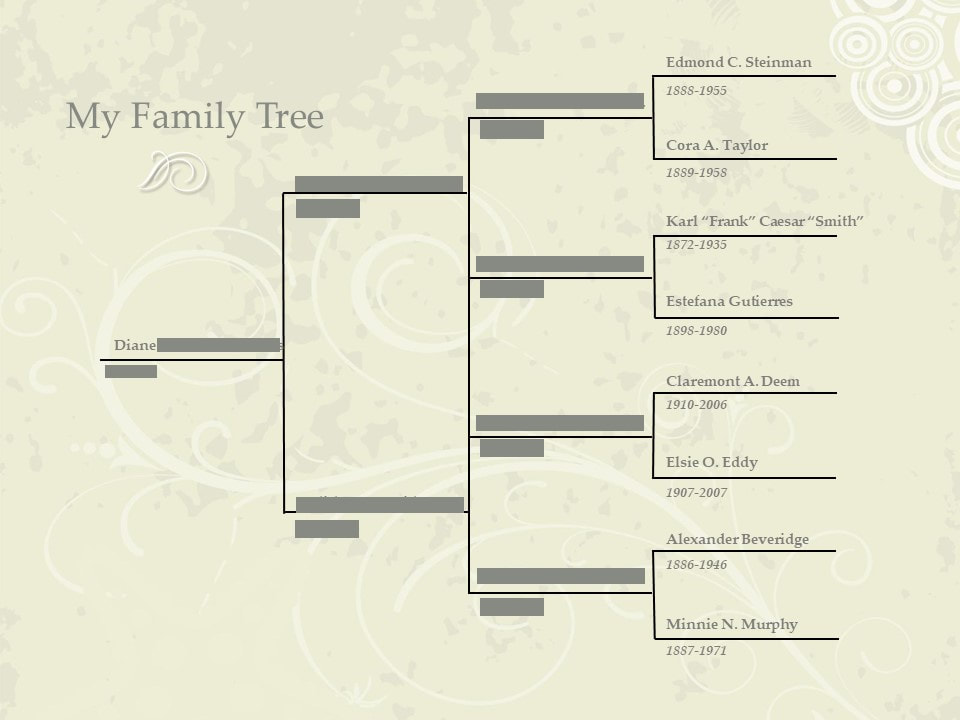
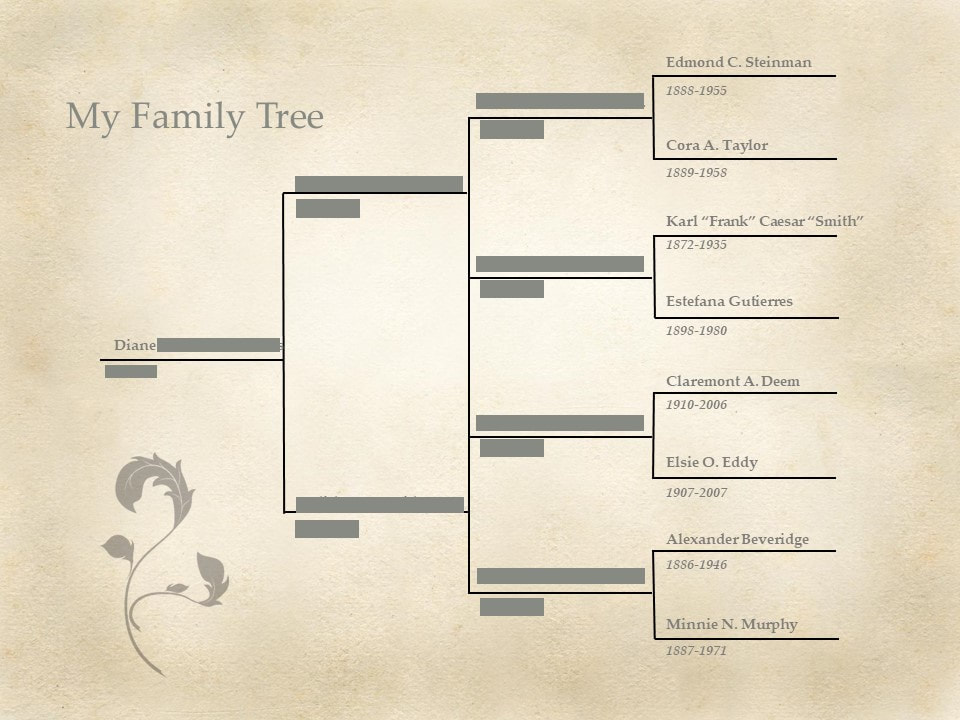
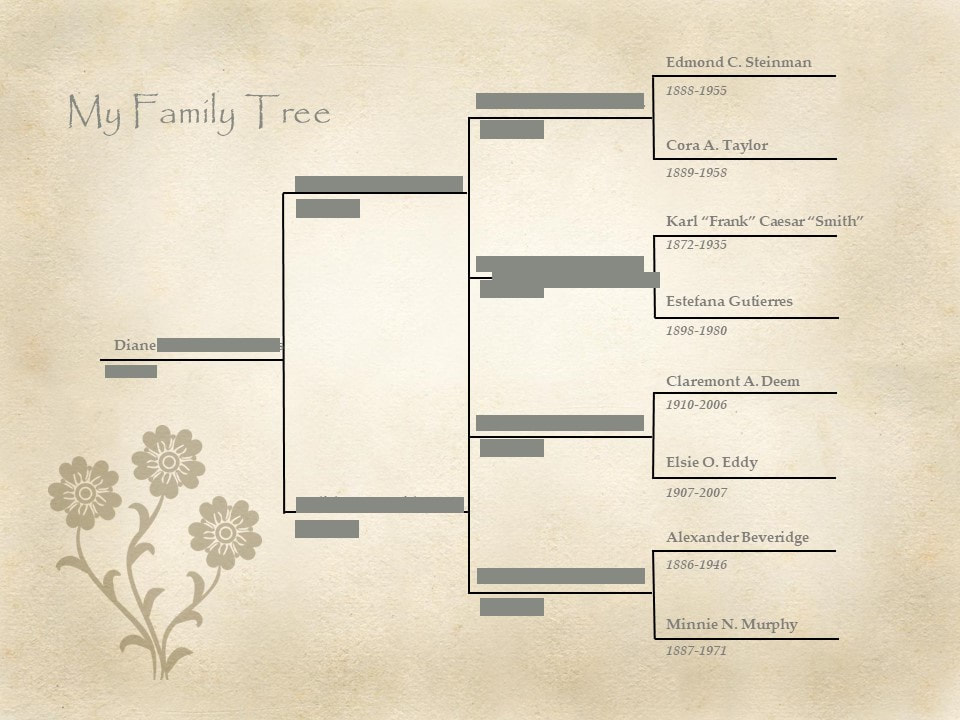
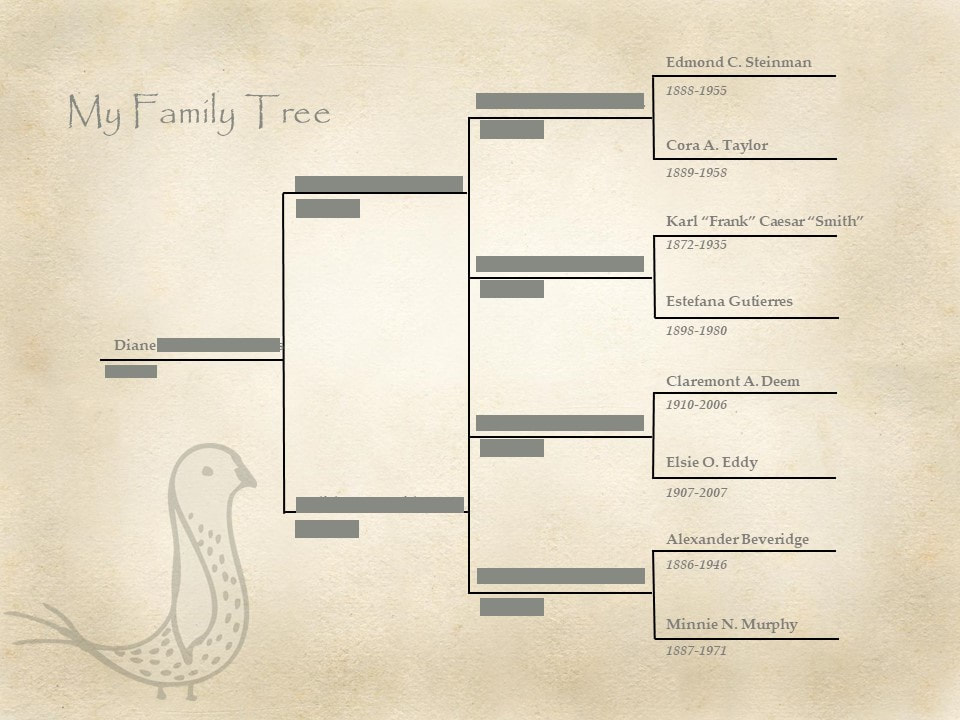
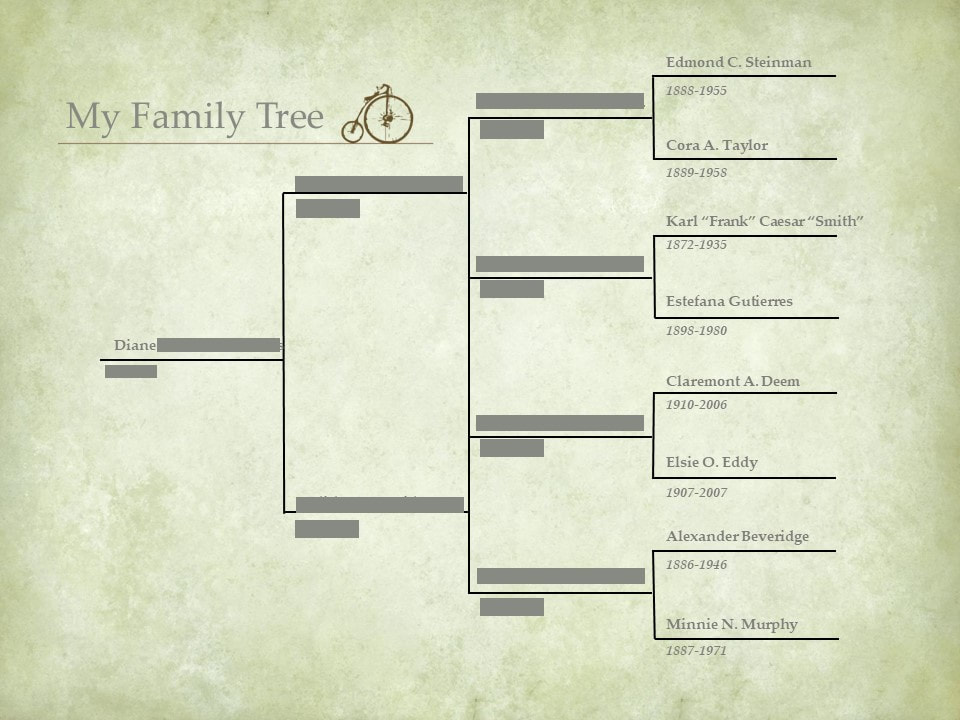
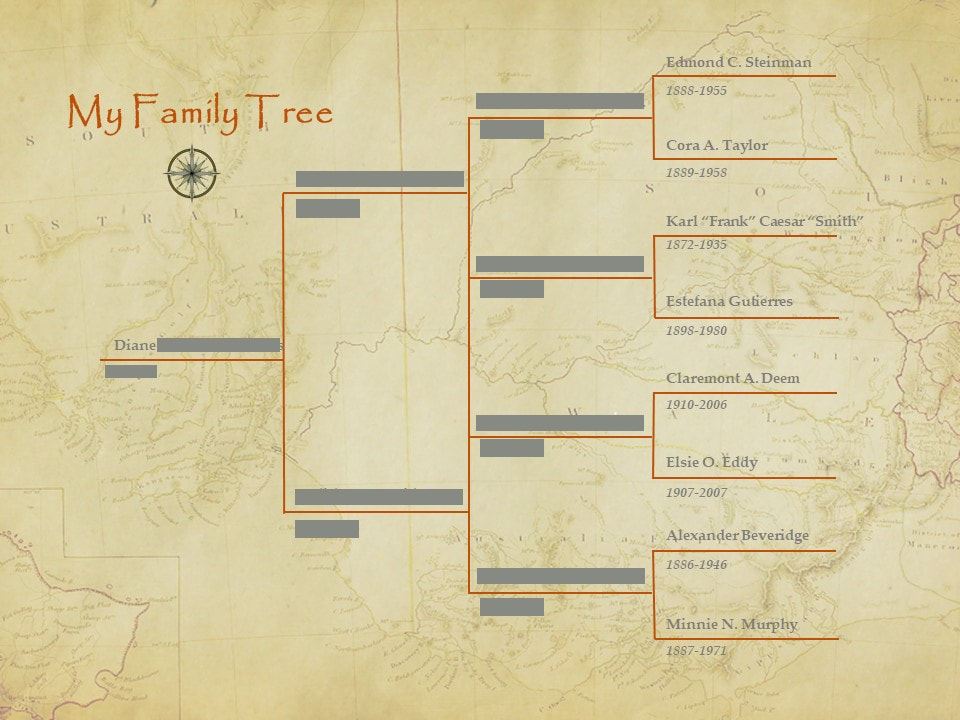
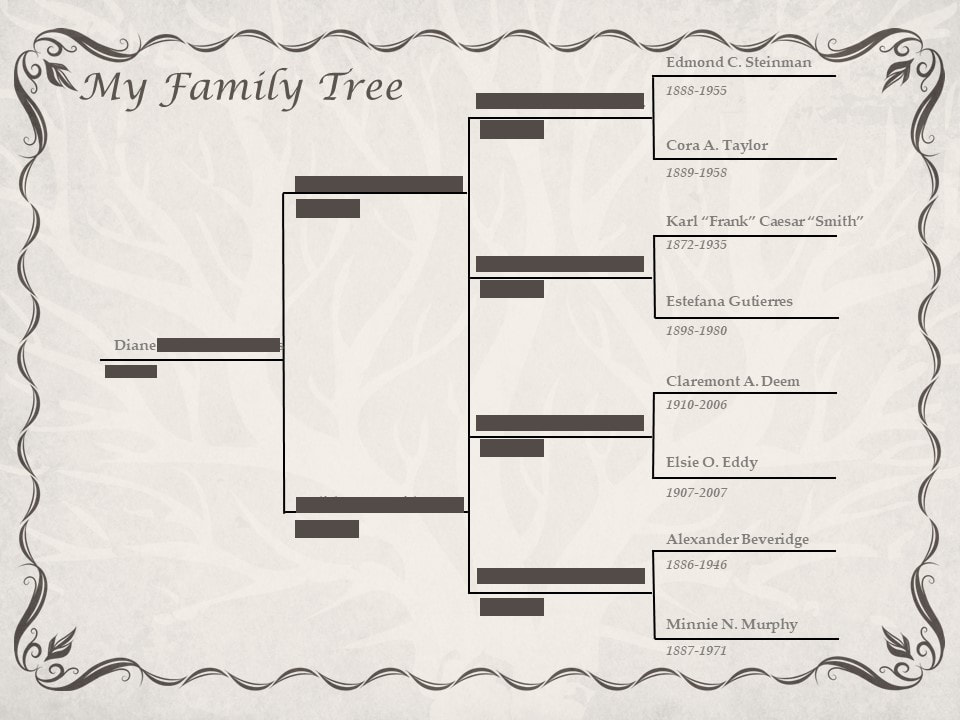
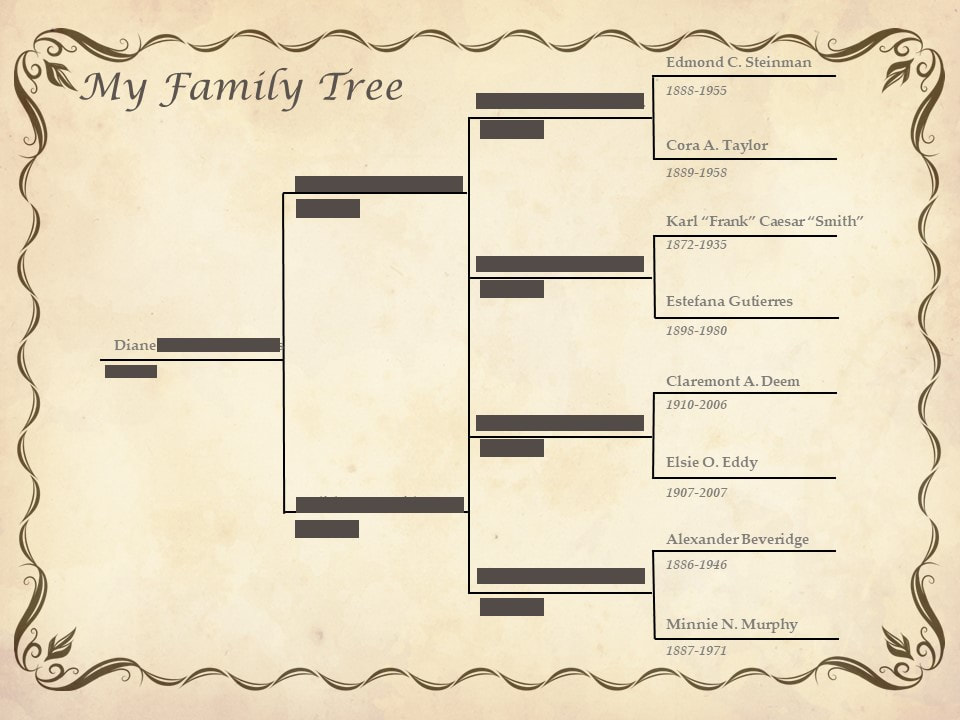
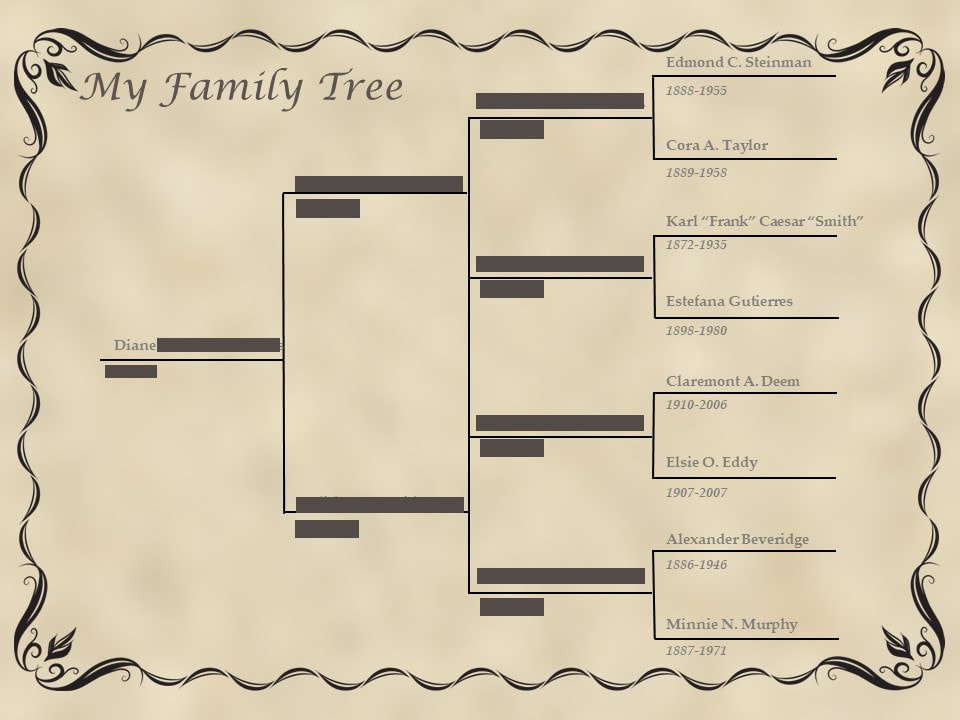
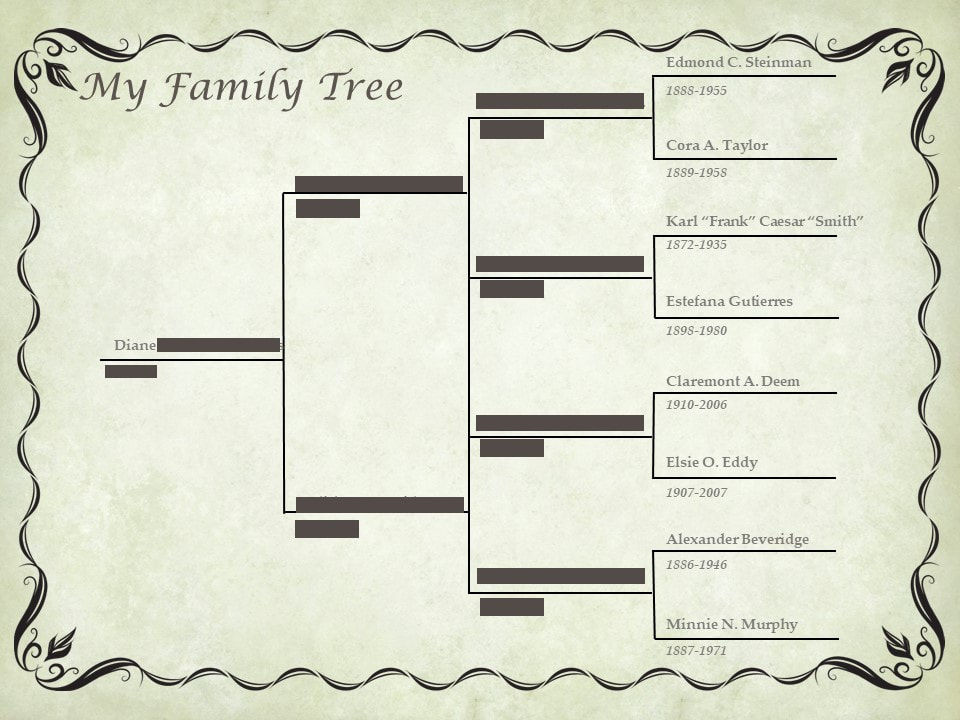
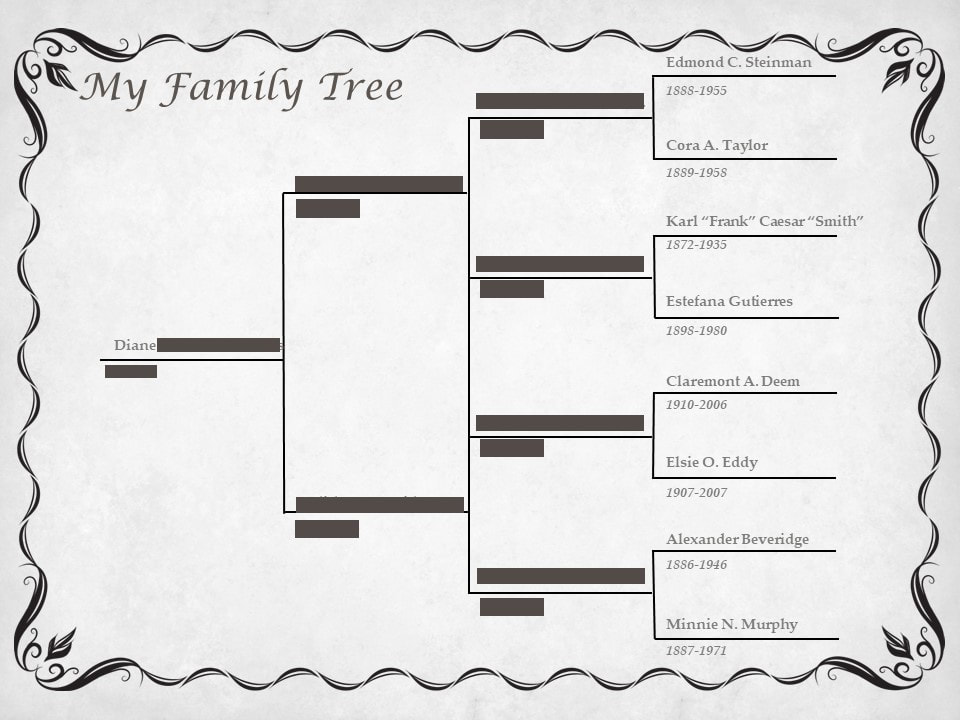
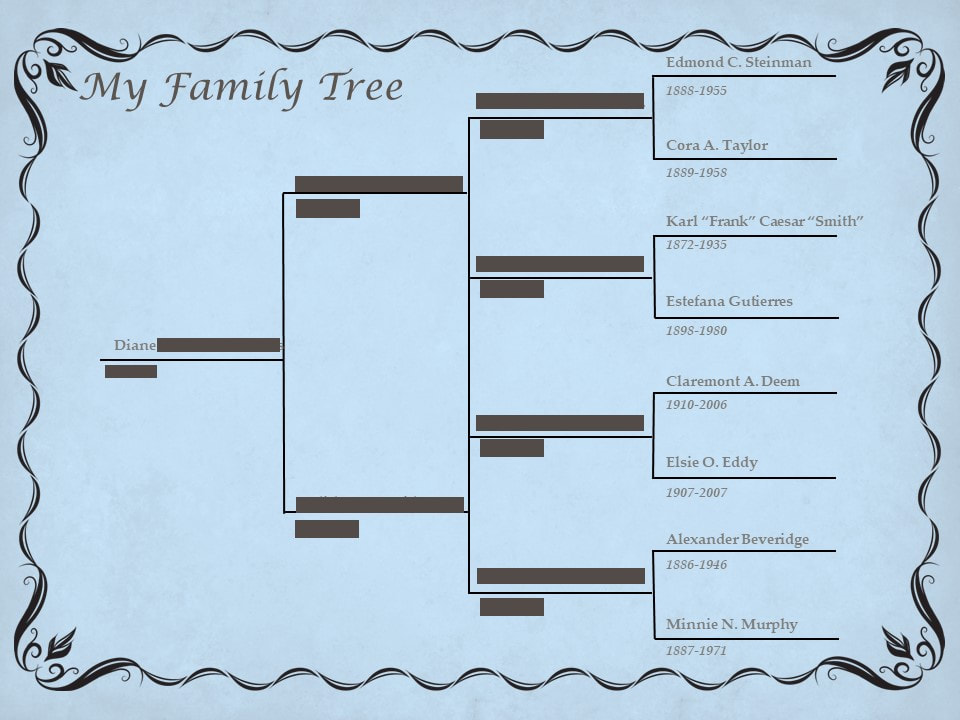
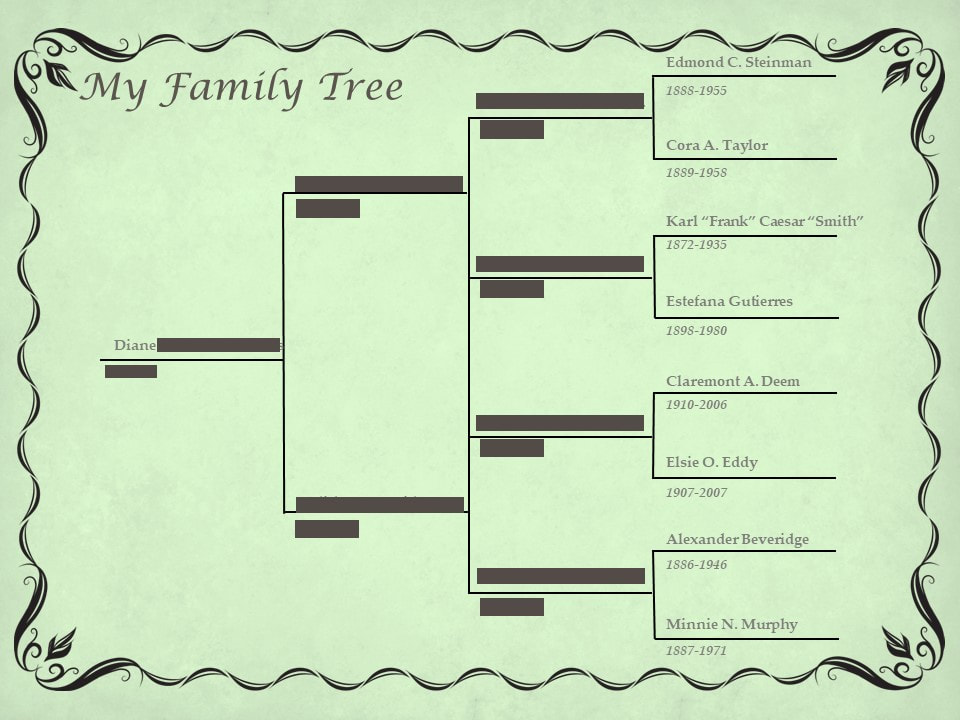
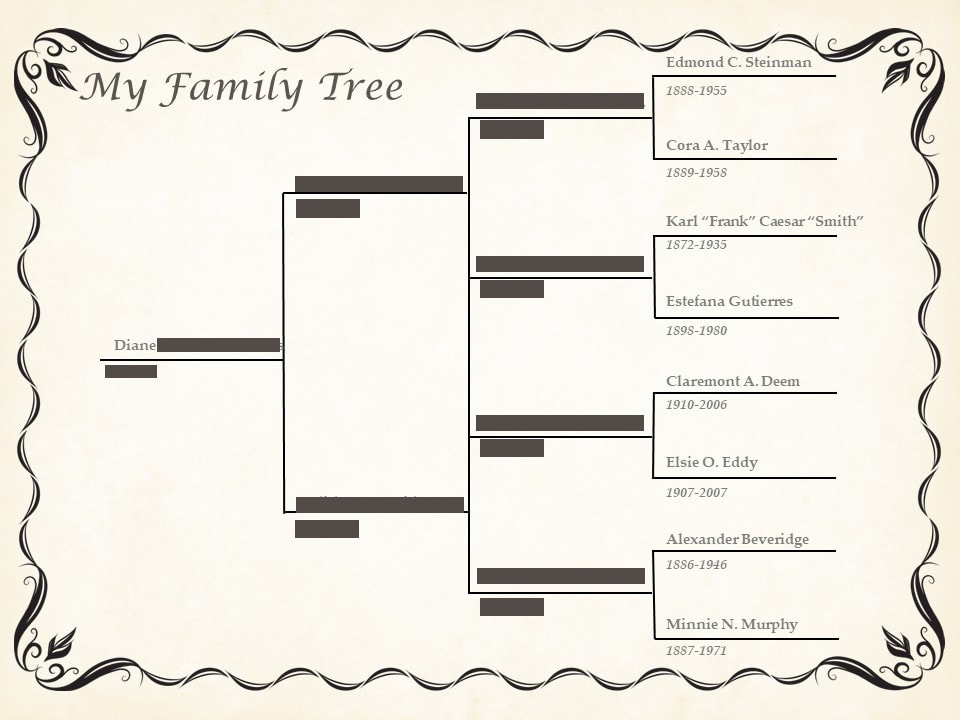
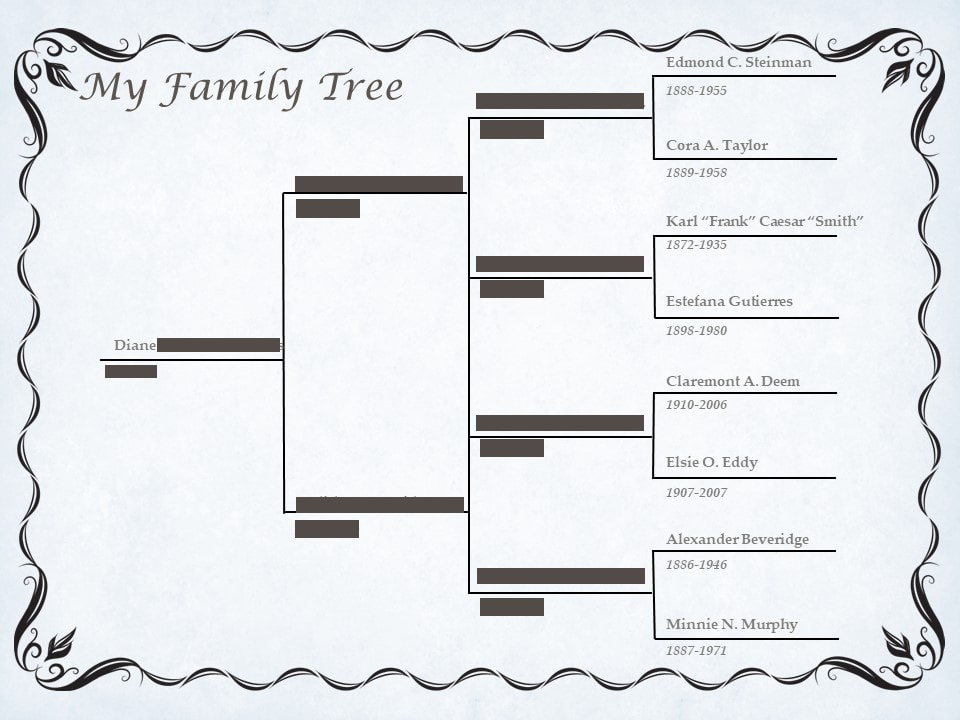
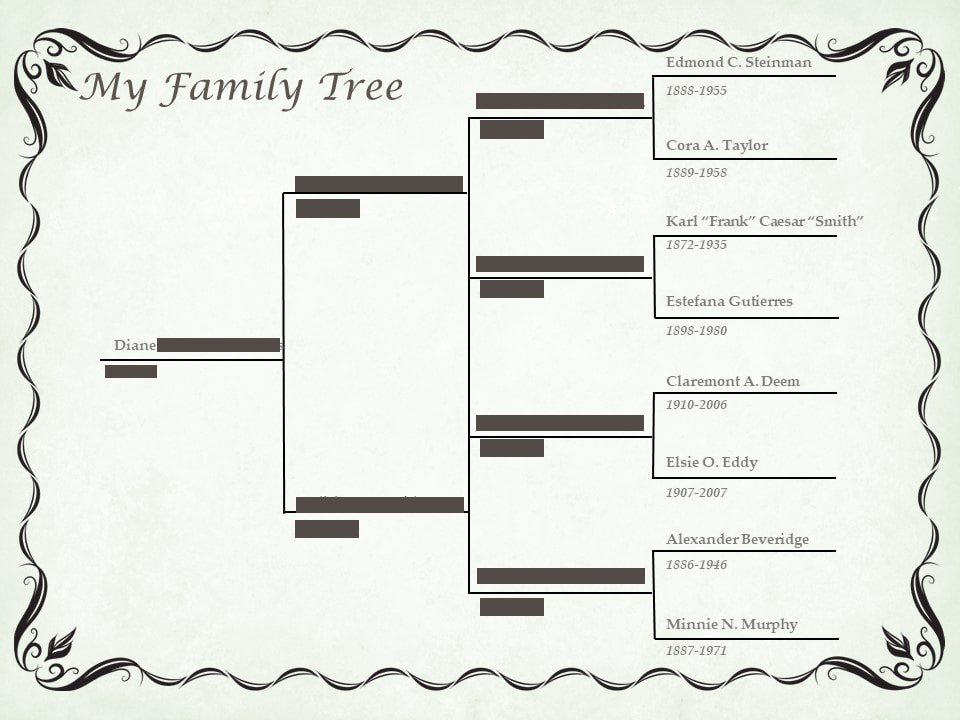
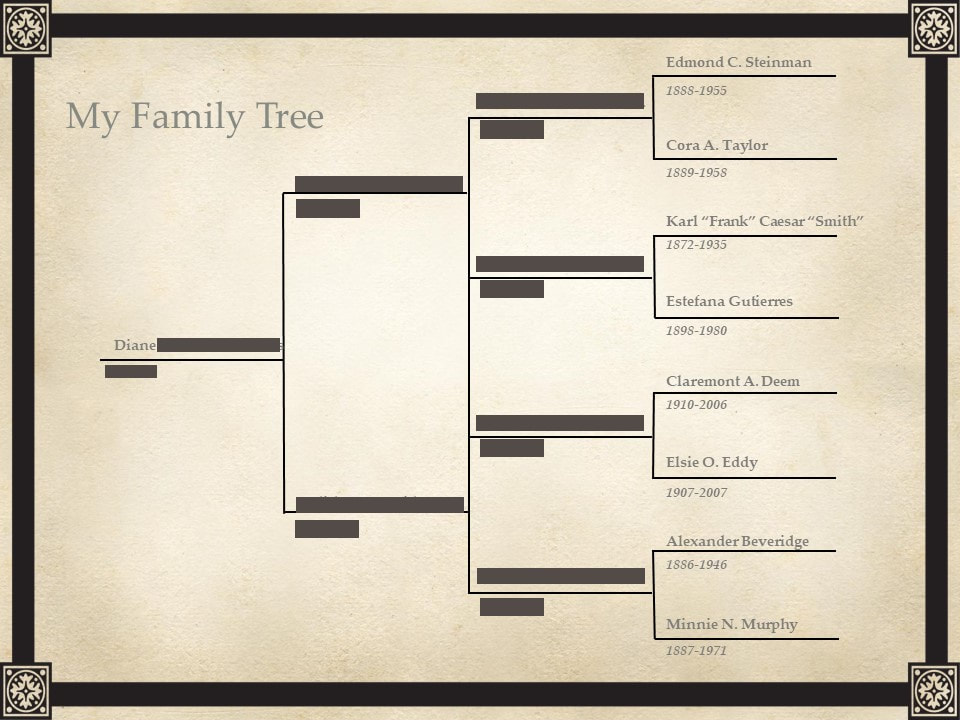
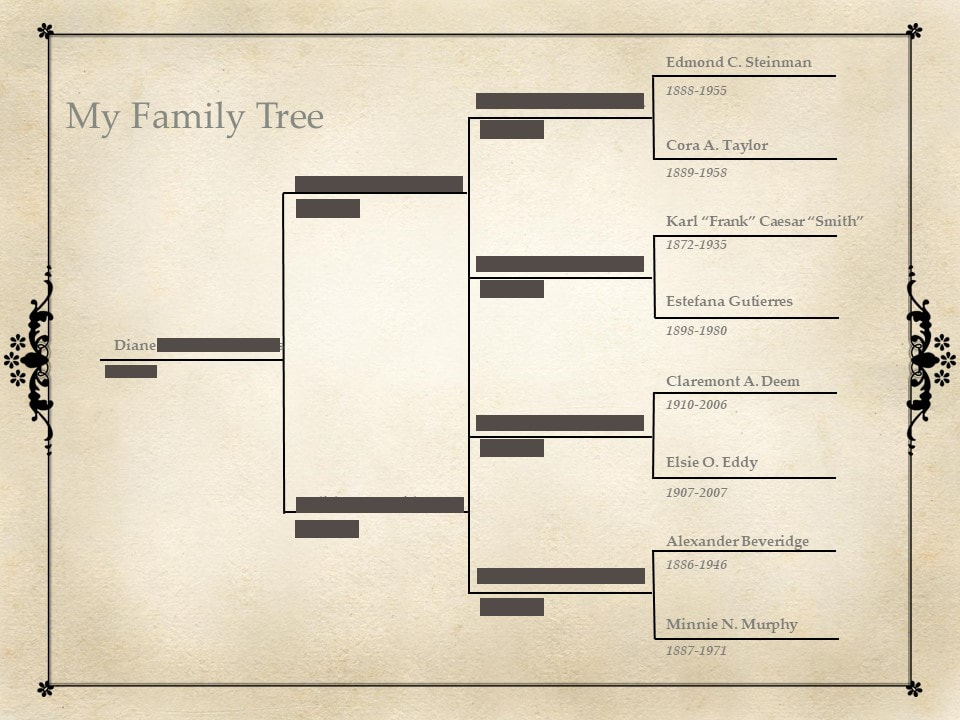
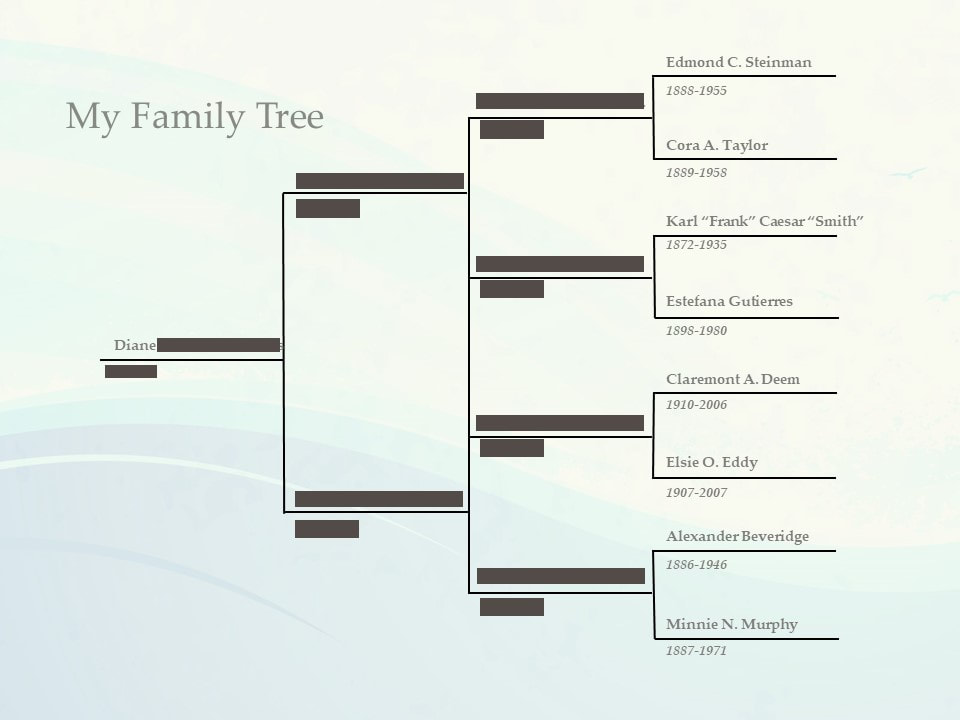
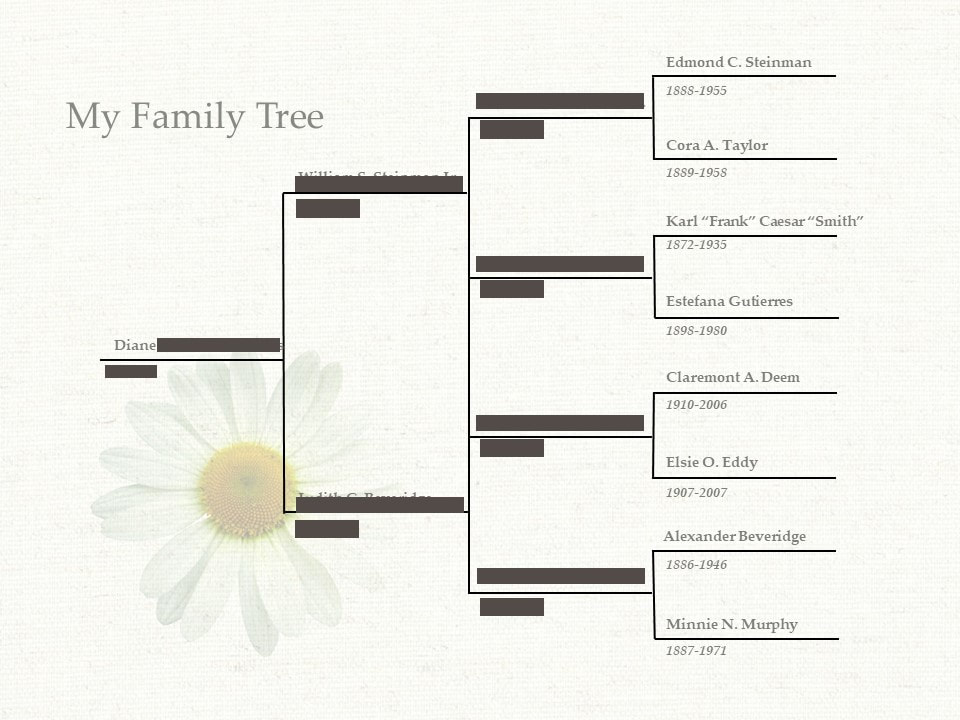
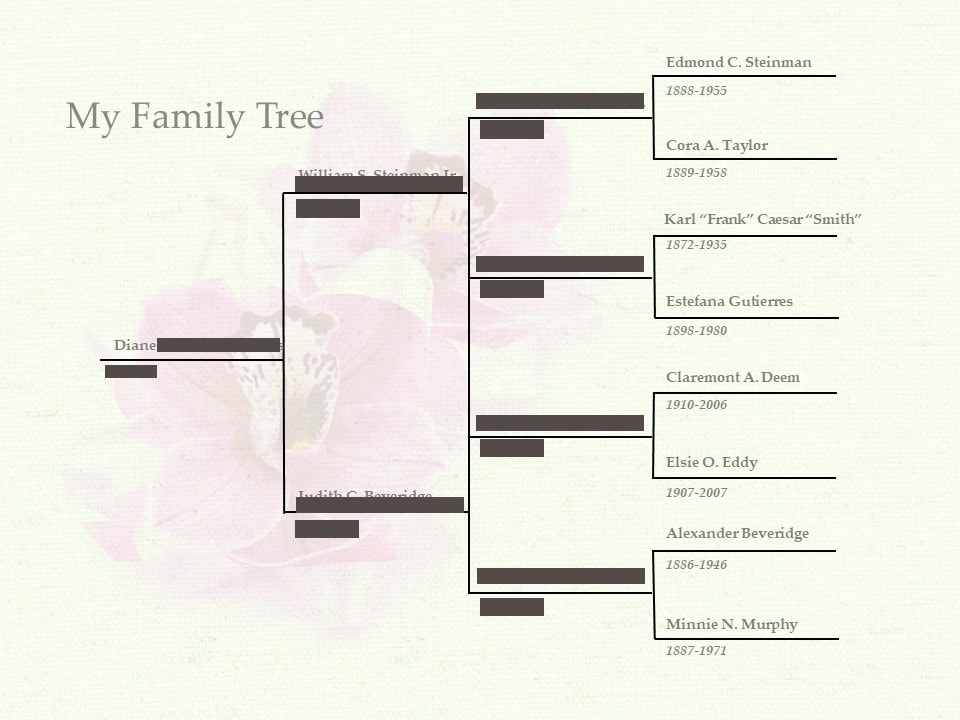
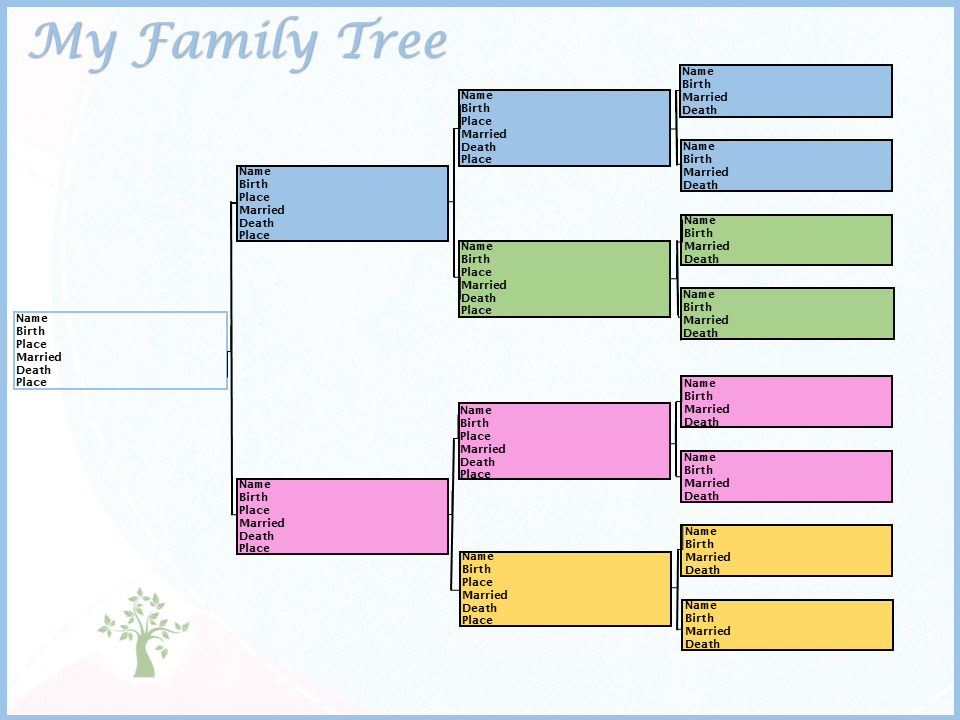
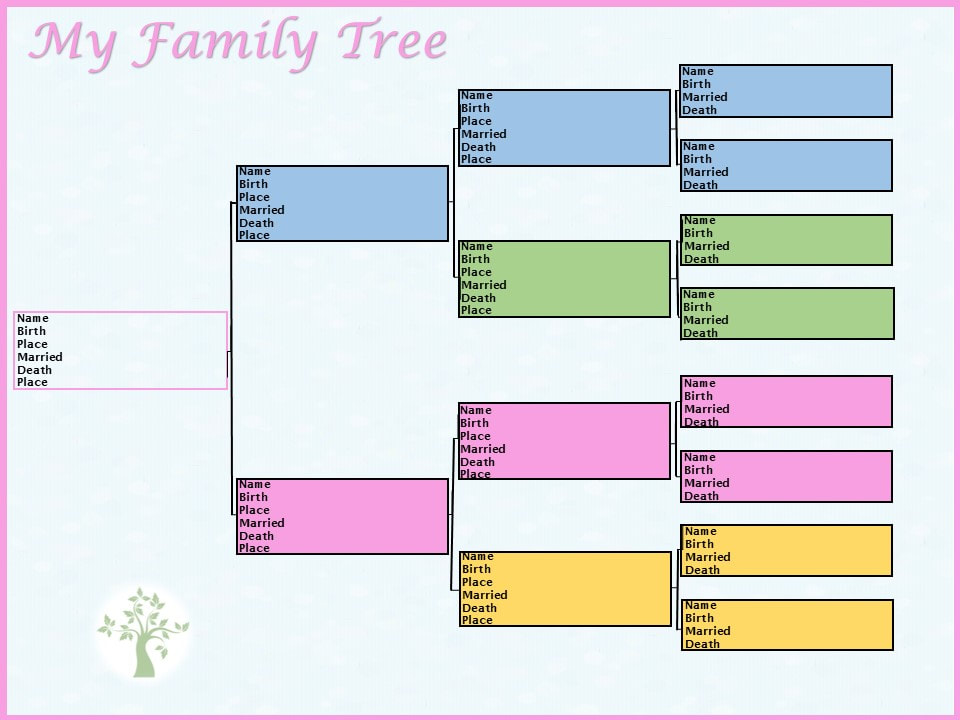
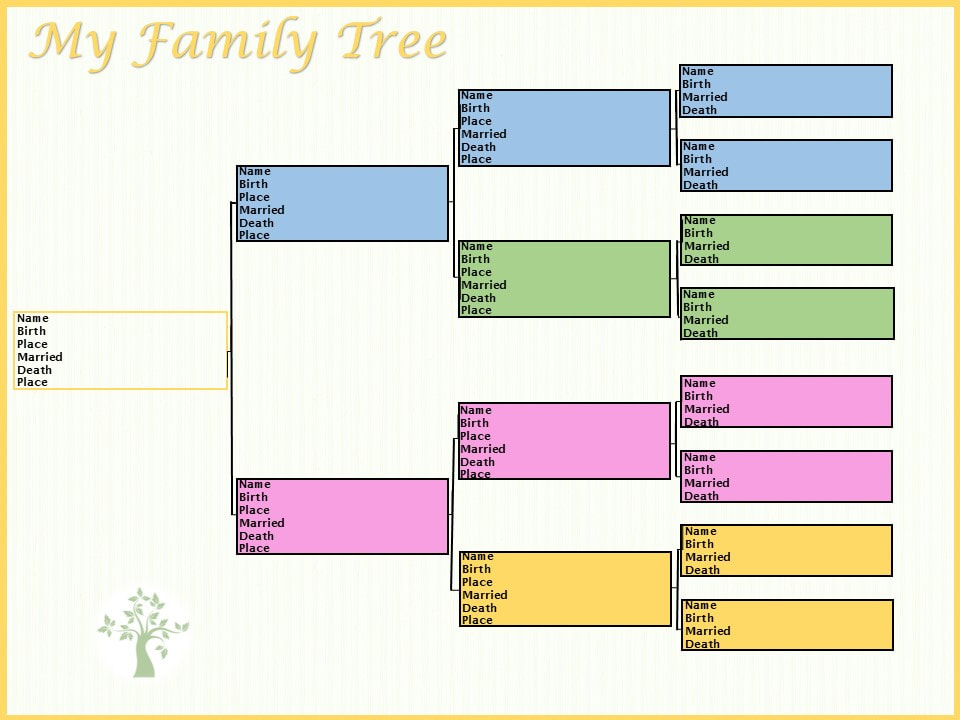
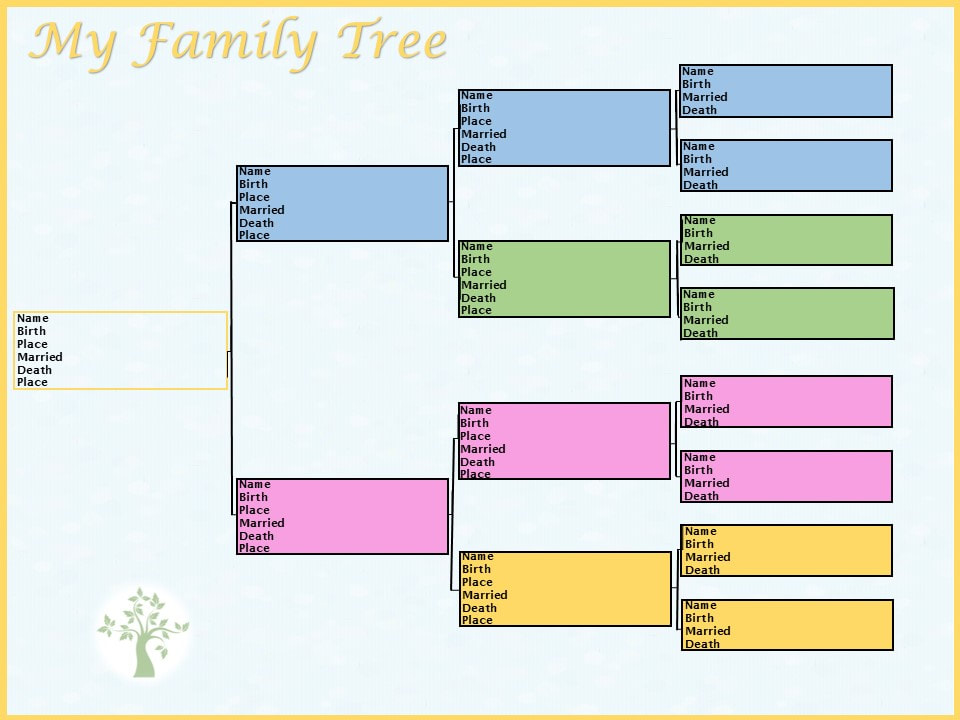
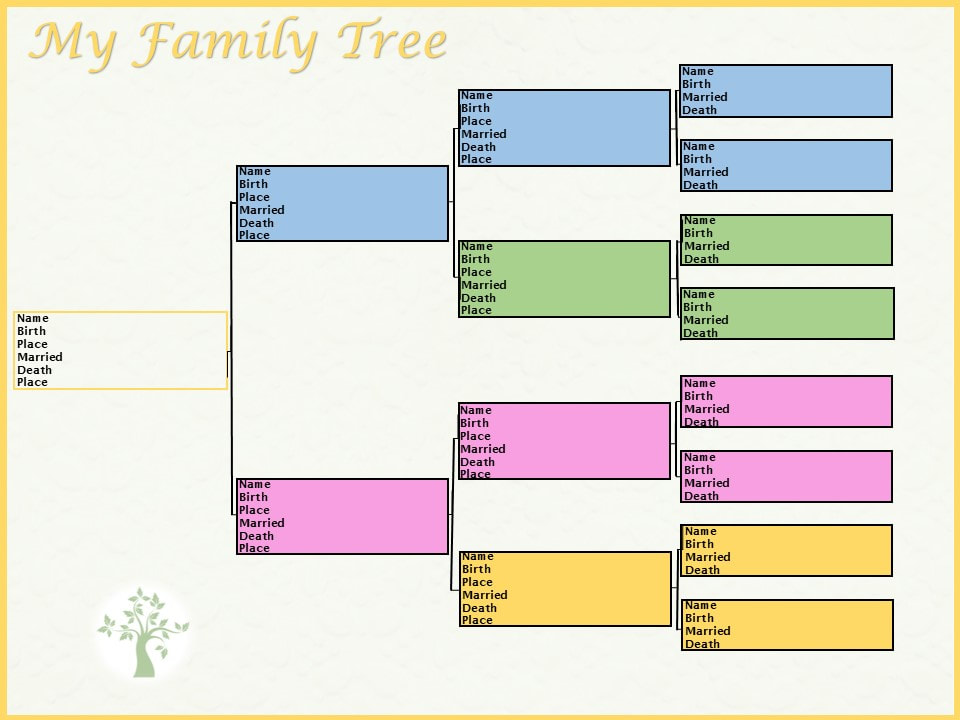
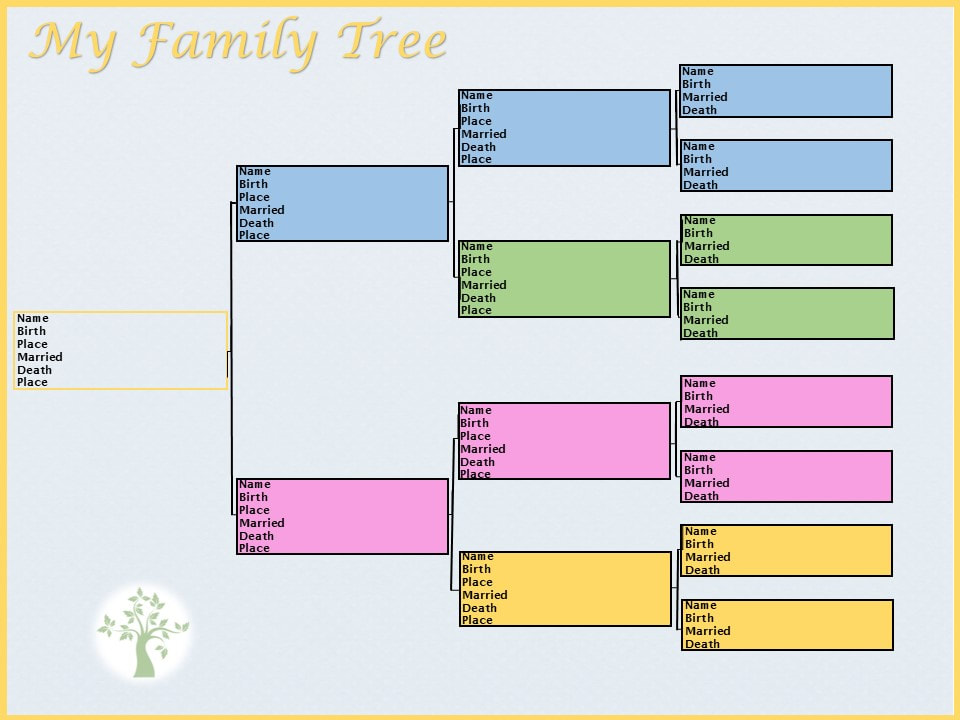
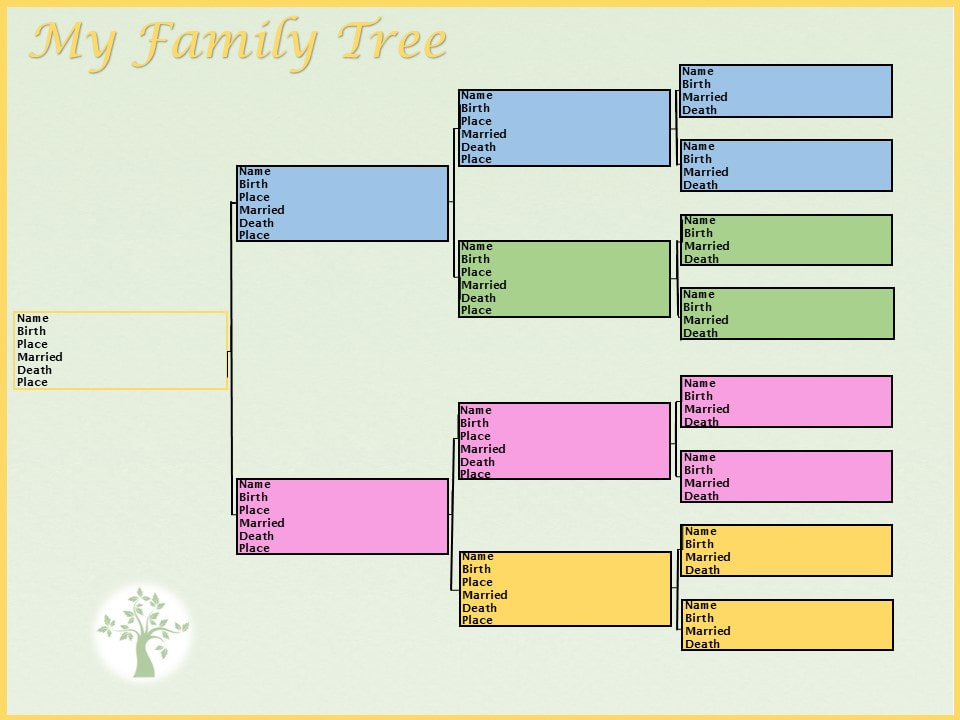
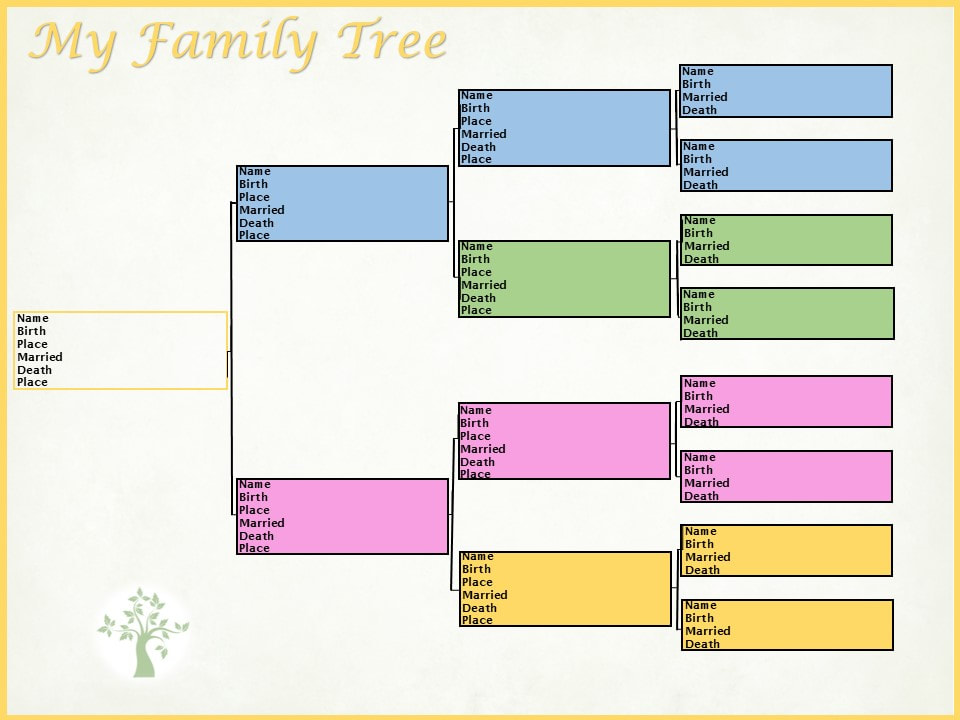
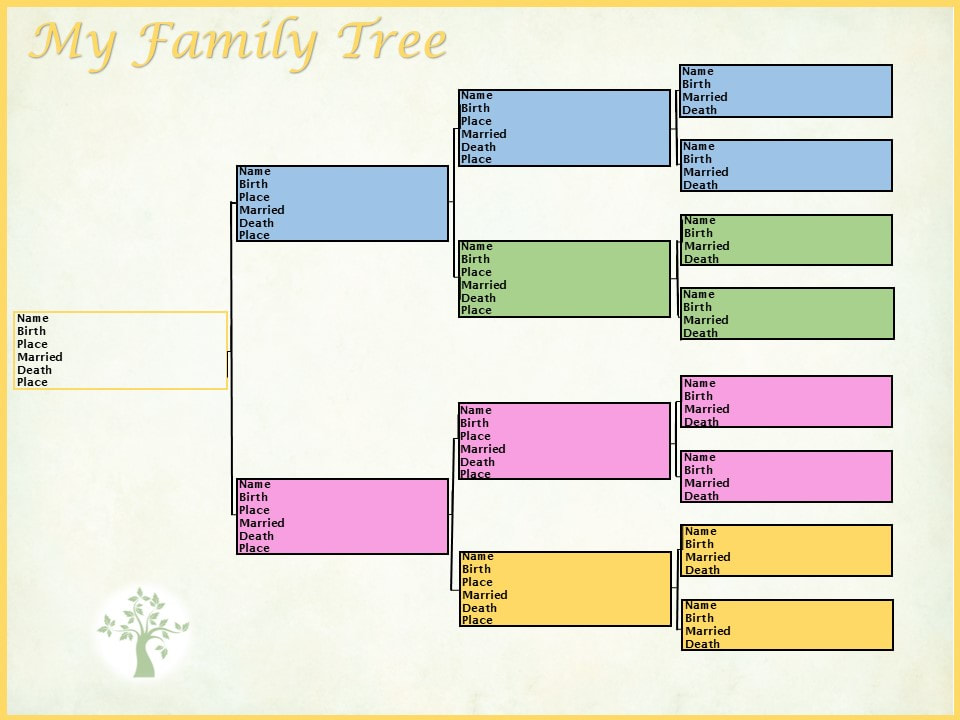
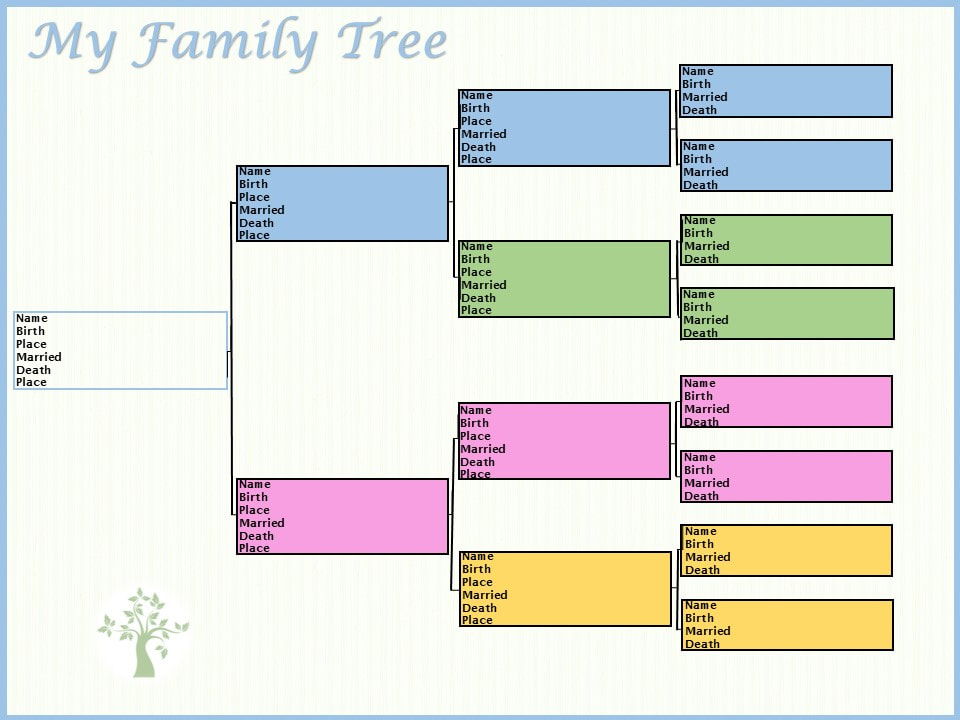
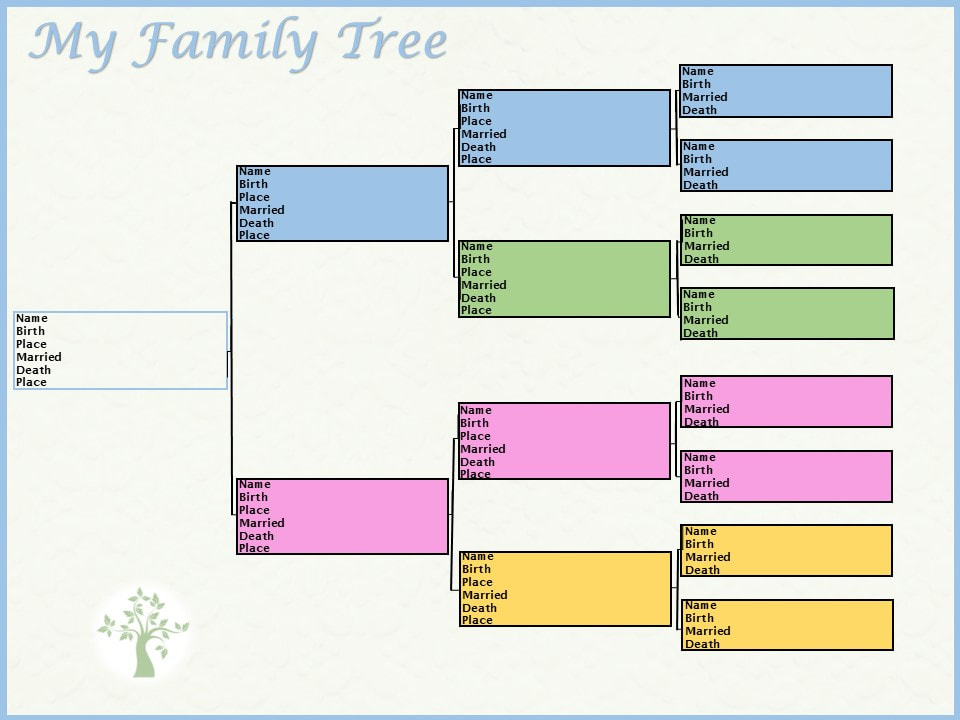
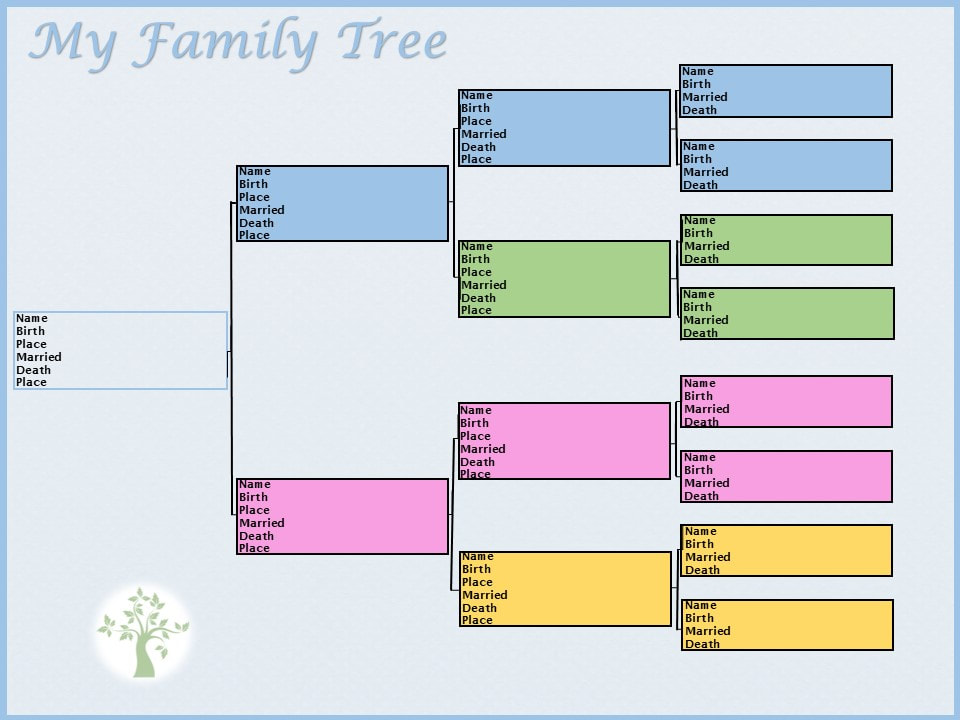
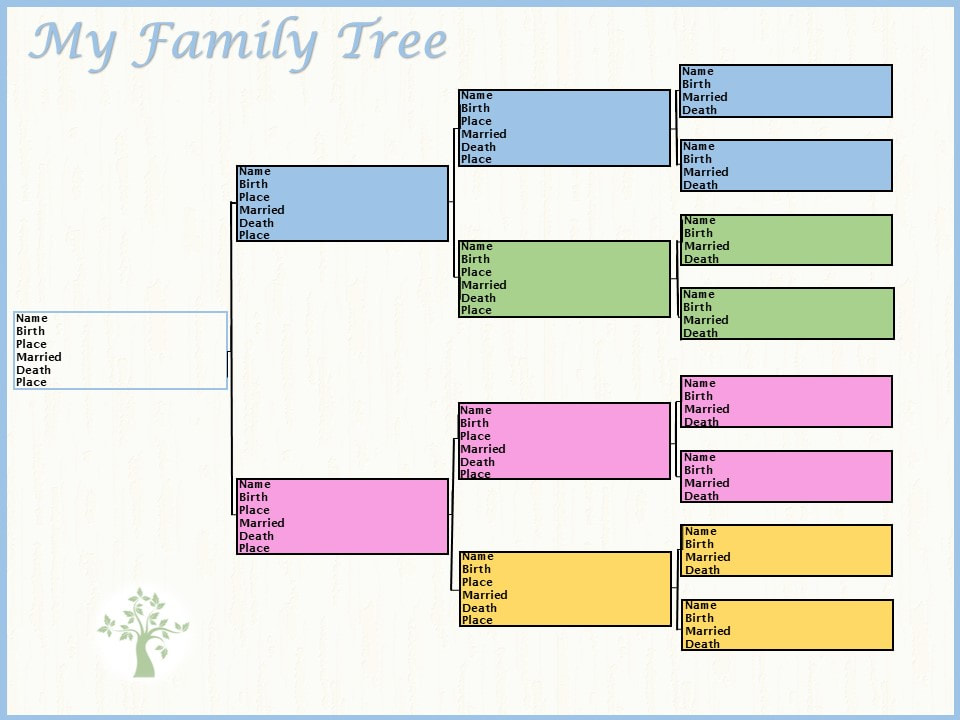
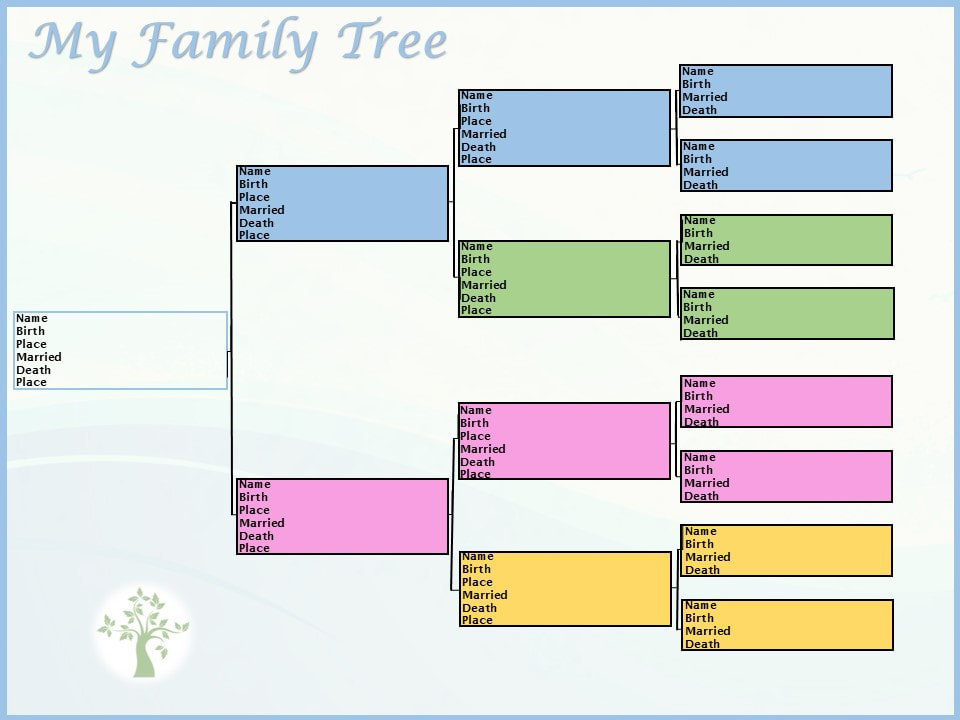
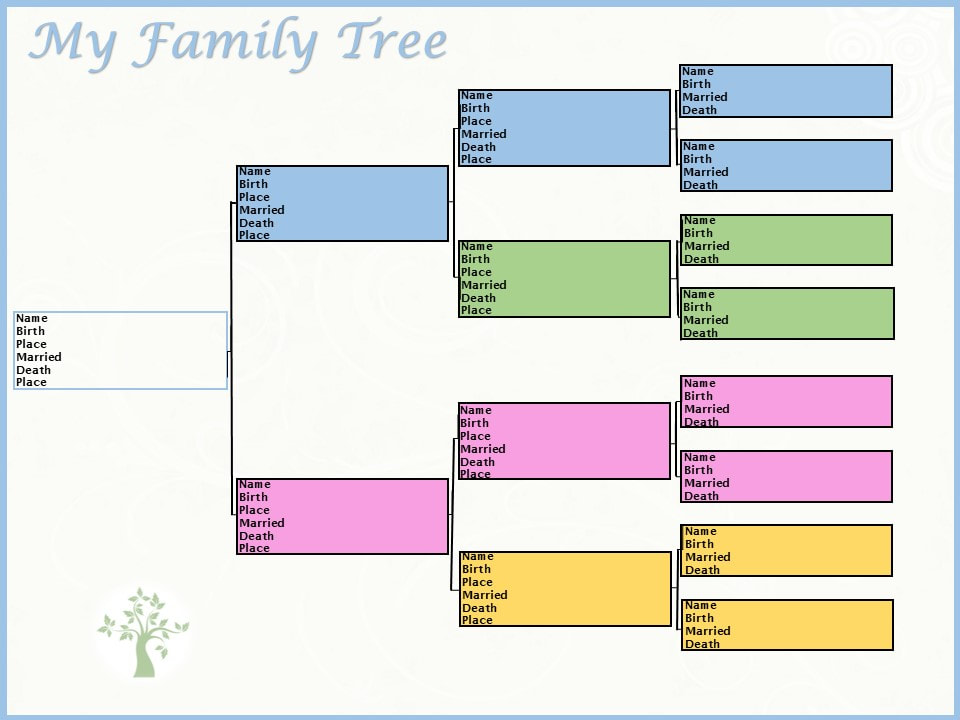
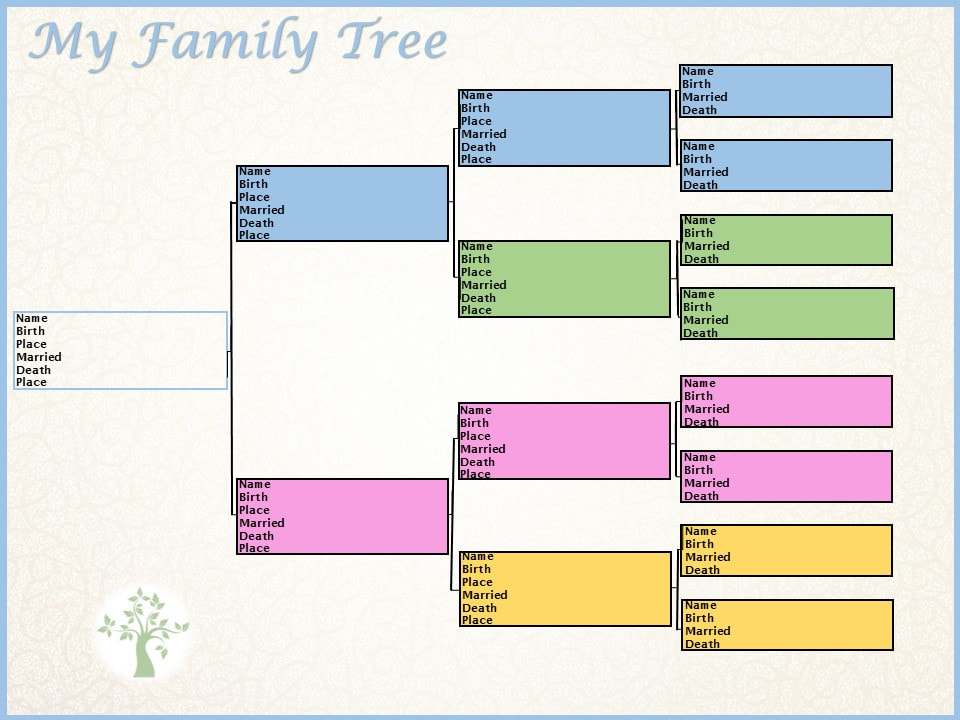
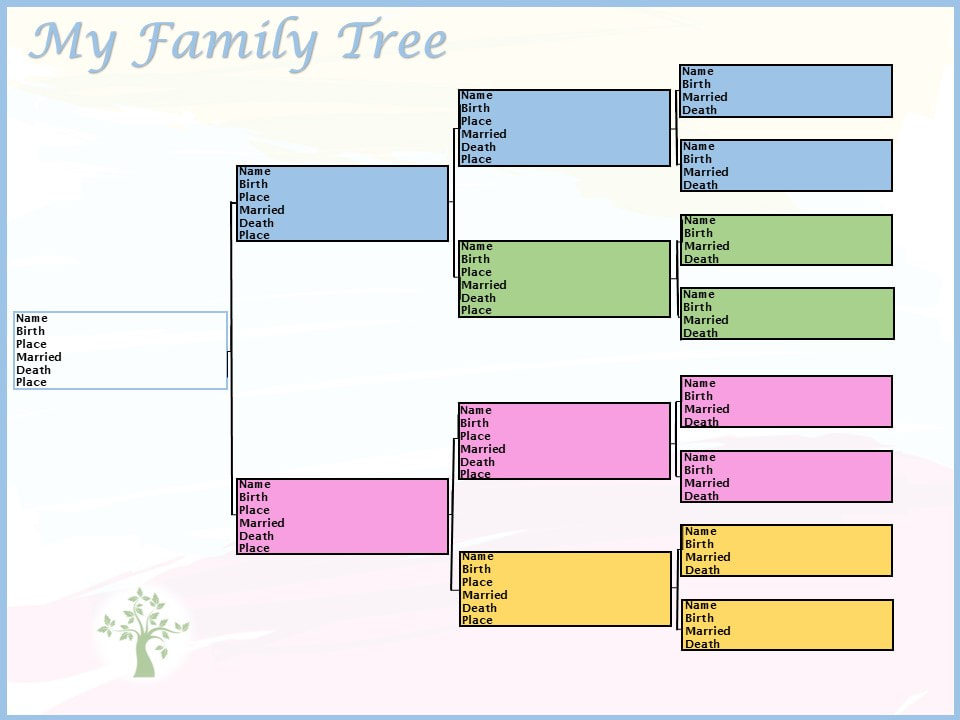
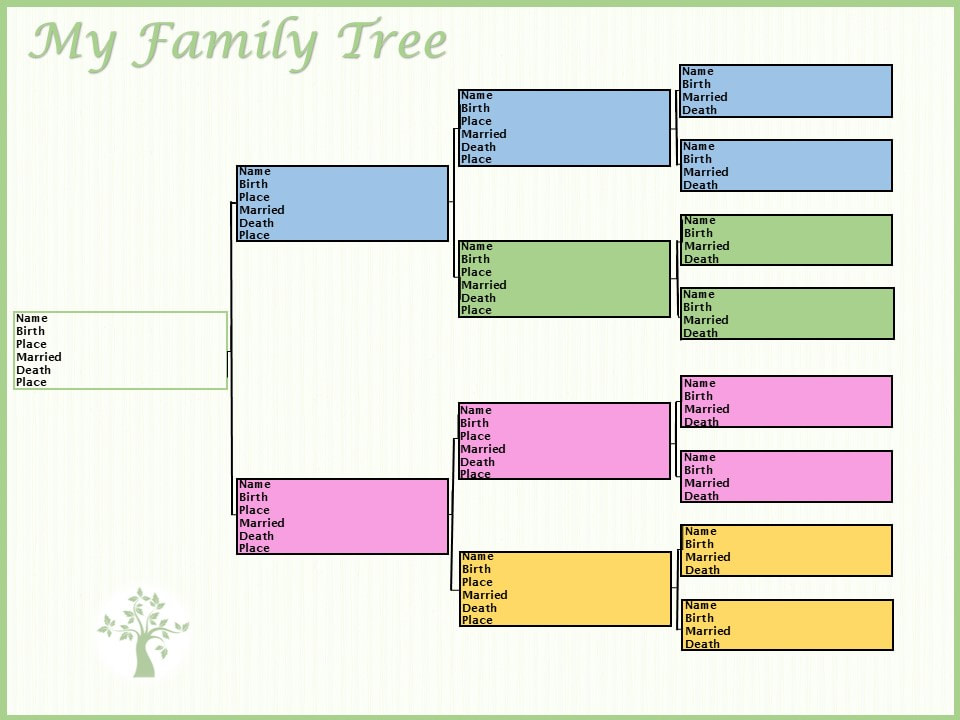
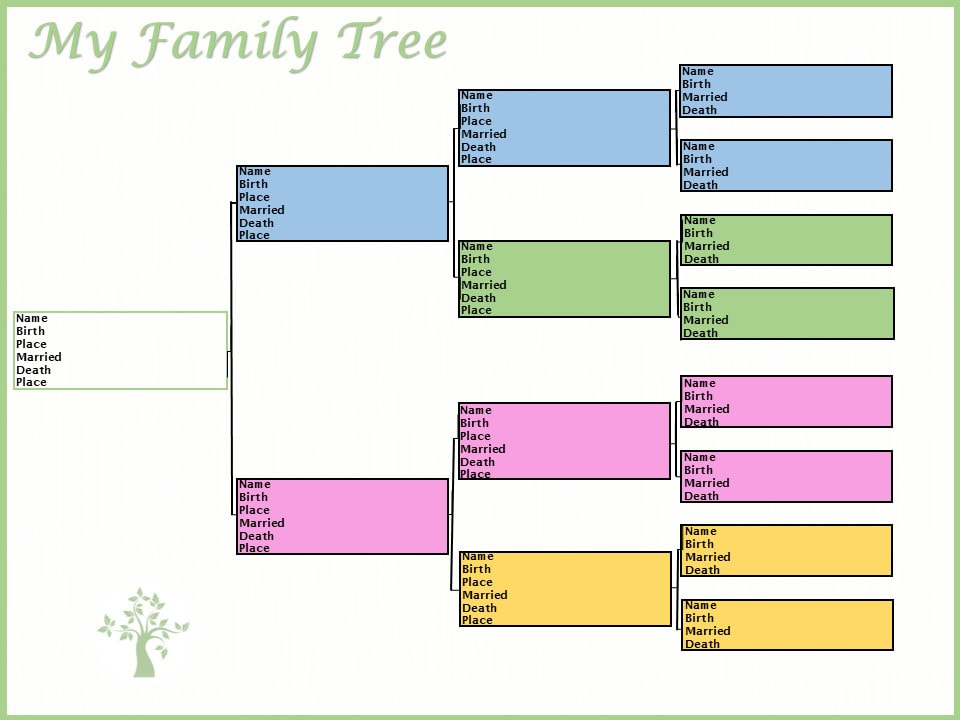
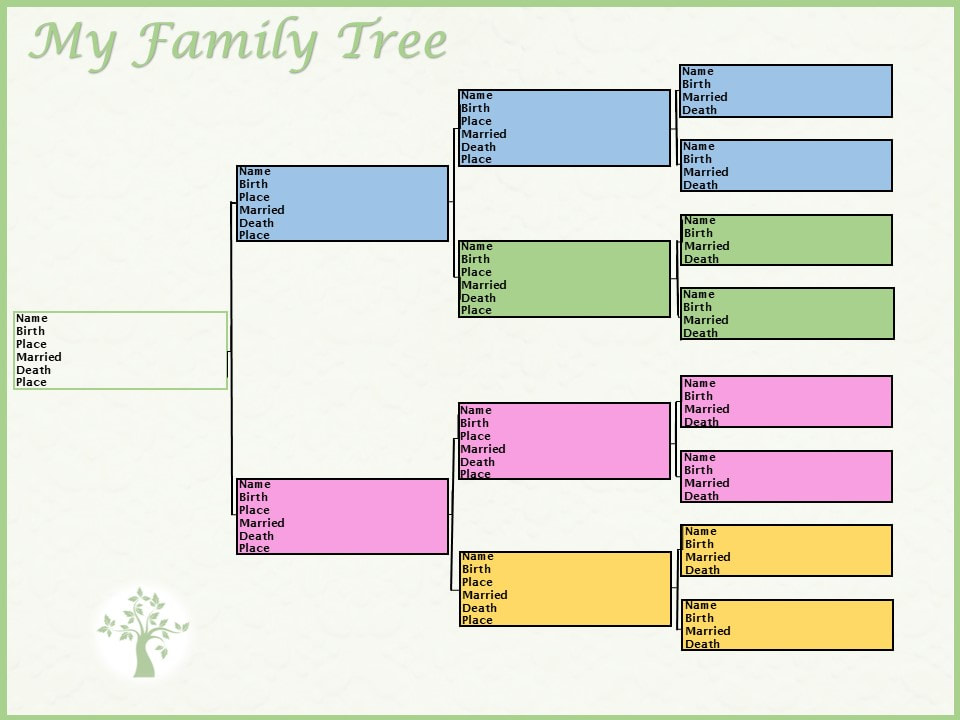
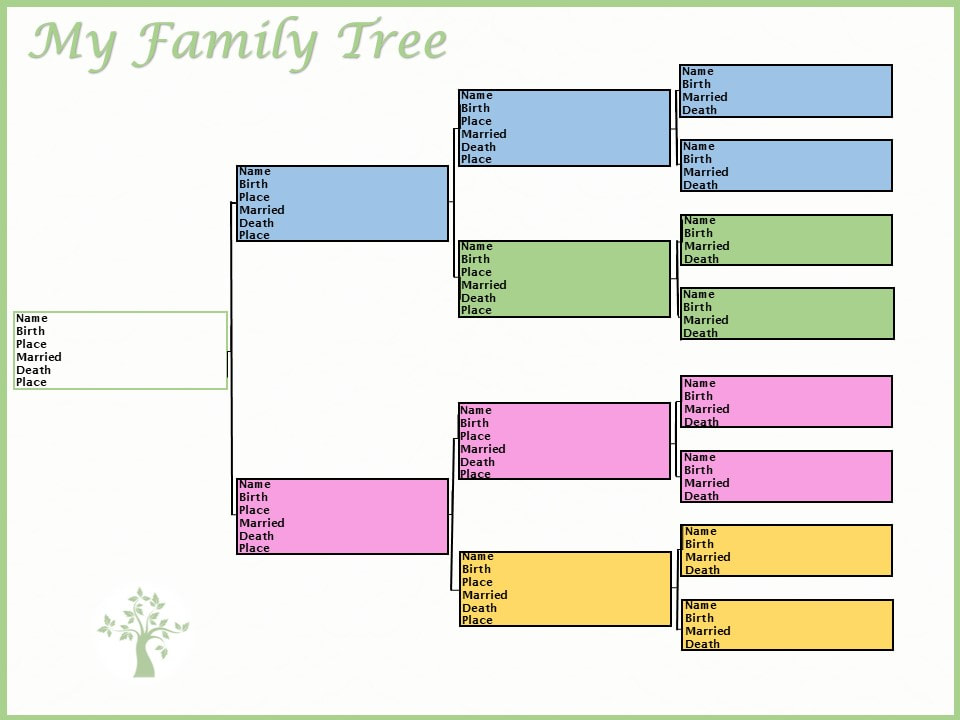
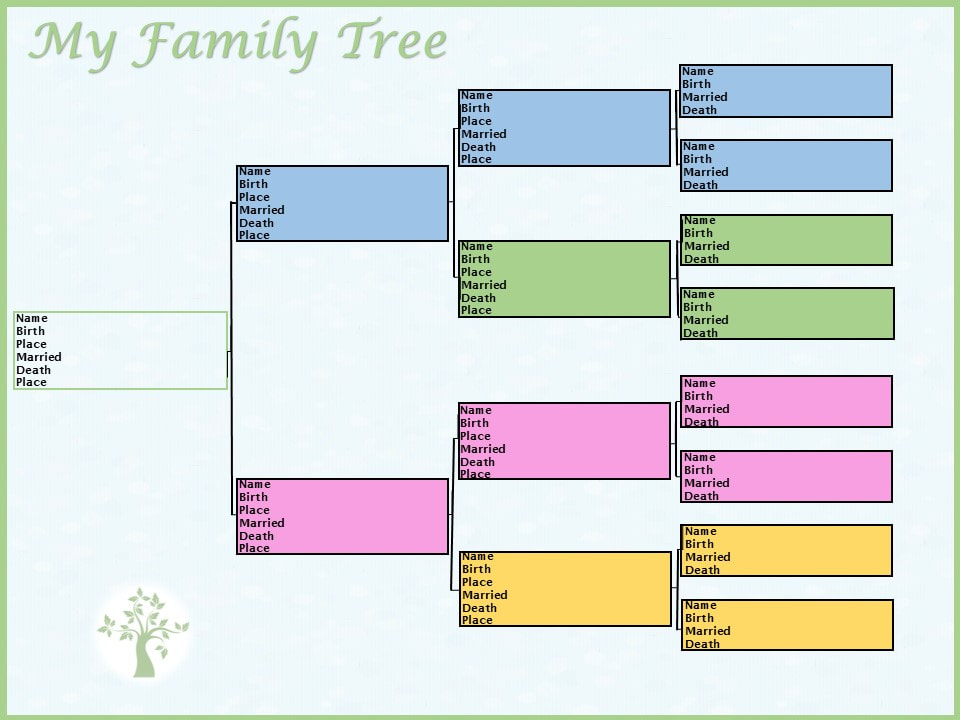
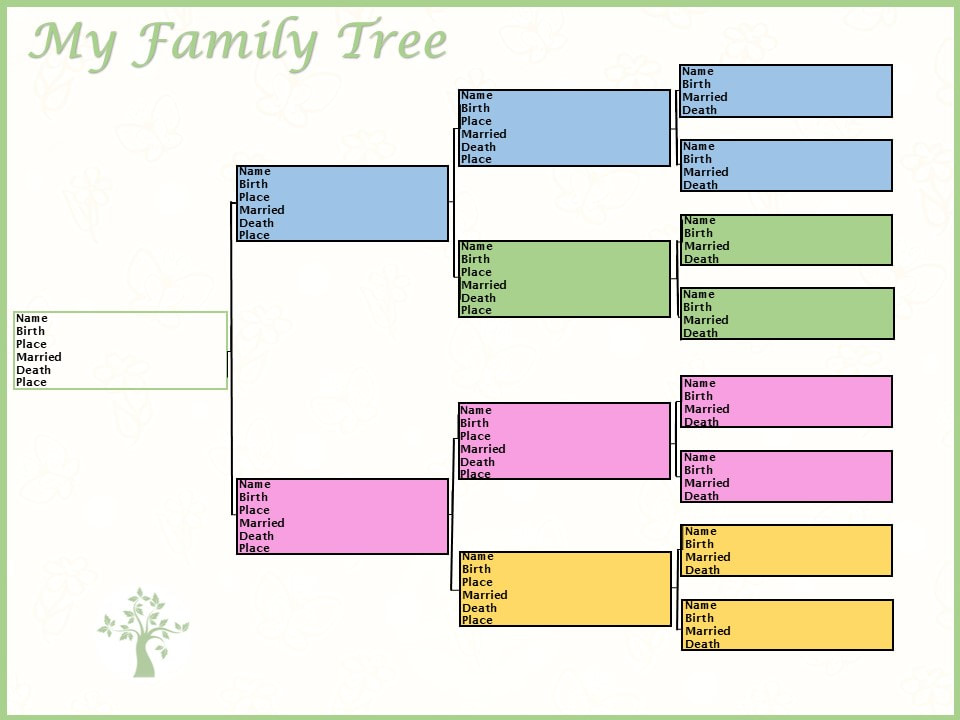
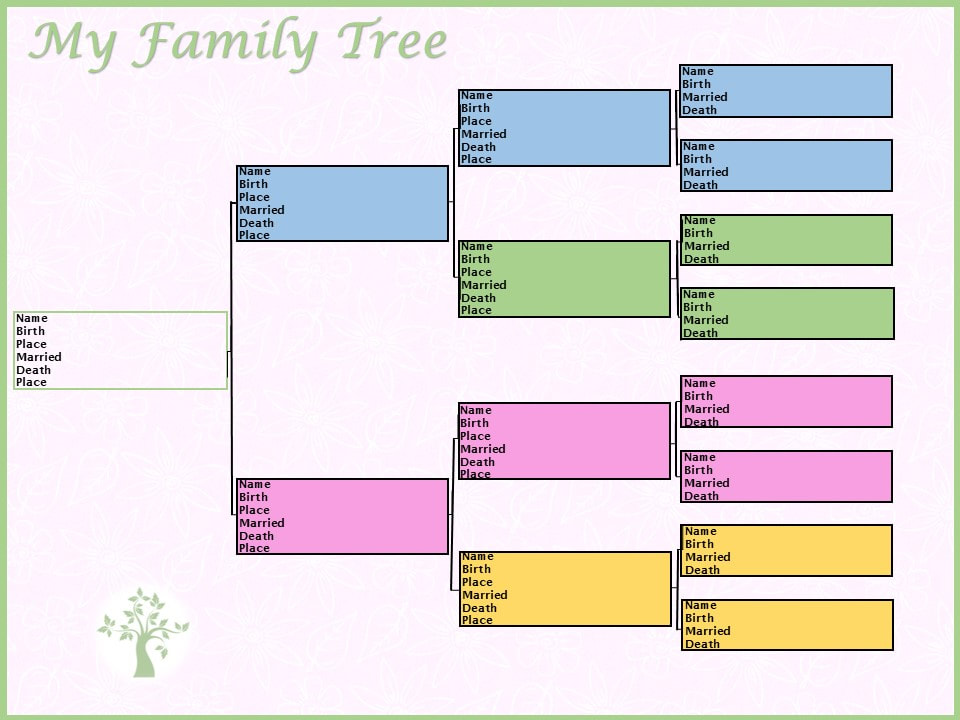
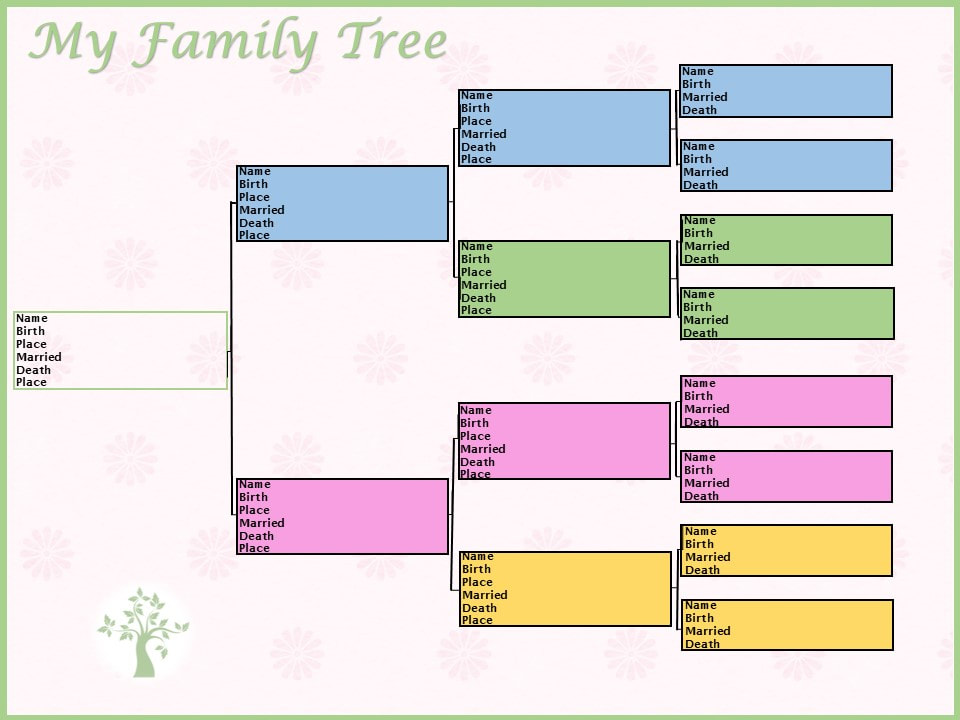
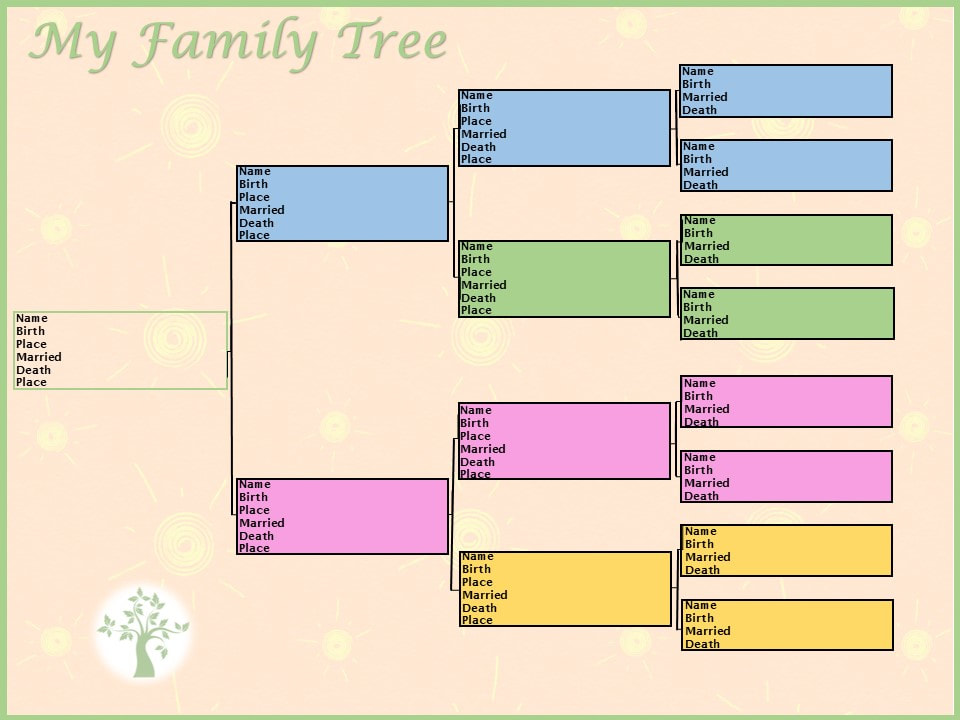
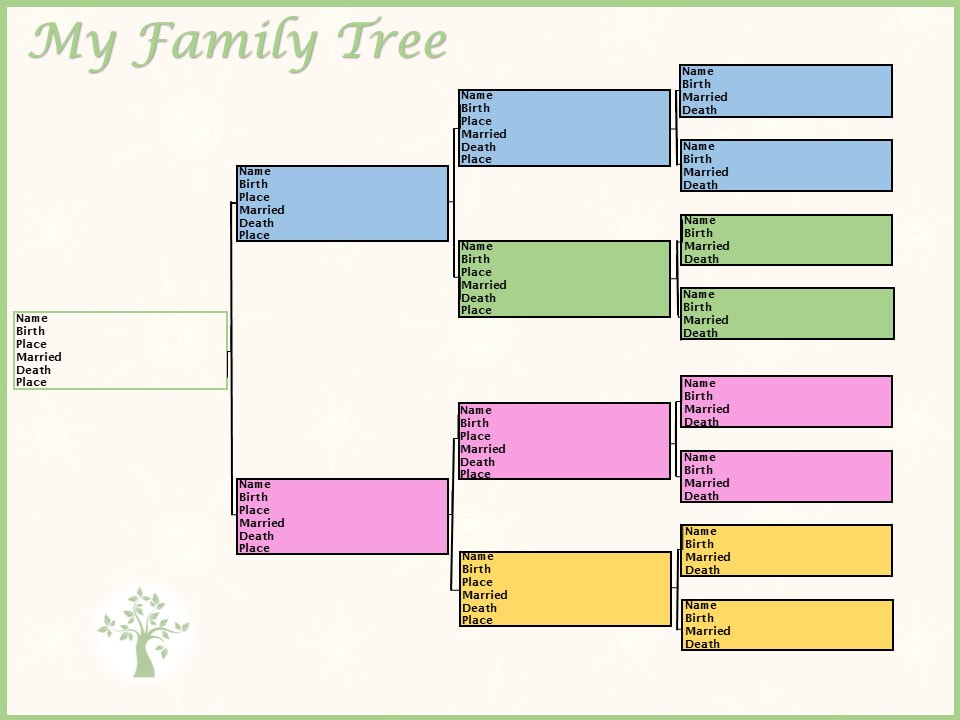
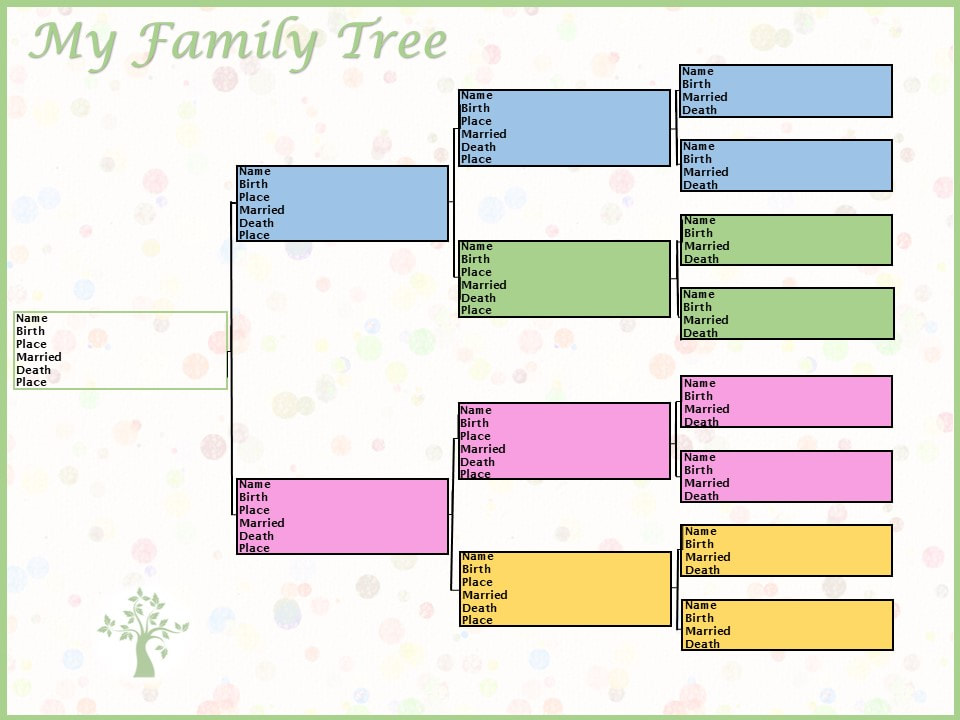
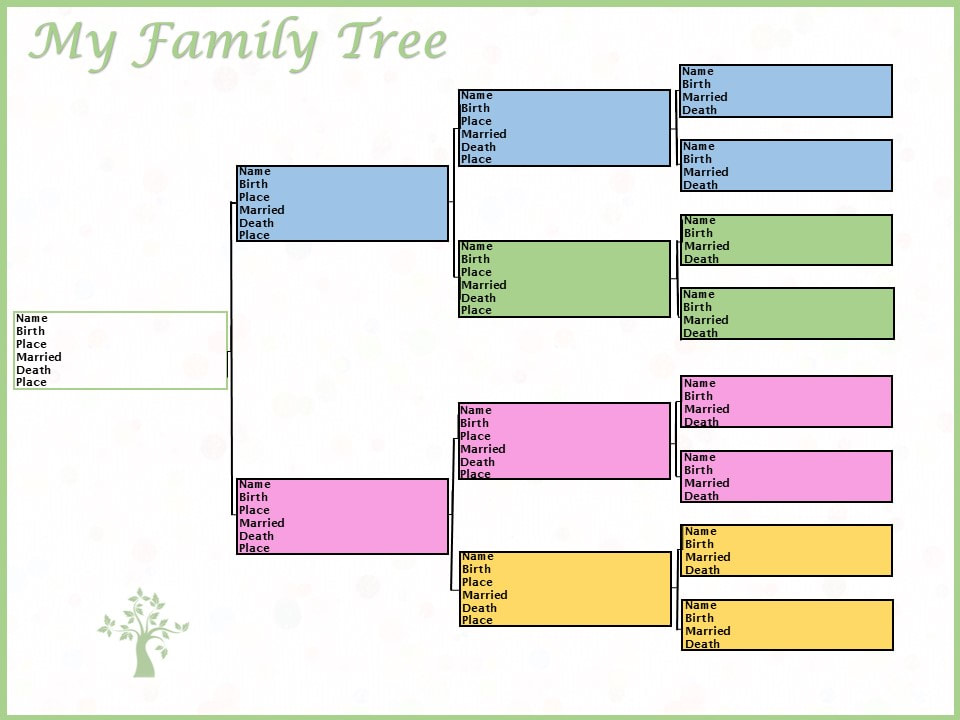
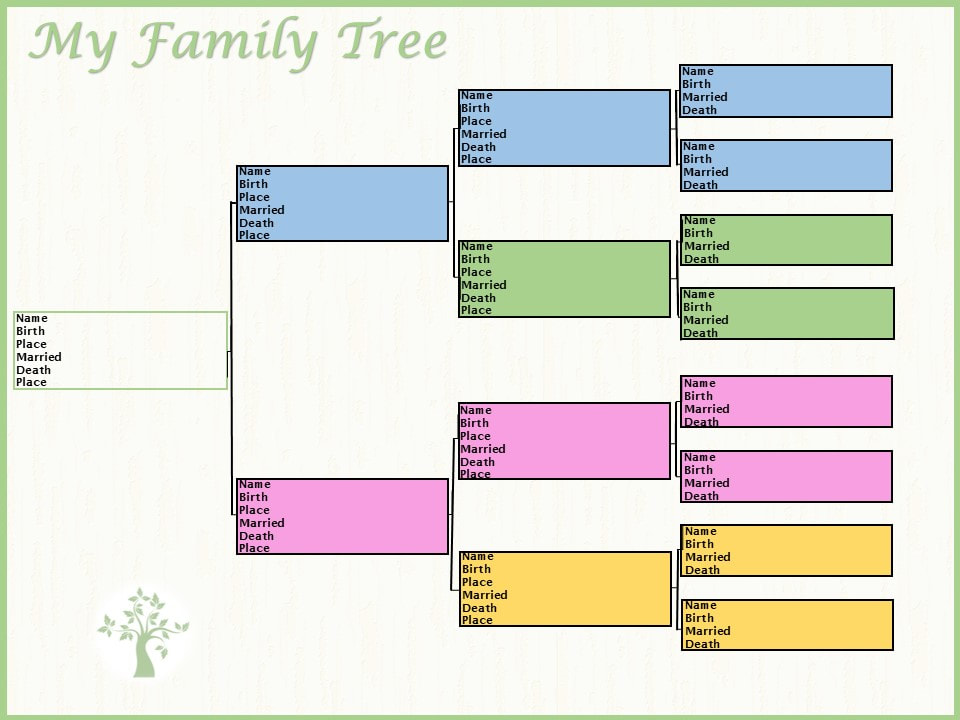
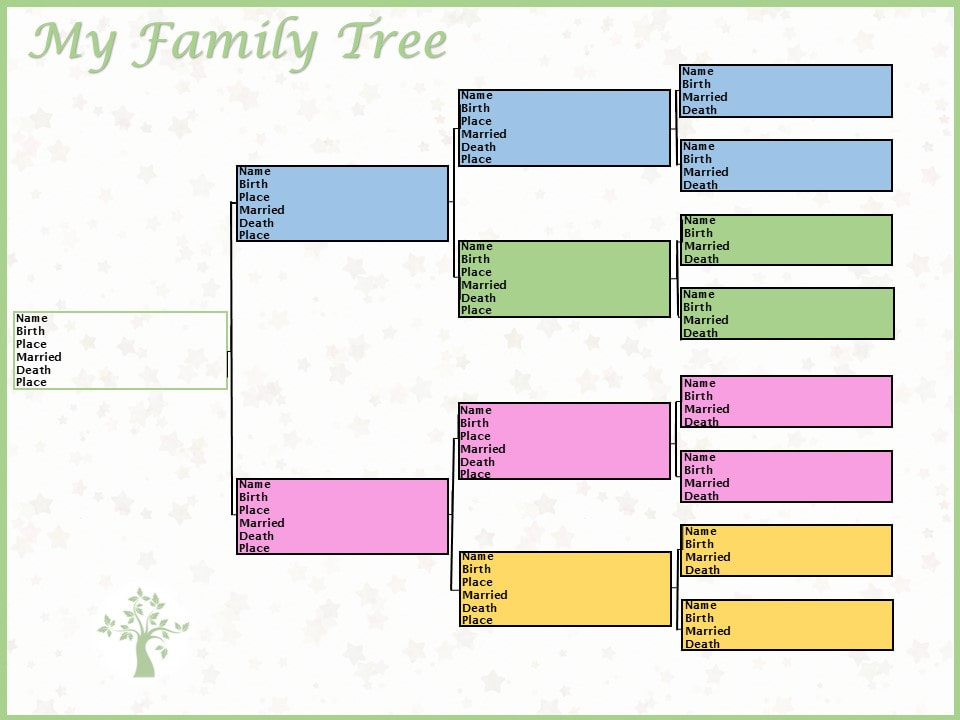
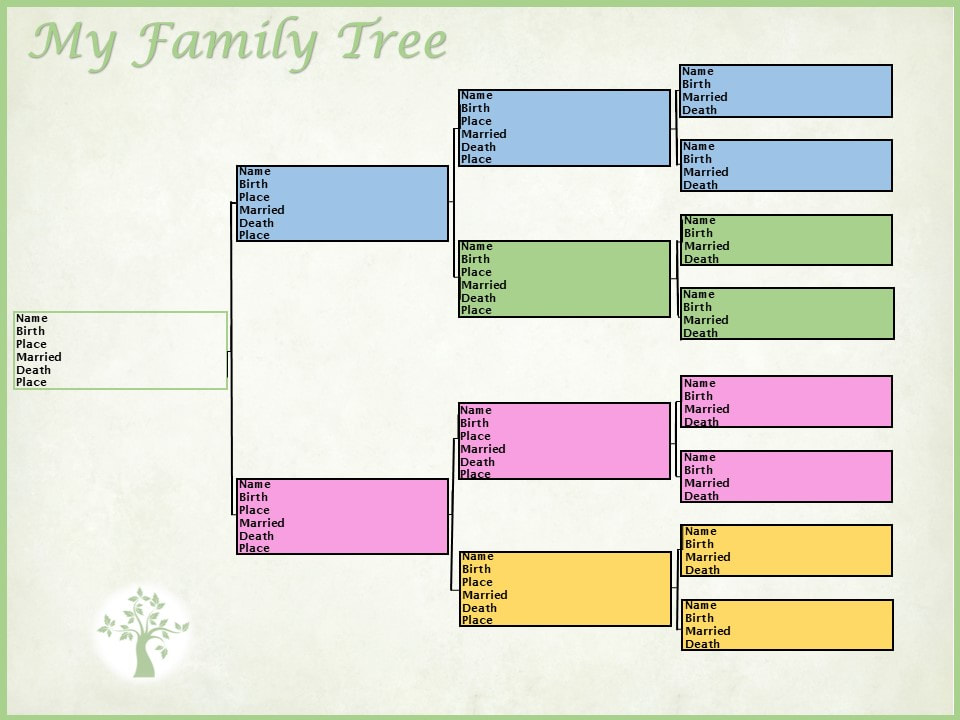
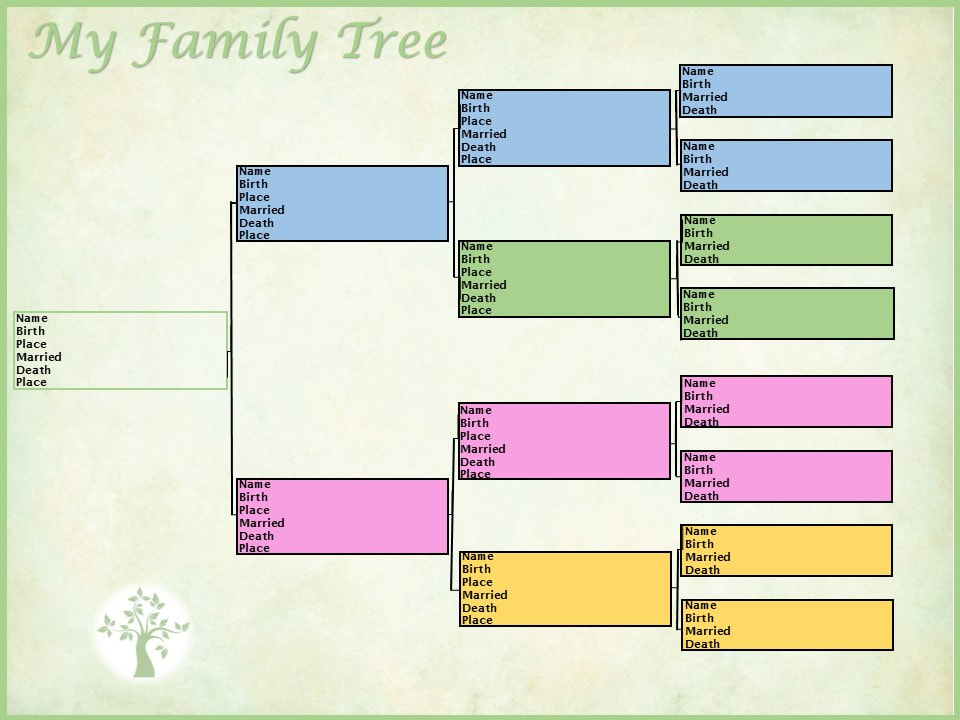
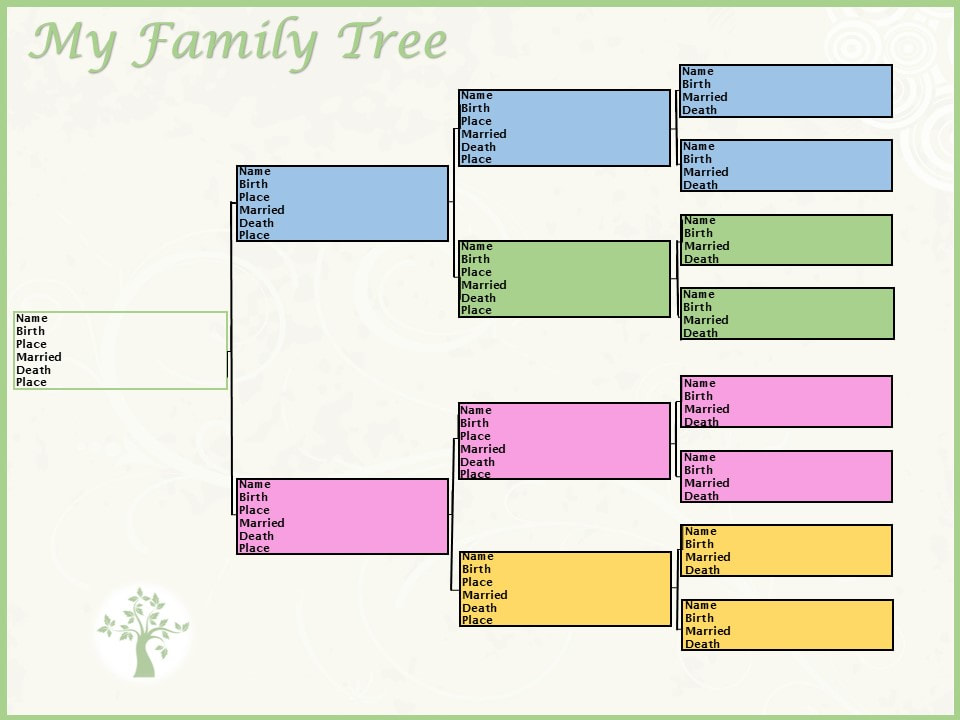
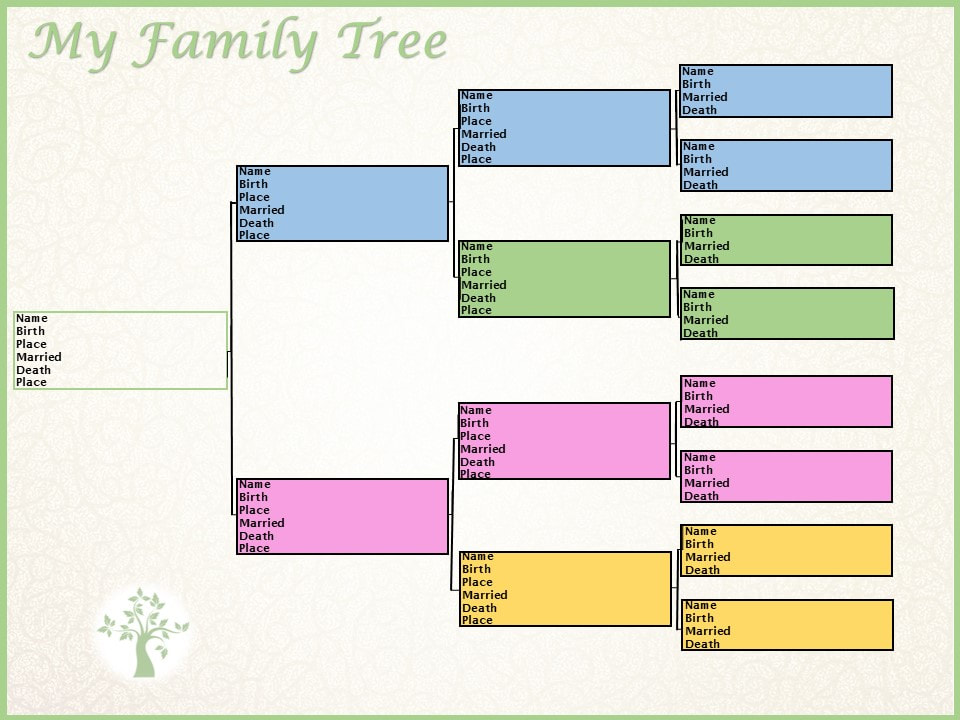
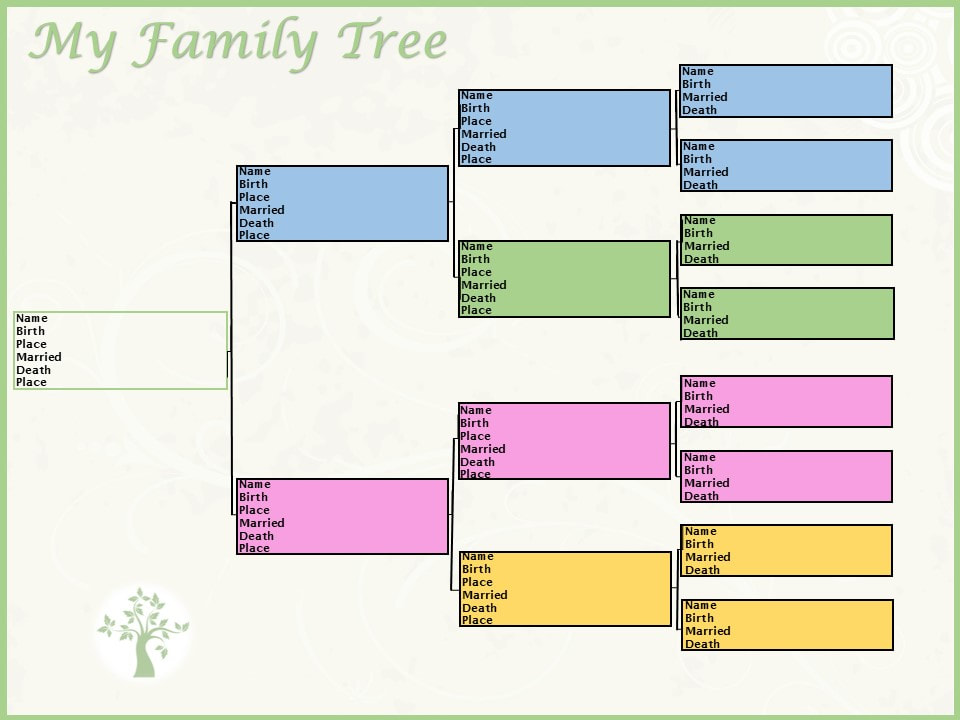
Find more easy ways to publish your family history, under the Publishing Your Family History Category! Genealogy Resources: DIY Family Tree Charts and Templates! While organizing my personal family history and business digital file folders last week, mentioned in Help, I Can’t Find My Family History/Genealogy Stuff!, I came across some of the different family trees I had created on sites that offered pre-generated family trees based on my family tree research; free, fillable templates that different sites offered; and some that I had created in Family Tree Maker over a decade ago; along with others. This got me sidetracked to where I decided to try to create my own, easy, DIY templates for family trees, using various resources. What I Used to Create My Easy, DIY Family Tree Templates:
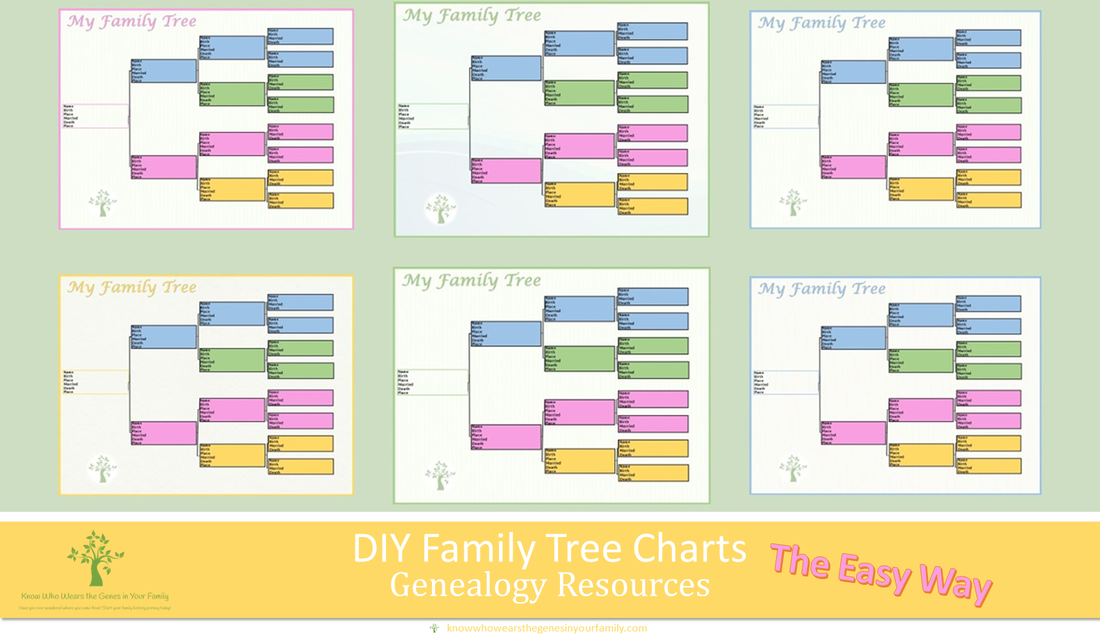
How I Designed My Simple, DIY Family Tree Charts:
Use Your Family Tree Chart Creations for:
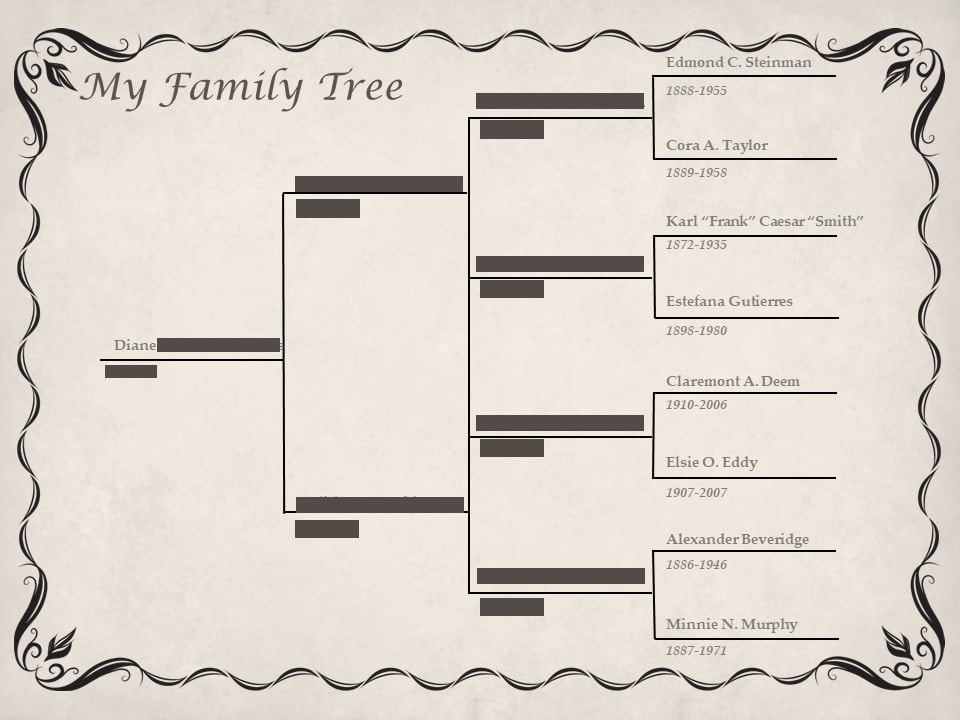
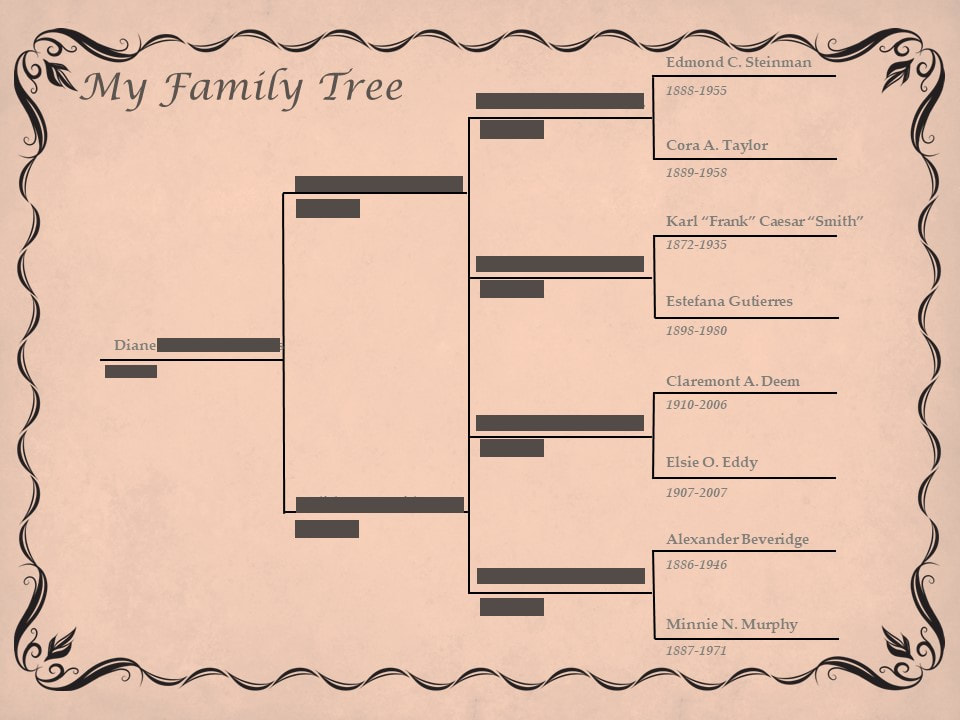
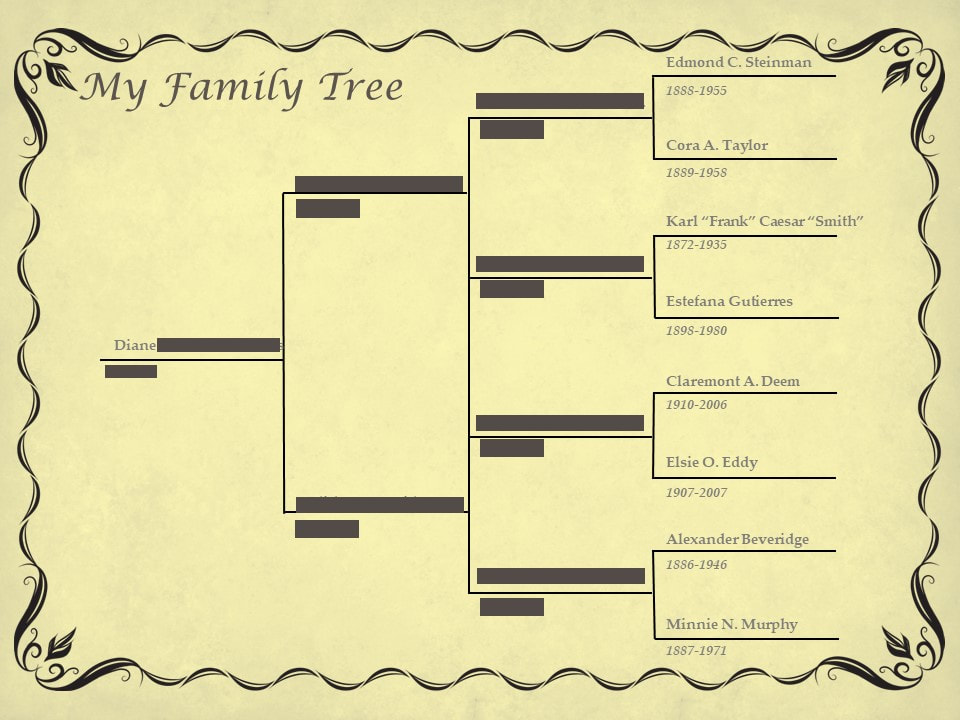
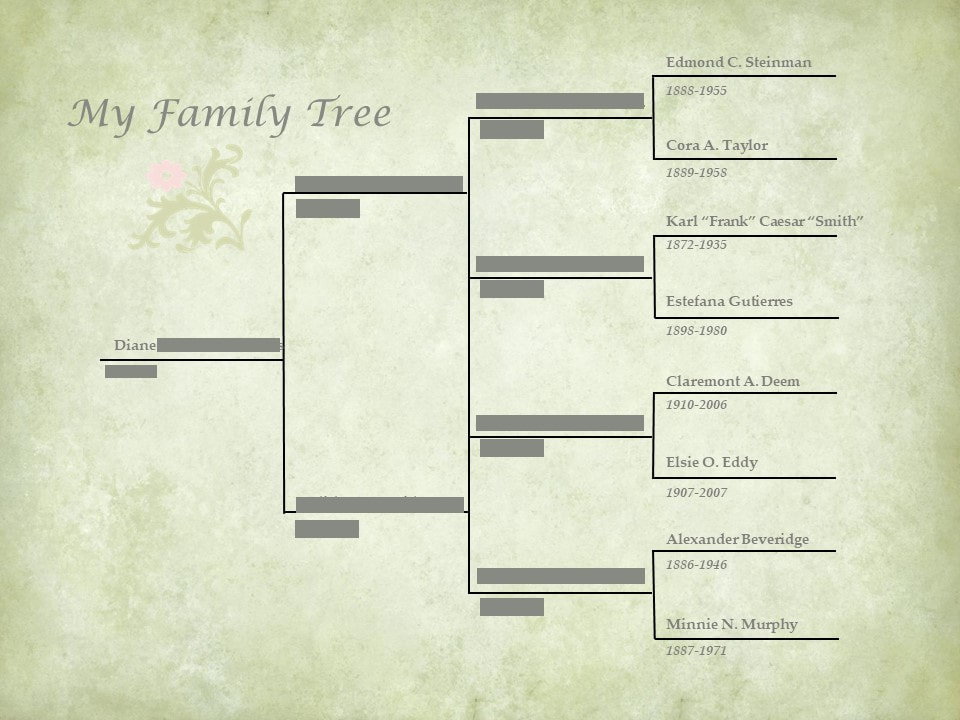
Examples: My Family Tree Chart Heirloom ExamplesMy Other Family Tree Chart ExamplesEven though it is hard to tell on some, each one is different either with a different backround, a change in transparency, saturation, tone, or color or both.
There are many sites out there where you can get a pre-generated family tree heirloom printed out (blog coming soon), that offer fillable templates, and more, some free and some not. There are also many sites where you can create family tree templates to use for visual reference, presentations, and more (blog coming soon). But you can always DIY your own family history heirlooms to pass down through the generations or give as a gift, by creating your own family tree charts and templates! *Note: ©Diane Henriks (Copyright protected, and all rights are reserved. No portion of these images may be reproduced, stored in a retrieval system or transmitted in any form or by any means; whether electronic, mechanical, etc., such as through copying, screenshotting, downloading, or other without prior written notice from me) |
Details
Author, Diane HenriksHi, I'm Diane Henriks, a professional genealogist and investigator who... Know Who Wears the Genes in Your Family: Family History and Genealogy BlogI hope my family history and genealogy blog on genealogy research tips, resources, events, and more, along with my own genealogy journeys, will help you in your research and in building your family tree to learn more about your ancestors and family history to preserve for future generations to come! Categories
All
FeaturedTop PostsBlogrollEvalogue.Life, Heart of the Family, Molly's Canopy, Climbing My Family Tree, Cami Mayer, Field Genealogist, Ancestor Detective, DNA Breakthroughs, Your DNA Guide, Ancestral Findings, Genealogy Tip of the Day, Family History Daily, Genea-Musings
Come visit me at Know Who Wears the Genes in Your Family if you're interested in starting your family history journey, booking me for your next speaking event, or family history and genealogy heirloom products!

Archives
October 2025
|


RSS Feed