
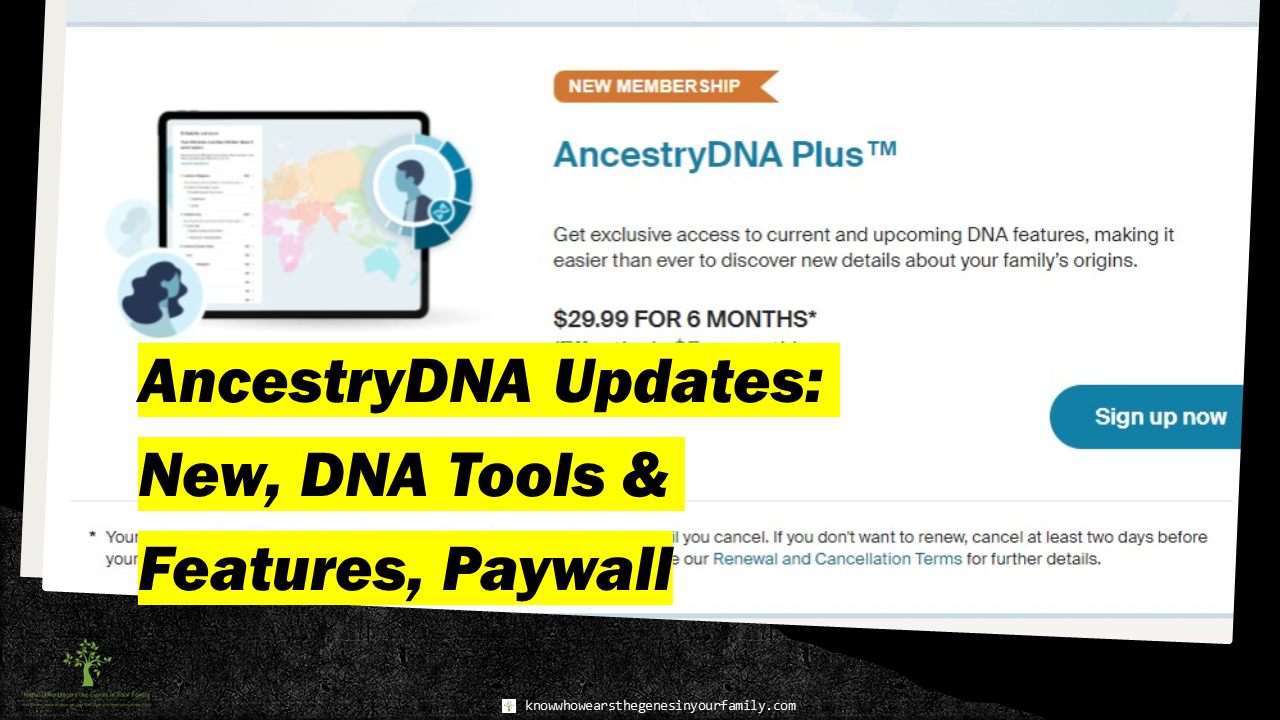
 Ancestry Updates February 2024: AncestryDNA’s New, DNA Tools & Features, Paywall Ancestry has been slowly rolling over everyone, for quite a while now, who does not have a paid subscription to Ancestry or AncestryDNA to new, basic AncestryDNA features, now included with their DNA kits. Since it was little by little at the beginning, not all had noticed. They have now, officially, moved the majority of FREE DNA tools and features behind a paywall, making many quite unhappy. Just what can you get with the purchase of an AncestryDNA kit, now? What has moved over to their new, AncestryDNA Plus paywall, for those that had purchased their kits in the past? See the breakdown of just what’s behind this new paywall, below. Now ONLY Included with AncestryDNA Test Kit
Now Included ONLY with AncestryDNA Plus Membership
Now Included ONLY with Ancestry Family History Membership
And according to Ancestry, any that are associated with family trees or traits are subject to change and may require an Ancestry membership in the future. Food for thought (concerning both sides)
More Ancestry and Genealogy ResourcesLearn about more Ancestry updates, tips, tools, and features and other family history and genealogy resources under the Genealogy Resources category and on my dedicated Genealogy Resources page
10 Comments
 Nostalgic Memories: Memorable 1970s TV Commercials Nostalgic Memories #3: Memorable 1970s TV Commercials Remember when commercials had catchy tunes that you just couldn’t get out of your head, memorable plots that reeled you in, or well-known stars that hooked you, along with being memorable no matter the age? This is the third in a series of nostalgic memories that include TV shows, commercials, toys, and more, as I remember them, while writing my memoirs as part of my family history. The second was Nostalgic Memories #2: Early 1970s Kid’s Animated TV Shows. I have been in the process of trying to write my memoirs, and in doing so, I have come up with tons of memories from every decade, which I thought would be fun to share. These brought back tons of nostalgic memories, and maybe they will bring back some for you as well. My Most Memorable Commercials of the 70s I remember tons of commercials from the 70s, but these are the most memorable ones that I still remember quite well to this day. They include links that will take you to some of the ones I watched during that time. See how many you remember! 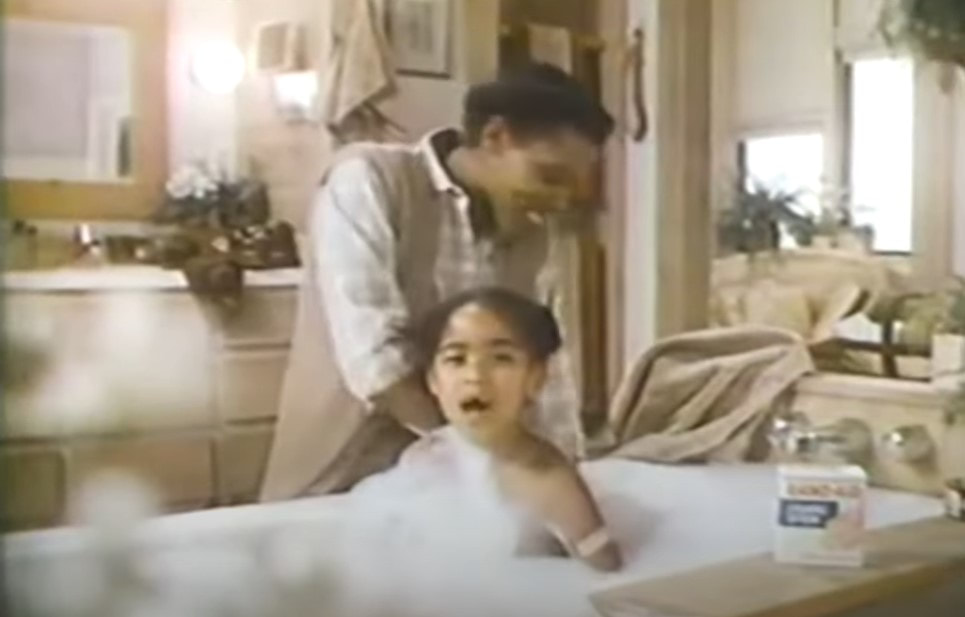 Band-Aid 1970s TV Commercials
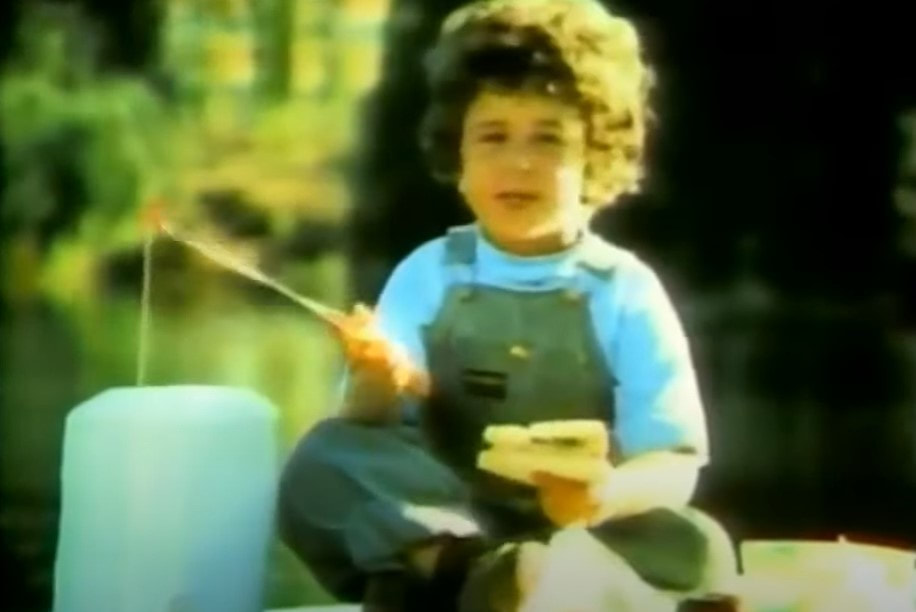 Oscar Mayer Bologna 1970s TV Commercials 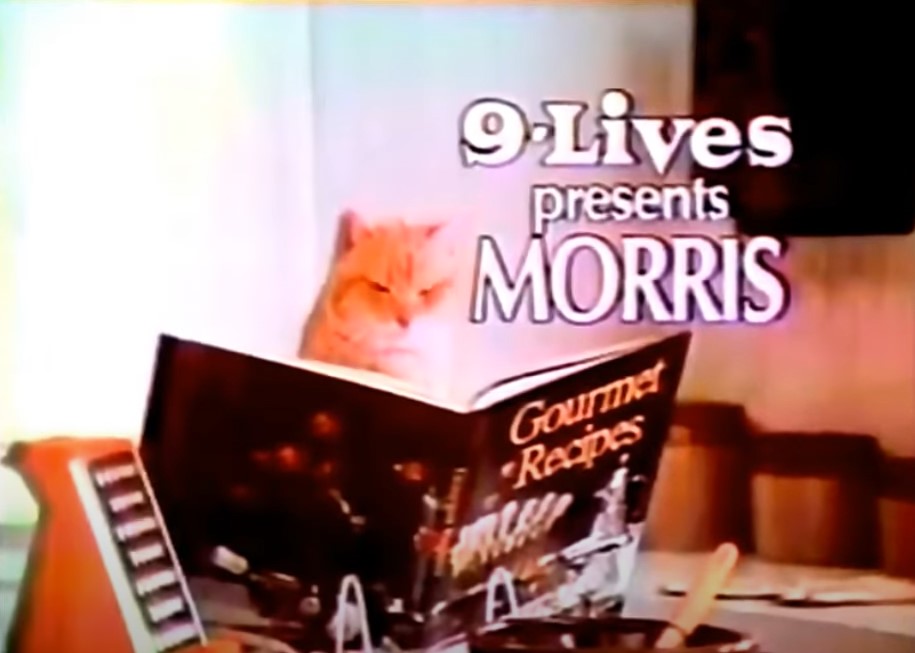 9-Lives (Morris the Cat) 1970s TV Commercials
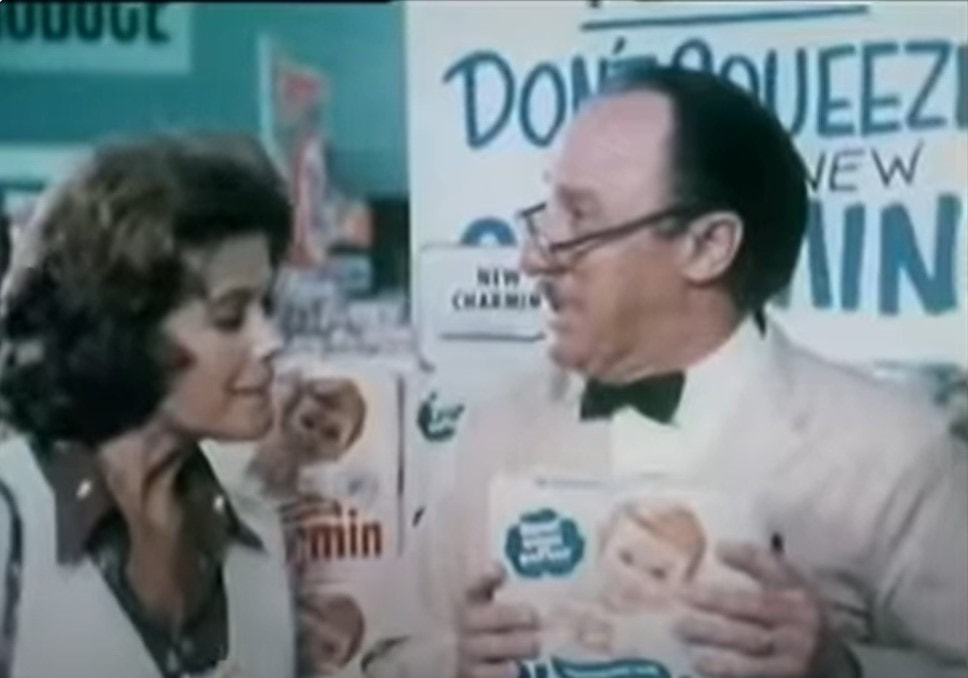 Charmin (Mr. Whipple, "Don't squeeze the Charmin") 1970s TV Commercials 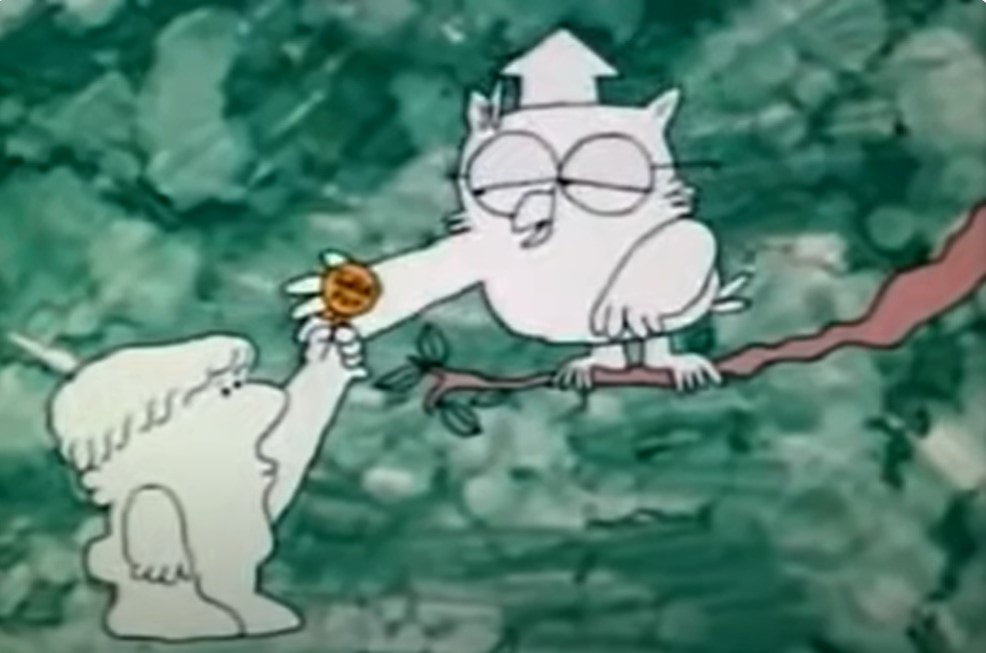 Tootsie Roll Pop 1970s TV Commercial
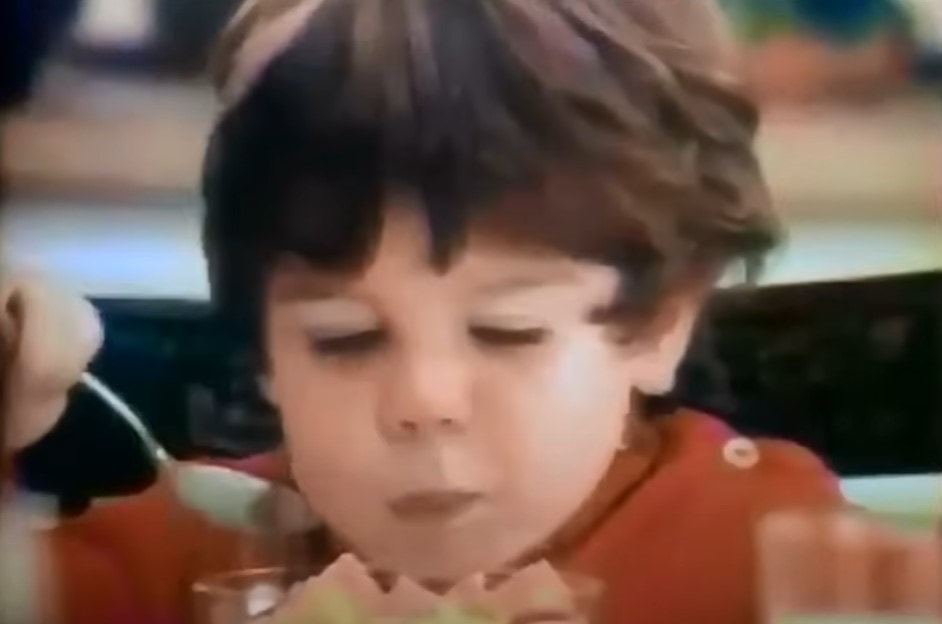 Life Cereal ("Hey Mikey!") 1970s TV Commercial 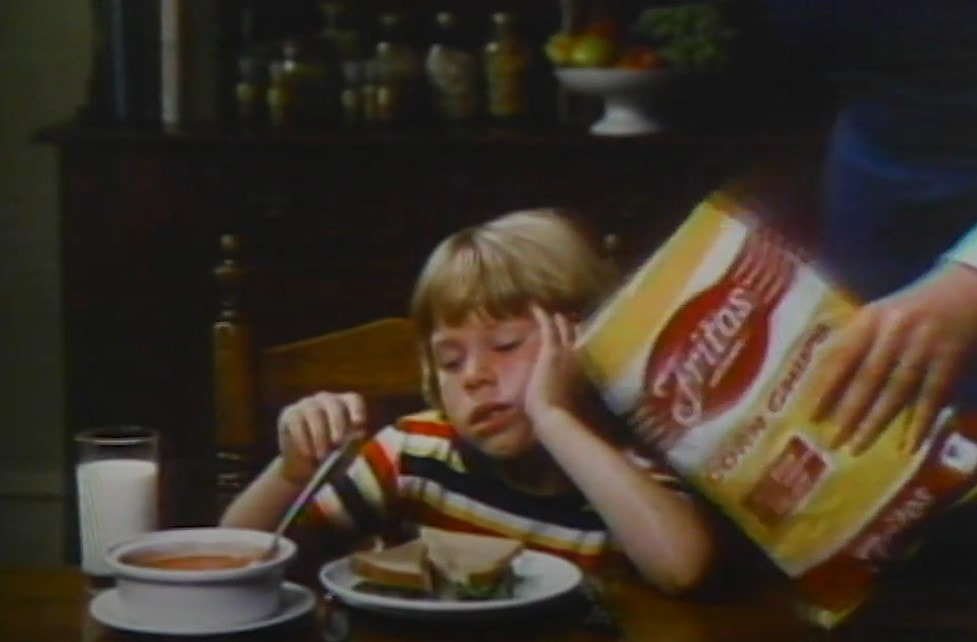 Fritos 1970s TV Commercial
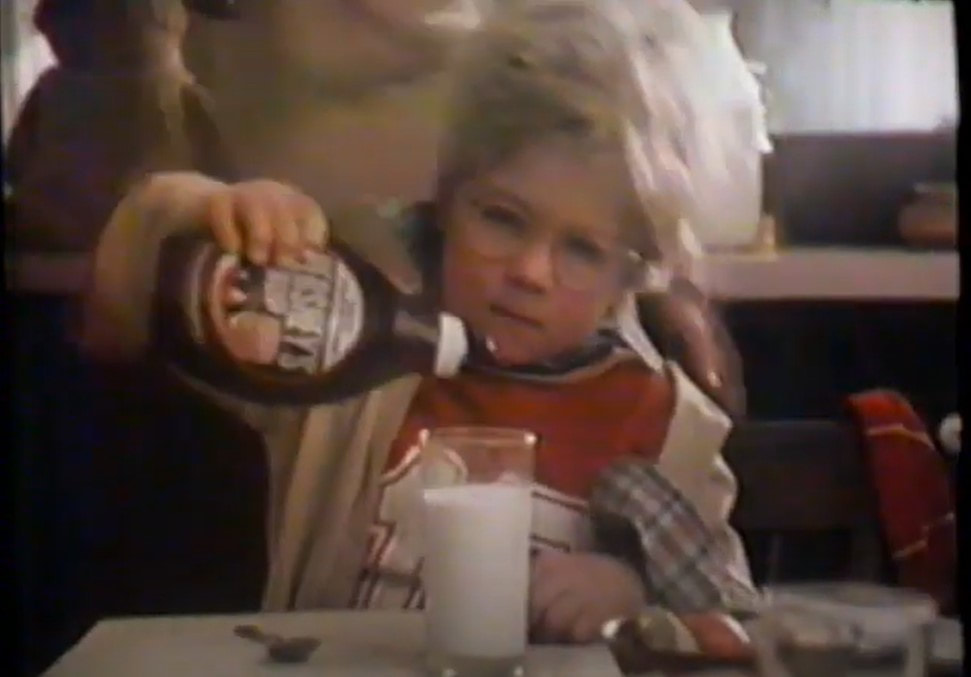 Hershey’s Syrup (Messy Marvin Debut) 1970s TV Commercials 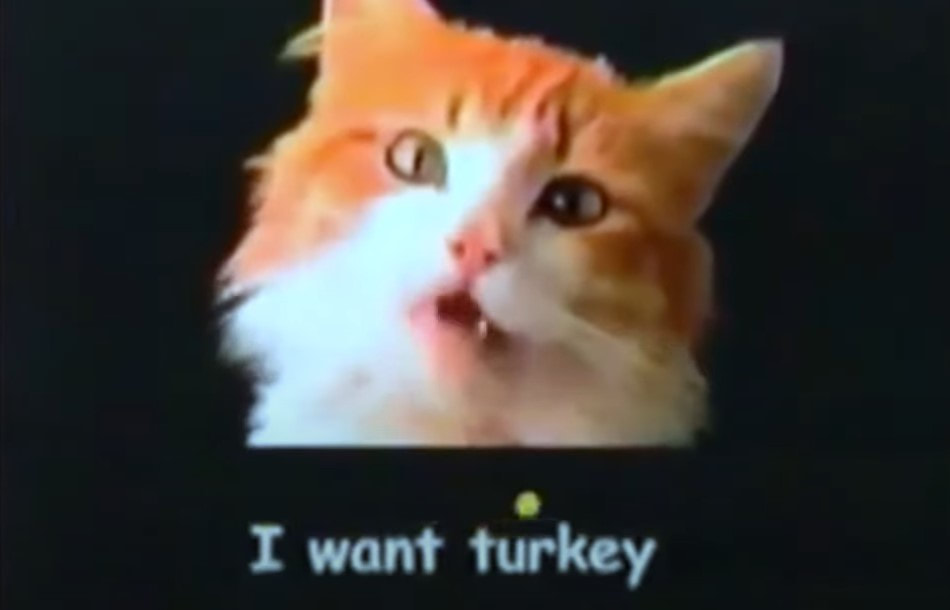 Meow Mix 1970s TV Commercials  Nostalgic Memories: Early 1970s Kid’s Animated TV Shows Nostalgic Memories #2: Early 1970s Kid’s Animated TV Shows This is the second in a series of nostalgic memories that include TV shows, commercials, toys, and more, as I remember them, while writing my memoirs as part of my family history. The first was Nostalgic Memories #1: Early 1970s Kid’s TV Shows. I have been in the process of trying to write my memoirs, and in doing so, I have come up with tons of memories from every decade, which I thought would be fun to share. I spent a couple of years living with my grandma when I was between the ages of 3-5, and while jotting down my memories of my time with her, I also remembered some of the TV shows I watched during that time. This brought back tons of nostalgic memories, and maybe it will bring back some for you as well. My Early 1970s (Pre-Elementary School) Children's Cartoon Line UpBelieve it or not, with this long list, at this age, I wasn’t into cartoons as much as I was educational shows, but these are all the ones I remember watching before I started kindergarten. They include links that will take you to either episodes or opening songs of the ones I would have watched during that time, along with their air dates and some rerun dates.
And The ABC Saturday Superstar Movie (ABC)/The New Saturday Superstar Movie (1972-1973) (included pilots for new shows) *Many of these can be found on Amazon Prime, as well as YouTube. Remember any of these? I'd love to know!  Early 1970s Kid’s TV Shows Nostalgic Memories #1: Early 1970s Kid’s TV ShowsThis is the first in a series of nostalgic memories that include TV shows, commercials, toys, and more, as I remember them, while writing my memoir as part of my family history. I have been in the process of trying to write my memoir, and in doing so, I have come up with tons of memories from every decade, which I thought would be fun to share. I spent a couple of years living with my grandma when I was between the ages of 3-5, and while jotting down my memories of my time with her, I also remembered some of the TV shows I watched during that time. This brought back tons of nostalgic memories, and maybe it will bring back some for you as well. My Early 1970s Children’s TV Show Line Up (Pre-Elementary School)Below are the shows I watched (pre-elementary school) with links that will take you to either episodes or opening songs of the ones I would have watched during that time, along with their air dates and some rerun dates.
*Many of these can be found on Amazon Prime, as well as YouTube. Remember any of these? I'd love to know!
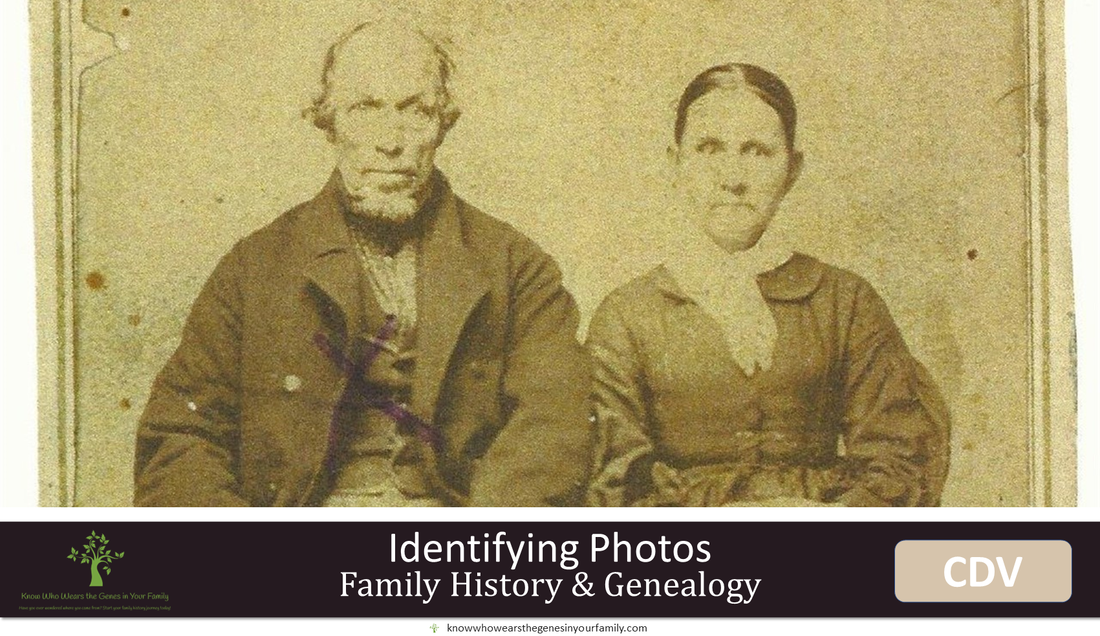 Identifying Family History Photos: A Case of Mistaken Identity While working on my own genealogy for a bit, I came across an exciting find! While adding photos to my family tree, I realized that my 3rd great grandfather looked different than in his other photos, which I guess I never paid much attention to before. This particular photo came to me from my father, who had received it, along with many others, from my great grandmother and her 2nd husband, who also was her cousin. He had told me who everyone was in all the images he had sent me, and he had said this particular photo was that of my 3rd great grandparents, George W. Taylor and Rachel Ann Robinson. I was not so certain this was them, and my father had been wrong on a few others, so I had decided to take a deep dive into dating old photos so that I could learn more. In doing so, I had deduced that this photo was actually of my 4th great grandfather, Samuel Taylor and his 2nd wife, Frankie Gholson, in which we thought there was no known picture of, but we had one all along! 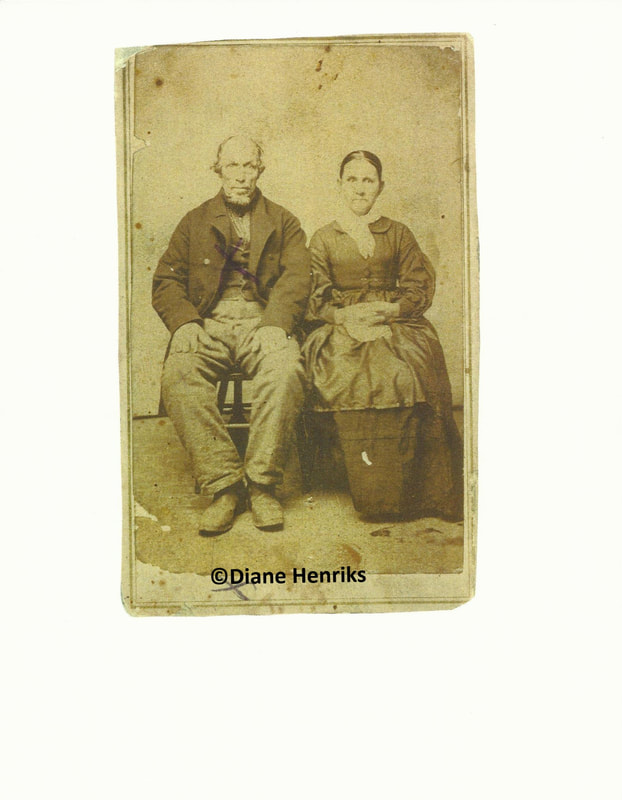 My 4th Great Grandfather, Samuel Taylor and Wife, Frankie Gholson, ca. 1864-1869 A Short Description of the Ancestral Couples My 3rd great grandfather, George W. Taylor was born 7 Jun 1834 and died 13 Feb 1917. My 3rd great grandmother, Rachel Ann Robinson was born 23 Mar 1843 and died 15 Apr 1919. As you can see, according to the dates, he was 8 years older than she. My 4th great grandfather, Samuel Taylor (George’s father) was born 21 Aug 1804 and died 4 Oct 1893. His wife, Frankie Gholson was born 9 Mar 1819 and died 9 Aug 1894. On the other hand, there was a significant age gap of almost 15 years between the two. As you can see in the photo, the man appears to be much older than the woman. Also, the photo seems to be older than other photos taken during the time period of my 3rd great grandfather being the age of the man in the photo. Dating CDV Photos (Carte de Visite Photos) After deep diving into research on dating old photos, I was able to compile all the info together, and had deduced that this photo was that of my 4th great grandfather, Samuel Taylor and his wife, Frankie, taken most likely between 1864-1869.
CDV: 1854 (1859 Europe-1860 U.S.) -~beginning 1900s, but most popular during Civil War)
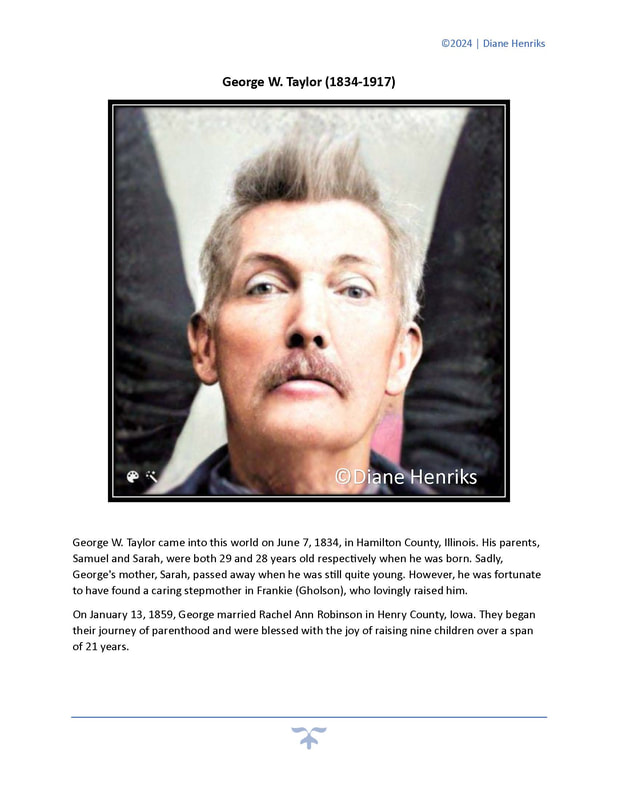
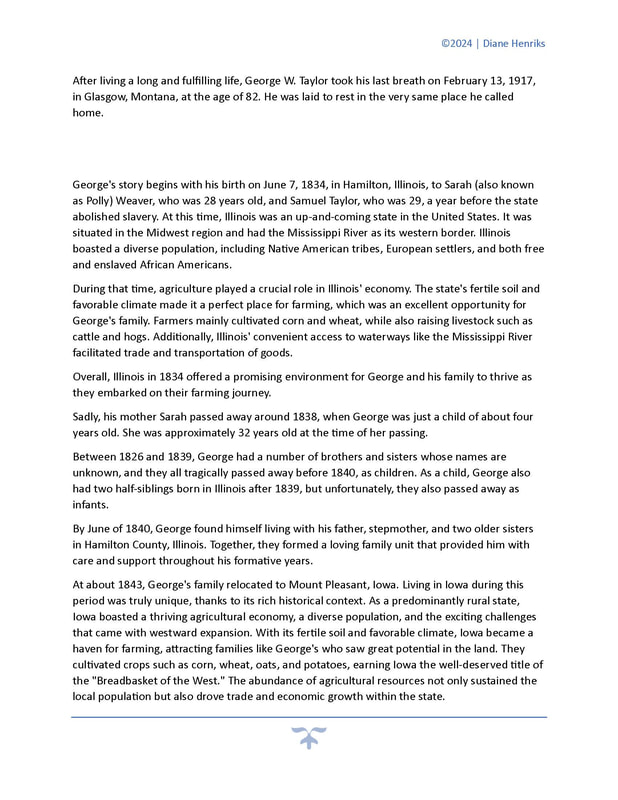
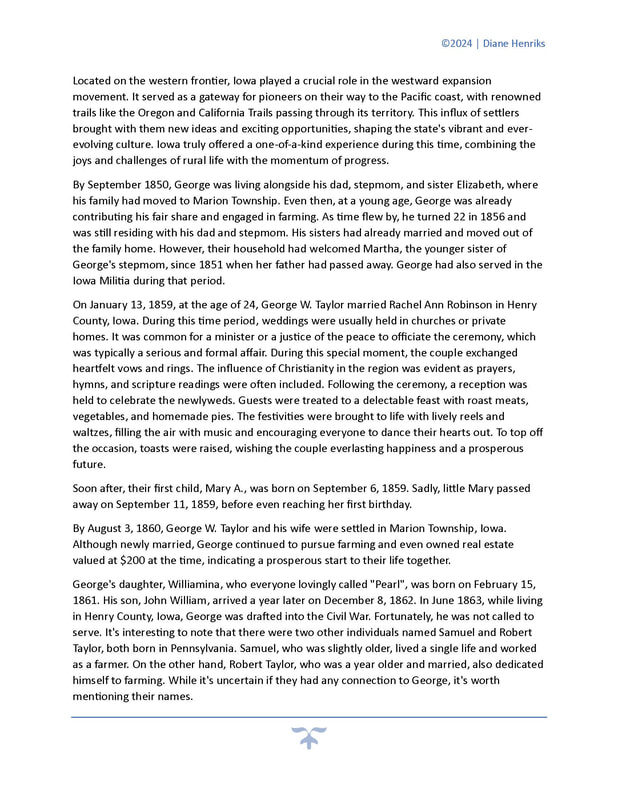
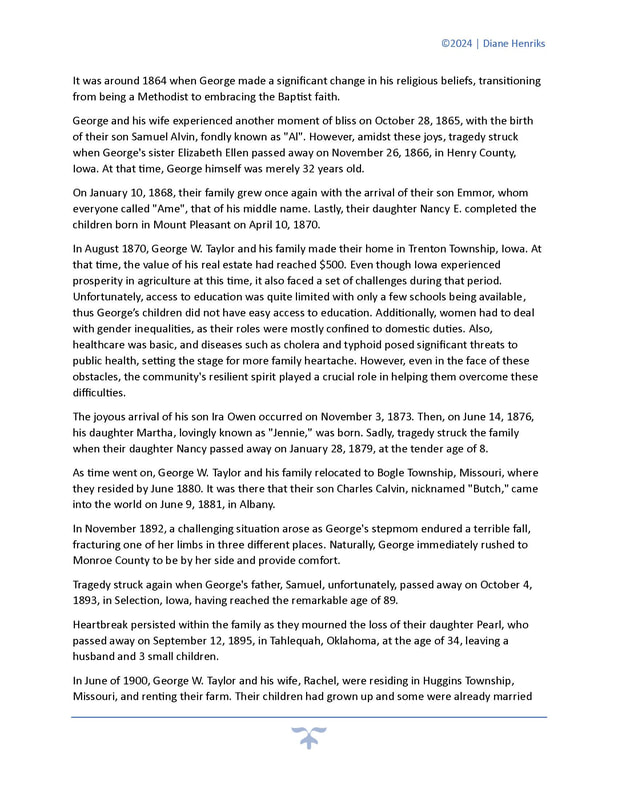
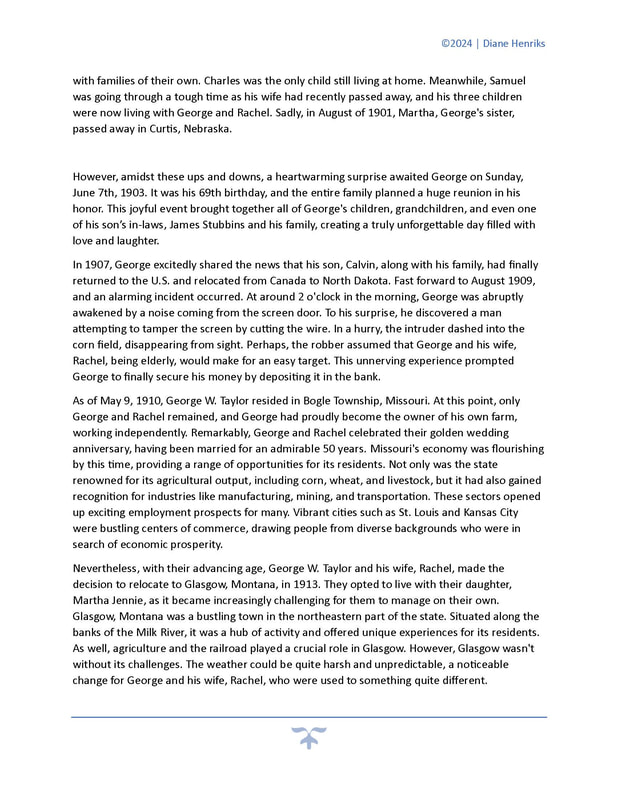
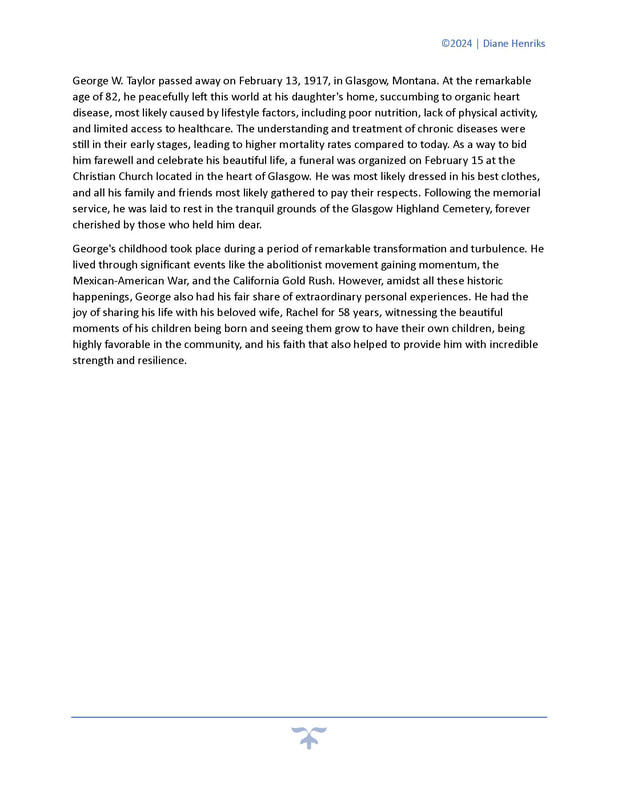
 Harnessing the Power of AI to Help You Write about Your Ancestors The Combined Power of AI and Timelines in Ancestor WritingJust a few days before MyHeritage announced their newest feature, AI Biographer, which you can read about in my post, “New MyHeritage Feature: AI Biographer, Creates Instant Biographies for Your Ancestors!”, I was literally working on a couple of projects that was doing just that, using AI for my biography, as well as for my ancestors’ biographies! I was taking all my own historical facts from my timeline and copying and pasting them in an AI paraphraser tool to create something just like this! At the same time, I was telling myself that it would be cool if either Ancestry or MyHeritage came out with a feature that did exactly what I was doing manually, take everything from your timeline/ancestor’s timeline and create a story or biographical sketch using AI. Who knew that MyHeritage was working on just that behind the curtains, right at the time I was envisioning it! I quickly found that if I create one myself from ancestors in my family tree, using their timeline events, I can create a fairly descent ancestor story/biography. Of course, it wasn’t that quick, and I had to manually tweak the paragraphs then run them through a paraphraser again. Then today, I decided to add some historical context throughout to make it a bit more interesting, taking cues from Ancestry’s new AncestryAI and My Heritage’s new AI Biographer, by using some of the events in my timelines and running them through an AI chat program. I also tweaked those as well. Altogether, I used quite a few different programs to accomplish my final test product. Check out the result below! 😊 My Ancestor Biography, with the Help of AI*This example is all based on my OWN research and taken from my own ancestor timeline, which is filled with facts and events based on my research. I then used AI to help me paraphrase my facts and events.
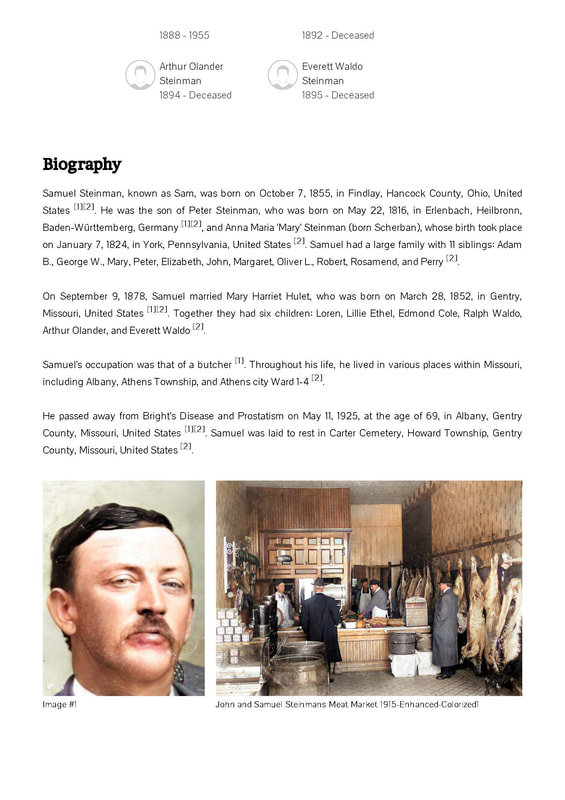
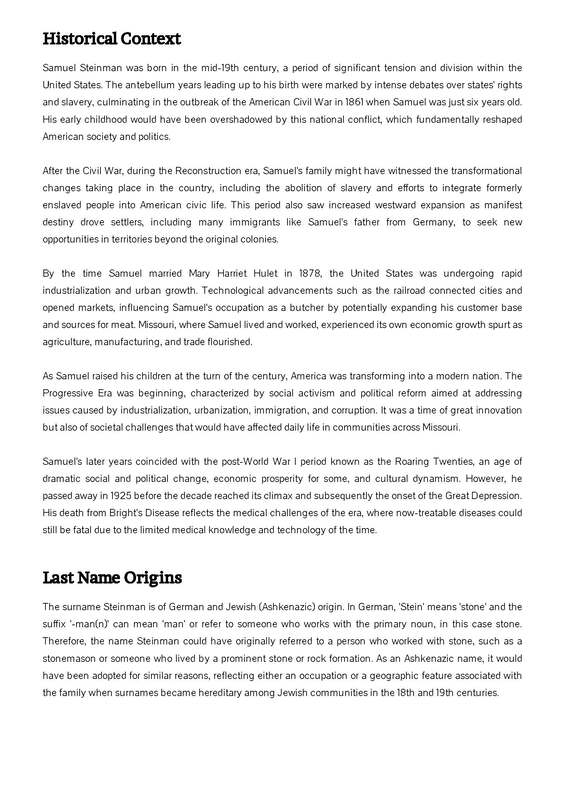
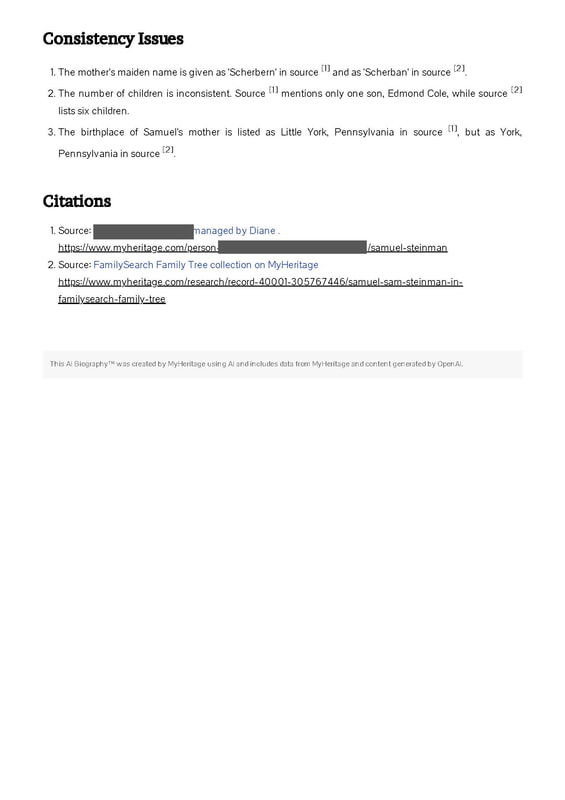
12/30/2023 New MyHeritage Feature, AI Biographer, Creates Instant Biographies for Your Ancestors!Read Now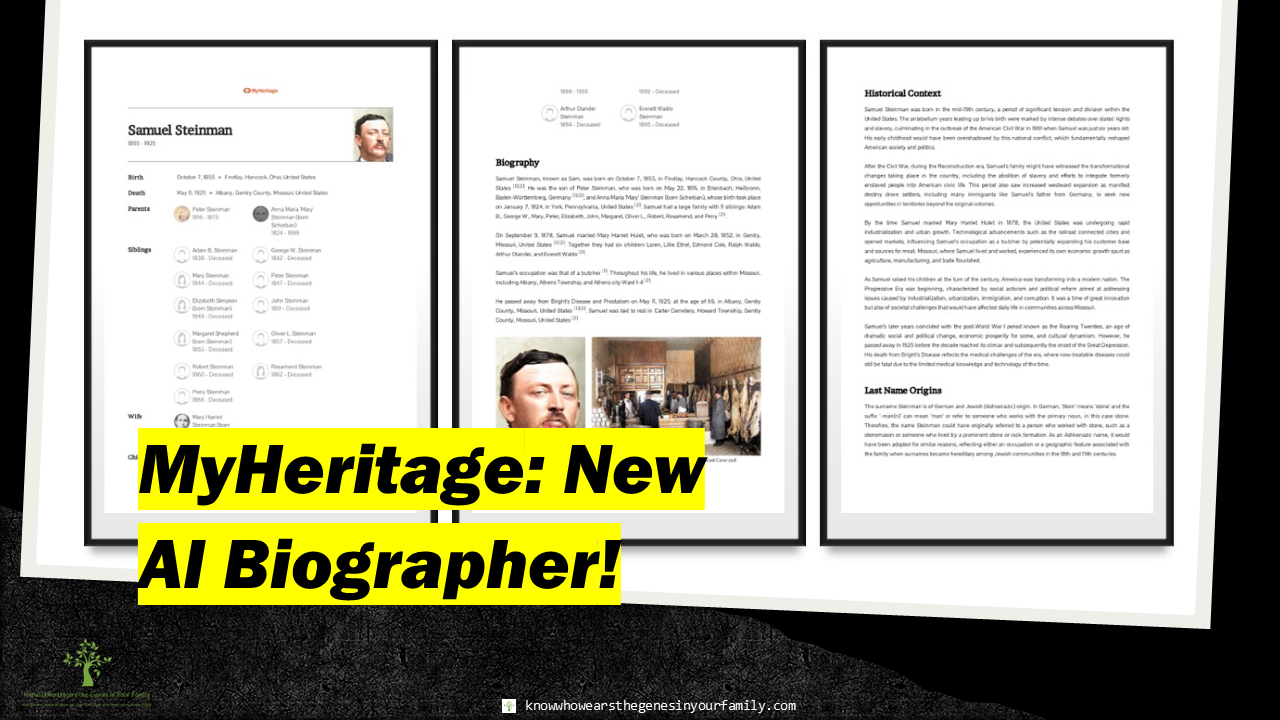 New MyHeritage Feature, AI Biographer MyHeritage, the leader in innovative family history tools, has just surprised us with 2 new, groundbreaking features! The first day after Christmas MyHeritage gave to me…AI Record Finder and AI Biographer to enhance my genealogy! MyHeritage AI BiographerMyHeritage is constantly churning out the best state-of-the-art tools and features to enhance, preserve, and share your family history! The all new MyHeritage AI Biographer, a genealogists and/or family historian dream come true, automatically creates a “Wikipedia-style” biography of your ancestor’s life, utilizing details from matching historical records and family tree profiles, using AI technology! Enhance your family history and genealogy experience by Instantly creating beautiful biographies with historical context to pass down through the generations! This came at the perfect time for me! What had I literally been doing the few days before this was announced to me? I was taking all my own historical facts from my timeline and copying and pasting them in an AI rephraser tool to create something just like this! At the same time, I was telling myself that it would be cool if either Ancestry or MyHeritage came out with a feature that did exactly what I was doing manually, take everything from your timeline/ancestor’s timeline and create a story or biographical sketch using AI. Who knew that MyHeritage was working on just that behind the curtains, right at the time I was envisioning it! What’s Included in the AI Biography
AI Biographer Uses
How to Get to AI Biographer
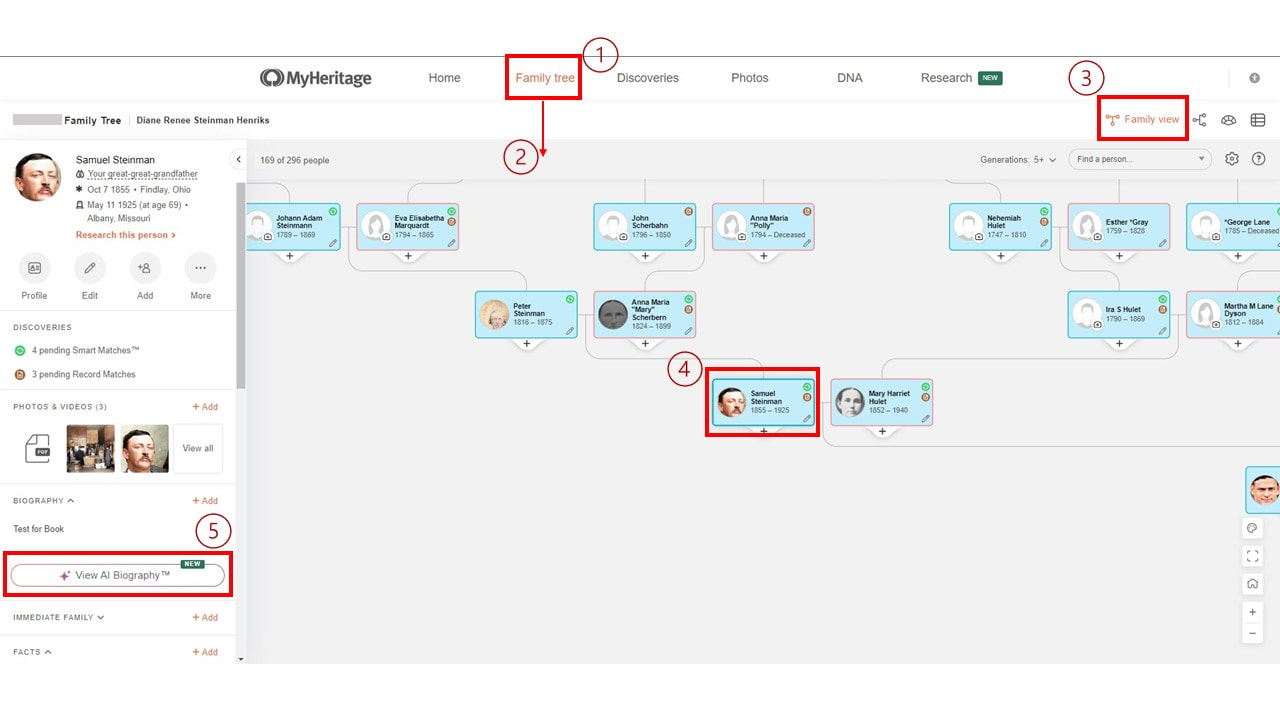 How to Get to MyHeritage AI Biographer Current Limitations
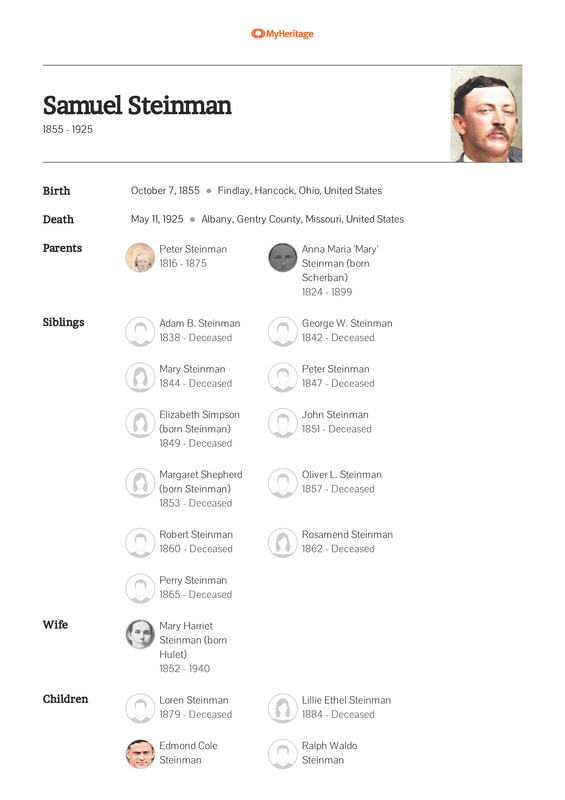
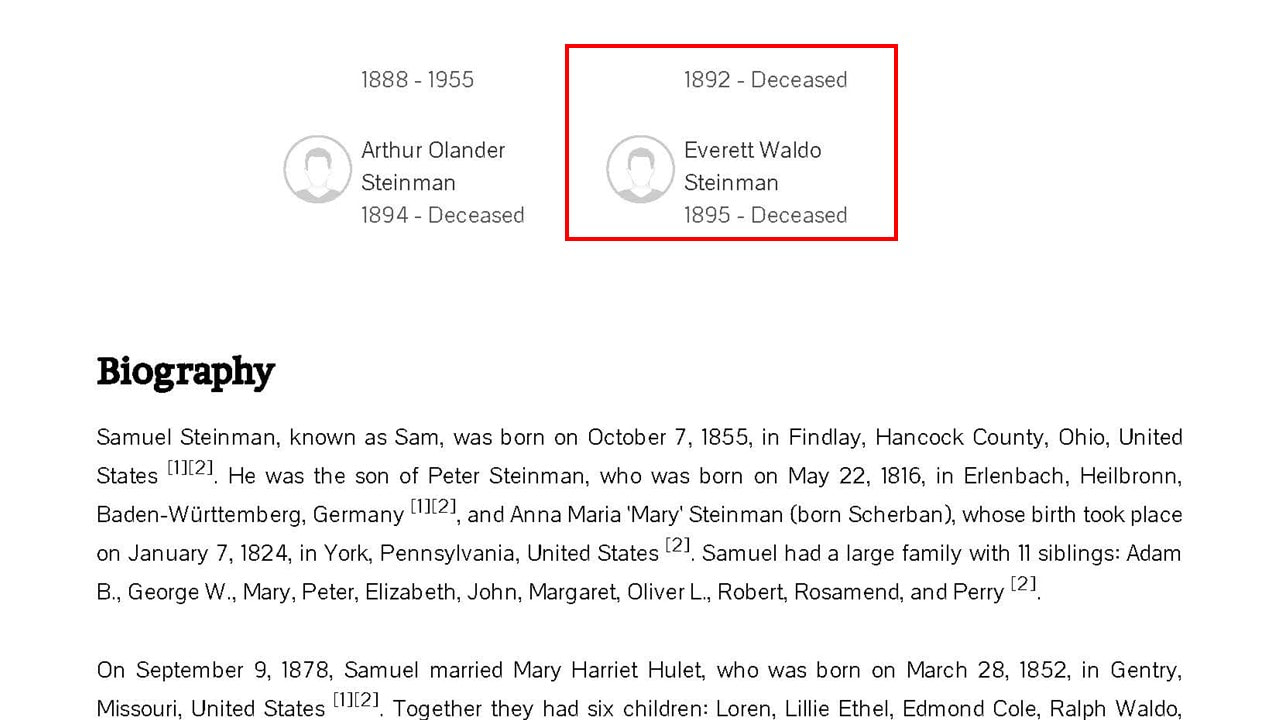
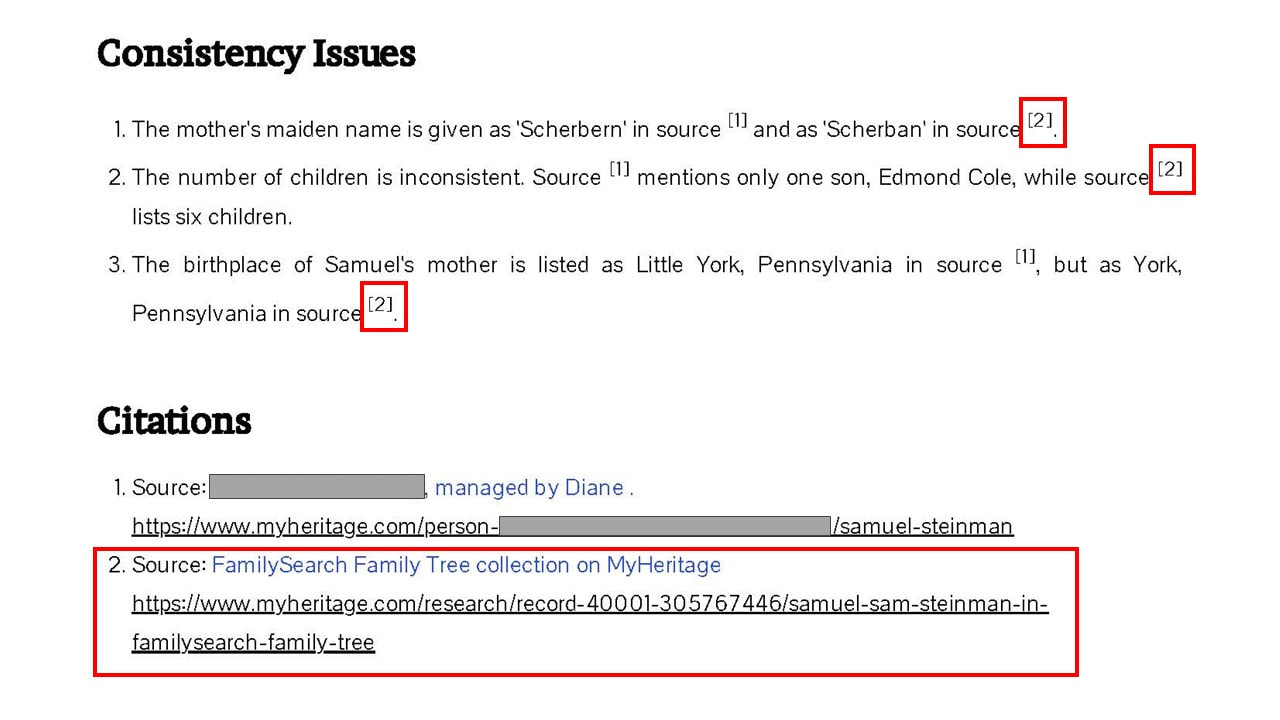
As you can see from the images below, it also pulled info from another family tree (the FamilySearch Collaborative World Tree of all things 😉), showing some incorrect info. My 2nd great grandfather did not have a child named Everett Waldo; my great grandfather, Edmond Cole (already listed) had changed his name, in his later years, to this. Right after I saw this, I went in and removed the Everett Waldo from the FamilySearch Collaboative World Tree, but who knows when someone else will add it again.😉 I HOPE MyHeritage creates an option to just pull from your own tree, while also pulling info from the web for historical context, then it would be a true dream come true. 😉
Try It for FREEThere is currently an unspecified number of free biographies for anyone who wants to try out this new groundbreaking feature! So, give it a try at: MyHeritage (currently they do not have a try button as with other new features in the past, so not sure how you try for free). More MyHeritage and Other Genealogy ResourcesLearn about more MyHeritage and other family history and genealogy resources under the Genealogy Resources category and on my dedicated Genealogy Resources page.
 2023 Genealogy Wish Grants Winner!The 2023 Genealogy Wish Grants Winner has just been announced! Congratulations to Linda Pollard of Virginia, who won this year for her double adoptee story/Brick Wall! About This Year's Winner Linda Pollard has been researching her family history and genealogy for the past 20 years. She has been following Know Who Wears the Genes in Your Family for close to 2 years, while being an active participant. Like many who have been working on their genealogy for decades, she has reached a brick wall that she just can’t seem to break through! A Tough Choice, Once Again There were many entries for this year's second Genealogy Wish Grants! It was down to two compelling stories that made it a tough choice. Not only did Linda meet all the criteria to apply, but her mystery was intriguing as well. This Year's Story Entry “I am the daughter of a deceased male adoptee (J) who was born in 1929 and we now know was the son of a female adoptee (F). I am trying to find a living descendant of the man named my paternal grandfather (R) to see if the family has any photos or can provide documentation of this man’s life. Or maybe they want to be in my life, one can hope. I am also trying to learn more about my paternal great grandmother (L), who disappears after 1910. I can’t find a birth certificate for my paternal grandmother nor her sister (E) and brother (D). I’d like to be able to say all three children were the offspring of my paternal great grandmother and great grandfather (G). He was married to someone else (O) but had no children with her. The three children disappear from records and the two girls separately appear with 1) an aunt and 2) another family and then one of the girls, my grandmother, is adopted out of the family. The births were 1901-1907. She is listed as divorced with three children, none of whom are living with her. I have taken a DNA test at both Ancestry and 23andMe and uploaded to the others, but I am not familiar with how to process matches at the other sites. My sister (N) and my father’s newfound maternal half-sister (M) have tested as well as the half-sister’s niece. I found a match on 23and me that didn’t make sense and after speaking with her I had her father (CJ) tested. I need to know what relation he is to my dad. My mother is deceased as never tested but her half nephew (WE) did so that has helped me sort matches. Because she was an only child and her father had other children, I have a match that helps me identify my mother’s paternal line. I have a lot of mystery matches. One female match (JB) is also adopted and knows who her father is but not her mother. We are related by her maternal and my paternal lineage. I have access to her DNA results. I have access to my dad’s half-sister’s (M) results, my sister’s results (N), and this new male match (Cj)on my dad’s paternal side. I’m a good researcher but I don’t know a lot about cMs and how to title how I’m related to people by the numbers. Dad’s half-sister (M) has turned over her mother’s (F, who we now know was also my dad’s mother) personal letters from her birth father (G), her sister (E), and her paternal grandmother(S). I’m cataloging those now to fill in some blanks. None of the letters mention my father’s father (R), my father’s maternal grandmother (L), nor my father (J). I would love to be considered for your grant. My parents are gone, and I have only my little family of three. It’s up to me to build this tree, verify all the sources, and pass it down to my child and her four cousins. Thank you for considering my request.”- Linda Pollard Thank You Thank you to all of this year's first Genealogy Wish Grants applicants! I hope you all continue to follow and participate! Don't forget to apply to Genealogy Wish Grants 2024, details coming soon! The entry start date will be posted on my Facebook Page, my Facebook Group, my blog, and on the Genealogy Wish Grants page, so stay tuned!
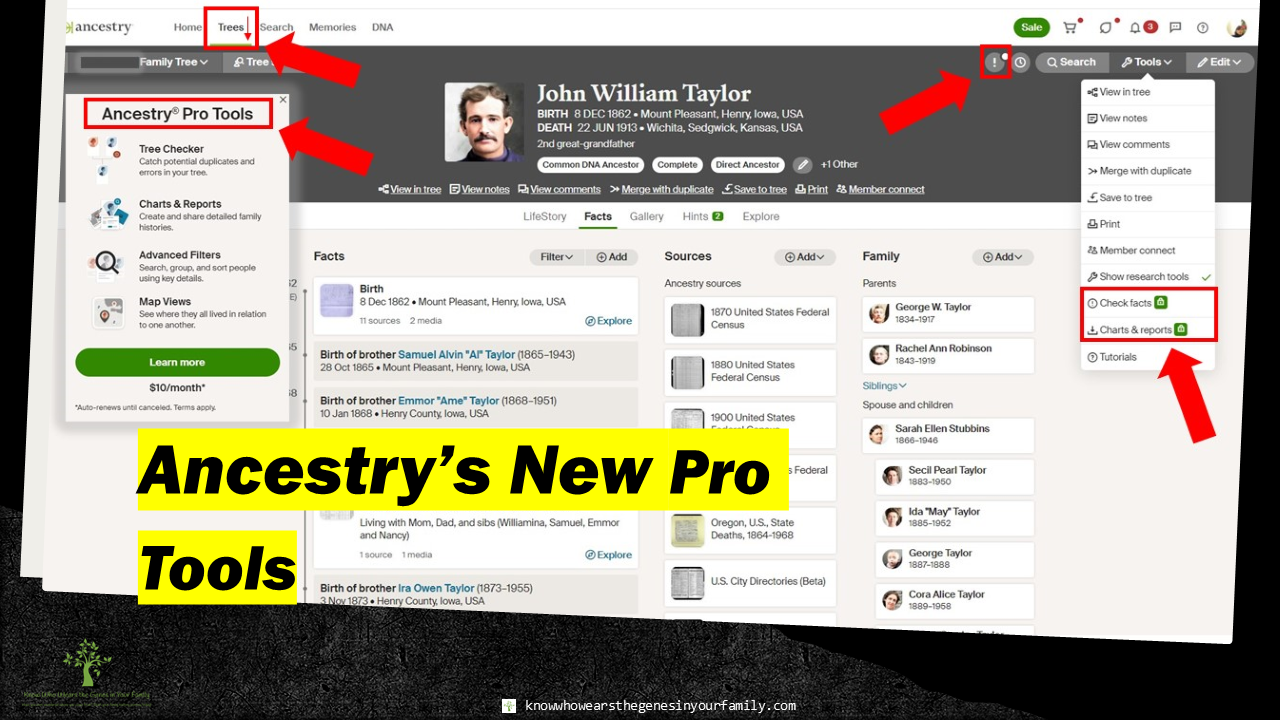 Ancestry's New Pro Tools for Your Family Tree Ancestry has just come out with some new features to enhance your genealogy research and family history experience, Ancestry Pro Tools. These are an assortment of tools that are intended to work with your family tree that you have on Ancestry. Ancestry Pro Tools
Tree Checker Find duplicates or errors in your tree, such as dates, locations, and relationships. Charts and Reports Create, print, download, and share detailed family histories, where you can choose anywhere from 2 to 7 generations, a birch or pine layout, and your focus person. Advanced Filters Search, group, and sort people in your tree with advanced filters by family line (direct line, paternal line, maternal line, and end of line), events and places (birth, marriage, death, lived in, and any event you choose the time or place for), Possible Errors (possible duplicates, other possible issues), and Hints. Map Views See where everyone in your family tree lived in respect to one another. The Catch
How to Order Ancestry Pro Tools
Is It worth it?Is it worth it? Up to you. As of now, these features don’t seem very useful to me; although, if there were a way to include sources and citations, along with who created the report, I would consider this. Some have said they love it, and some have said it is definitely not worth it. It’s ultimately up to you to try it out for yourself. You do have the option to just purchase it 1 month at a time and cancel it whenever you’d like (at least 2 days before), so it may be worth it to try it out for at least a month. To be honest, I DO NOT AGREE WITH SOME OF THESE BEING behind a pay wall/EXTRA, like the Fact Checker or Advanced Filters. These are a necessity for any tree and should already be included in the already high price of Ancestry. Let me know what you think, in the comments below. More Ancestry and Genealogy ResourcesLearn about more Ancestry updates, tips, tools, and features and other family history and genealogy resources under the Genealogy Resources category and on my dedicated Genealogy Resources page.
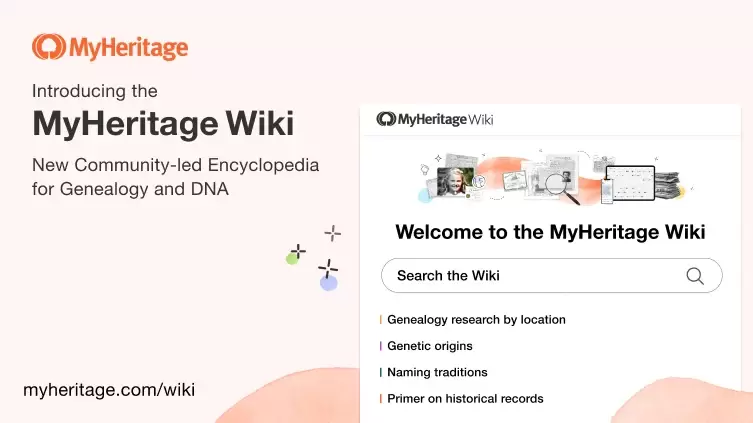 MyHeritage has just come out with their new MyHeritage Wiki, an all-in-one learning hub! With this new, FREE, fantastic genealogy and DNA resource, you’ll find tons of topics to help in your family history research! It’s like an online genealogy and DNA encyclopedia right at your fingertips! This is just the beginning, as it is a new and ongoing resource, so more and more will be added as time goes by. MyHeritage Wiki Categories
The best part is that it is a community-led resource that will be offered in dozens of languages and aims to be the ultimate online genealogy and DNA encyclopedia out there, so if you have an area of expertise, you could apply to become a MyHeritage Wiki contributor! Start learning, for FREE, and head on over to the MyHeritage Wiki now! More MyHeritage and Other Genealogy ResourcesLearn about more MyHeritage and other family history and genealogy resources under the Genealogy Resources category and on my dedicated Genealogy Resources page.
|
Categories
All
Featured
Top Posts
BlogrollEvalogue.Life, Heart of the Family, Molly's Canopy, Climbing My Family Tree, Cami Mayer, Field Genealogist, Ancestor Detective, DNA Breakthroughs, Your DNA Guide, Ancestral Findings, Genealogy Tip of the Day, Family History Daily, Genea-Musings
BlogI hope my family history and genealogy blog on genealogy research tips, resources, events, and more, along with my own genealogy journeys, will help you in your research and in building your family tree to learn more about your ancestors and family history to preserve for future generations to come! 
Come visit me at Know Who Wears the Genes in Your Family if you're interested in starting your family history journey, booking me for your next speaking event, or family history and genealogy heirloom products!
          Archives
April 2024

|
 RSS Feed
HoursM-Su: 8am - 8pm


|
Know Who Wears the Genes in Your Family is dedicated to promoting family history and genealogy, while maintaining commitment to client care and professional service, and adheres to the Code of Ethics and Professional Practices put forth by the Association of Professional Genealogists.
|